Introduction
The Soundcore Life Q35 headphones are designed to provide a superior audio experience with advanced features such as Multi-Mode Active Noise Cancellation, LDAC technology for high-resolution wireless audio, and a comfortable, lightweight design. This manual provides detailed instructions for setting up, operating, maintaining, and troubleshooting your Life Q35 headphones to ensure optimal performance.
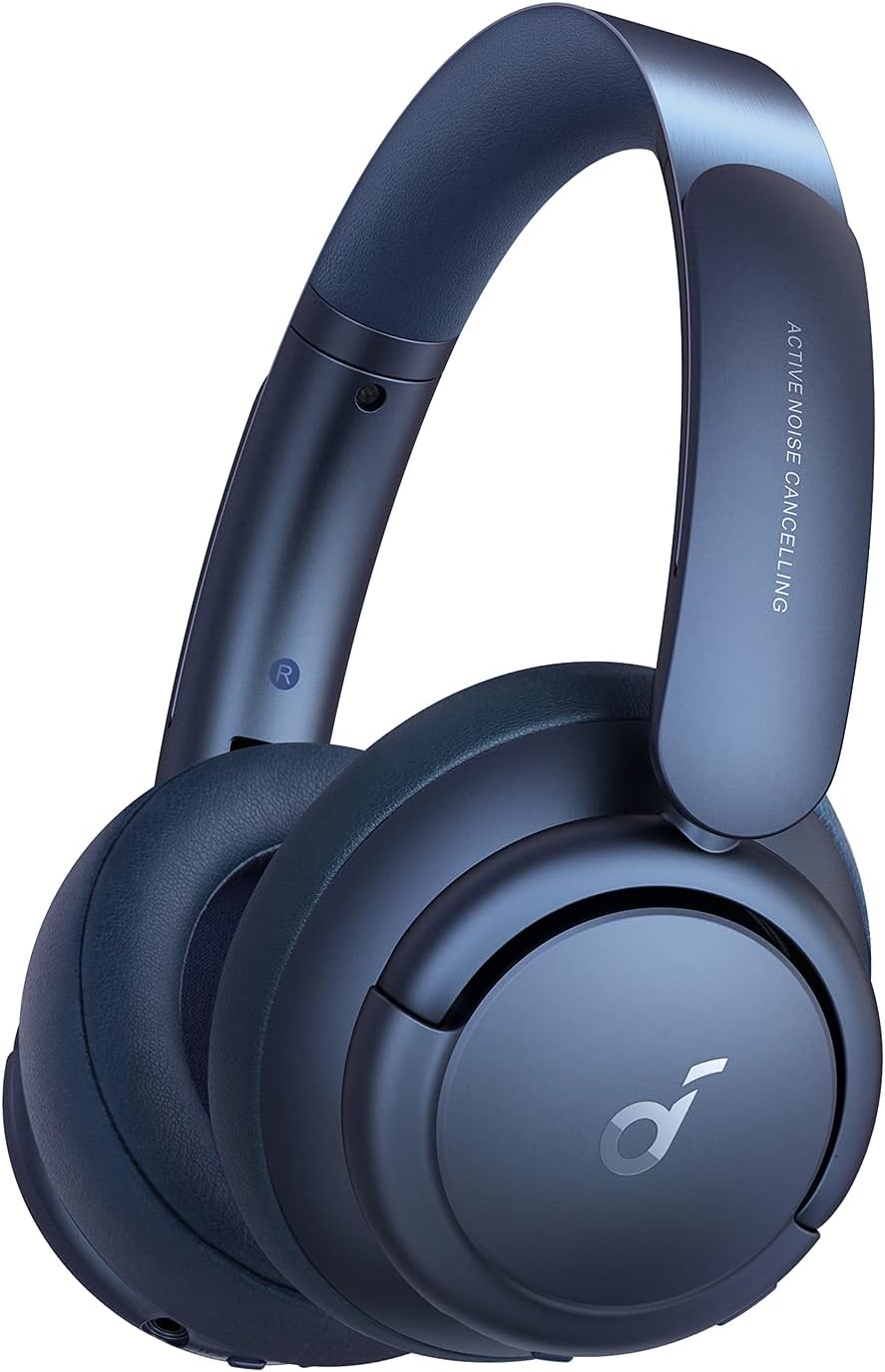
Image: Soundcore Life Q35 headphones, showcasing their sleek design and over-ear form factor.
Setup
Package Contents
- Soundcore Life Q35 Headphones
- Hard Shell Carrying Case
- USB-C Charging Cable
- 3.5mm AUX Cable
- Airline Adapter
- User Manual (this document)
Charging the Headphones
Before first use, fully charge your Life Q35 headphones. Connect the provided USB-C charging cable to the charging port on the headphones and a compatible USB power source. The LED indicator will show charging status and turn off when fully charged. A full charge provides up to 40 hours of playtime.
Bluetooth Pairing
- Ensure the headphones are powered off.
- Press and hold the power button for 3 seconds until the LED indicator flashes blue, indicating pairing mode.
- On your device (smartphone, tablet, computer), enable Bluetooth and search for "Soundcore Life Q35".
- Select the headphones from the list to connect. The LED indicator will turn solid blue once connected.
The Life Q35 supports connecting to multiple Bluetooth devices simultaneously. To switch between devices, pause audio on the current device and play on the desired device.
Operating Instructions
Controls Overview
| Button/Control | Function |
|---|---|
| Power Button | Press and hold for 3s to Power On/Off; Press and hold for 3s (when off) for Pairing Mode. |
| Volume Up (+) | Press to increase volume. |
| Volume Down (-) | Press to decrease volume. |
| Multi-function Button (Center) | Press once for Play/Pause; Press twice for Next Track; Press three times for Previous Track; Press once to Answer/End Call; Press and hold for 2s to Reject Call. |
| NC Button (Noise Cancellation) | Press to cycle through Noise Cancellation modes (Transport, Outdoor, Indoor) and Transparency mode. |
| Touch Control (Right Earcup) | Cover with palm for Transparency Mode (Quick Attention). |
Noise Cancellation Modes
The Life Q35 headphones feature multi-mode active noise cancellation to adapt to your environment:
- Transport Mode: Targets low-frequency sounds like airplane engines or train noise.
- Outdoor Mode: Reduces ambient noise in outdoor environments, such as traffic and wind.
- Indoor Mode: Minimizes mid-range frequencies, ideal for office environments or cafes.
Press the NC button to cycle through these modes. Transparency mode allows you to hear your surroundings without removing the headphones.

Image: Transport Mode in action, ideal for reducing engine noise during travel.
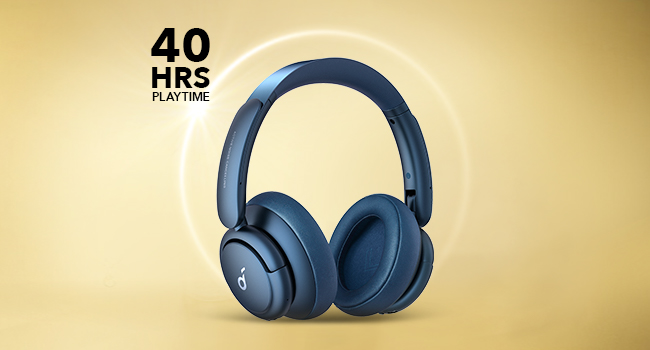
Image: Outdoor Mode, designed to minimize ambient city sounds.

Image: Indoor Mode, suitable for reducing chatter in indoor environments like cafes.
LDAC Technology
The Life Q35 headphones support LDAC technology, which transmits approximately three times more data than standard Bluetooth codecs. This enables a lossless transfer of high-resolution audio, ensuring you hear every subtle detail in your music.

Image: A visual representation of LDAC technology's superior data transmission compared to standard Bluetooth codecs.
Auto-Pause Feature
The headphones are equipped with a built-in sensor that automatically pauses audio playback when the headphones are removed from your ears and resumes when put back on. This feature can be enabled or disabled via the Soundcore app.

Image: The auto-pause feature in action, demonstrating how audio pauses when headphones are removed.
Wired Connection
For a wired connection, use the provided 3.5mm AUX cable. Connect one end to the headphone's 3.5mm jack and the other to your audio device. This mode is useful when battery is low or for devices without Bluetooth.
Soundcore App
Download the Soundcore app from your device's app store to unlock additional features and customization options, including:
- Customizable EQ settings (22 customized EQ options)
- Switching between Noise Cancellation modes
- Firmware updates
- Access to 11 white noise sounds for relaxation

Image: The Soundcore app interface, demonstrating options for noise cancellation and sound customization.
Maintenance
Cleaning
Regularly clean your headphones to maintain hygiene and performance:
- Use a soft, dry, lint-free cloth to wipe the surfaces of the earcups and headband.
- For stubborn dirt, slightly dampen the cloth with water or a mild, non-abrasive cleaner.
- Avoid getting moisture into any openings. Do not use harsh chemicals or abrasive materials.
Storage
When not in use, store your Life Q35 headphones in the provided hard shell carrying case to protect them from dust, scratches, and impacts. Store in a cool, dry place away from extreme temperatures.

Image: Soundcore Life Q35 headphones neatly folded and stored within their protective carrying case.
Battery Care
To prolong battery life:
- Avoid fully discharging the battery frequently.
- Charge the headphones regularly, even if not used for extended periods.
- Store the headphones with a partial charge (around 50%) if storing for a long time.
Troubleshooting
Common Issues and Solutions
- Headphones will not power on: Ensure the battery is charged. Connect to a power source and try again.
- Cannot pair with Bluetooth device:
- Ensure headphones are in pairing mode (flashing blue LED).
- Disable and re-enable Bluetooth on your device.
- Forget/remove "Soundcore Life Q35" from your device's Bluetooth list and try pairing again.
- Restart both the headphones and your device.
- No sound or low volume:
- Check volume levels on both headphones and your connected device.
- Ensure the headphones are properly connected via Bluetooth or AUX cable.
- Try playing different audio sources.
- Noise Cancellation not effective:
- Ensure the earcups form a good seal around your ears.
- Cycle through the different Noise Cancellation modes to find the most suitable one for your environment.
- Ensure the NC button is not stuck or damaged.
- Auto-pause feature not working correctly:
- Ensure the sensor on the earcup is clean and unobstructed.
- Check the Soundcore app settings to ensure the auto-pause feature is enabled.
Specifications
| Feature | Detail |
|---|---|
| Model Name | Q35 |
| Connectivity Technology | Wireless (Bluetooth 5.0) |
| Audio Driver Type | Dynamic Driver (40mm silk-diaphragm) |
| Frequency Range | 20 Hz - 40 kHz |
| Battery Life | Up to 40 Hours |
| Item Weight | 0.6 Pounds (9.6 ounces) |
| Product Dimensions | 7.68 x 7.09 x 3.07 inches |
| Noise Control | Active Noise Cancellation (Multi-Mode) |
| Headphones Jack | 3.5 mm Jack |
| Material | Faux Leather, Leather (earcups/headband) |
| Carrying Case Material | Hard Plastic or Aluminum Alloy |
Warranty and Support
Warranty Information
Soundcore products typically come with a limited warranty. For specific warranty terms and conditions applicable to your Life Q35 headphones, please refer to the warranty card included in your product packaging or visit the official Soundcore website. Keep your proof of purchase for warranty claims.
Customer Support
If you encounter any issues or have questions not covered in this manual, please contact Soundcore customer support. You can usually find contact information (email, phone, or live chat) on the official Soundcore website or through the Soundcore app.


