
1. Introduction
This manual provides instructions for the Mcbazel 5.4-inch 360 Degree Rotating Display Stand, designed to showcase products with a continuous and smooth rotation. It is suitable for various items such as jewelry, watches, small figures, and collectibles in retail, studio, or exhibition settings.
2. Product Features
- Provides a 360-degree view of your product.
- Spins constantly and smoothly for effective video shooting and product demonstration.
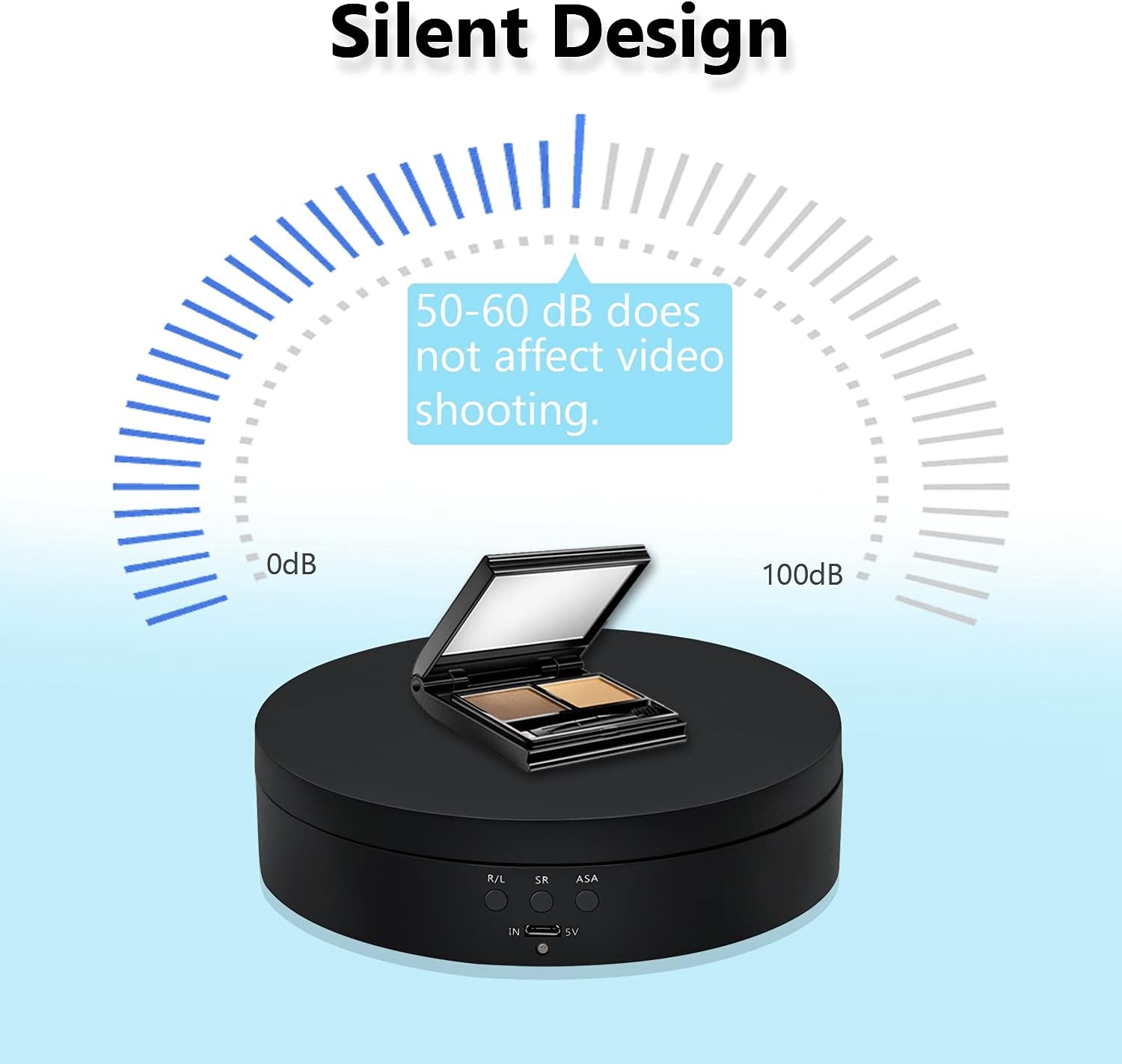
- Features a quiet motor for minimal noise during operation.
- Easy to use with simple button controls for direction, speed, and angle adjustment.
- Multiple power options: USB cable or rechargeable battery (batteries not included).
3. Package Contents
- 1 x Mcbazel 5.4-inch 360 Degree Rotating Display Stand
- 1 x Micro-USB Cable
4. Setup
4.1 Powering the Device
The display stand can be powered in two ways:
- USB Cable: Connect the provided Micro-USB cable to the 'IN 5V' port on the stand and to a USB power source (e.g., computer, wall adapter, power bank).
- Batteries: Insert either a 18650 rechargeable battery or 3 x AAA batteries into the battery compartments on the underside of the stand.


4.2 Placement
Place the display stand on a stable, flat surface. The underside features anti-skid pads for increased stability.

5. Operating Instructions
The display stand features three control buttons: R/L (Direction), SR (Speed Regulation), and ASA (Angle Regulation).

5.1 Turning On/Off
- To Turn On: Briefly press any of the three control buttons.
- To Turn Off: Long press any of the three control buttons for 3 seconds.
5.2 Direction Control (R/L)
Press the R/L button to switch the rotation direction between clockwise and counterclockwise.

5.3 Speed Regulation (SR)
Press the SR button to adjust the rotation speed. Available speeds are 2, 4, or 6 rotations per minute (r/min).
5.4 Angle Regulation (ASA)
Press the ASA button to set the rotation angle. Options include 45, 90, 180, or 360 degrees circulation.

6. Usage Scenarios
The Mcbazel Rotating Display Stand is versatile and ideal for:
- Product Display: Effectively showcase jewelry, watches, toys, cups, and other small items.
- Photography & Videography: Create dynamic 360-degree product photos and videos with smooth, consistent motion.
- Exhibitions & Retail: Enhance product visibility in shops, studios, and exhibition halls.


Official Product Videos
Video 1: Demonstrates the 360 Degree Rotating Display Stand in action, showcasing its features and smooth rotation.
Video 2: A detailed overview of the 360 Degree Rotating Display Stand in black, highlighting its functionality and design.
Video 3: Features the 4.6 Inches Electric Rotating Turntable, demonstrating its rotation and suitability for various items.
7. Important Notes and Warnings
- Weight Limit: The maximum load capacity is approximately 3kg (6.6 lbs). Exceeding this limit may cause the rotation to stop or damage the device.
- Battery Usage: Using AAA batteries will result in a very short operating duration. For prolonged use, it is highly recommended to use a 18650 rechargeable battery or power the device via a portable power bank.
- Power Source Conflict: Do not use AAA batteries and the USB power supply simultaneously. Do not use a 18650 rechargeable battery and AAA batteries simultaneously. Using any two types of power supply together will damage the device.
- Quiet Operation: The motor operates at a low noise level (50-60 dB), which should not interfere with video recording.

8. Specifications
| Feature | Detail |
|---|---|
| Item Weight | 8.7 ounces (246.5 Grams) |
| Manufacturer | Mcbazel |
| ASIN | B096P3XGJT |
| Item model number | gf-020138 |
| Diameter | 5.43 Inches |
| Maximum recommended load | 3 Kilograms |
| Assembly required | No |
| Batteries required | No (but can be used) |
| Color | Black |
9. Troubleshooting
- Device does not turn on: Ensure the power source (USB cable or batteries) is correctly connected and functional. If using batteries, check their charge level and ensure they are inserted with correct polarity.
- Rotation is inconsistent or stops: Verify that the item placed on the stand does not exceed the 3kg maximum load capacity. Ensure the stand is on a flat and stable surface.
- Noise during operation: A low hum (50-60 dB) is normal. If the noise is excessive, ensure the stand is on a flat surface and the load is balanced.
10. Warranty and Support
For warranty information or technical support, please refer to the product packaging or contact Mcbazel customer service directly. Keep your purchase receipt for any warranty claims.