
Introduction
This manual provides essential information for the proper installation, use, and care of your Spigen Ultra Hybrid Back Cover Case for iPhone 13. Designed with a durable hybrid structure and Air Cushion Technology, this case offers protection while maintaining the device's original aesthetic.
Setup and Installation
Follow these steps to correctly install your Spigen Ultra Hybrid case:
- Verify Compatibility: Ensure your device is an iPhone 13. This case is specifically designed for the iPhone 13 and is not compatible with iPhone 13 mini, iPhone 13 Pro, or iPhone 13 Pro Max.
- Remove Protective Films: Carefully peel off the protective films from both the inside and outside surfaces of the case. These films are present to prevent scratches during manufacturing and shipping.
- Insert Device: Gently align your iPhone 13 with the case and press it firmly into place. Ensure all edges of the phone are securely seated within the case's bumper. The case features an exact fit with precise cutouts for all connections and buttons.
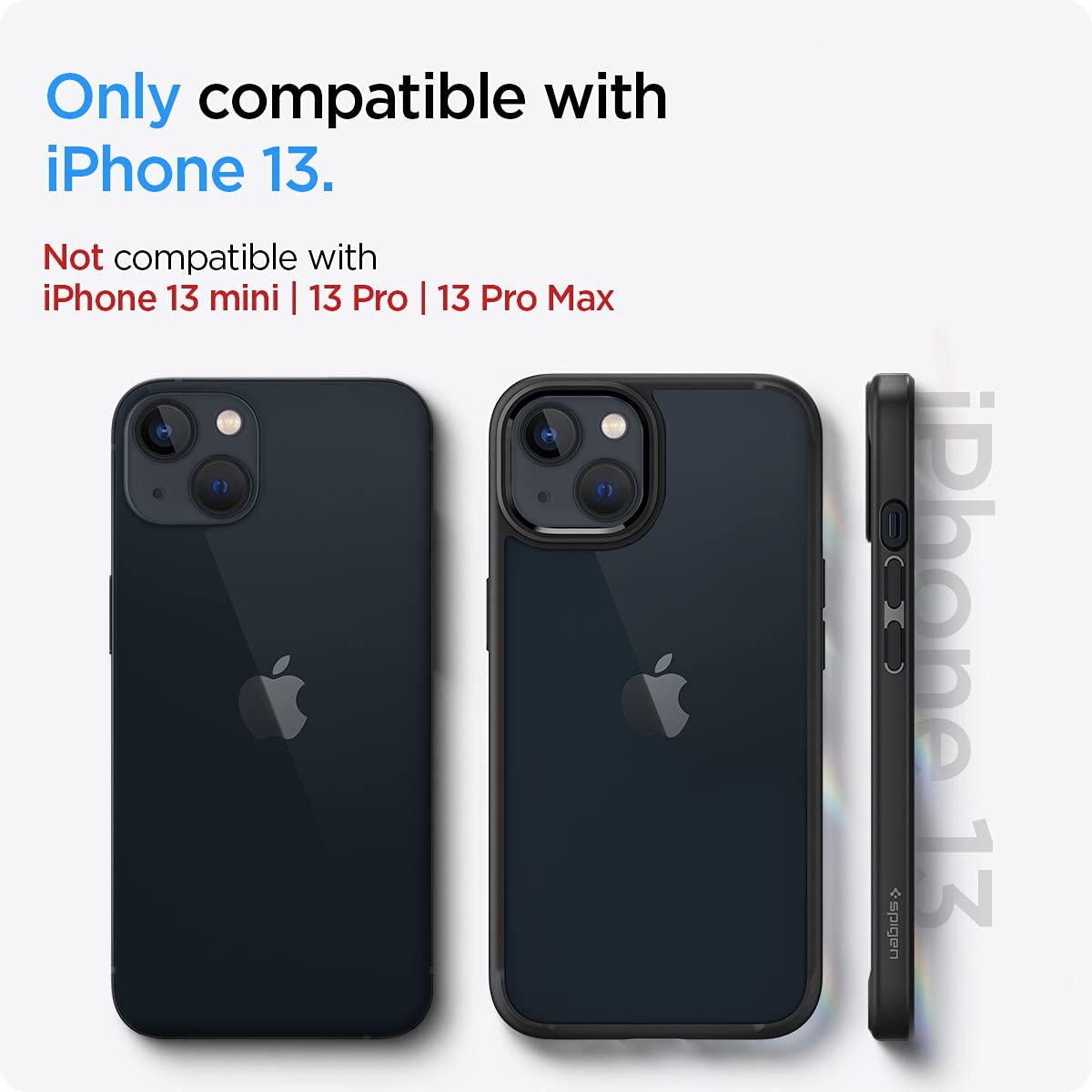
Image: Compatibility Check. The case is designed exclusively for the iPhone 13.

Image: Protective Film Removal. Ensure all films are removed for optimal clarity and fit.
Operating Instructions
The Spigen Ultra Hybrid case is designed for seamless daily use:
- Button and Port Access: All buttons and ports remain easily accessible and functional with the case installed.
- Wireless Charging: The case is compatible with wireless charging. You can charge your iPhone 13 wirelessly without removing the case.
- Enhanced Protection: The case features raised lips around the camera and screen to help prevent surface scratches when the device is placed face down or on its back.
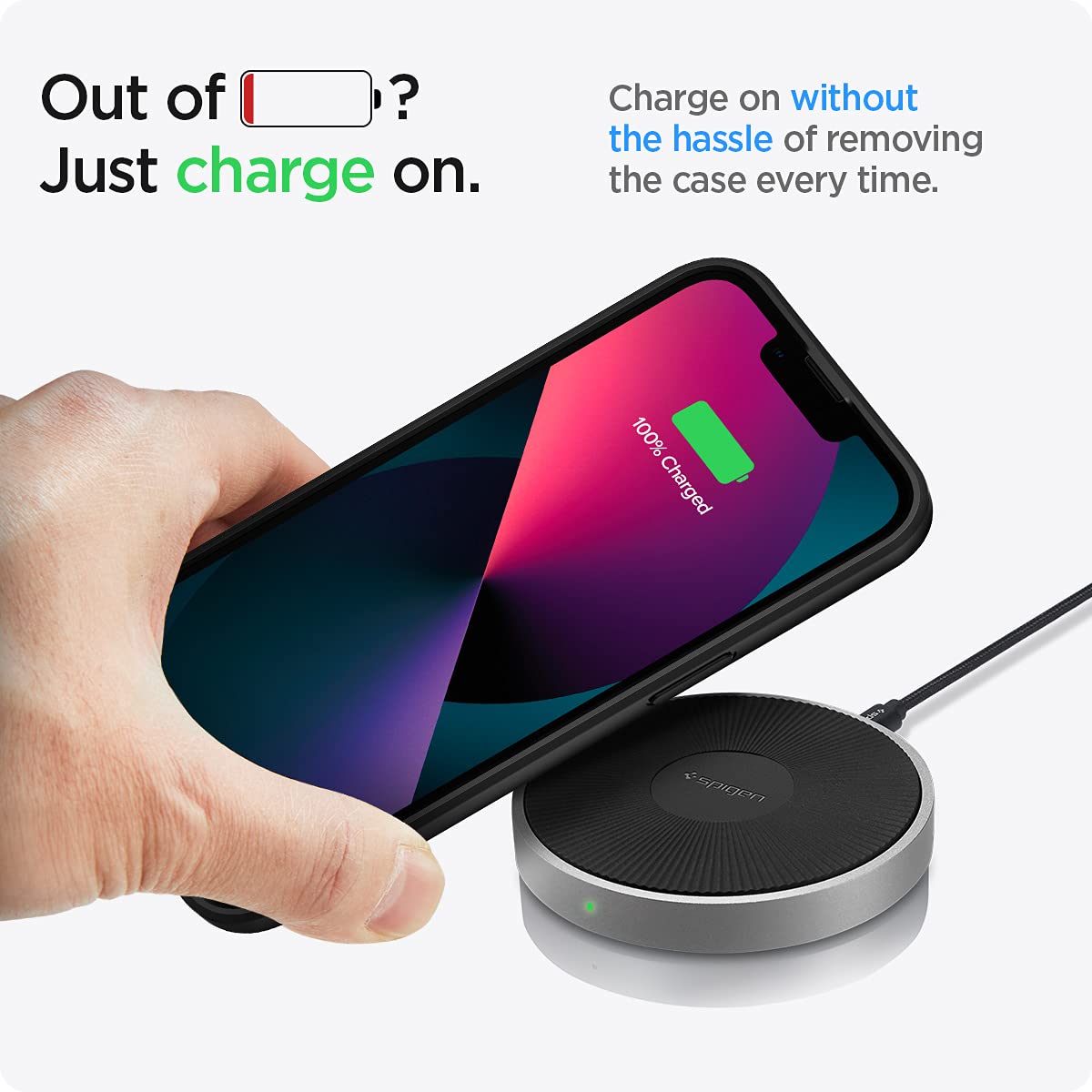
Image: Wireless Charging Compatibility. Charge your device conveniently without removing the case.
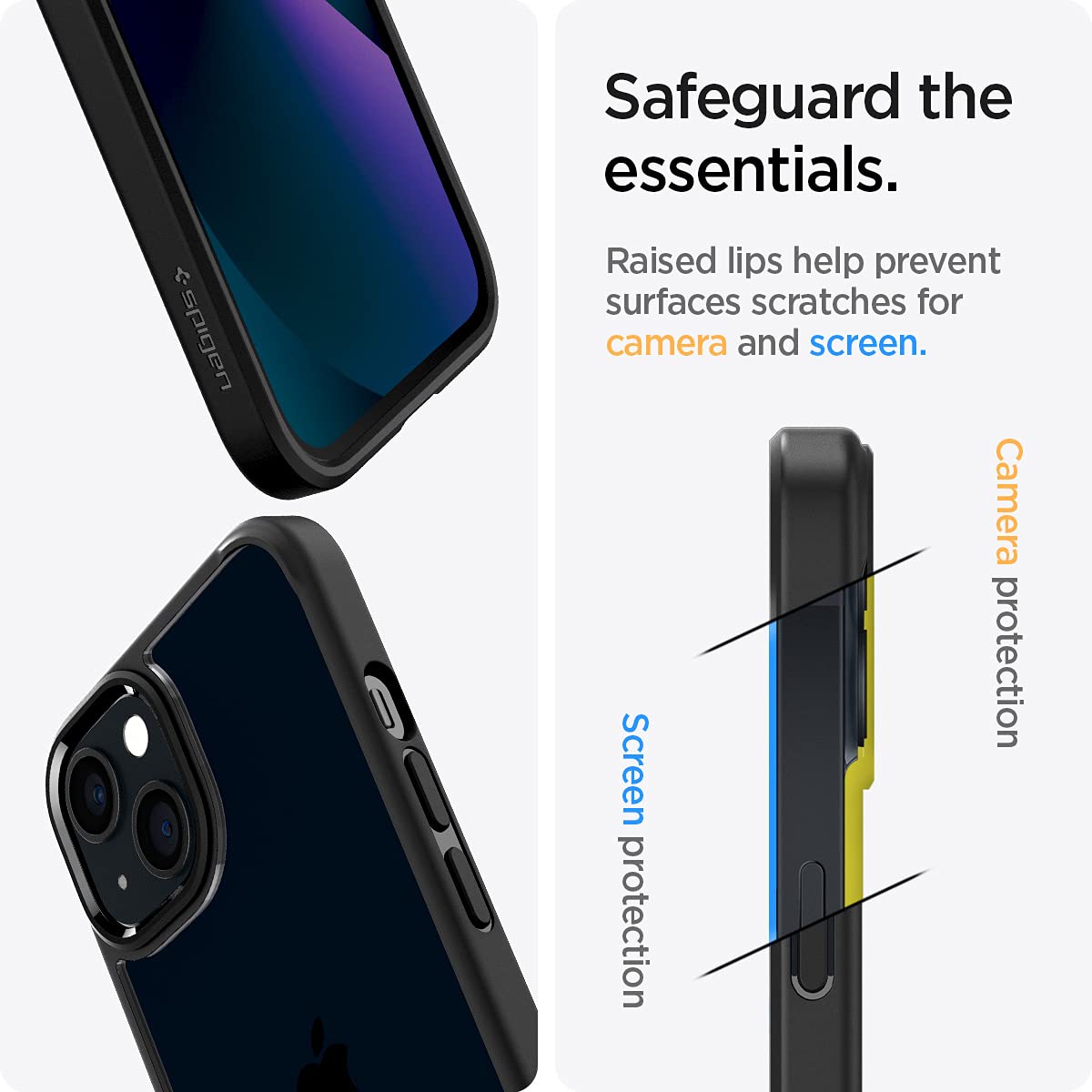
Image: Enhanced Protection Features. Raised bezels protect the camera and screen from direct surface contact.
Maintenance and Care
To ensure the longevity and appearance of your Spigen Ultra Hybrid case:
- Cleaning: Wipe the case regularly with a soft, damp cloth to remove dust and smudges. Avoid using harsh chemicals or abrasive materials, as these can damage the case's finish.
- Anti-Yellowing Feature: The case incorporates an anti-yellowing blue resin coating to help maintain its clarity over time.
- Storage: When not in use, store the case in a cool, dry place away from direct sunlight to prevent material degradation.
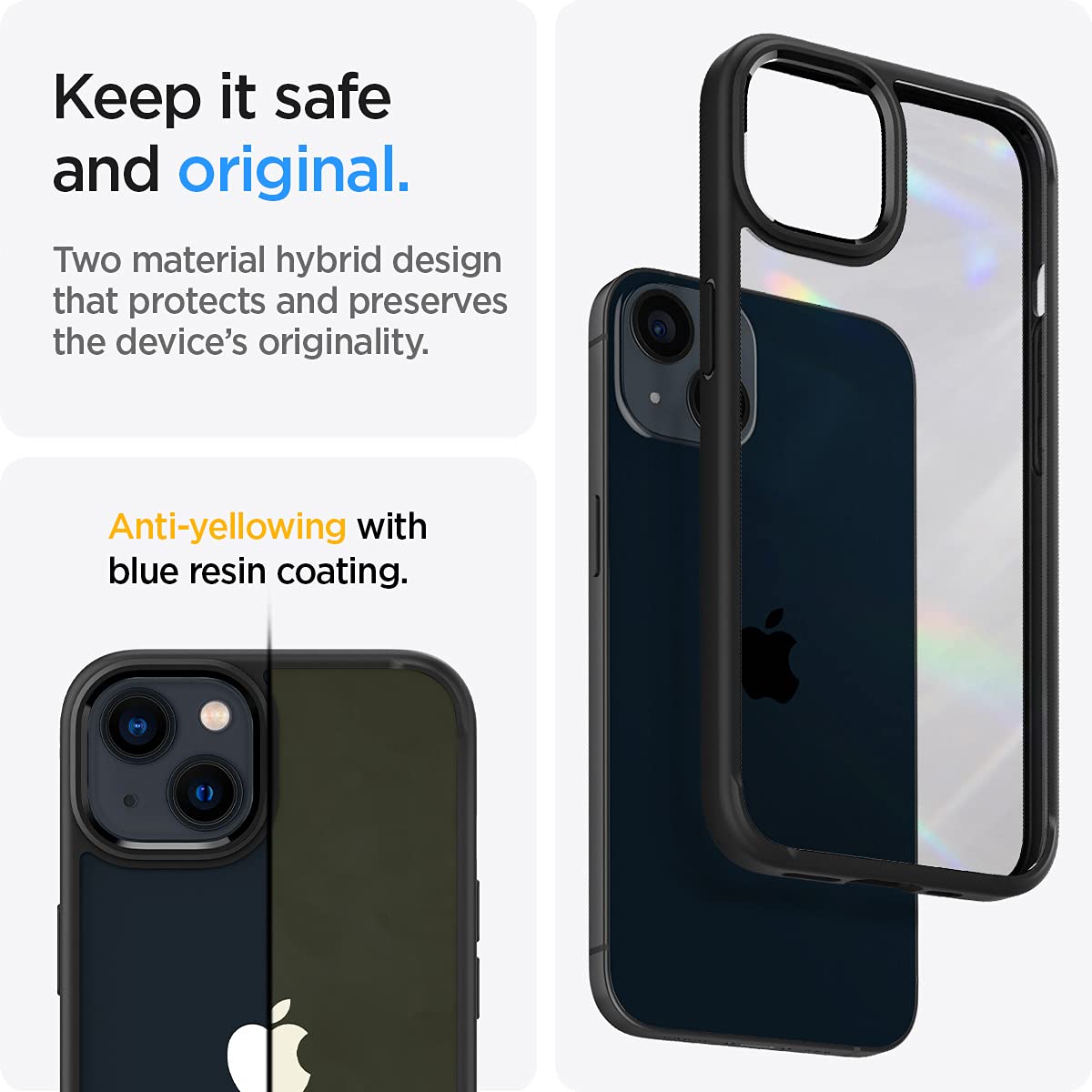
Image: Hybrid Design and Anti-Yellowing. The case combines a TPU bumper with a PC back, treated for clarity retention.
Troubleshooting
Most issues with a phone case are related to installation or compatibility. If you encounter problems:
- Improper Fit: Double-check that you have the correct case model for your iPhone 13. Ensure the phone is fully seated within the case and that no foreign objects are obstructing the fit.
- Charging Issues: If wireless charging is not working, ensure your phone is correctly aligned on the charging pad. If using a cable, verify the cable and port are clean and undamaged.
- Button Responsiveness: If buttons feel stiff or unresponsive, remove the case and re-install it, ensuring proper alignment.
Specifications
| Brand | Spigen |
| Model Name | Ultra Hybrid |
| Model Number | ACS03523 |
| Compatible Phone Models | iPhone 13 |
| Material | Polycarbonate, Thermoplastic Polyurethane (TPU) |
| Product Features | Air-cushion technology, Hybrid Material, Lightweight, Slim Fit, Wireless Charging Compatible |
| Item Dimensions (L x W x H) | 7.6 x 1 x 15.2 Centimeters |
| Item Weight | 0.03 Kilograms |
| Country of Origin | Korea, Republic of |
Warranty Information
The Spigen Ultra Hybrid Back Cover Case for iPhone 13 comes with a 1-year warranty against manufacturing defects. Please retain your proof of purchase for warranty claims. This warranty does not cover damage caused by misuse, accidents, or normal wear and tear.
Support and Contact
For further assistance or inquiries regarding your Spigen product, please contact:
- Manufacturer: Spigen Korea Co., Ltd. / SpigenHQ, 446, Bongeunsa-ro, Gangnam-gu, Seoul, Republic of Korea
- Importer (India): Spigen India Private Limited / NO.295 - 296, Ecotech-1, Extension, Greater Noida, Uttar Pradesh 201310, India
- Online Store: Visit the official Spigen Store on Amazon for product information and support.
Official Product Videos
No official product videos from the seller are available for embedding in this manual.


