
Introduction
Welcome to the user manual for your Infinity by Harman CLUBZ 250 Portable Waterproof Wireless Speaker. This guide provides essential information on setting up, operating, maintaining, and troubleshooting your speaker to ensure optimal performance and longevity. Please read this manual thoroughly before using your device.
What's in the Box
Upon unboxing, please verify that all the following items are included:
- 1 x Infinity CLUBZ 250 Speaker
- 1 x Charging Cable
- 1 x Quick Start Guide (QSG)
Product Overview
The Infinity CLUBZ 250 is a compact and powerful portable wireless speaker designed for robust audio performance and durability. It features intuitive controls and a rugged, waterproof design.

Image: Front view of the Infinity CLUBZ 250 Portable Wireless Speaker in red, showcasing its cylindrical design and top-mounted control buttons.
Controls and Indicators
- Power Button: Located on the top surface, used for turning the speaker on/off.
- Volume Down Button (-): Decreases audio volume.
- Volume Up Button (+): Increases audio volume.
- Play/Pause Button (►►): Controls media playback.
- Bluetooth Pairing Button (∞): Initiates Bluetooth pairing mode.
- LED Indicator: Displays power and connection status.
Setup
1. Charging the Speaker
Before first use, fully charge your speaker. Connect the provided charging cable to the speaker's charging port and a compatible USB power adapter (not included). The LED indicator will show charging status and turn off when fully charged.

Image: The Infinity CLUBZ 250 speaker on a beach, illustrating its portability and the '10 Hours Playtime' feature.
A full charge provides approximately 10 hours of music playtime under optimum audio settings.
2. Power On/Off
- To Power On: Press and hold the Power button until the LED indicator lights up.
- To Power Off: Press and hold the Power button until the LED indicator turns off.
3. Bluetooth Pairing
- Ensure the speaker is powered on.
- The speaker will automatically enter Bluetooth pairing mode if not connected to a device. The LED indicator will flash.
- On your mobile device, enable Bluetooth and search for available devices.
- Select "Infinity CLUBZ 250" from the list of devices.
- Once connected, the LED indicator will glow solid blue.
4. Dual Speaker Connect (TWS Mode)
You can pair two Infinity CLUBZ 250 speakers together for a stereo sound experience.

Image: Two Infinity CLUBZ 250 speakers wirelessly connected to a laptop, demonstrating the Dual Connect feature for stereo sound.
- Ensure both CLUBZ 250 speakers are powered on and not connected to any Bluetooth device.
- On one speaker (this will be your primary speaker), press and hold the Bluetooth pairing button (∞) for 3 seconds. It will enter TWS pairing mode.
- The primary speaker will automatically search for the secondary speaker.
- Once connected, you will hear an audible confirmation, and the LED indicators on both speakers will change to a solid color.
- Now, connect your mobile device to the primary speaker via Bluetooth as described in step 3.
Operating Instructions
1. Basic Controls
- Play/Pause: Press the Play/Pause button (►►) once to play or pause music.
- Volume Up: Press the '+' button to increase volume.
- Volume Down: Press the '-' button to decrease volume.
- Next Track: Double-press the Play/Pause button (►►).
- Previous Track: Triple-press the Play/Pause button (►►).
2. Dual Equalizer Modes
The CLUBZ 250 features Dual Equalizer modes, allowing you to switch between 'Normal' and 'Deep Bass' sound profiles.
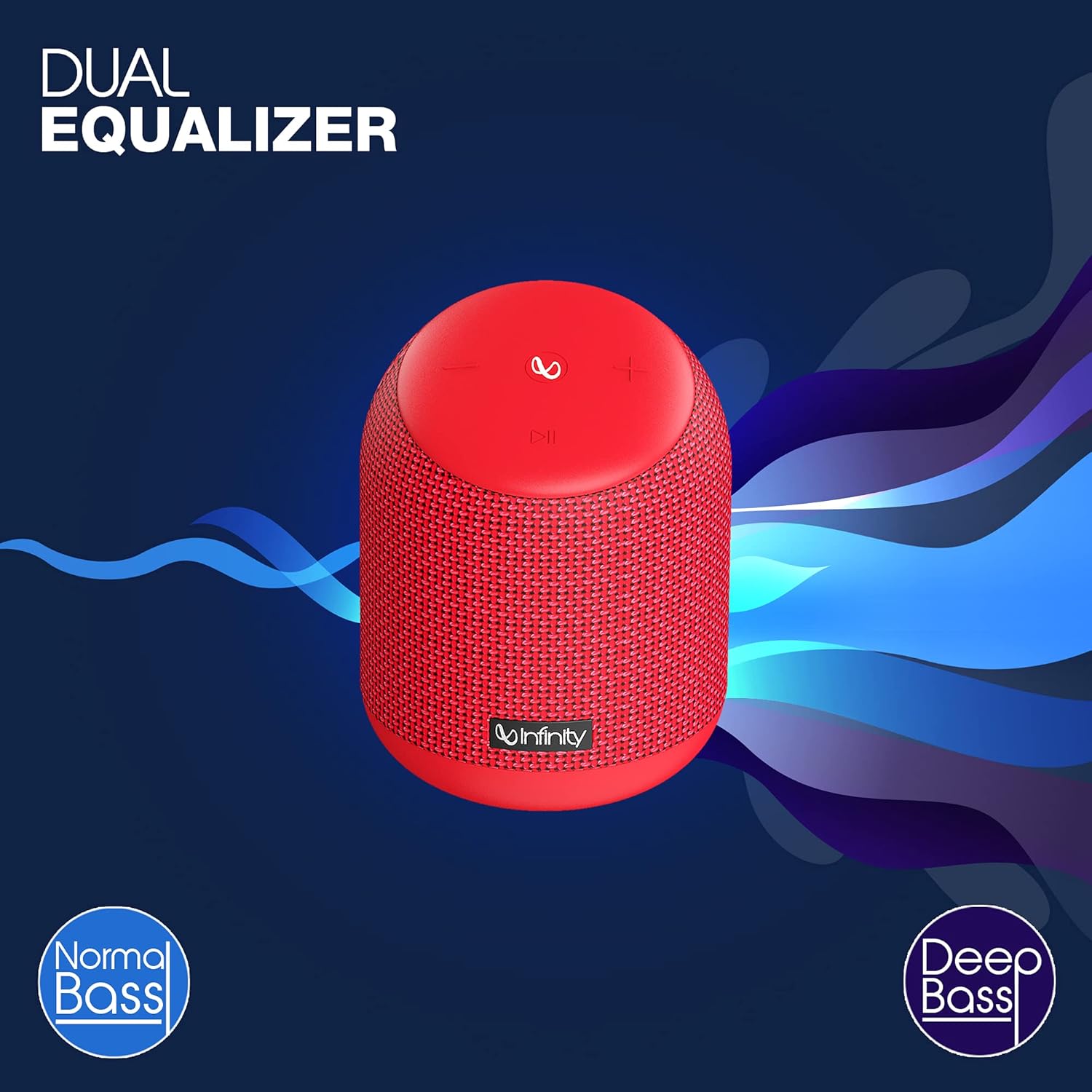
Image: The Infinity CLUBZ 250 speaker highlighting the 'Dual Equalizer' feature with options for 'Normal Bass' and 'Deep Bass'.

Image: The Infinity CLUBZ 250 speaker with a 'Deep Bass' graphic, emphasizing its enhanced bass capabilities.
To switch between modes, press the Bluetooth pairing button (∞) once. You will hear an audible cue indicating the active mode.
3. Voice Assistant Integration
Access your device's voice assistant (e.g., Google Assistant, Siri) directly through the speaker.

Image: A woman interacting with the Infinity CLUBZ 250 speaker, which displays a voice assistant interface on a laptop screen, demonstrating 'Voice Assistant Integration'.
To activate, press and hold the Play/Pause button (►►) for 2 seconds. The speaker will then relay your commands to your paired device's voice assistant.
4. Hands-Free Calling
When connected to your smartphone, the speaker can be used for hands-free calls.
- Answer Call: Press the Play/Pause button (►►) once.
- End Call: Press the Play/Pause button (►►) once during a call.
- Reject Call: Press and hold the Play/Pause button (►►) for 2 seconds.
Maintenance
1. Waterproofing (IPX7)
The Infinity CLUBZ 250 is IPX7 waterproof, meaning it can be submerged in water up to 1 meter for up to 30 minutes. This makes it suitable for use near water, but it is not designed for prolonged underwater use.

Image: The Infinity CLUBZ 250 speaker with water splashing around it, indicating its 'IPX7 Waterproof' rating.
- Ensure the charging port cover is securely closed before exposing the speaker to water.
- Do not expose the speaker to salt water or other chemicals. If exposed, rinse with fresh water and dry thoroughly.
2. Cleaning
Clean the speaker with a soft, damp cloth. Do not use abrasive cleaners or solvents, as these may damage the finish or internal components.
3. Storage
Store the speaker in a cool, dry place away from direct sunlight and extreme temperatures. If storing for an extended period, charge the battery periodically to maintain its lifespan.
Troubleshooting
- No Power: Ensure the speaker is charged. Connect it to a power source and try turning it on again.
- No Sound: Check the volume level on both the speaker and your connected device. Ensure the speaker is properly paired via Bluetooth.
- Bluetooth Pairing Issues: Make sure the speaker is in pairing mode (flashing LED). Turn off Bluetooth on other nearby devices that might be interfering. Try unpairing and re-pairing the speaker from your device's Bluetooth settings.
- Poor Sound Quality: Ensure the speaker is within the Bluetooth range of your device. Move away from sources of interference (e.g., Wi-Fi routers, microwaves).
- Dual Speaker Connect Failure: Ensure both speakers are fully charged and not connected to any other Bluetooth devices before initiating TWS pairing.
Specifications
| Feature | Specification |
|---|---|
| Model Name | CLUBZ 250 |
| Output Power | 15 Watts |
| Connectivity | Bluetooth |
| Battery Life | Up to 10 Hours |
| Waterproof Rating | IPX7 |
| Control Method | Touch |
| Dimensions (LxWxH) | 11.6 x 11.6 x 17.8 cm |
| Item Weight | 421 Grams |
| Battery Type | Lithium Ion (1 included) |
Warranty and Support
Your Infinity by Harman CLUBZ 250 speaker comes with a 1-year manufacturer's warranty. Please refer to the warranty card included in your packaging for detailed terms and conditions.
For technical support, service, or warranty claims, please contact Infinity customer service through their official website or the contact information provided in your Quick Start Guide.


