
1. Product Overview
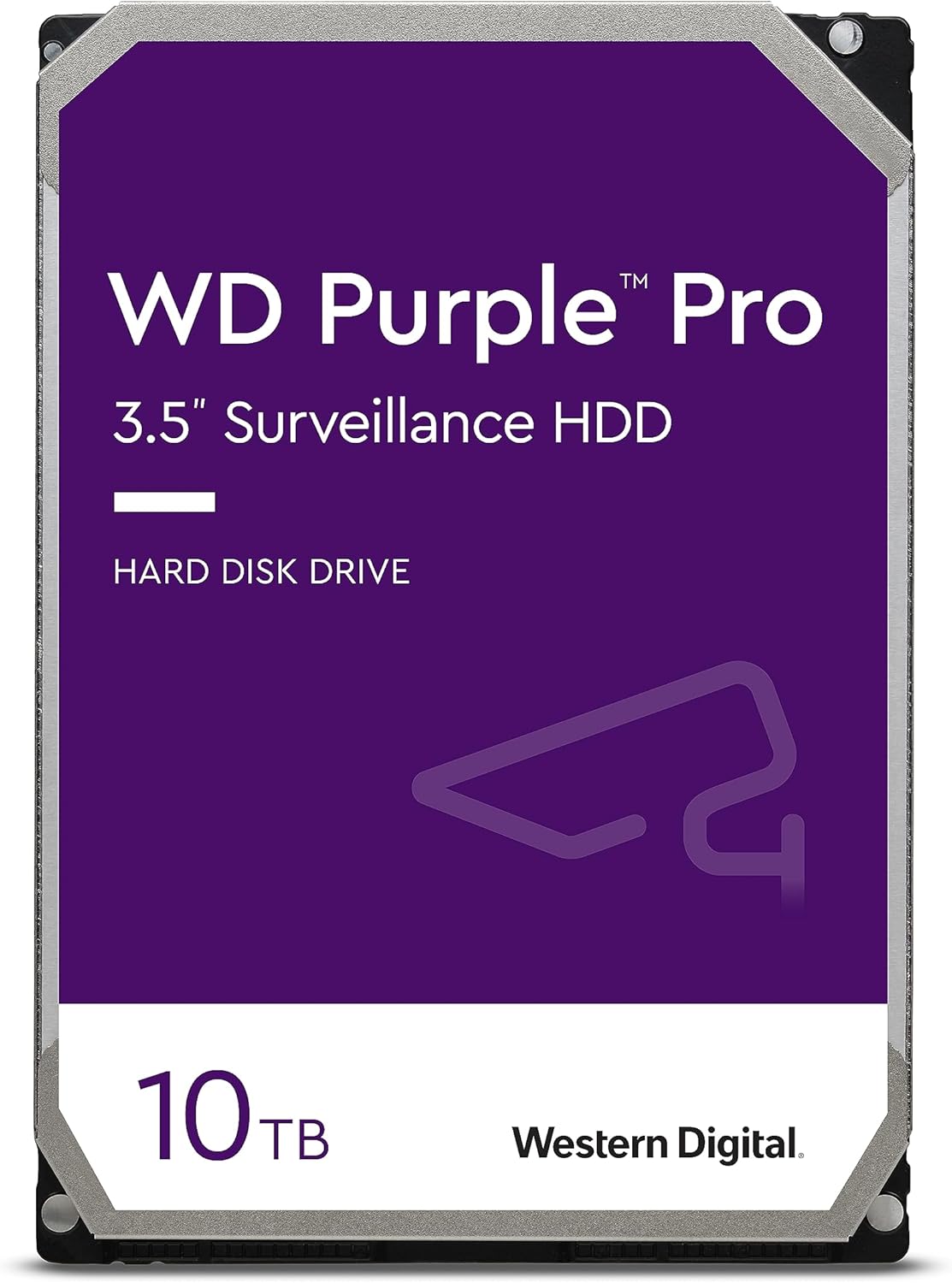
The Western Digital WD Purple Pro Surveillance Internal Hard Drive is engineered for advanced, AI-enabled surveillance systems. This 10TB model (WD101PURP) provides high-capacity storage with enhanced performance and reliability for demanding 24/7 recording environments, video analytics appliances, deep-learning servers, and cloud solutions.
Key features include:
- AllFrame AI Technology: Designed to reduce frame loss and improve overall video playback, supporting multiple streams per camera and up to 32 AI streams for deep learning analytics.
- Enterprise-Class Performance: Optimized for high-end surveillance workloads, ensuring data integrity and drive reliability.
- High Workload Capability: Supports up to 550 TB/year workload rate.
- Durability: Constructed with tarnish-resistant components for harsh environments and robustness in multi-bay enclosures.
2. Setup and Installation
Proper installation is crucial for the optimal performance and longevity of your WD Purple Pro HDD. This drive is designed for internal use in compatible surveillance systems (NVRs, DVRs, video analytics appliances, deep-learning servers).
2.1 Safety Precautions
- Always handle the hard drive by its edges to avoid touching the circuit board or connectors.
- Wear an anti-static wrist strap to prevent electrostatic discharge (ESD) damage.
- Ensure the system is powered off and unplugged before installation.
2.2 Physical Installation
- Prepare the System: Open your NVR/DVR or server chassis according to its manufacturer's instructions. Locate an available 3.5-inch drive bay.
- Mount the Drive: Carefully slide the WD Purple Pro HDD into the drive bay. Secure it using the appropriate mounting screws provided with your system. Ensure the drive is firmly seated to minimize vibration.
- Connect Cables: Attach a SATA data cable from the drive to an available SATA port on your system's motherboard or controller. Connect a SATA power cable from your system's power supply unit (PSU) to the drive.

2.3 Initial System Configuration
- Power On: Close the system chassis and reconnect the power. Power on your NVR/DVR or server.
- BIOS/UEFI Check: Access your system's BIOS/UEFI settings to confirm the drive is detected.
- Format and Initialize: For new installations, the drive will need to be initialized and formatted by your operating system or NVR software. Follow the on-screen prompts or refer to your system's manual for specific instructions on how to prepare the drive for recording.

3. Operating the Drive in Surveillance Systems
The WD Purple Pro HDD is designed for continuous, 24/7 operation in high-definition surveillance environments. Its specialized firmware and hardware features ensure reliable performance under constant write loads.
- Continuous Recording: The drive is optimized for always-on recording from multiple camera streams simultaneously.
- AI Stream Support: Leveraging AllFrame AI technology, the drive efficiently manages up to 32 AI streams for advanced video analytics, such as object detection and facial recognition, without compromising recording quality.
- Workload Management: The drive's firmware intelligently handles the high data throughput required by modern surveillance systems, minimizing frame loss and ensuring smooth video playback.

4. Maintenance and Care
While WD Purple Pro drives are built for durability, proper care can extend their lifespan and ensure consistent performance.
- Environmental Control: Ensure your surveillance system operates within recommended temperature and humidity ranges. Excessive heat is a primary cause of hard drive failure.
- Vibration Management: Mount the drive securely to minimize vibrations, especially in multi-bay enclosures. The drive is designed to mitigate operational vibration, but external factors should also be controlled.
- Power Stability: Use a reliable power supply and consider an uninterruptible power supply (UPS) to protect against power fluctuations and sudden outages, which can damage the drive.
- Firmware Updates: Periodically check the Western Digital support website for any available firmware updates for your drive model.
- Data Backup: While designed for reliability, no storage device is infallible. Implement a data backup strategy for critical surveillance footage if required by your application.


5. Troubleshooting
This section addresses common issues you might encounter with your WD Purple Pro HDD.
5.1 Drive Not Detected
- Check Cables: Ensure both the SATA data and power cables are securely connected to the drive and the system.
- BIOS/UEFI: Verify that the drive is recognized in your system's BIOS/UEFI settings. If not, try a different SATA port or cable.
- Power Supply: Confirm your power supply unit (PSU) has sufficient wattage and available connectors for the drive.
- Driver/Firmware: Ensure your system's SATA controller drivers are up to date.
5.2 Performance Issues (Slow Recording, Frame Loss)
- System Resources: Check if your NVR/DVR or server has adequate CPU, RAM, and network bandwidth to handle the number of cameras and video streams.
- Drive Health: Use diagnostic tools (e.g., Western Digital Data Lifeguard Diagnostic) to check the drive's health status.
- Temperature: Ensure the drive is not overheating. High temperatures can lead to performance degradation.
- Workload: Confirm the total workload (number of cameras, resolution, frame rate) does not exceed the system's or drive's capabilities.
5.3 Unusual Noises
- Clicking/Grinding: Persistent clicking, grinding, or scraping noises often indicate a mechanical failure. Immediately back up any accessible data and consider replacing the drive.
- Thumping/Idle Noise: Some larger capacity drives, including certain Pro models, may exhibit a periodic 'thumping' sound, particularly when idle. This can be related to features like Preventative Wear Leveling (PWL). While often normal for these drives, if the noise is excessive or accompanied by performance issues, consult Western Digital support.
- Vibration: Ensure the drive is securely mounted and not vibrating against the chassis.
6. Specifications
Detailed technical specifications for the Western Digital WD Purple Pro 10TB Surveillance HDD (Model: WD101PURP).
| Feature | Specification |
|---|---|
| Model Number | WD101PURP |
| Digital Storage Capacity | 10 TB |
| Hard Disk Interface | Serial ATA (SATA 6 Gb/s) |
| Hard Disk Form Factor | 3.5 Inches |
| Hard Drive Rotational Speed | 7200 RPM |
| Cache | 256 MB |
| Workload Rate | Up to 550 TB/year |
| Compatible Devices | Server, Storage System, Video Surveillance System |
| Item Weight | 1.6 pounds |
| Product Dimensions (LxWxH) | 5.79 x 4 x 1.03 inches |
| Color | Purple |
| Manufacturer | Western Digital Technologies, Inc. |
7. Warranty and Support
Western Digital provides a limited warranty for its products. For specific warranty terms and duration, please refer to the official Western Digital website or the warranty information included with your purchase. Typically, WD Purple Pro drives come with a multi-year limited warranty.
For technical support, product registration, or to access diagnostic tools and updated drivers, please visit the official Western Digital support website:
- Western Digital Support: https://support.wdc.com
Additionally, consider Western Digital's data recovery plans for added peace of mind, available for purchase separately.


