Introduction
Thank you for choosing the Serene Evolution 36 Sound Portable White Noise Machine. This device is designed to provide a soothing sound environment to aid in sleep, relaxation, and concentration for babies, children, and adults. Its portable and rechargeable design makes it suitable for use at home, during travel, or in a nursery setting. Please read this manual carefully to ensure proper use and maintenance of your device.

Image: The Serene Evolution 36 Sound Portable White Noise Machine, a compact, round device with a grey fabric speaker grille and white casing, featuring control buttons on the side and a flexible handle at the top.
Safety Information
- Ensure to use only the included rechargeable batteries and USB cord.
- Follow all local safety regulations, especially when using the device around infants and children.
- Do not expose the device to water or excessive moisture.
- Keep the device away from heat sources.
- Do not attempt to disassemble or repair the device yourself. Contact customer support for assistance.
Setup
1. Unboxing and Initial Inspection
Carefully remove the white noise machine and all accessories from the packaging. Inspect the device for any signs of damage. If any damage is found, do not use the device and contact customer support.
2. Charging the Device
The device operates via USB or its internal rechargeable battery. For first-time use, it is recommended to fully charge the device.
- Connect the included USB cord to the charging port on the device.
- Plug the other end of the USB cord into a compatible USB power adapter (not included) or a powered USB port.
- The charging indicator light will illuminate to show that the device is charging.
- Once fully charged, the indicator light may change color or turn off. Disconnect the device from the power source.
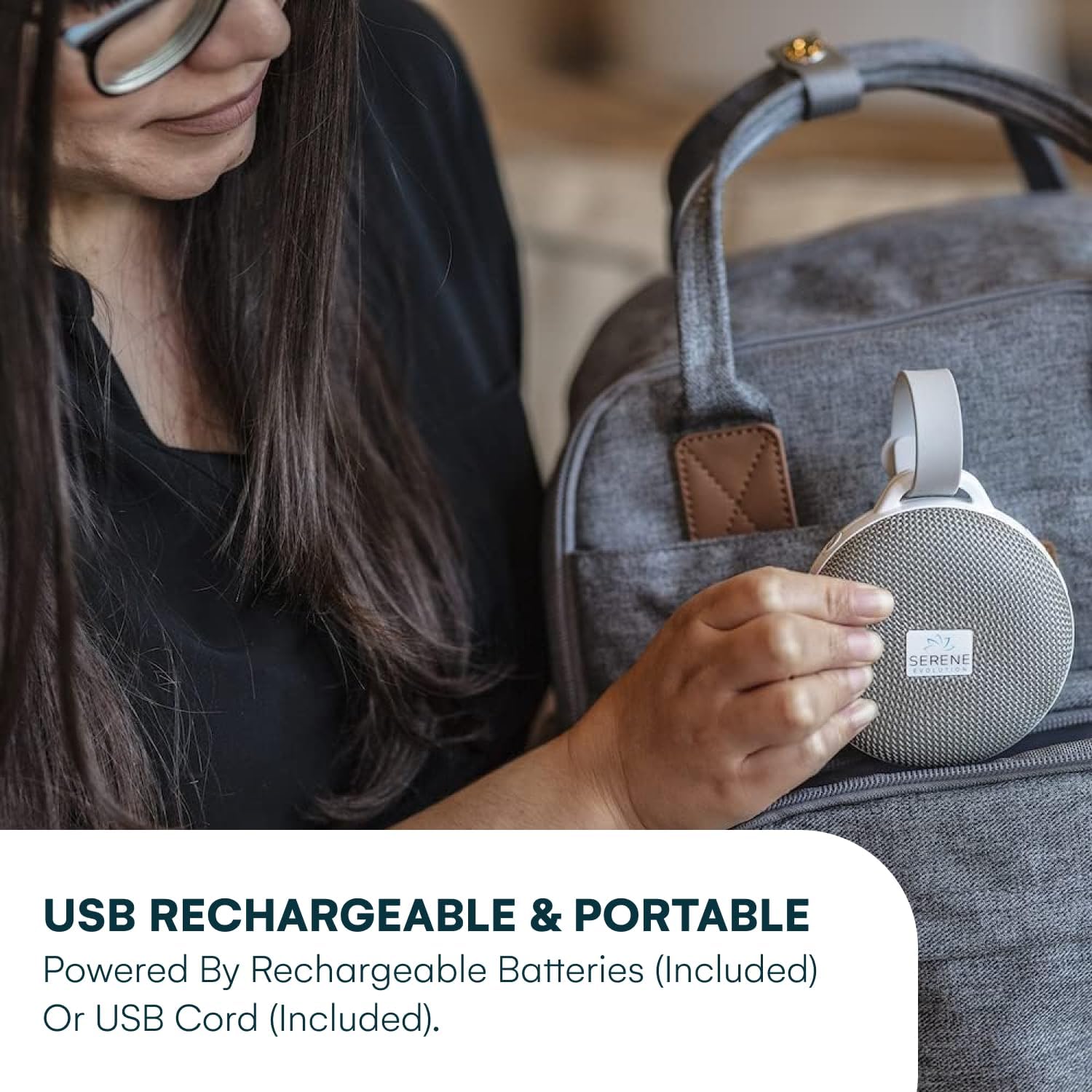
Image: A person holding the Serene Evolution white noise machine, demonstrating its portability and USB charging capability, with a diaper bag in the background.
3. Attaching the Device
The Serene Evolution white noise machine features an adjustable rubber strap for versatile placement.
- Use the strap to easily attach the device to cribs, strollers, car seats, or other suitable fixtures.
- Ensure the device is securely fastened and out of reach of infants and young children to prevent accidental dislodgement.

Image: The Serene Evolution white noise machine attached to the handle of a baby stroller, with a sleeping baby visible inside the stroller, illustrating its use for home or travel.
Operating Instructions
1. Power On/Off
Locate the power button on the device. Press and hold the power button to turn the device on or off.
2. Sound Selection
The device offers 36 soothing sleep sounds, including white noise, lullabies, sleep music, heartbeat, ocean waves, and rain. Use the designated sound selection button (often indicated by a musical note or sound wave icon) to cycle through the available sounds until you find your preferred one.

Image: A visual representation of the 36 soothing sounds available, categorized into Baby, Water, Nature, Fan & White Noise, and Other, with icons for each sound type.
3. Volume Adjustment
Adjust the sound volume using the volume control buttons, typically marked with '+' and '-' symbols. Press '+' to increase the volume and '-' to decrease it.
4. Timer Function
The device includes an optional sleep timer. Press the timer button to select a duration of 30, 60, or 120 minutes. The device will automatically turn off after the selected time. If no timer is set, the device will run continuously until manually turned off or the battery is depleted.
The device remembers your last selected sound and volume setting for convenience.

Image: A baby lying on a mat next to the Serene Evolution white noise machine, illustrating the optional timer feature for sleep.
Maintenance
1. Cleaning
To clean the device, gently wipe the exterior with a soft, dry cloth. Do not use abrasive cleaners, solvents, or immerse the device in water.
2. Battery Care
The device contains a built-in Lithium Ion battery. To prolong battery life:
- Avoid fully discharging the battery frequently.
- Charge the device regularly, even if not in frequent use.
- Store the device in a cool, dry place when not in use for extended periods.
Troubleshooting
| Problem | Possible Cause | Solution |
|---|---|---|
| Device does not turn on. | Battery is depleted. | Charge the device using the included USB cable. |
| No sound or very low sound. | Volume is too low or muted. Incorrect sound selected. | Increase the volume using the '+' button. Cycle through sounds to ensure one is playing. |
| Buttons are unresponsive. | Temporary software glitch. Physical damage. | Try turning the device off and on again. If the issue persists, contact customer support. |
Specifications

Image: The Serene Evolution white noise machine with overlaid measurements indicating its compact dimensions, approximately 5 inches in height and width.
- Model Number: ParentSKU
- Product Dimensions: 4.07 x 3.69 x 1.72 inches
- Weight: 8.96 ounces
- Battery: 1 Lithium Ion battery (included)
- Power Source: Battery Powered / USB
- Material: Plastic
- Sound Count: 36 Soothing Sounds
Warranty and Support
Serene Evolution products are manufactured with quality and reliability in mind. For information regarding warranty coverage, please refer to the product packaging or the official Serene Evolution website.
If you encounter any issues or have questions about your device, please contact Serene Evolution customer support through their official website or the retailer where the product was purchased.


