
Raycon RBE725-21E-BLA
Raycon Everyday Earbuds Classic User Manual
Model: RBE725-21E-BLA
1. Introduction
Welcome to the user manual for your Raycon Everyday Earbuds Classic. These true wireless earbuds are designed to provide a stable, immersive listening experience with advanced Bluetooth 5.2 connectivity and Active Noise Cancellation (ANC). This manual will guide you through the setup, operation, maintenance, and troubleshooting of your new earbuds.

Image: The Raycon Everyday Earbuds Classic, showing both earbuds and their compact charging case.
2. Setup
2.1. What's in the Box
- Raycon Everyday Earbuds Classic (Left and Right)
- Charging Case
- USB Charging Cable (not explicitly listed but standard)
- Multiple sizes of silicone gel tips (6 different sizes)
2.2. Charging Your Earbuds
Before first use, fully charge your Everyday Earbuds Classic and their charging case. The earbuds provide up to 8 hours of playtime on a single charge, and the compact charging case can provide up to 3 additional charges, totaling 32 hours of playtime.
- Place the earbuds into the charging case, ensuring they are properly seated.
- Connect the charging case to a power source using the provided USB cable.
- The LED indicators on the case will show the charging status. Once fully charged, the indicators will remain solid.
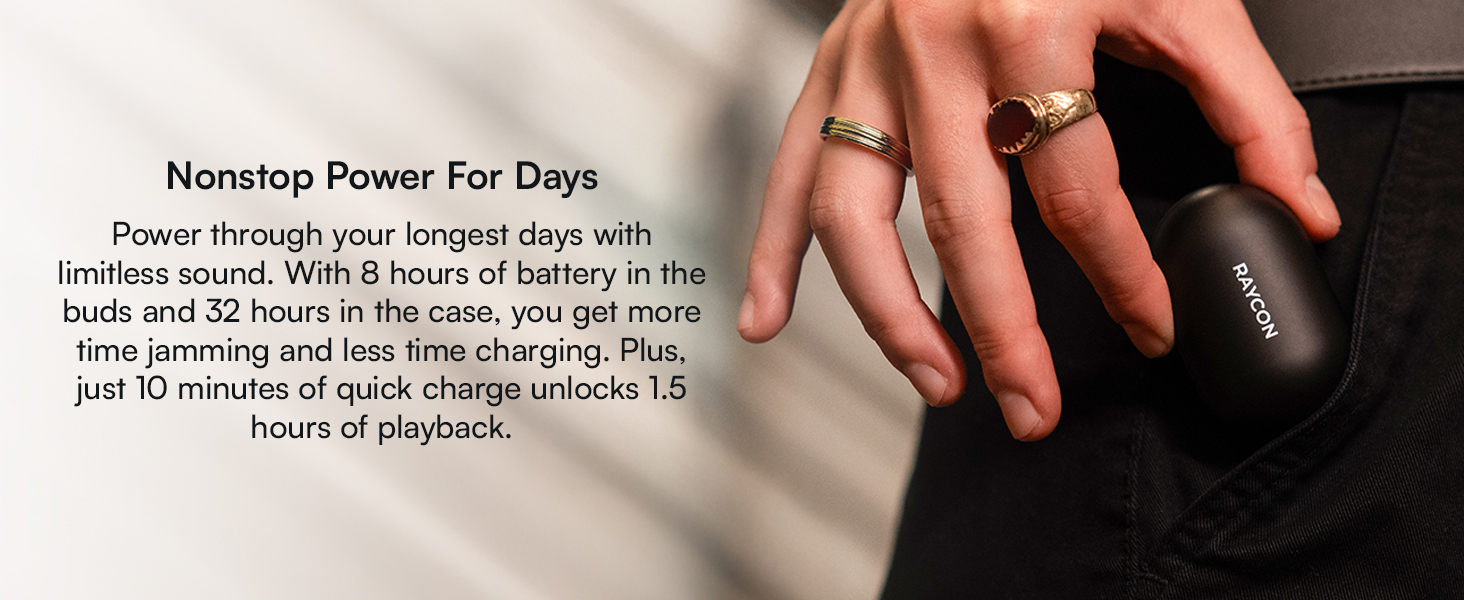
Image: A graphic illustrating the 32-hour total battery life of the Raycon Everyday Earbuds Classic, including the charging case.
2.3. Pairing with Your Device
The Everyday Earbuds Classic feature advanced Bluetooth 5.2 for a stable connection up to 33 feet (10 meters).
- Open the charging case. The earbuds will automatically enter pairing mode.
- On your device (smartphone, tablet, laptop), go to the Bluetooth settings.
- Select "Raycon Everyday Earbuds Classic" from the list of available devices.
- Once connected, you will hear an audible confirmation, and the earbuds' indicator lights will change.

Image: The Raycon Everyday Earbuds Classic, showing the individual left and right earbuds ready for use.
3. Operating Your Earbuds
3.1. Controls
The Everyday Earbuds Classic utilize push button controls for various functions:
- Play/Pause: Single press on either earbud.
- Next Track: Double press on the right earbud.
- Previous Track: Double press on the left earbud.
- Answer/End Call: Single press on either earbud.
- Reject Call: Press and hold either earbud.
- Activate Voice Assistant: Triple press on either earbud.

Image: A visual representation of the button controls on the Raycon Everyday Earbuds Classic, detailing how to control music and calls.
3.2. Active Noise Cancellation (ANC)
The earbuds feature Active Noise Cancellation to block out ambient sounds, allowing for a more focused listening experience. The control type for ANC is integrated into the push button controls.

Image: A graphic highlighting the Active Noise Cancellation feature of the Raycon Everyday Earbuds Classic, with sound waves being blocked.
3.3. Comfort and Fit
The Everyday Earbuds Classic are designed for long-lasting comfort and a secure fit. They come with six different sizes of soft silicone gel tips to ensure optimal fit and sound experience.

Image: A close-up shot of a Raycon Everyday Earbud comfortably seated in a person's ear, illustrating the ergonomic design.
3.4. Multipoint Connection
The earbuds support multipoint connection, allowing you to connect to two devices simultaneously and switch between them seamlessly.

Image: A graphic depicting the multipoint connection capability of the earbuds, showing them connected to two different devices.
4. Maintenance
4.1. Cleaning
To ensure optimal performance and hygiene, regularly clean your earbuds and charging case. Use a soft, dry cloth to wipe down the surfaces. For the silicone tips, you may gently remove them and clean with a damp cloth, ensuring they are completely dry before reattaching.
4.2. Water Resistance
The Raycon Everyday Earbuds Classic are IPX6 water-resistant, meaning they are protected against powerful water jets. This makes them suitable for use during workouts, in light rain, or during travel. However, they are not designed for submersion in water.

Image: A graphic illustrating the water-resistant capabilities of the Raycon Everyday Earbuds Classic, with water splashing around an earbud. Note: Product features state IPX6 water resistance.
5. Troubleshooting
5.1. Common Issues and Solutions
| Problem | Possible Solution |
|---|---|
| Earbuds not pairing | Ensure earbuds are charged. Turn off and on Bluetooth on your device. Forget the device in Bluetooth settings and re-pair. |
| No sound or low volume | Check device volume. Ensure earbuds are properly seated in ears. Clean earbud mesh if blocked. |
| One earbud not working | Place both earbuds back in the case, close, and reopen. Ensure both are charged. Try re-pairing. |
| Charging case not charging | Check USB cable and power adapter. Ensure connections are secure. |
| ANC not effective | Ensure earbuds are properly sealed in your ear canal using the correct size ear tips. |
6. Specifications
| Feature | Detail |
|---|---|
| Model Name | The Everyday Earbuds Classic - Black |
| Connectivity Technology | Bluetooth |
| Bluetooth Version | 5.2 |
| Bluetooth Range | 10 Meters (33 feet) |
| Noise Control | Active Noise Cancellation |
| Battery Life (Earbuds) | Up to 8 hours |
| Total Playtime (with Case) | 32 Hours |
| Water Resistance Level | IPX6 Water Resistant |
| Control Method | Push Button |
| Ear Placement | In Ear |
| Form Factor | In Ear |
| Material | Plastic, Silicone |
| Item Weight | 0.14 Kilograms (4.9 ounces) |
| Frequency Range | 20 Hz - 20 KHz |
| Impedance | 16 Ohm |
| Included Components | Charging Case |
7. Warranty and Support
7.1. Official User Manual
For the most detailed and up-to-date information, please refer to the official PDF user manual available online: Raycon Everyday Earbuds Classic User Manual (PDF)
7.2. Product Support
If you encounter any issues not covered in this manual or require further assistance, please visit the official Raycon support website or contact their customer service. Details can typically be found on the product packaging or the brand's official website.
7.3. Product Videos
No official product videos from the seller were found with direct embeddable links in the provided data. Please refer to the manufacturer's official website or channels for any available video guides or demonstrations.
Related documentsRBE725-21E-BLA


Ask a question about this manual
Ask about setup, troubleshooting, compatibility, parts, safety, or missing instructions. Manuals+ will review the question and use this page’s manual context to help answer it.