
1. Introduction
This manual provides essential instructions for the safe and efficient operation, installation, and maintenance of your SHARP SJ-GV58G-BK No Frost Inverter Digital Refrigerator. Please read this manual thoroughly before using the appliance and retain it for future reference.
The SHARP SJ-GV58G-BK is a 450-liter, two-door refrigerator featuring J-Tech Inverter Technology, a Digital Control Panel, Plasma Cluster Technology, Ag+ Nano Deodorizer Filter, and a Hybrid Cooling System. It is designed for high efficiency and reduced electricity consumption.

Image: Front view of the SHARP SJ-GV58G-BK Refrigerator.
2. Safety Information
To prevent injury to the user or other people and property damage, the following instructions must be followed. Incorrect operation due to ignoring instructions may cause harm or damage.
- Ensure the refrigerator is properly grounded to avoid electrical shock.
- Do not damage the refrigerant circuit.
- Do not use electrical appliances inside the food storage compartments unless they are of the type recommended by the manufacturer.
- Keep ventilation openings clear of obstruction.
- Do not store explosive substances such as aerosol cans with a flammable propellant in this appliance.
- Unplug the appliance before cleaning or performing maintenance.
- Keep children away from packaging materials to prevent suffocation.
- Do not allow children to play with the appliance.
3. Setup and Installation
3.1 Unpacking
Carefully remove all packaging materials, including tape and protective films. Dispose of packaging materials responsibly. Ensure no parts are missing or damaged. Keep the refrigerator upright during transport and unpacking.
3.2 Placement
Place the refrigerator on a firm, level floor. Adjust the leveling feet to ensure stability and proper door alignment. Allow adequate space around the appliance for proper ventilation (at least 10 cm at the back and sides, and 30 cm at the top). Avoid direct sunlight, heat sources (e.g., stove, radiator), and humid environments. The refrigerator is designed for indoor use.
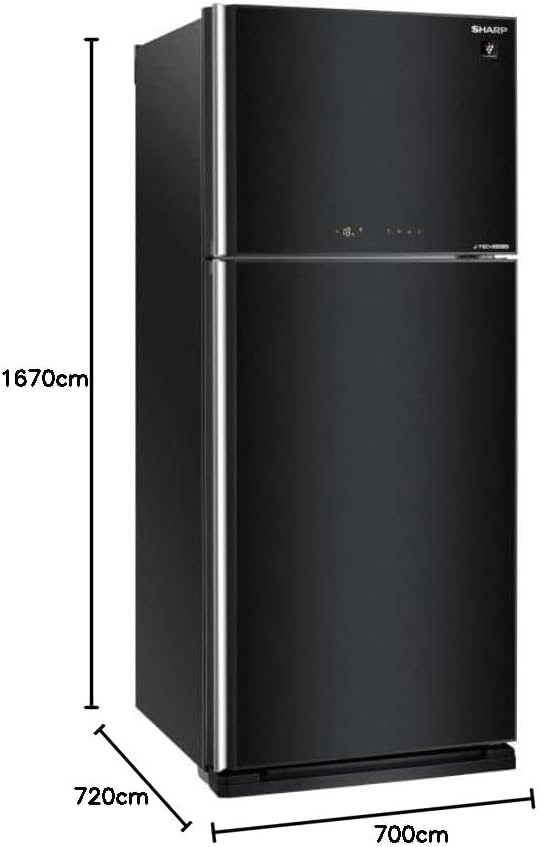
Image: Refrigerator dimensions diagram (Height: 1670cm, Width: 700cm, Depth: 720cm).
3.3 Electrical Connection
Connect the refrigerator to a dedicated, properly grounded electrical outlet. The voltage requirement is 220V. Do not use extension cords or multiple outlet adapters. After positioning, wait at least 2-4 hours before plugging in the appliance to allow refrigerants to settle.
3.4 Initial Cleaning
Before first use, clean the interior and exterior of the refrigerator with a soft cloth and a mild detergent solution. Rinse with clean water and dry thoroughly.
4. Operating Instructions
4.1 Control Panel
The refrigerator features a digital control panel located on the exterior of the freezer door. This panel allows you to adjust temperature settings and activate various functions.

Image: Digital Control Panel displaying temperature and function indicators.
4.2 Temperature Settings
Use the control panel to set the desired temperature for both the refrigerator and freezer compartments. Refer to the icons on the panel for specific adjustment procedures. Recommended settings are typically 3-5°C for the refrigerator and -18°C for the freezer.
4.3 Key Features
- J-Tech Inverter Technology: Optimizes compressor speed for efficient cooling and reduced energy consumption.
- Plasma Cluster Technology: Helps to reduce airborne mold spores and odors inside the refrigerator.
- Ag+ Nano Deodorizer Filter: Minimizes unpleasant odors and maintains freshness.
- Hybrid Cooling System: Ensures even cooling throughout the compartments, preventing excessive dryness or moisture.
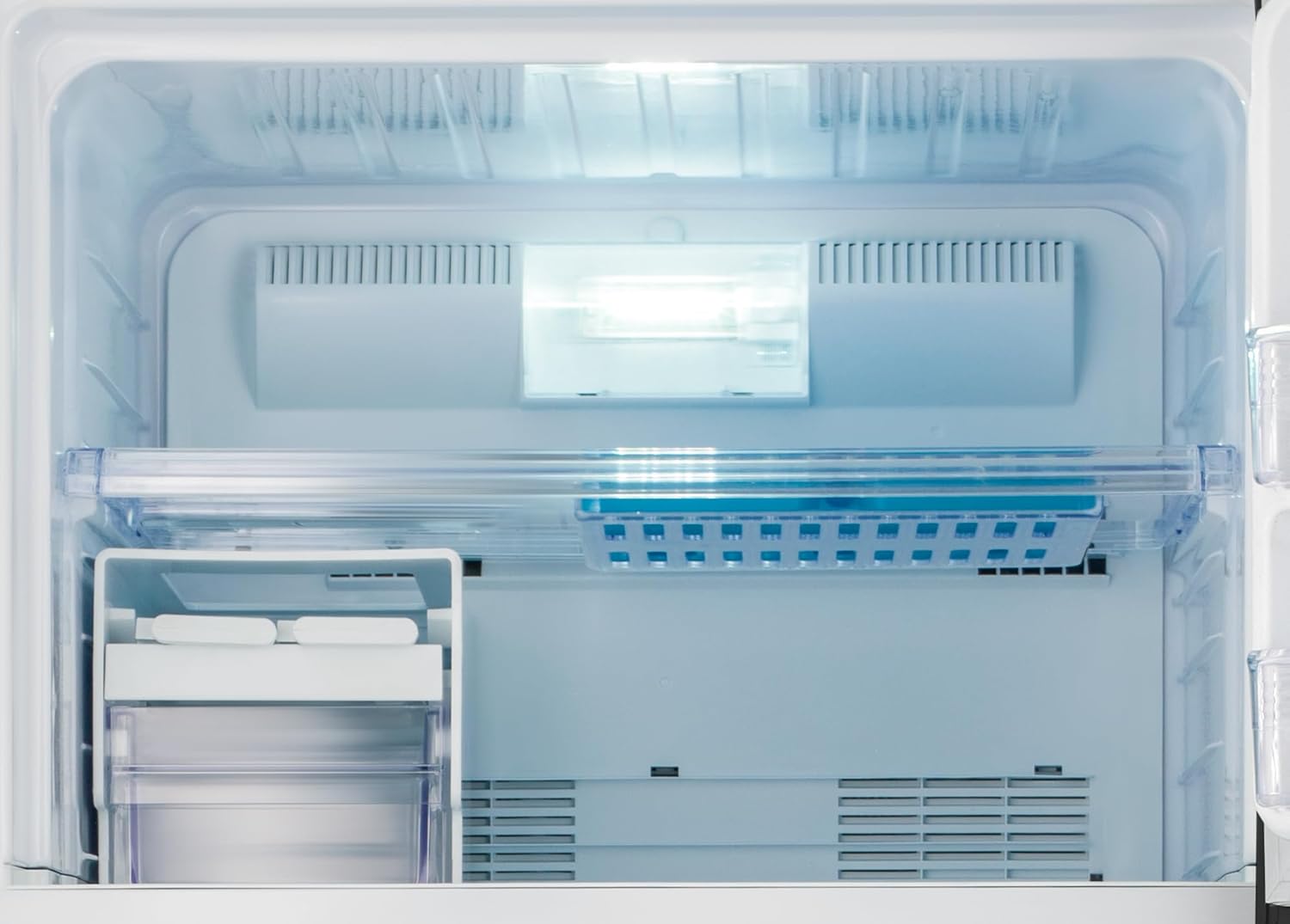
Image: Detail of the Hybrid Cooling System feature.
- Eco Mode: Activates energy-saving operation.
- Door Open Alarm: Alerts you if a door is left open for an extended period.
- Internal LED Lighting: Provides bright and energy-efficient illumination for both refrigerator and freezer sections.

Image: Refrigerator interior with food items, illustrating storage capacity.
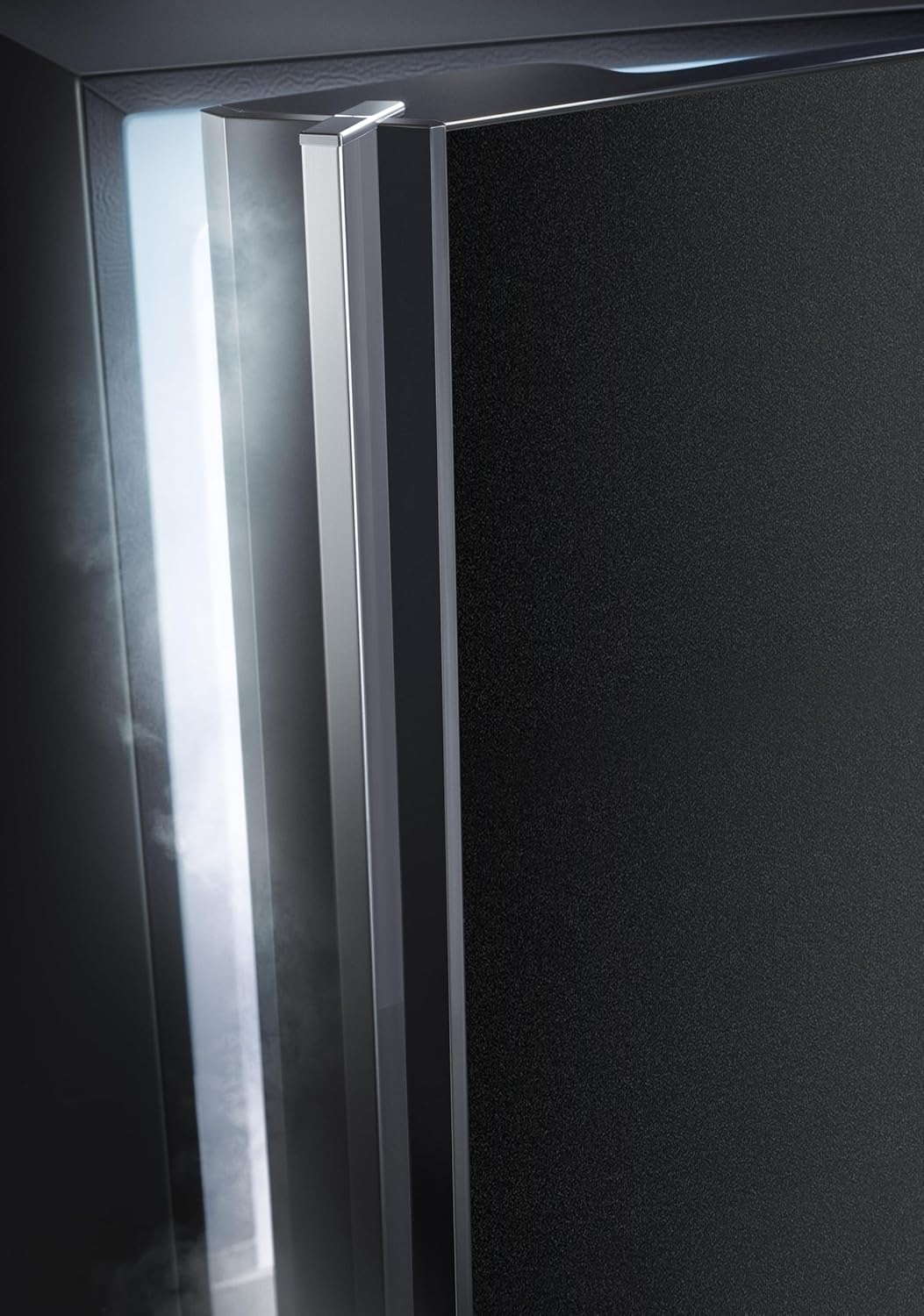
Image: Empty refrigerator interior, highlighting shelves and storage compartments.

Image: Transparent crisper drawers for fresh produce.

Image: Freezer compartment interior with ice tray.
4.4 Food Storage Guidelines
- Store raw meat and poultry on the lowest shelf to prevent drips onto other foods.
- Wrap foods tightly or store in airtight containers to maintain freshness and prevent odor transfer.
- Do not place hot foods directly into the refrigerator; allow them to cool to room temperature first.
- Utilize the crisper drawers for fruits and vegetables to maintain optimal humidity.
5. Maintenance
5.1 Cleaning
Always unplug the refrigerator before cleaning. Clean the interior and exterior regularly with a mild detergent and warm water. Pay special attention to door seals, wiping them clean to ensure a tight seal. Avoid abrasive cleaners or solvents.

Image: Detail of the refrigerator door seal.
5.2 Defrosting
This refrigerator features a No Frost system, which automatically prevents ice buildup in the freezer compartment. Manual defrosting is generally not required. However, if ice accumulation occurs due to improper use (e.g., frequently open door), unplug the unit and allow ice to melt naturally, then clean and dry the interior.
5.3 Power Outage
During a power outage, keep the refrigerator doors closed to maintain internal temperature for as long as possible. The refrigerator can typically keep food cold for several hours without power.
5.4 Vacation Care
For short vacations, leave the refrigerator operating normally. For long vacations, empty the refrigerator, unplug it, clean the interior, and leave the doors slightly ajar to prevent odors and mold growth.
6. Troubleshooting
Before contacting service, check the following common issues:
| Problem | Possible Cause | Solution |
|---|---|---|
| Refrigerator does not operate. | Not plugged in; circuit breaker tripped; power outage. | Check power cord; reset breaker; check household power. |
| Temperature is not cold enough. | Door left open; excessive food load; temperature setting too high; poor ventilation. | Ensure door is closed; reduce load; adjust temperature; ensure proper clearance. |
| Unusual noises. | Appliance not level; objects vibrating against the unit; normal operating sounds (e.g., refrigerant flow). | Level the refrigerator; remove obstructions; normal sounds are expected. |
| Water on floor. | Drain pan overflow; clogged drain hose. | Check and empty drain pan; clear drain hose if accessible. |
7. Specifications
| Feature | Detail |
|---|---|
| Brand | Sharp |
| Model Info | SJ-GV58G-BK |
| Capacity | 450 Liters |
| Refrigerator Fresh Food Capacity | 300 Liters |
| Freezer Capacity | 150 Liters |
| Dimensions (D x W x H) | 72D x 70W x 167H centimeters |
| Net Weight | 76 Kg |
| Gross Weight | 85 Kg |
| Color | Black |
| Number of Doors | 2 (Glass Doors) |
| Defrost System | No Frost (Automatic) |
| Technology | J-Tech Inverter, Plasma Cluster, Ag+ Nano Deodorizer, Hybrid Cooling |
| Energy Efficiency Class | A |
| Voltage | 220V |
| Shelves | Hardy Glass Shelves (5) |
| Crispers/Drawers | 2 |
| Country of Origin | Egypt |
8. Warranty and Support
Your SHARP SJ-GV58G-BK Refrigerator comes with a 10 Years Full Free Warranty. Please retain your proof of purchase for warranty claims.
For technical assistance, service requests, or further inquiries, please contact SHARP customer support. Refer to the contact information provided with your purchase documentation or visit the official SHARP website for your region.


