
1. Introduction
Welcome to the HATALKIN 3-in-1 Wireless Charging Station. This device is designed to efficiently charge your compatible Apple and Android wireless charging-enabled devices simultaneously. Please read this manual carefully to ensure proper use and optimal performance.

Image: The HATALKIN 3-in-1 Wireless Charging Station in pink, showcasing an iPhone, Apple Watch, and AirPods charging simultaneously.
2. Package Contents
Verify that all items are present in the package:
- 1 x HATALKIN 3-in-1 Wireless Charging Station
- 1 x QC3.0 Fast Adapter
- 1 x USB-C Charging Cable
- 1 x User Manual
3. Setup
- Connect the provided USB-C charging cable to the USB-C port on the back of the charging station.
- Plug the other end of the USB-C cable into the QC3.0 fast adapter.
- Insert the QC3.0 fast adapter into a wall outlet.
- The charging station is now ready for use.
Video: A demonstration of unboxing and setting up the HATALKIN 3-in-1 Wireless Charging Station, showing the connection of the USB-C cable and adapter.
4. Operating Instructions
4.1 Charging Your Phone
Place your compatible wireless charging-enabled smartphone vertically or horizontally on the phone charging pad. Ensure the phone is centered for optimal charging. The indicator light at the base will illuminate to confirm charging.
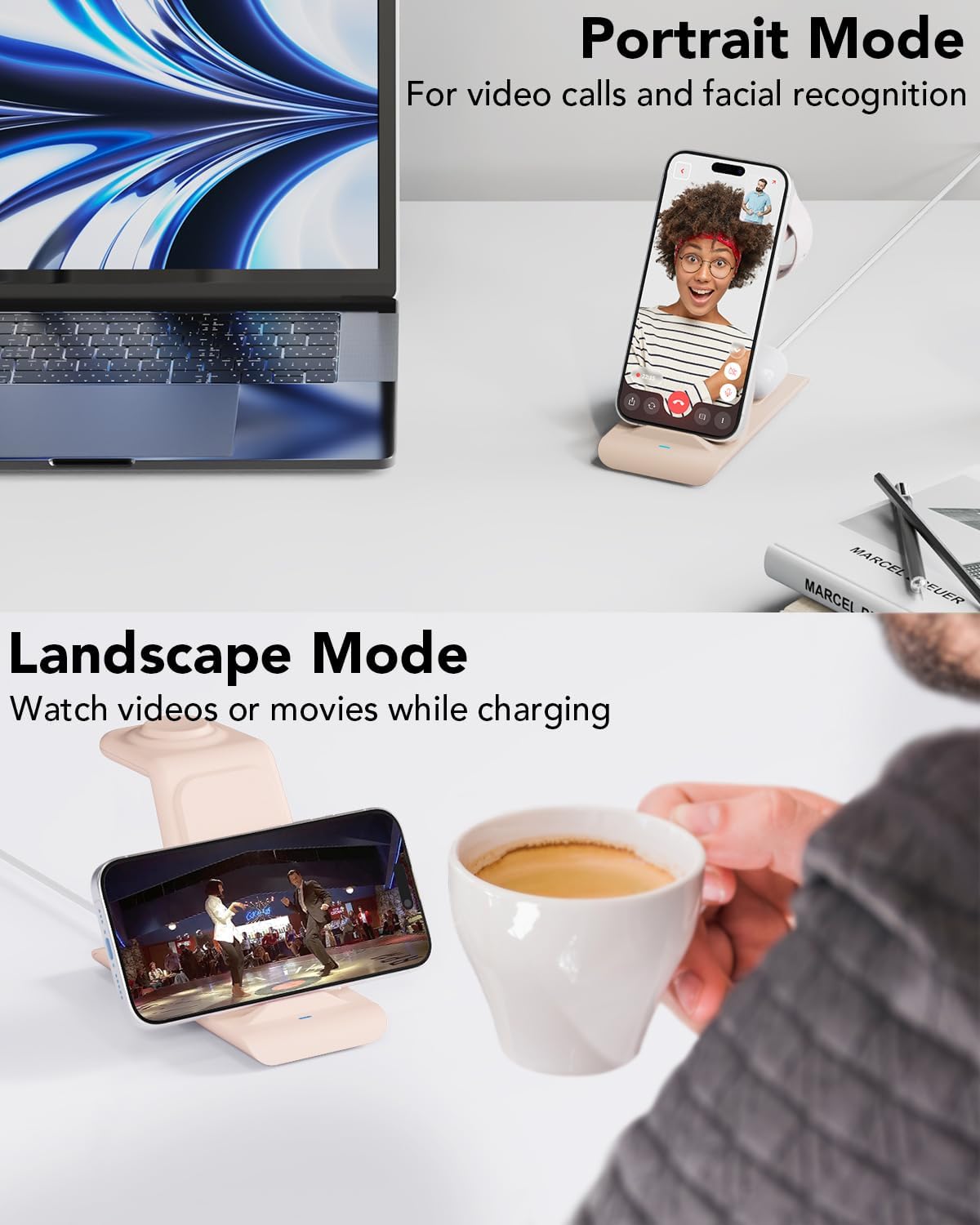
Image: An iPhone being charged on the station, demonstrating both portrait and landscape viewing modes while charging.
4.2 Charging Your Apple Watch
Place your Apple Watch (Series 2 or later, including Ultra models) on the magnetic charging module located at the top of the stand. The watch will magnetically align and begin charging.
4.3 Charging Your AirPods
Place your AirPods (Pro 3/2/pro/4/3/2 with wireless charging case) or other compatible wireless charging earbuds on the designated charging area at the base of the stand. The indicator light will confirm charging.
4.4 Simultaneous Charging
The HATALKIN 3-in-1 Wireless Charging Station supports simultaneous charging of a compatible iPhone, Apple Watch, and AirPods.
Video: A demonstration of charging an iPhone, Apple Watch, and AirPods simultaneously on the HATALKIN 3-in-1 Wireless Charging Station.
4.5 Indicator Lights
The charging station features indicator lights to show charging status. These lights are designed to be soft and non-dazzling, making the station sleep-friendly.
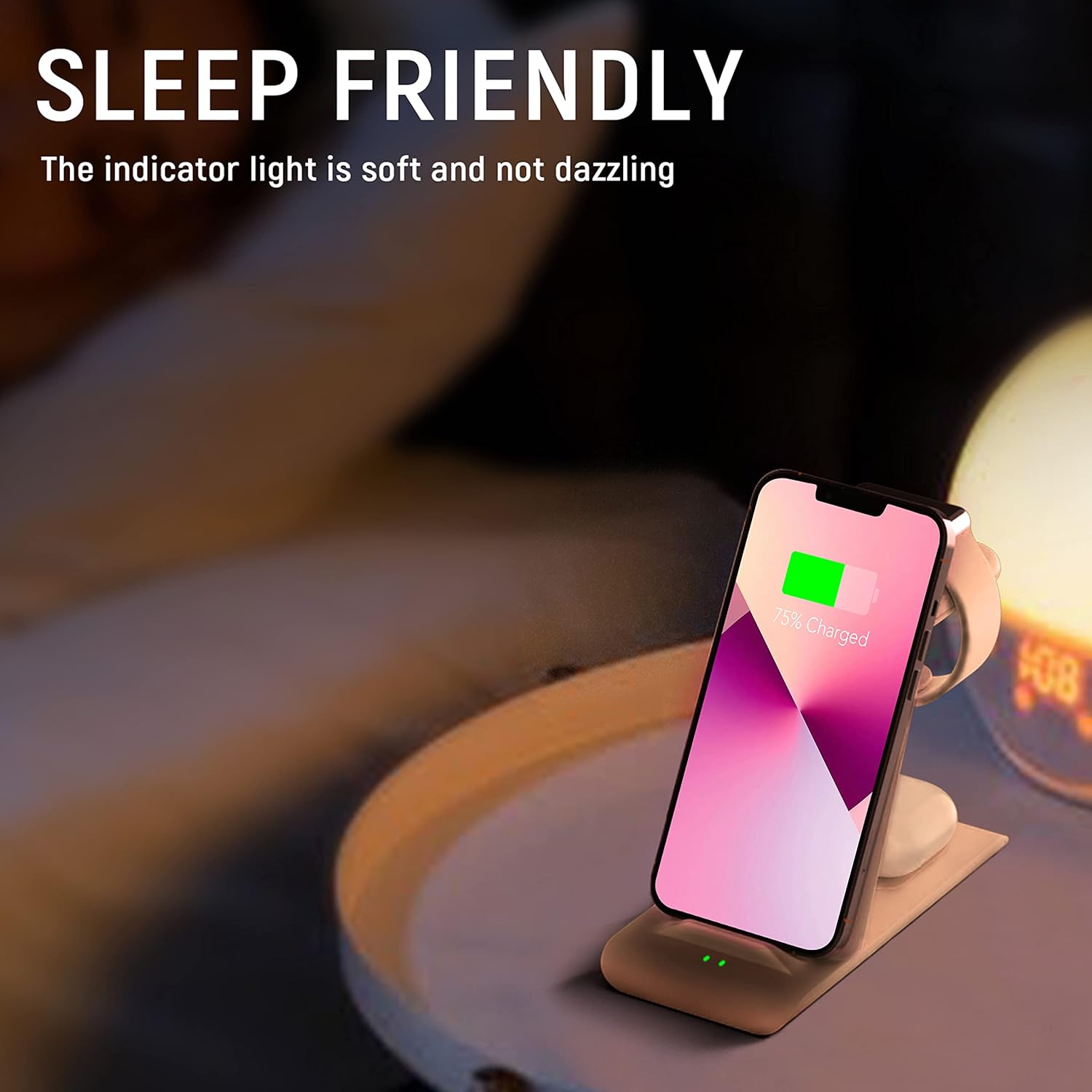
Image: The charging station in a low-light setting, highlighting its sleep-friendly, soft indicator light while charging a phone.
5. Compatibility
The HATALKIN 3-in-1 Wireless Charging Station is compatible with a wide range of devices:
- iPhones: iPhone 17 Air/17/17 Pro Max, iPhone 16/16 Plus/16 Pro/16 Pro Max, iPhone 15/15 Plus/15 Pro/15 Pro Max, iPhone 14/14 Plus/14 Pro/14 Pro Max, iPhone 13/13 mini/13 Pro/13 Pro Max, iPhone 12/12 Pro/12 Pro Max, iPhone 11/11 Pro/11 Pro Max, iPhone SE 2nd Gen, iPhone X/XS/XS Max/XR, iPhone 8/8 Plus. (Note: Not compatible with iPhone 12 mini. Does not support MagSafe function.)
- Apple Watch: Apple Watch Ultra 3/2/Ultra, Series 11/10/9/8/7/6/5/4/3/2/SE.
- AirPods: AirPods Pro 3/2/pro/4/3/2 (with wireless charging case).
- Samsung Galaxy: Galaxy S25 Ultra/S25+/S25, S24 Ultra/S24+/S24, S23 Ultra/S23+/S23, S22/S22+/S22 Ultra, S21 Ultra/S21+/S21, S20 Ultra/S20+, Z Flip/Z Flip(4/3), S10/S10+, Note20/Ultra/Note10/Note10+/Note9/S9/S9+/Note 8/S8/S8+, S7 Edge/S7, Note5, S6/S6 Edge. Galaxy Buds 2 PRO/Buds Pro/Buds Live/Buds Live+/Buds/Buds+.
- Google Pixel: Pixel 7/7 Pro, Pixel 6/6 Pro, Pixel 5, Pixel 4/4 XL, Pixel 3/3 XL.
5.1 Case Friendly Design
The charger is designed to work with most phone cases up to 0.2 inches (5mm) thick. Remove any metal or magnetic attachments that may interfere with wireless charging.

Image: A visual guide illustrating the charger's compatibility with phone cases up to 5mm thickness, and items to avoid such as metal cases or magnetic pads.
6. Safety Features
The HATALKIN 3-in-1 Wireless Charging Station is built with multiple safety protections to ensure secure and reliable charging:
- CE, FCC, and ROHS certified.
- Over-current protection
- Over-voltage protection
- Over-temperature protection
- Short circuit protection
- Foreign substance examination
- Valid identification of metallism disturbance
7. Maintenance
- Keep the charging station clean and free from dust.
- Use a soft, dry cloth to wipe the surface.
- Avoid exposing the device to extreme temperatures or humidity.
- Do not disassemble or attempt to repair the device yourself.
8. Troubleshooting
8.1 Device Not Charging
- Ensure the charging station is properly connected to the QC3.0 adapter and a working power outlet.
- Verify that your device is compatible with wireless charging.
- Check if your device is correctly aligned on the charging pad/module.
- Remove any thick cases (over 5mm) or metal/magnetic attachments from your device.
- Try using a different power outlet.
8.2 Slow Charging
- Ensure you are using the provided QC3.0 adapter and USB-C cable.
- Check for proper device alignment on the charging pad/module.
- Ensure no foreign objects are between the device and the charging surface.
8.3 Indicator Light Blinking
- A blinking indicator light may signal improper device placement or a foreign object detected. Re-position your device or remove any obstructions.
9. Specifications
| Feature | Detail |
|---|---|
| Model Number | JH12-A |
| Product Dimensions | 4.72 x 2.87 x 5.98 inches |
| Item Weight | 8 ounces |
| Input Voltage | 9 Volts |
| Amperage | 1.7 Amps |
| Connector Type | USB Type C |
| Manufacturer | SHENZHEN TIANYIN ELECTRONICS CO LTD |
10. Warranty and Support
HATALKIN offers a 12-month warranty for free replacement or refund in case of any quality problems. For support, please contact HATALKIN customer service.

