
1. Introduction
The Walfront WT-2000 Digital Humidity Controller is designed to precisely monitor and control humidity levels within a specified range. This device is suitable for various applications, including storage warehouses, greenhouses, and residential environments, ensuring optimal humidity conditions for sensitive items or processes. It features a clear digital display and a wide control range for versatile use.
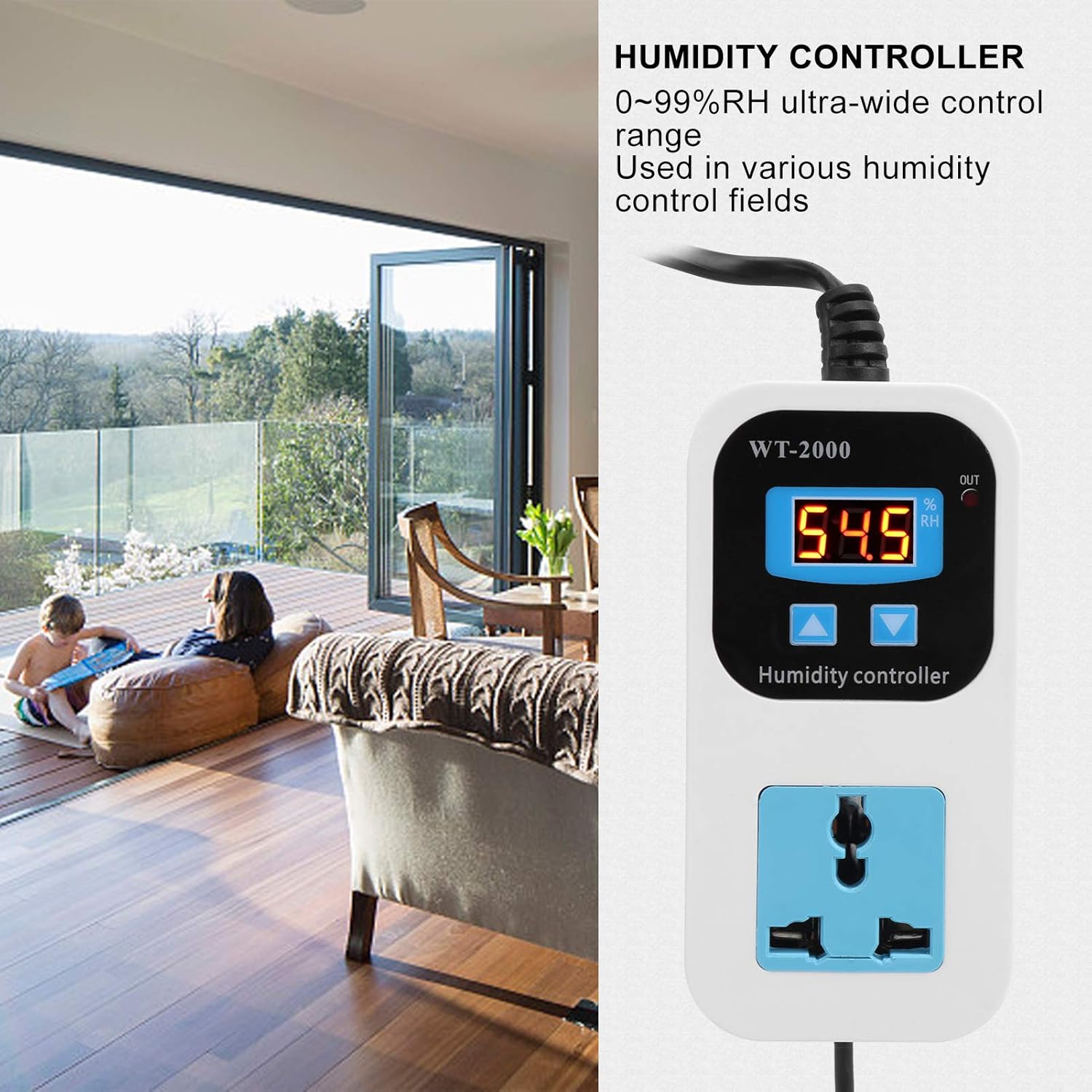
Image 1.1: The WT-2000 controller can be used in various environments, including homes, to maintain desired humidity levels.
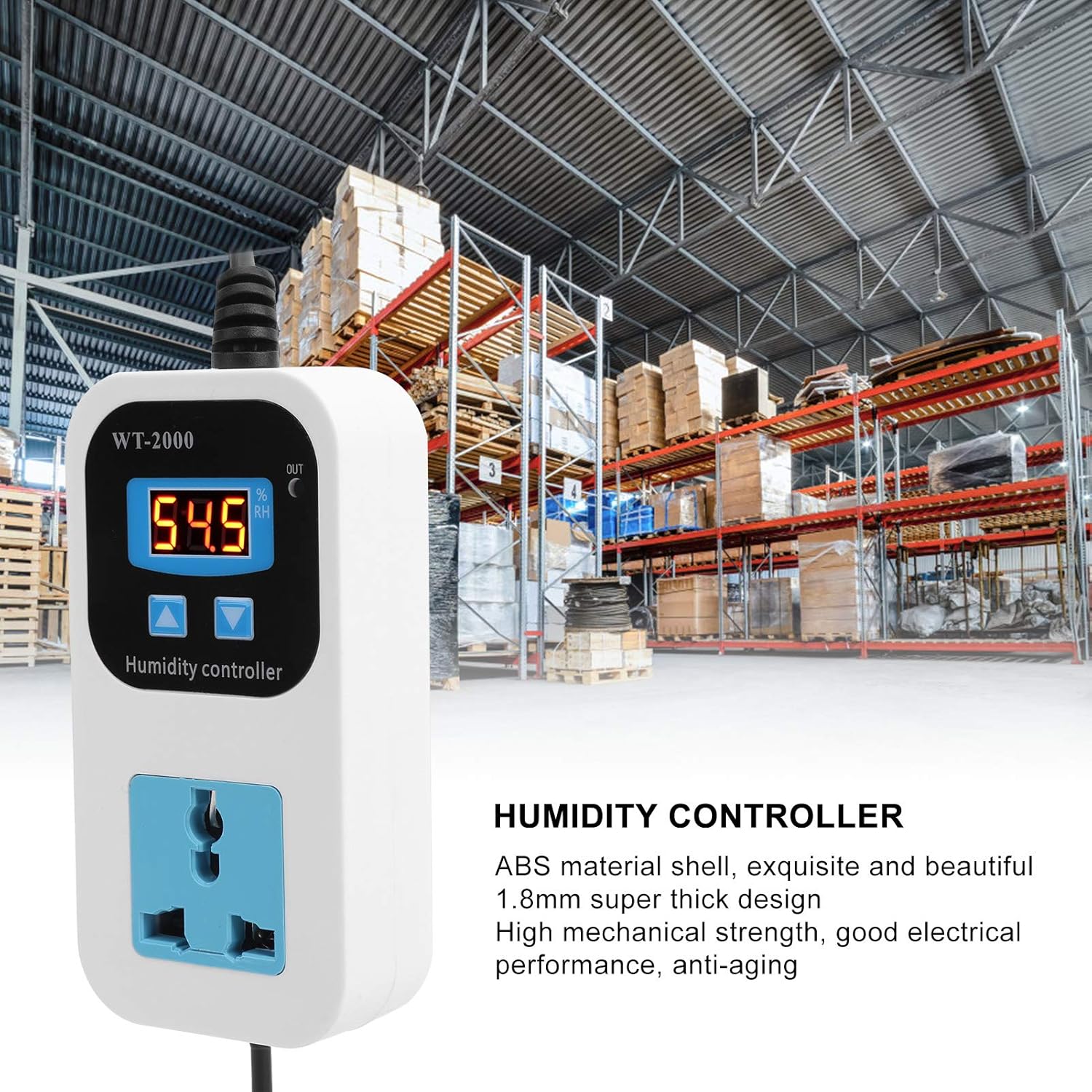
Image 1.2: The robust design of the WT-2000 makes it suitable for industrial applications like warehouses.
2. Product Features
- Digital Display: High-brightness digital tube for clear readability day or night.
- Wide Control Range: 0% to 99% RH ultra-wide control range, suitable for diverse humidity control needs.
- High Accuracy: 0.1% RH control accuracy for precise environmental management.
- Durable Construction: ABS material shell with a 1.8mm super thick design, offering high mechanical strength, good electrical performance, and anti-aging properties.
- Versatile Application: Ideal for detecting and controlling humidity in storage warehouses, greenhouses, and homes.
3. Safety Information
Please read and understand all safety instructions before operating this device. Failure to follow these instructions may result in electric shock, fire, or damage to the product.
- Ensure the power supply voltage matches the device's requirements (110-220V).
- Do not operate the device with wet hands or in excessively damp environments.
- Do not disassemble or modify the device. Refer all servicing to qualified personnel.
- Keep the device away from water, heat sources, and direct sunlight.
- Ensure proper ventilation around the device during operation.
- Always unplug the device from the power outlet before cleaning or maintenance.
4. Package Contents
Upon opening the package, please verify that all components are present and undamaged:
- 1 x Walfront Digital Humidity Controller WT-2000

Image 4.1: Front and back view of the WT-2000 Digital Humidity Controller, showing the display, control buttons, power outlet, and mounting hole.
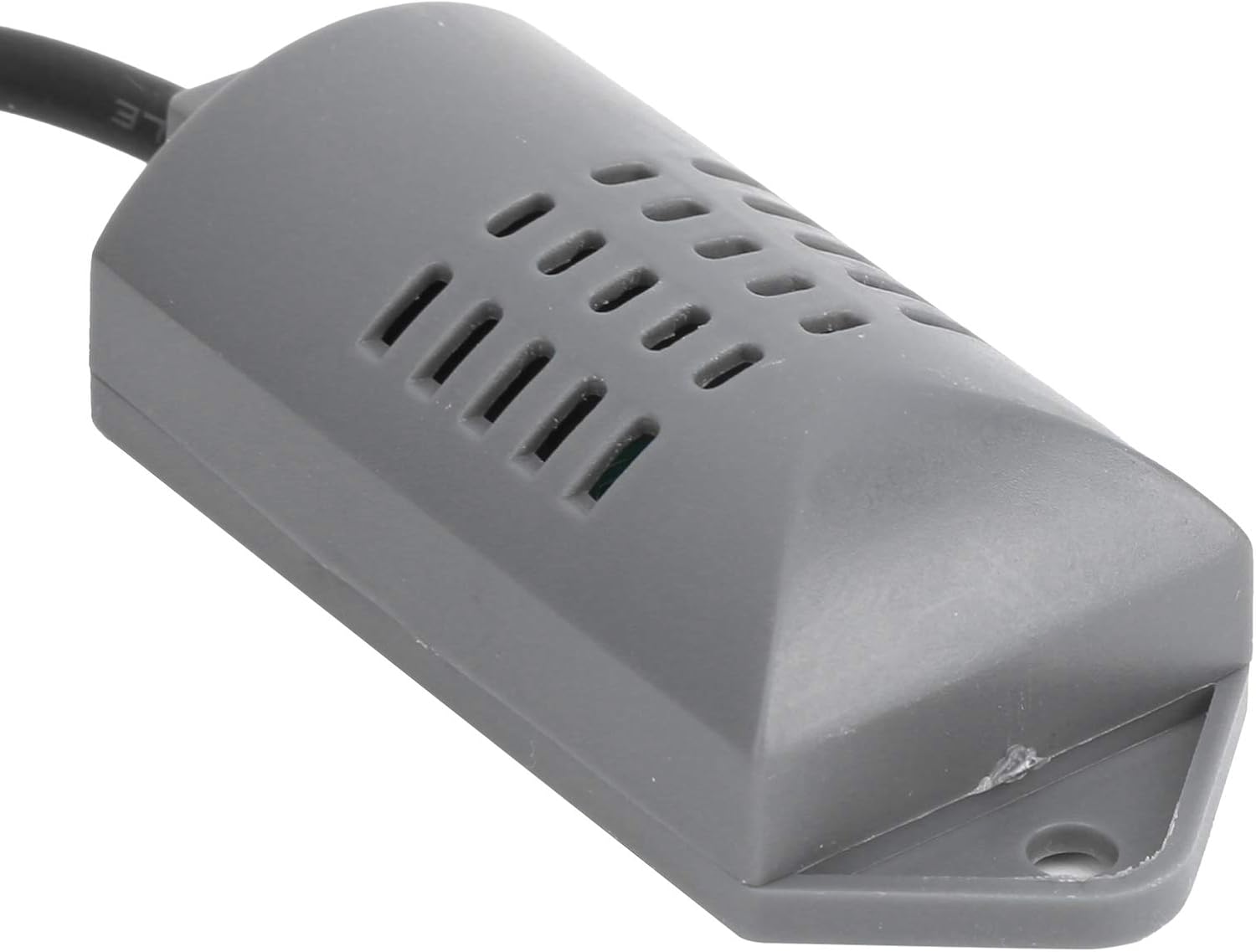
Image 4.2: Close-up of the external humidity sensor probe.
5. Setup
- Placement: Choose a suitable location for the humidity controller, ensuring it is away from direct moisture, heat, and vibrations. The external sensor should be placed in the area where humidity needs to be measured and controlled.
- Power Connection: Plug the WT-2000 controller into a standard 110-220V AC power outlet. The digital display will illuminate.
- Device Connection: Plug your humidifier or dehumidifier into the control socket on the front of the WT-2000 controller. Ensure the appliance's plug is compatible with the controller's socket.

Image 5.1: The WT-2000 controller connected to power with its external sensor.
6. Operating Instructions
The WT-2000 controller allows you to set both a starting humidity (when the connected device turns on) and a stopping humidity (when the connected device turns off).

Image 6.1: Visual guide for setting humidity parameters and restoring factory settings.
- Set Starting Humidity:
- Press the Up button once to display the current starting humidity setting.
- Press and hold the Up button for 3 seconds. The starting humidity number will flash.
- Use the Up and Down buttons to adjust the desired starting humidity value.
- The setting will automatically save after a few seconds of inactivity, or you can press any other button to confirm.
- Set Stopping Humidity:
- Press the Down button once to display the current stopping humidity setting.
- Press and hold the Down button for 3 seconds. The stopping humidity number will flash.
- Use the Up and Down buttons to adjust the desired stopping humidity value.
- The setting will automatically save after a few seconds of inactivity, or you can press any other button to confirm.
- Restore Factory Settings:
- When the power is on, press and hold both the Up and Down buttons simultaneously.
- The digital display will show "888" and then automatically jump to detect the current humidity, indicating that the factory settings have been restored.
Note: The controller will activate the connected device (humidifier or dehumidifier) when the measured humidity falls below the set starting humidity or rises above the set stopping humidity, depending on the desired control mode (humidification or dehumidification). Ensure your connected appliance is set to its 'on' state for the controller to manage its operation.
7. Maintenance
To ensure the longevity and accurate operation of your Walfront WT-2000 Digital Humidity Controller, follow these maintenance guidelines:
- Cleaning: Wipe the device's exterior with a soft, dry cloth. Do not use abrasive cleaners, solvents, or immerse the device in water.
- Sensor Care: Keep the humidity sensor clean and free from dust or debris. Avoid touching the sensor element directly.
- Storage: If storing the device for an extended period, unplug it and store it in a cool, dry place away from direct sunlight.
- Inspection: Periodically check the power cord and sensor cable for any signs of damage. If damage is found, discontinue use and contact support.
8. Troubleshooting
If you encounter issues with your WT-2000 Digital Humidity Controller, please refer to the following common problems and solutions:
| Problem | Possible Cause | Solution |
|---|---|---|
| Device does not power on. | No power from outlet; loose connection; device malfunction. | Check the power outlet with another appliance. Ensure the controller is securely plugged in. If the issue persists, contact customer support. |
| Display shows "LLL" or "HHH". | Humidity sensor error; humidity out of measurable range (0-99% RH). | Check the sensor connection. Ensure the sensor is not damaged or exposed to extreme conditions outside its operating range. If the sensor is damaged, it may need replacement. |
| Connected appliance does not turn on/off as expected. | Incorrect humidity settings; appliance not in 'on' mode; appliance malfunction. | Verify the starting and stopping humidity settings (refer to Section 6). Ensure the connected humidifier/dehumidifier is powered on and set to operate when receiving power. Test the appliance directly in a wall outlet. |
| Inaccurate humidity readings. | Sensor dirty or obstructed; sensor placed in an unrepresentative location. | Clean the sensor gently. Relocate the sensor to an area that accurately reflects the humidity you wish to measure and control. |
| US plug does not fit the controller's socket. | Plug prongs have different sizes or an indentation that prevents full insertion. | Ensure the plug of your appliance has prongs of uniform size for proper fit. Some specialized US plugs may not be compatible. |
If these troubleshooting steps do not resolve the issue, please contact Walfront customer support for further assistance.
9. Specifications
| Parameter | Value |
|---|---|
| Item Type | Digital Humidity Controller |
| Brand | Walfront |
| Model | WT-2000 |
| Material | ABS |
| Working Voltage | 110-220V |
| Control Range | 0%~99% RH |
| Output Type | Direct output |
| Control Accuracy | 0.1% RH |
| Measurement Accuracy | ±0.2% RH |
| Input Type | SFG309T |
| Maximum Capacity | Maximum 10A |
| Item Weight | 5.3 ounces |
| Product Dimensions | 0.39 x 0.39 x 0.39 inches (approximate, as per product data) |
10. Warranty Information
Walfront products are typically covered by a manufacturer's warranty. For specific details regarding the warranty period, coverage, and claims process for your WT-2000 Digital Humidity Controller, please refer to the warranty card included with your purchase or visit the official Walfront website. Please retain your proof of purchase for warranty validation.
11. Customer Support
If you have any questions, require technical assistance, or need to report a problem with your Walfront WT-2000 Digital Humidity Controller, please contact Walfront customer support. Contact information can usually be found on the product packaging, the official Walfront website, or through your retailer.
When contacting support, please be prepared to provide the following information:
- Product Model: WT-2000
- Date of Purchase
- Detailed description of the issue