
Introduction
Welcome to your Tribit Flybuds 3 Wireless Earbuds user manual. This guide provides detailed instructions on setting up, operating, and maintaining your earbuds to ensure optimal performance and a superior audio experience.
Product Overview
Package Contents
- Tribit Flybuds 3 Wireless Earbuds (Left & Right)
- Charging Case
- USB-C Charging Cable
- Multiple sizes of Eartips (6 sets)
- Multiple sizes of Ear Wings (3 sets)
Key Features
- Battery Champ: True wireless earbuds designed for phone calls, music, and video.
- Long-lasting Playtime: Up to 8 hours of music playback per charge, and up to 150 hours total with the charging case. The charging case can also serve as a power bank for your phone.
- Immersive Sound: FlyBuds 3 deliver Hi-Fi stereo sound with deep bass, ensuring clear phone calls even in noisy environments.
- One-step Pairing: Simply open the charging case, and the earbuds will automatically connect to the last paired device.
- IPX8 Waterproof: Boasts IPX8-rated protection, defending against liquids in any weather conditions.
Product Diagram

Image showing the Tribit Flybuds 3 Pink Wireless Earbuds and their open charging case.
Setup
Charging Your Earbuds
Before initial use, ensure both the earbuds and the charging case are fully charged.
- Connect the provided USB-C cable to the charging port on the case.
- The LED indicators on the case will illuminate to show the charging status.
- A full charge provides approximately 8 hours of playback for the earbuds and up to 150 hours total with the fully charged case.

The charging case provides up to 150 hours of additional playtime for the earbuds.

The charging case can also function as a portable power bank for other devices.
Pairing Your Earbuds
The earbuds feature convenient one-step pairing for quick connection.
- Open the charging case. The earbuds will automatically power on and enter pairing mode.
- On your Bluetooth-enabled device, navigate to the Bluetooth settings and select "Tribit Flybuds 3" from the list of available devices.
- Once successfully connected, the earbuds will automatically pair with this device whenever the case is opened in the future.

The charging case button can be used to check battery percentage or to unpair for re-pairing.
Operating Instructions
Touch Controls
The Tribit Flybuds 3 feature intuitive touch controls for seamless operation.
| Function | Action |
|---|---|
| Play/Pause Music | Double-tap either earbud |
| Answer/End Call | Double-tap either earbud |
| Next Track | Triple-tap either earbud |
| Reject Incoming Call | Press and hold touch button for 2 seconds |
| Activate Voice Assistant | Press and hold touch button for 2 seconds (then release) |
| Check Battery Percentage (Case) | Short press button on charging case |
| Unpair Device | Press and hold button on charging case for 10 seconds |
Wearing Your Earbuds
For optimal sound quality and comfort, select the appropriate size eartips and ear wings that provide a snug and secure fit in your ears.

Ensure a snug fit for the best audio experience and noise isolation.
Audio Quality
The Flybuds 3 deliver Hi-Fi stereo sound with deep bass, enhanced by 6mm drivers and Tribit's Bass Up technology for a powerful audio experience.
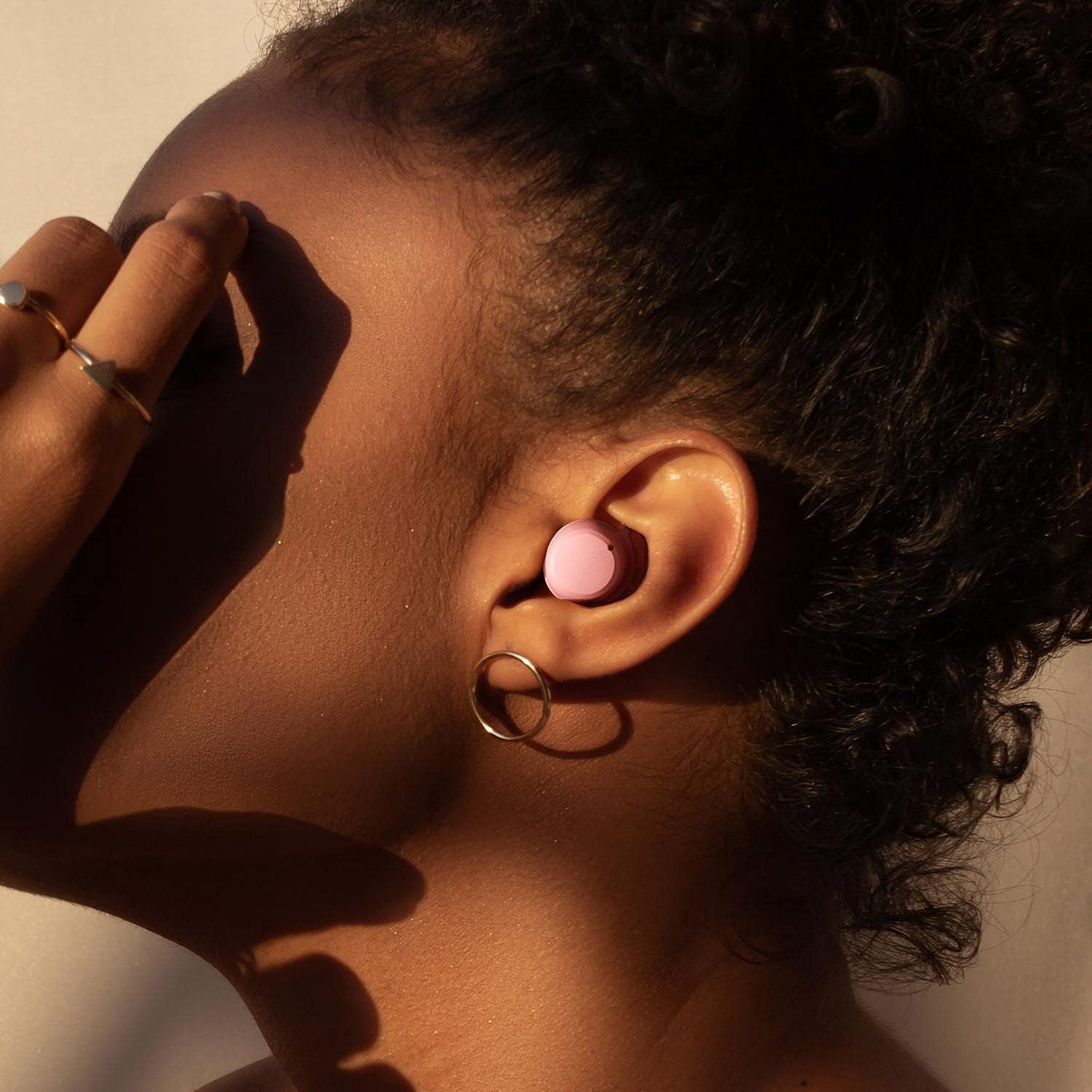
Experience powerful and immersive audio with enhanced bass.
Maintenance
Cleaning
Regularly clean your earbuds and charging case to maintain performance and hygiene.
- Use a soft, dry, lint-free cloth to wipe down the earbuds and case.
- If necessary, gently remove the eartips and clean them separately with mild soap and water, then dry thoroughly before reattaching.
- Avoid using harsh chemicals, abrasive materials, or excessive moisture.
Storage
Store the earbuds in their charging case when not in use to protect them from damage and ensure they remain charged.
- Keep the case and earbuds in a cool, dry place.
- Avoid exposure to extreme temperatures, direct sunlight, or humid environments.
Troubleshooting
Earbuds not pairing
- Ensure both earbuds are sufficiently charged.
- Turn off Bluetooth on any other devices that may be attempting to connect.
- Place the earbuds back into the charging case, close the lid, then open it again to re-enter pairing mode.
- If issues persist, press and hold the button on the charging case for 10 seconds to unpair all previous devices, then attempt to re-pair.
Low volume or poor sound quality
- Adjust the volume on your connected device.
- Ensure the eartips are the correct size for your ears and provide a snug, sealed fit.
- Clean any debris or earwax from the earbud nozzles.
Charging issues
- Verify that the charging cable and power adapter are functioning correctly.
- Ensure the charging contacts on both the earbuds and inside the case are clean and free of any obstructions.
Specifications
| Feature | Detail |
|---|---|
| Model Name | BTH92-P |
| Connectivity Technology | Wireless |
| Wireless Communication Technology | Bluetooth |
| Bluetooth Version | 5.2 |
| Battery Life (Earbuds) | 8 Hours |
| Battery Life (Charging Case) | 150 Hours (total playtime) |
| Water Resistance Level | IPX8 |
| Control Method | Touch |
| Charging Time | 1.5 Hours |
| Item Weight | 3.68 ounces |
| Product Dimensions | 3.4 x 2 x 1.2 inches |
| Included Components | Cable, Wireless Charging Case |
Warranty and Support
For detailed warranty information and customer support, please visit the official Tribit website or contact their customer service team directly.
Official Website: www.tribitaudio.com
Support Email: support@tribit.com


