
1. Introduction
Thank you for choosing the Techly 362794 Mini USB Wired Numeric Keypad. This compact and portable keypad is designed to enhance your data entry experience, offering convenience and efficiency. Its plug-and-play functionality ensures easy setup, while its asynchronous operation allows for independent use from your main keyboard's numeric pad. This manual provides detailed instructions for setup, operation, maintenance, and troubleshooting to ensure optimal performance of your device.
Key Features:
- Compact and portable design.
- 18 keys with comfortable tactile response and low noise level.
- Plug & Play technology for simple installation.
- Asynchronous function for independent numeric input.
- Ultra-slim profile.
- Ideal for notebooks, banking, and data entry applications.
2. Package Contents
Please check the package contents carefully. If any items are missing or damaged, contact your retailer.
- 1x Techly 362794 Mini USB Wired Numeric Keypad
- 1x User Manual (this document)
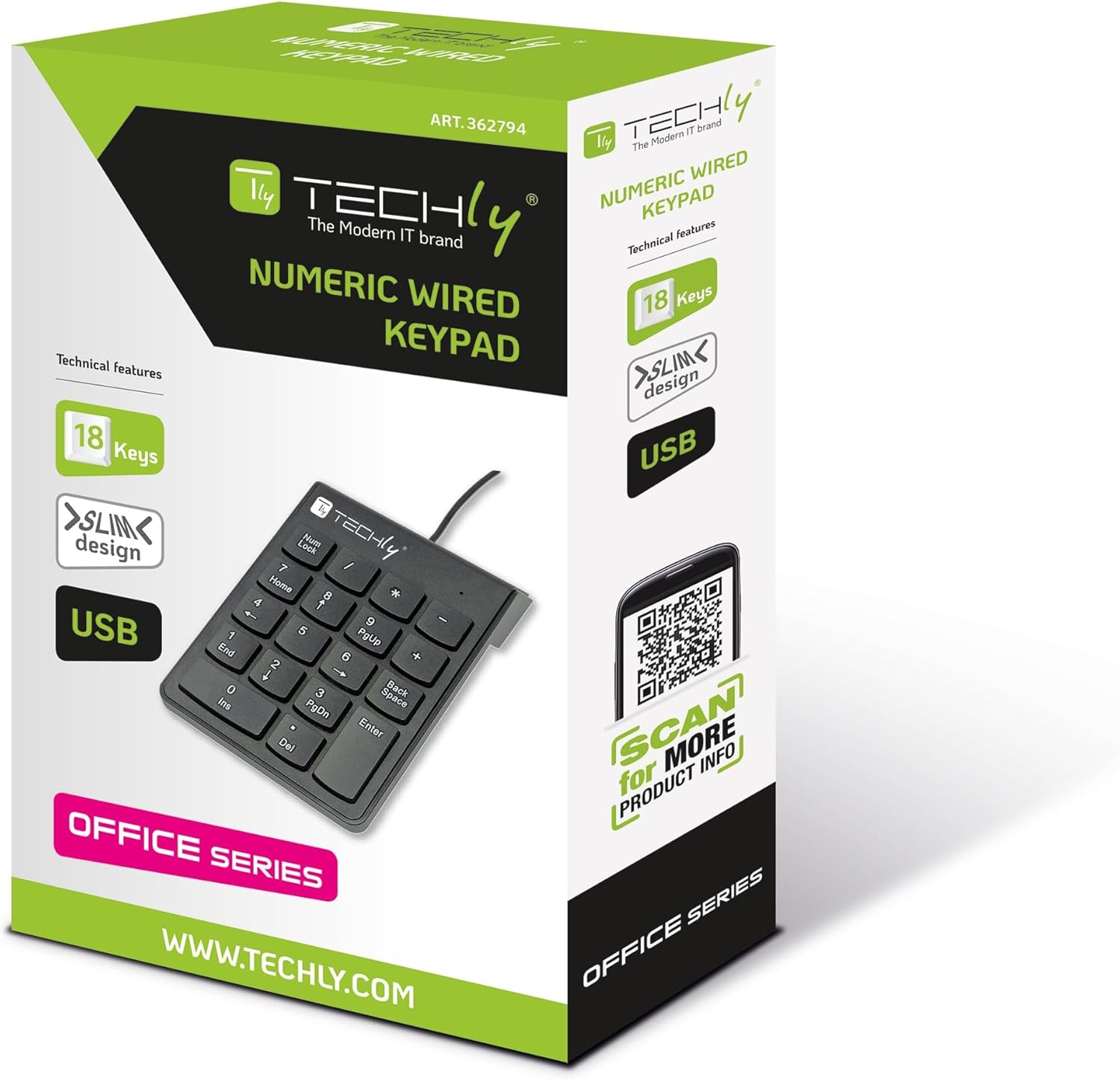
Image: The Techly 362794 Mini USB Wired Numeric Keypad in its retail packaging, highlighting its features and design.
3. Product Overview
The Techly 362794 numeric keypad features a standard 18-key layout, including numeric digits, arithmetic operators, and essential function keys. Its ergonomic design ensures comfortable use over extended periods.

Image: A detailed close-up of the numeric keypad, showing the layout of its 18 keys, including 'Num Lock', 'Home', 'PgUp', 'PgDn', 'End', 'Ins', 'Del', 'Backspace', and 'Enter'.

Image: Side view of the numeric keypad, illustrating its slim and ergonomic profile with a slight incline for comfortable typing.
4. Setup
The Techly 362794 numeric keypad is designed for simple plug-and-play installation, requiring no additional drivers for most operating systems.
- Connect the USB Cable: Locate an available USB port on your computer (PC or notebook).
- Plug In the Keypad: Insert the USB connector of the numeric keypad into the USB port.
- Automatic Recognition: Your operating system will automatically detect and install the necessary drivers. This process usually takes a few seconds.
- Ready for Use: Once recognized, the keypad is ready for immediate use.
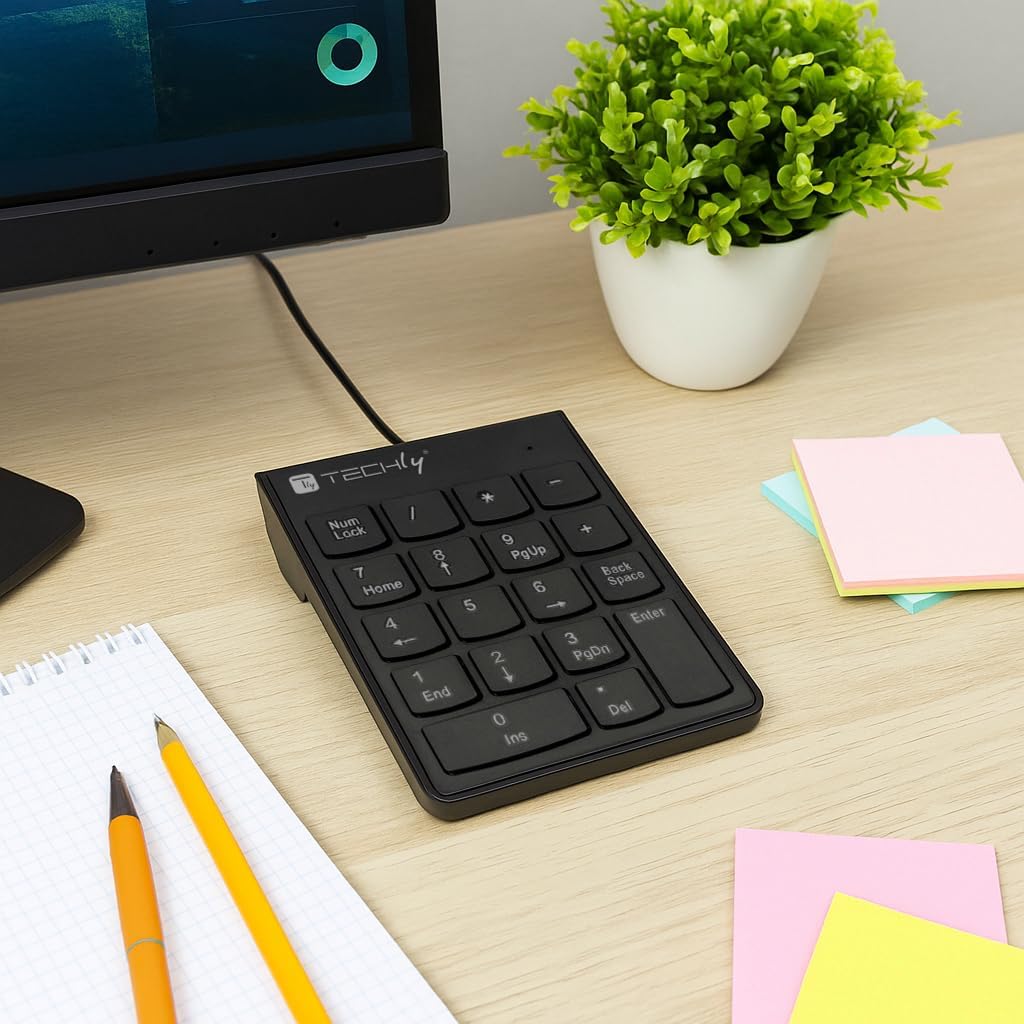
Image: The numeric keypad positioned on a desk next to a computer monitor, demonstrating its compact size and wired connection.
5. Operating Instructions
Basic Numeric Input:
Simply press the desired numeric keys (0-9) and arithmetic operators (+, -, *, /) to input data into your applications. The Enter key functions as a standard return key.
Num Lock Function:
The Num Lock key toggles the numeric function of the keys. When Num Lock is active (indicated by an LED light, if present), the keys function as numbers. When Num Lock is off, some keys may function as navigation keys (e.g., Home, End, PgUp, PgDn, Ins, Del).
Asynchronous Operation:
This keypad operates asynchronously, meaning its Num Lock status is independent of your main keyboard's Num Lock. This allows you to use the numeric keypad for numbers while your main keyboard's numeric section (if applicable) can be used for navigation, or vice-versa, providing greater flexibility for data entry.
Special Keys:
- Home / 7: Moves the cursor to the beginning of a line or document when Num Lock is off.
- PgUp / 9: Scrolls up one page when Num Lock is off.
- End / 1: Moves the cursor to the end of a line or document when Num Lock is off.
- Ins / 0: Toggles insert mode when Num Lock is off.
- Del / .: Deletes characters when Num Lock is off.
- Backspace: Deletes the character to the left of the cursor.
- Enter: Confirms input or moves to the next line.
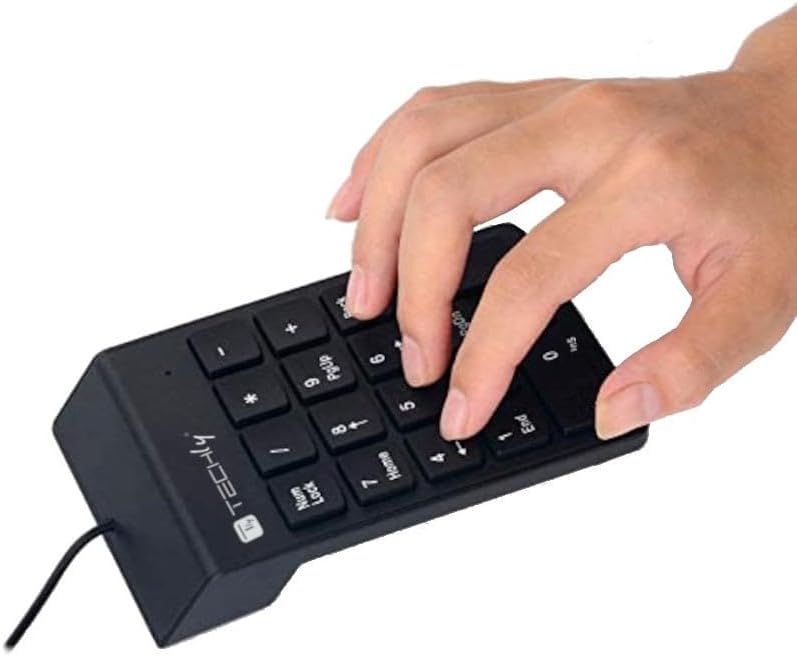
Image: A hand demonstrating the use of the numeric keypad, showing the natural placement for data entry.
6. Maintenance
Proper care and maintenance will ensure the longevity of your numeric keypad.
- Cleaning: Use a soft, dry cloth to wipe the surface of the keypad. For stubborn dirt, slightly dampen the cloth with water or a mild, non-abrasive cleaner. Avoid using harsh chemicals, solvents, or abrasive materials.
- Dust Removal: Use compressed air to remove dust and debris from between the keys.
- Storage: When not in use, store the keypad in a clean, dry environment away from direct sunlight and extreme temperatures.
- Avoid Liquids: Do not expose the keypad to liquids. In case of accidental spills, immediately disconnect the keypad from your computer and allow it to dry completely before reconnecting.
7. Troubleshooting
If you encounter issues with your Techly 362794 numeric keypad, please refer to the following common solutions:
| Problem | Possible Solution |
|---|---|
| Keypad is not recognized by the computer. |
|
| Keys are not responding or typing incorrect characters. |
|
| Keypad works intermittently. |
|
8. Specifications
| Brand | Techly |
| Model Number | 362794 |
| Connectivity Technology | USB (Wired) |
| Number of Keys | 18 |
| Material | Plastic |
| Color | Black |
| Compatible Devices | PC |
| Compatible Operating Systems | Linux (and generally Windows/macOS via Plug & Play) |
| Special Feature | Portable |
| Power Source | Wired Electric (USB powered) |
| Hand Orientation | Ambidextrous |
9. Warranty and Support
Techly products are designed for reliability and performance. For warranty information, technical support, or further assistance, please visit the official Techly website or contact your local retailer.
Official Website: www.techly.com
Product Page: Techly 362794 Product Information
