
WEELMOTION WM-11
WEELMOTION Hoverboard User Manual
Model: WM-11
Thank you for choosing WEELMOTION. Please read this manual carefully before use to ensure safe and optimal operation.
1. Introduction
The WEELMOTION 6.5" Self-Balancing Electric Vehicle is a state-of-the-art personal transporter designed for fun and efficient movement. Equipped with dual 200W brushless motors, LED front lights, and a built-in music speaker, it offers a dynamic riding experience. This hoverboard is UL 2272 certified, ensuring high safety standards.
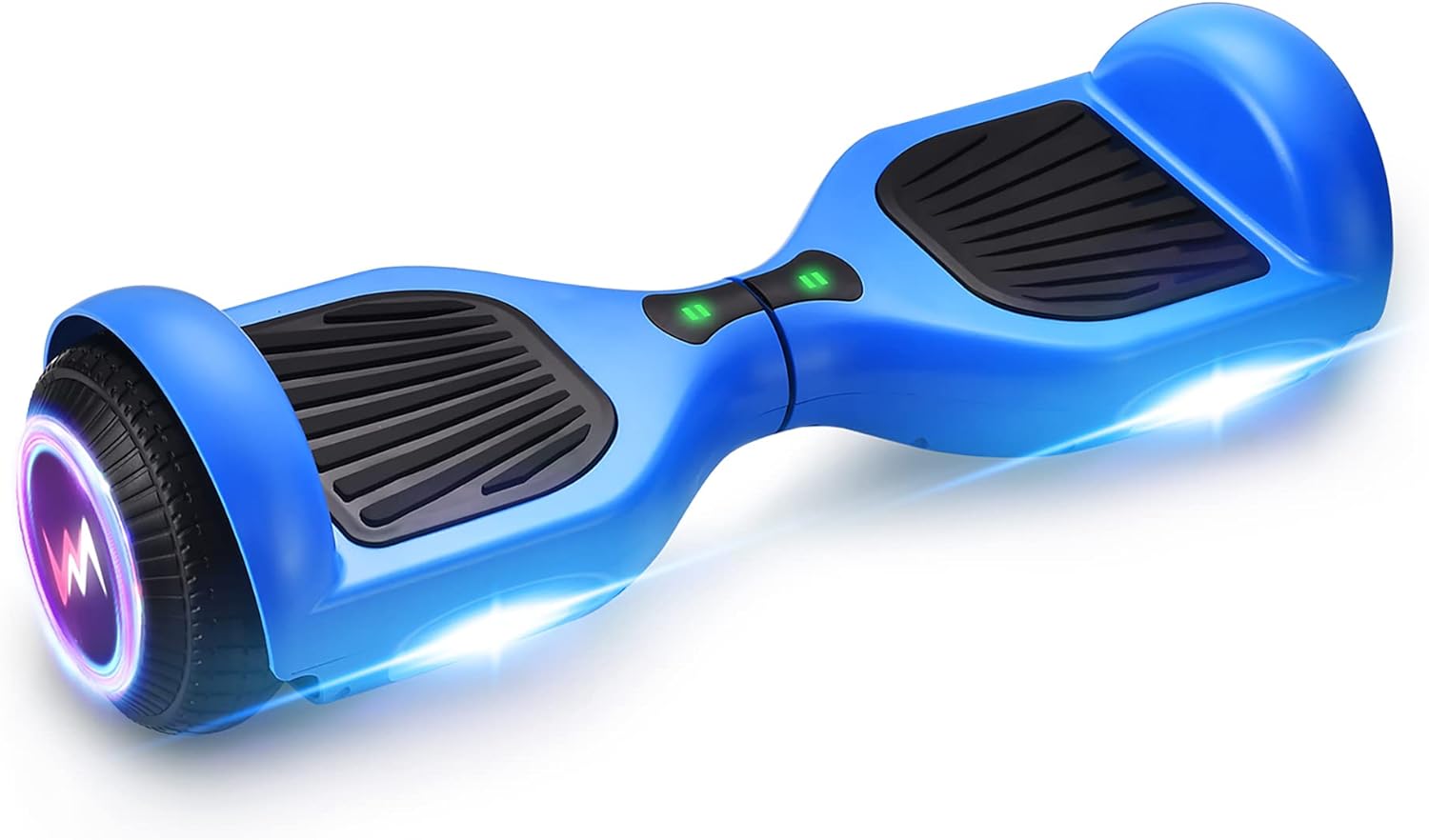
Image: The WEELMOTION 6.5" Self-Balancing Electric Vehicle in blue, showcasing its sleek design and integrated lights.
2. Safety Information
Your safety is paramount. Always adhere to these guidelines.
- UL 2272 Certified: This hoverboard has undergone rigorous testing and is UL 2272 certified for electrical and fire safety.
- Weight Limits: Supported weight range is a minimum of 40 lbs (18 kg) to a maximum of 220 lbs (100 kg). Do not exceed these limits.
- Age Recommendation: While the product is listed for adults, supervision is recommended for younger riders.
- Protective Gear: Always wear a helmet, knee pads, elbow pads, and wrist guards when riding.
- Riding Environment: Ride on smooth, dry surfaces. Avoid wet conditions, steep inclines (max climbing angle 12°), and uneven terrain.
- No Fall Technology: The built-in no fall technology assists beginners, but caution is still advised.
- Safety Features: Equipped with Overheat Protection, Short Circuit Protection, Fire Protection Shell, and Over-speed alert for enhanced safety.
- Awareness: Be aware of your surroundings, pedestrians, and other vehicles.

Image: Visual representation of the hoverboard's safety features including advanced chip, smart sensor, no fall technology, UL 2272 certification, overheat protection, non-slip pedal, fire protection shell, and over-speed alert.
3. Setup
3.1. Initial Charging
Before first use, fully charge your hoverboard. The Lithium-Ion battery is included and requires charging with the provided charger.
- Connect the charger to the charging port on the hoverboard.
- Plug the charger into a standard wall outlet.
- The indicator light on the charger will change (e.g., from red to green) when charging is complete.
- Unplug the charger once fully charged to prevent overcharging.

Image: The hoverboard alongside a battery icon and UL 2272 certification, highlighting its long-lasting battery and safety features.
3.2. Bluetooth Speaker Pairing
The hoverboard features a built-in music speaker for entertainment during your ride.
- Turn on the hoverboard.
- Enable Bluetooth on your portable device (smartphone, tablet, etc.).
- Search for available Bluetooth devices and select the hoverboard (usually named 'WEELMOTION' or similar).
- Once paired, you can play your favorite music through the hoverboard's speaker.

Image: The hoverboard with glowing wheels and musical notes, illustrating its wireless speaker and vibrant LED lights.
4. Operating Instructions
4.1. Basic Riding
The WEELMOTION hoverboard utilizes a gyroscope stabilization system for intuitive control.
- Mounting: Place one foot firmly on a footpad, then quickly step up with the other foot. Maintain balance by keeping your body upright.
- Moving Forward/Backward: Lean slightly forward to move forward, and lean slightly backward to move backward.
- Turning: To turn left, press down slightly with your right foot. To turn right, press down slightly with your left foot.
- 360° Rotation: To rotate in place, push one foot forward and the other backward simultaneously.
- Dismounting: Step off backward, one foot at a time, ensuring the hoverboard is stable.
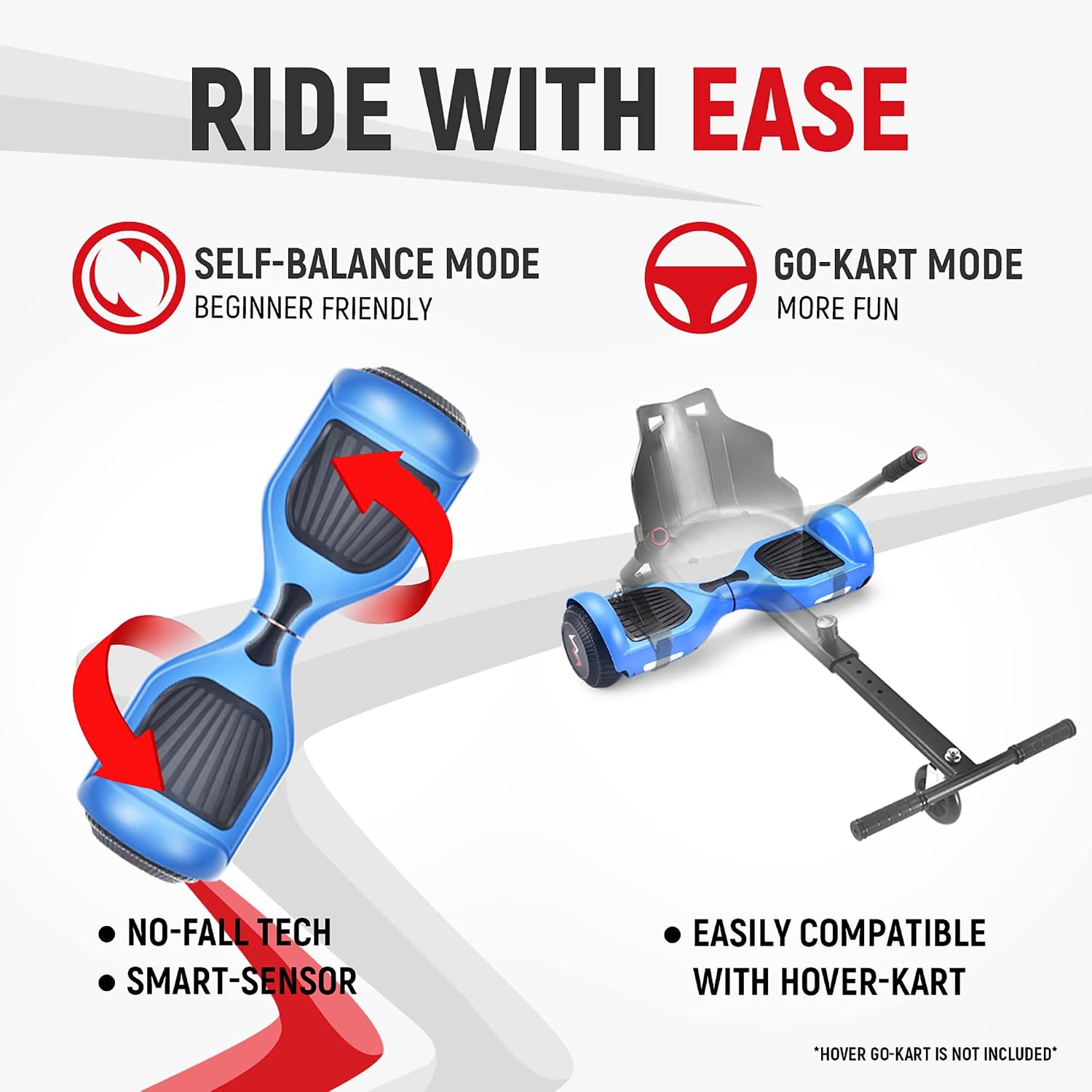
Image: The hoverboard demonstrating its self-balance mode and compatibility with a hover-kart (hover-kart not included).
4.2. Performance
- Speed: Up to 10 km/hr (6.21 mph).
- Range: Up to 8-10 kms (5-6 miles) per charge, depending on terrain, rider weight, and riding style.
- Motor: Dual 200W brushless motors.
- Lights: Front LED lights illuminate the path, and shining wheels add visual appeal.

Image: An exploded view of the hoverboard's wheel and motor, detailing its 400W dual motor, max 220lb weight capacity, max 12° climb angle, and max 10km/h speed.
5. Maintenance
5.1. Cleaning
Use a soft, damp cloth to wipe down the hoverboard. Do not use harsh chemicals or abrasive cleaners. Ensure the charging port is dry before charging.
5.2. Battery Care
- Charge the battery regularly, even if not in use, to maintain battery health.
- Avoid completely draining the battery.
- Store the hoverboard in a cool, dry place away from direct sunlight and extreme temperatures.
5.3. Tire and General Inspection
The hoverboard comes with 6.5-inch solid tires, which require minimal maintenance. Periodically inspect the hoverboard for any loose parts, damage, or unusual wear. Ensure footpads are clean and provide good grip.
6. Troubleshooting
| Problem | Possible Cause | Solution |
|---|---|---|
| Hoverboard not turning on | Low battery; Power button not pressed correctly | Charge the hoverboard fully; Press and hold the power button firmly. |
| Not balancing correctly | Calibration issue; Uneven surface | Turn off, place on a flat surface, hold power button for 5-10 seconds until lights flash, then release and restart. Ensure you are on a level surface. |
| Bluetooth speaker not connecting | Bluetooth not enabled; Device too far; Already connected to another device | Ensure Bluetooth is on; Keep device close; Disconnect from other devices. |
| Short battery life | Battery not fully charged; Riding on inclines/rough terrain; Overweight rider | Ensure full charge; Ride on flat, smooth surfaces; Check rider weight against limits. |
7. Specifications
| Feature | Detail |
|---|---|
| Model Number | WM-11 |
| Product Dimensions | 59.5 x 18.5 x 18 cm |
| Item Weight | 6.8 kg (15 lbs) |
| Maximum Weight Capacity | 220 lbs (100 kg) |
| Minimum Weight Capacity | 40 lbs (18 kg) |
| Motor Wattage | 200 watts (Dual Motors) |
| Wheel Size | 6.5 Inches (Solid Tires) |
| Maximum Speed | 10 km/hr (6.21 mph) |
| Maximum Climbing Angle | 12° |
| Battery Type | Lithium-Ion (1 included) |
| Brake Type | Regenerative braking |
| Frame Material | Fireproof Plastic or Composite |
| Included Components | Hoverboard, Charger, Complimentary Hoverboard Bag |
| Color | Blue |
8. Warranty and Support
WEELMOTION stands behind the quality of its products. For any warranty claims, technical support, or inquiries, please contact our customer service team.
- Customer Service Email: support@weelmotion.co
- Please provide your model number (WM-11) and purchase details when contacting support.
Related documentsWM-11

Ask a question about this manual
Ask about setup, troubleshooting, compatibility, parts, safety, or missing instructions. Manuals+ will review the question and use this page’s manual context to help answer it.