
Introduction
The Cyber Acoustics CA Essential USB Headset (HS-2000) is engineered for professional use, offering clear audio for calls and music with all-day comfort. Its design focuses on minimizing ambient noise and providing convenient controls for an optimized communication experience.
This manual provides detailed instructions on setting up, operating, and maintaining your headset, along with troubleshooting tips and product specifications.
What's in the Box
Your Cyber Acoustics CA Essential USB Headset package includes the following items:
- CA Essential USB Headset
- USB Type A to Type C adapter
- User Guide

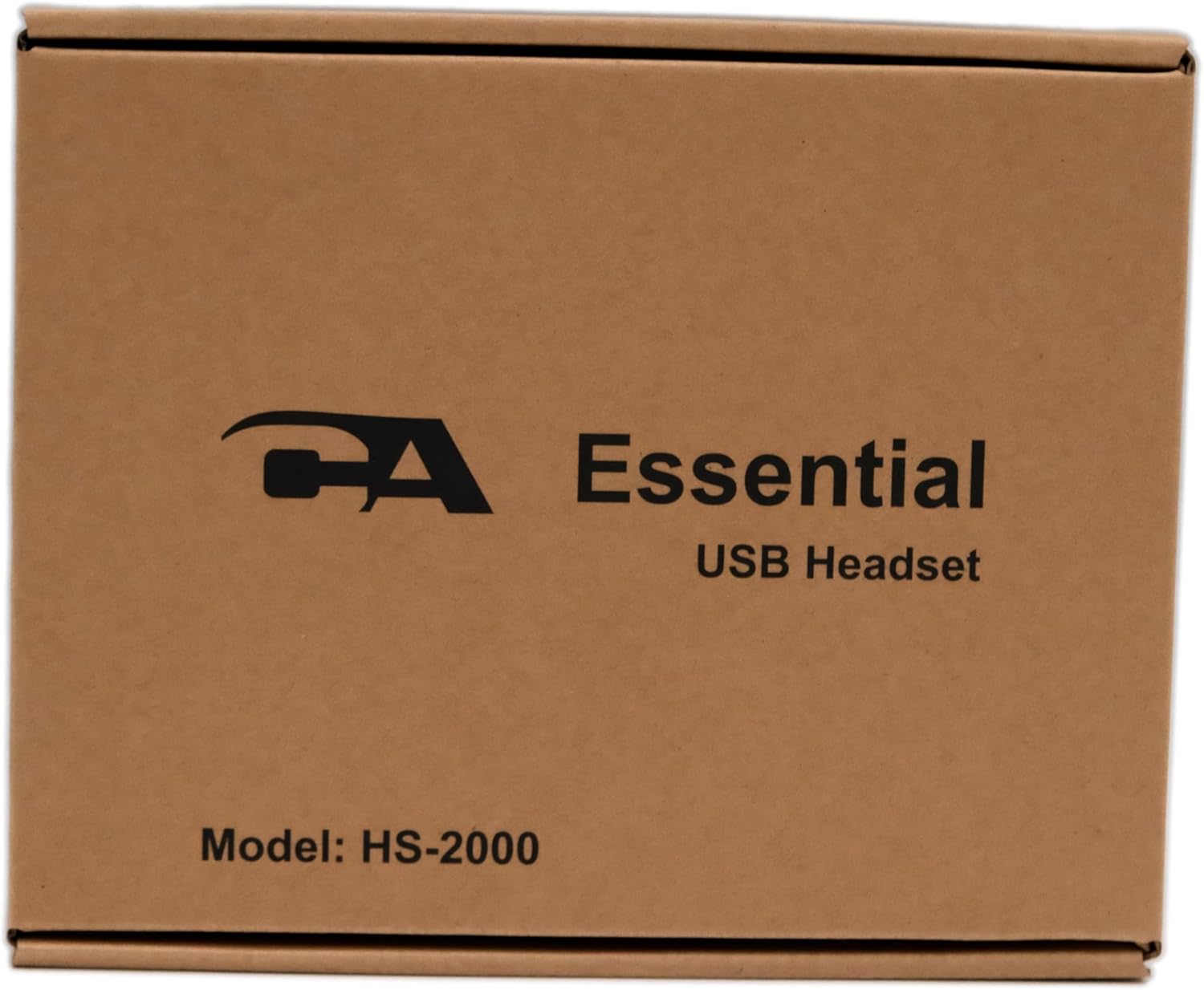
Front view of the product packaging, showing the 'CA Essential USB Headset' branding and 'Model: HS-2000'.
Back view of the product packaging, detailing package contents including the headset, user guide, and USB Type A to C adapter.
Key Features
- Professional Stereo USB Headset: Equipped with a microphone and passive noise cancellation, ideal for remote work or office environments.
- Unidirectional Noise Canceling Microphone: Minimizes ambient noise during speaking or recording. Features an integrated busy light to signal unavailability and an adjustable microphone boom.
- Integrated Ear Cup Controls: Conveniently located controls for volume adjustment (up/down), microphone mute, play/pause, and busy light activation. An LED on the USB plug indicates mute/unmute status.
- All-Day Comfort Design: Features an adjustable headband, soft padding, and easy-to-clean earpads and headband for extended wear. Includes a tangle-free cable.
- Plug and Play: Requires no software installation for immediate use. Compatible with USB-enabled devices including PCs, Macs, Chromebooks, tablets, and laptops.
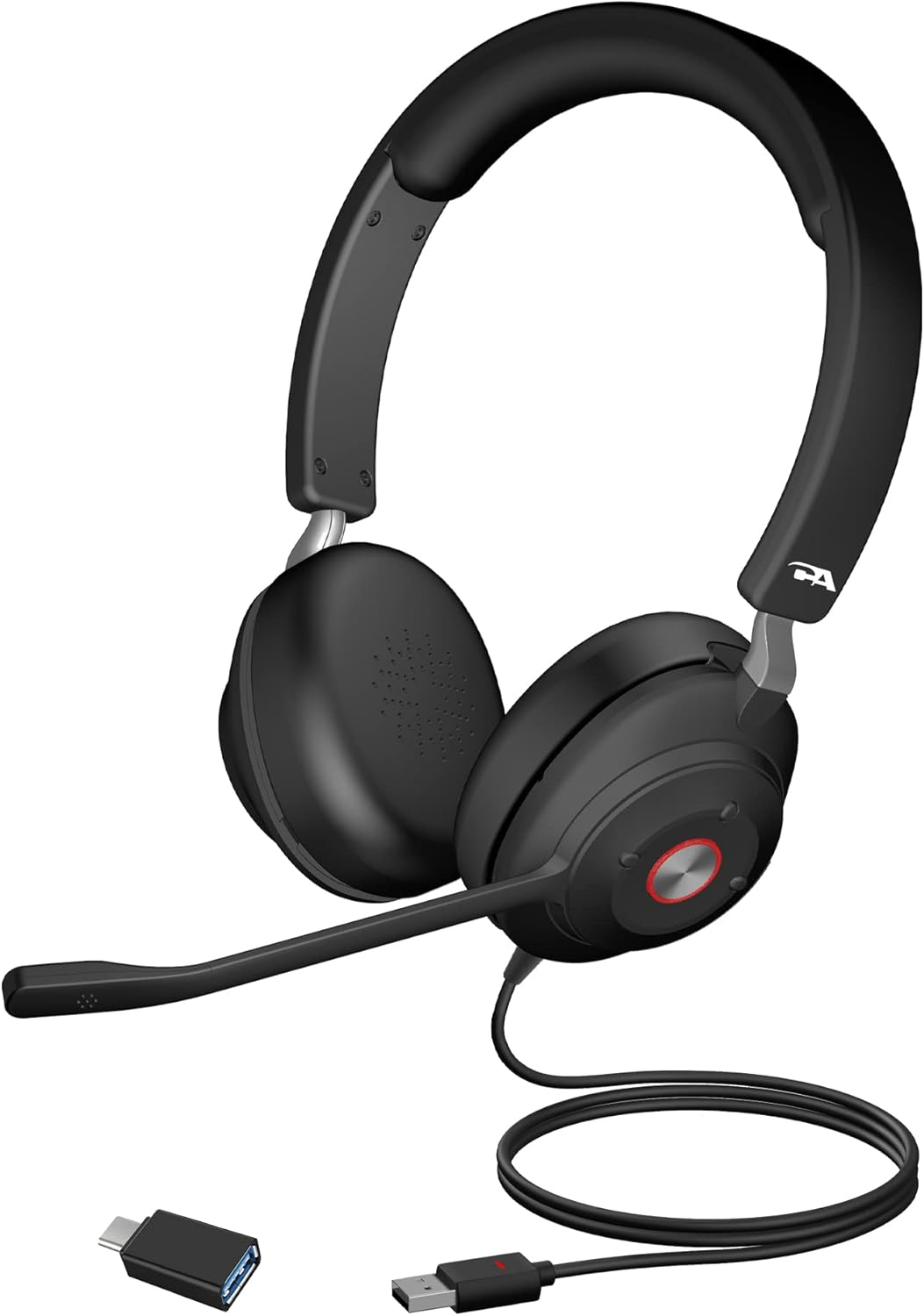
The Cyber Acoustics CA Essential USB Headset (HS-2000) shown with its included USB-A to USB-C adapter.

The headset features soft and breathable cushions for comfortable all-day wear.

Easy access controls are located on the earcup, and the microphone boom can be rotated to mute.
Setup
The CA Essential USB Headset is designed for simple plug-and-play functionality, requiring no additional software installation.
Connecting Your Headset
- Connect the USB-A plug of the headset directly to an available USB-A port on your PC, Mac, Chromebook, or USB-enabled tablet/laptop.
- If your device only has USB-C ports, use the included USB Type A to Type C adapter.
- The headset will be automatically recognized by your operating system.
Initial Audio Configuration (Windows 10 Example)
While the headset is plug-and-play, you may need to select it as your default audio input and output device in your system settings or communication application.
Official video from Cyber Acoustics demonstrating how to set up a USB headset on Windows 10. This video guides users through selecting the headset as the default audio device.
Operating Your Headset
Headset Controls
The headset features intuitive controls located directly on the earcup for easy access during calls or media playback:
- Volume Control: Use the dedicated buttons on the earcup to increase or decrease the audio volume.
- Play/Pause: A button on the earcup allows you to play or pause media playback.
- Microphone Mute: The microphone can be muted by rotating the boom arm upwards. An LED indicator on the USB plug will change color (e.g., red for muted) to show the mute status.
- Busy Light: An integrated busy light on the earcup signals to others when you are on a call or do not wish to be disturbed.
Official Cyber Acoustics video showcasing the features of the Premium USB Stereo Headset (HS-2000), including its controls and design.
Official Cyber Acoustics video highlighting the key features of the CA Essentials Professional Headset, such as the microphone and earcup controls.
Microphone Usage
The unidirectional noise-canceling microphone is designed to focus on your voice while minimizing background noise. The microphone boom is adjustable, allowing you to position it optimally for clear communication.
The microphone boom can be worn on either the left or right side of your head, simply rotate the headset to your preferred orientation.

The headset provides passive noise cancellation for noisy environments, ensuring high-quality sound for both calls and music.

The headset is compatible with various Unified Communications (UC) platforms, including Microsoft Teams, Skype for Business, and Zoom.
Maintenance
To ensure the longevity and optimal performance of your headset, follow these simple maintenance guidelines:
- Cleaning: The earpads and headband are designed to be easy to clean. Use a soft, damp cloth to wipe down surfaces. Avoid harsh chemicals or abrasive materials.
- Storage: Store the headset in a clean, dry place when not in use. Avoid extreme temperatures or direct sunlight.
- Cable Care: The tangle-free cable should be handled with care. Avoid sharp bends or excessive pulling to prevent damage.
Troubleshooting
If you encounter issues with your headset, try the following solutions:
- No Sound/Microphone Not Working:
- Ensure the headset is securely plugged into a working USB port.
- Check your computer's sound settings to confirm the headset is selected as the default output and input device.
- Verify that the microphone is not muted via the earcup control or by rotating the boom arm upwards. The LED on the USB plug should indicate an unmuted status.
- Poor Audio Quality:
- Adjust the volume using the earcup controls or your device's volume settings.
- Ensure the microphone boom is positioned correctly near your mouth for optimal voice pickup.
- While the headset offers passive noise cancellation, it may not completely eliminate all background noise in extremely loud environments.
- Headset Discomfort:
- Adjust the headband length to find a comfortable fit on your head.
- Ensure the earpads are properly positioned over your ears.
Specifications
| Feature | Detail |
|---|---|
| Model Name | Essential USB Headset |
| Item Model Number | HS-2000 |
| Brand | Cyber Acoustics |
| Connectivity Technology | Wired |
| Headphones Jack | USB |
| Frequency Response | 20 Hz - 20,000 Hz |
| Noise Control | Passive Noise Cancellation |
| Control Type | Volume Control, Play/Pause, Mic Mute, Busy Light |
| Compatible Devices | USB-enabled devices: PCs, Macs, Chromebooks, and USB-enabled tablets and laptops |
| Material | Foam |
| Item Weight | 8 Ounces |
| Product Dimensions | 7.48 x 6.5 x 1.65 inches |
| UPC | 646422301624 |
Warranty Information
For detailed warranty information regarding your Cyber Acoustics CA Essential USB Headset (HS-2000), please refer to the official warranty documentation included with your product or visit the Cyber Acoustics website. Warranty terms and conditions may vary.
Support
For further assistance, additional resources, or to contact customer support, please use the following:
- User Manual (PDF): Download User Manual
- Cyber Acoustics Brand Store: Visit Store


