
Product Overview
The Fluance Reference RT84 High Fidelity Vinyl Turntable, PA10 Phono Preamp, and Ai61 Powered Bookshelf Speakers combine to deliver an exceptional audio experience. This integrated system allows for high-fidelity vinyl playback and versatile music streaming via Bluetooth, all without requiring a separate amplifier.
Key Features:
- Exceptional Sound Performance: Savor the ultimate listening experience by pairing a fully loaded high fidelity turntable with endlessly versatile, room-filling 120-watt powered bookshelf speakers.
- Premium Turntable Components: Packed with high performance components including an Ortofon 2M Blue Cartridge, servo motor, high mass MDF wood plinth, metal platter, 3-point vibration isolation feet, and an S-type precision tonearm providing a pure analog sound.
- Raw Power Meets Sublime Sound: With an integrated 120W amplifier, these active speakers deliver a true stereo sound with refined detail and powerful room-filling stereo sound that elevates your musical experience.
- Uncompromised Phono Amplification & Equalization: Precisely converts the turntable phono signal to line level, featuring an ultra high-accuracy frequency response to faithfully reproduce the original recording to the RIAA standard.
- Simple Audio Setup: Easily switch between your vinyl records and streaming your favorite music apps through Bluetooth with this simple plug and play setup - no separate amp required.
Package Contents
Please ensure all items listed below are present in your package:

Figure 1: All components included in the Fluance Reference RT84 Turntable and Ai61 Speaker System package.
- Fluance Reference RT84 Turntable Plinth
- Aluminum Platter and Rubber Belt
- Platter Mat
- Headshell with Ortofon 2M Blue Cartridge
- Dust Cover & Hinges
- 3ft Ground Cable
- 3ft RCA Cable
- Gloves
- Motor Pulley Cover
- 45 Adapter
- Counterweight
- Bubble Level
- 5ft Power Adapter (for speakers)
- PA10 Phono Preamp
- Preamp Power Adapter
- Active & Passive Ai61 Bookshelf Speakers
- Remote Control
- 6ft Power Cable (for turntable)
- 8ft 18 Gauge Speaker Wire
Setup Guide
1. Turntable Assembly:
- Carefully remove all components from the packaging.
- Place the turntable plinth on a stable, level surface. Use the included bubble level to ensure proper leveling.
- Install the platter onto the spindle.
- Attach the rubber belt to the motor pulley and the inner rim of the platter.
- Mount the headshell with the Ortofon 2M Blue cartridge onto the S-type tonearm.
- Attach the counterweight to the rear of the tonearm and adjust it for proper tracking force as per the cartridge specifications (typically 1.8g for Ortofon 2M Blue). Refer to the cartridge manufacturer's guide for precise adjustment.
- Install the dust cover and hinges.
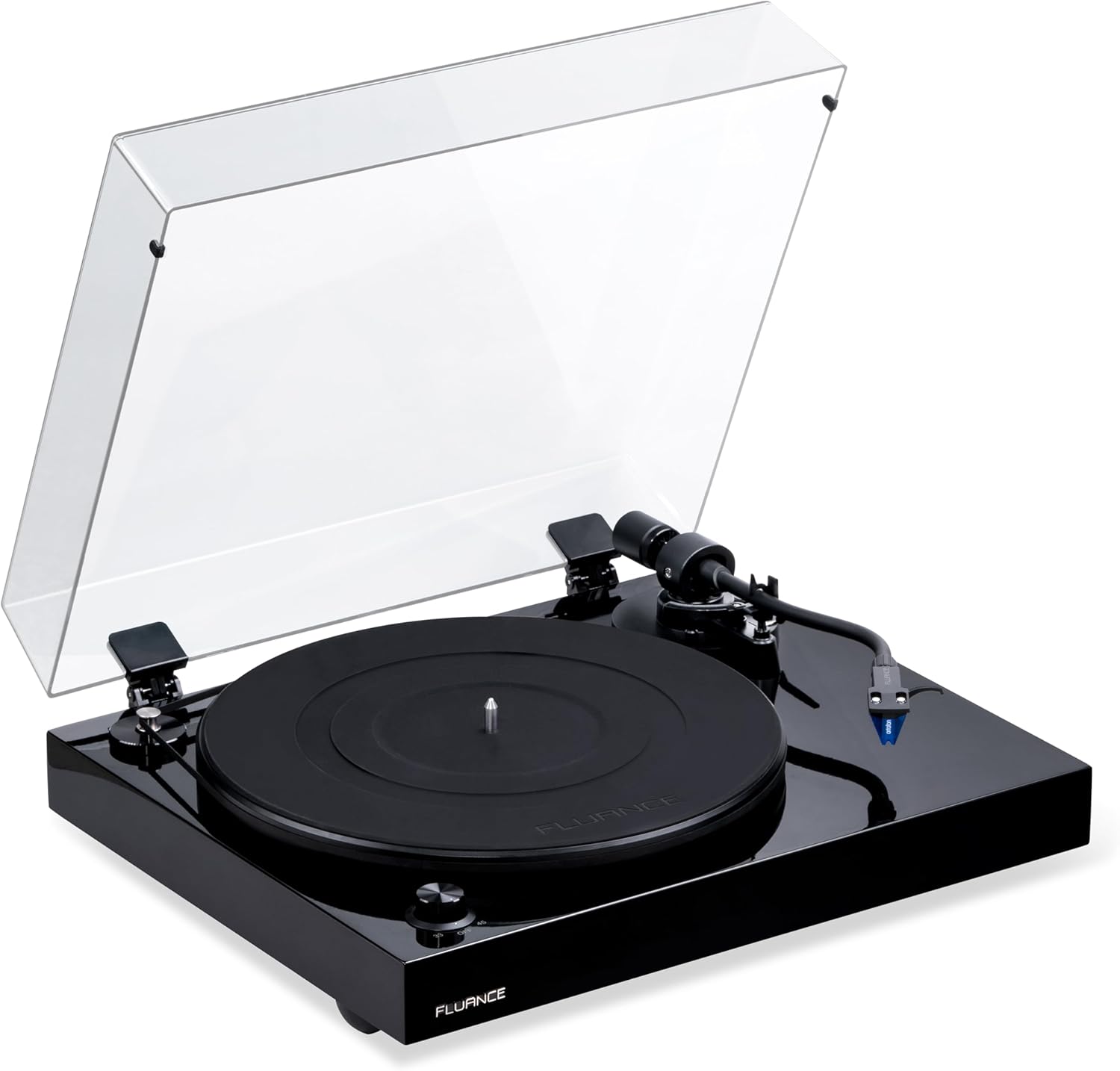
Figure 2: Fluance RT84 Turntable with dust cover.
2. Speaker Placement:
Position the Ai61 powered bookshelf speakers on a flat, stable surface, ideally at ear level when seated. For optimal stereo imaging, place them equidistant from your listening position and spaced appropriately apart.
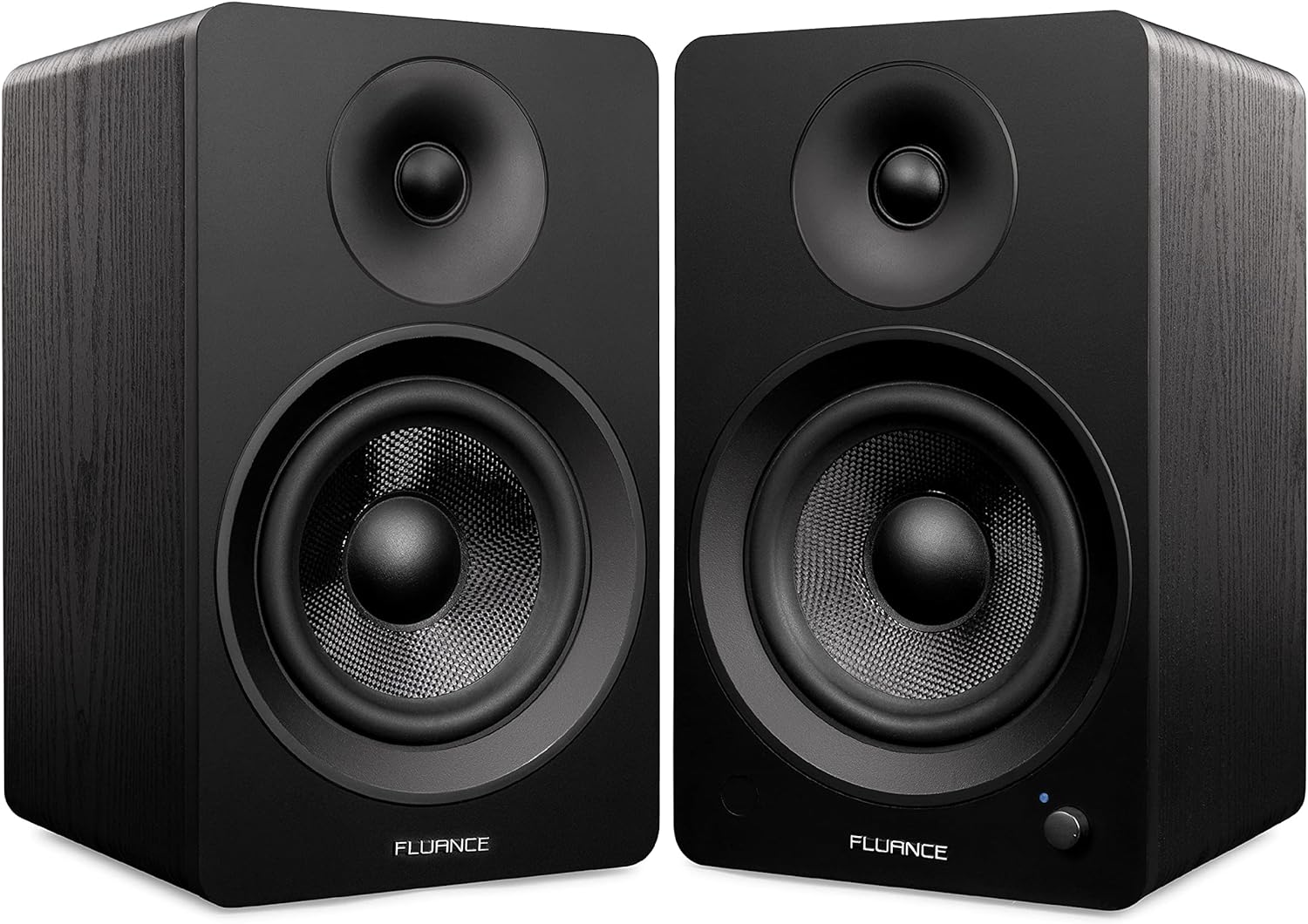
Figure 3: Fluance Ai61 Powered Bookshelf Speakers.
3. Connecting Components:
- Connect the turntable's RCA output to the PA10 Phono Preamp's input using the supplied RCA cable.
- Connect the turntable's ground wire to the ground terminal on the PA10 Phono Preamp.
- Connect the PA10 Phono Preamp's output to the RCA input on the active Ai61 speaker.
- Connect the active Ai61 speaker to the passive Ai61 speaker using the included speaker wire. Ensure correct polarity (+ to + and - to -).
- Connect the power adapters to the PA10 Phono Preamp and the active Ai61 speaker, then plug them into a power outlet.
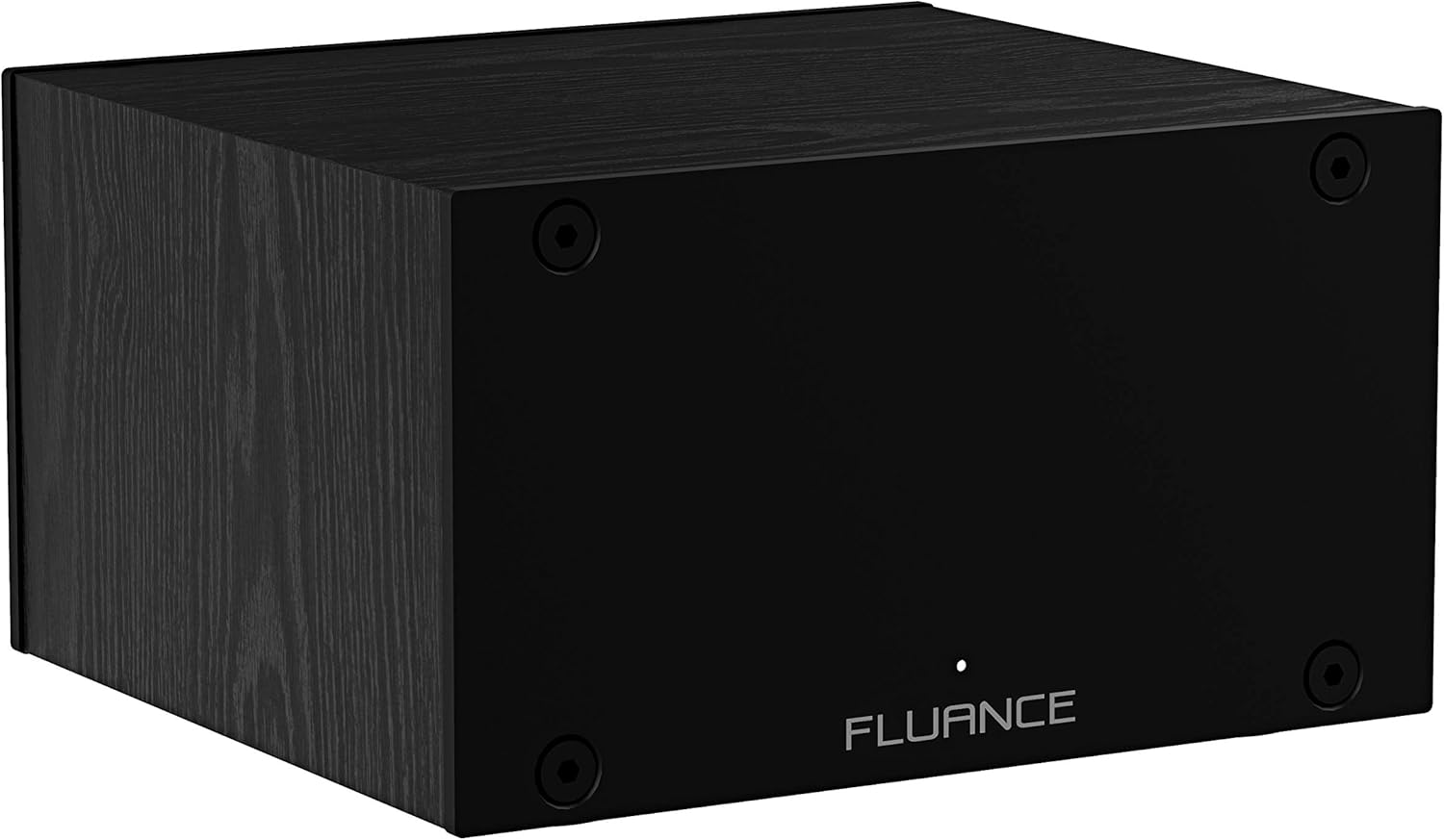
Figure 4: Fluance PA10 Phono Preamp.
Video 1: An overview of the Ai41 Powered 5" Stereo Bookshelf Speakers, demonstrating their features and connectivity options. This video highlights the versatility and sound quality of Fluance powered speakers, similar to the Ai61 model.
Operating Instructions
1. Playing Vinyl Records:
- Place a vinyl record on the turntable platter.
- Select the appropriate speed (33 1/3 or 45 RPM) using the speed selector switch on the turntable.
- Turn on the Ai61 speakers using the power knob.
- Using the remote control, select the RCA input source.
- Carefully lift the tonearm using the cueing lever and position the stylus over the desired groove of the record.
- Lower the tonearm gently using the cueing lever. The music will begin to play.
- Adjust the volume using the knob on the active speaker or the remote control.
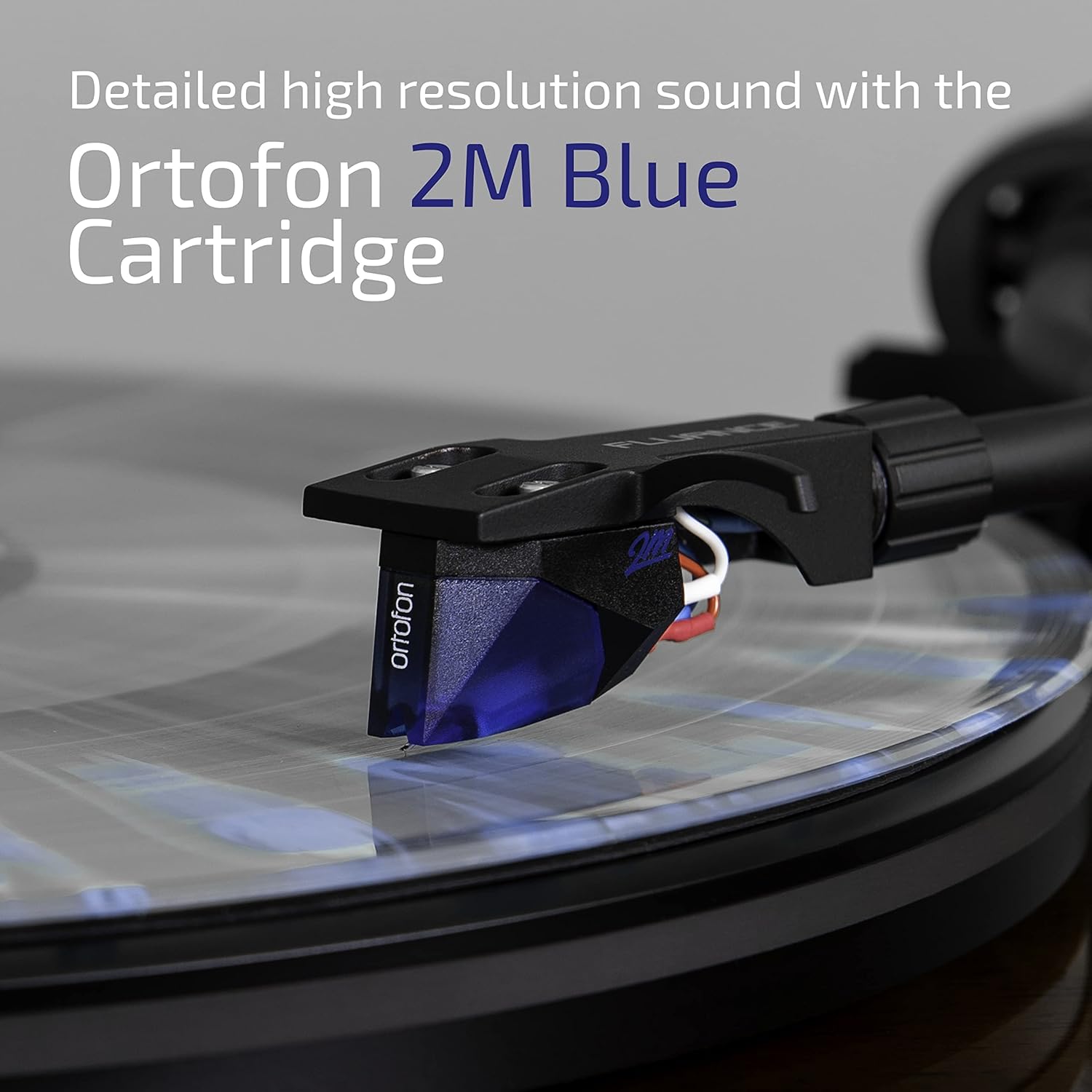
Figure 5: Ortofon 2M Blue Cartridge for detailed sound.
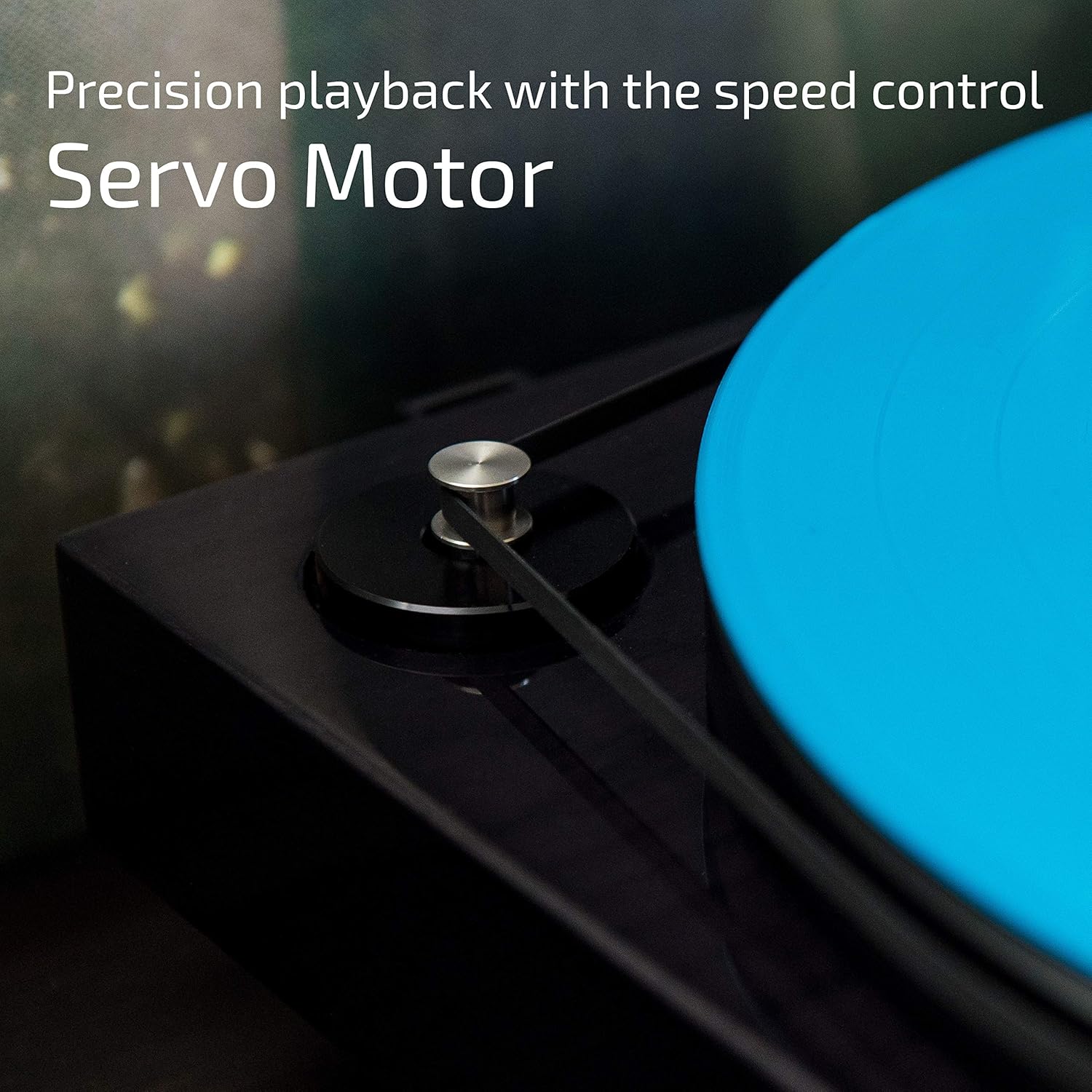
Figure 6: Turntable Servo Motor for precise speed control.
2. Bluetooth Streaming:
- Turn on the Ai61 speakers.
- Using the remote control, select the Bluetooth input source. The Bluetooth indicator light on the active speaker will begin to flash.
- On your Bluetooth-enabled device (e.g., smartphone, tablet), search for "Fluance Ai61" in the Bluetooth settings.
- Select "Fluance Ai61" to pair. Once paired, the indicator light will turn solid blue.
- Begin playing audio from your device.
3. Adjusting Sound (EQ):
Use the included remote control to adjust the bass and treble levels to customize your listening experience. Press the 'Bass' or 'Treble' buttons to increase or decrease the respective frequencies.
Maintenance
1. Turntable Care:
- Keep the dust cover closed when not in use to prevent dust accumulation on the platter and stylus.
- Clean the stylus regularly with a soft brush designed for turntable styli, brushing from back to front.
- Wipe the plinth and dust cover with a soft, dry, lint-free cloth. Avoid abrasive cleaners.
- Periodically check the drive belt for wear and tear. Replace if necessary.

Figure 7: Turntable Plinth with Sound Isolation Feet.
2. Speaker Care:
- Wipe the speaker cabinets with a soft, dry cloth. Do not use liquid cleaners directly on the drivers.
- Ensure proper ventilation around the active speaker to prevent overheating.

Figure 8: Ai61 Speaker with Integrated Amplifier.
Troubleshooting
| Problem | Possible Cause | Solution |
|---|---|---|
| No sound from speakers | Power not connected; incorrect input selected; volume too low; speaker wires loose. | Ensure all power cables are securely connected and speakers are on. Select correct input source (RCA for turntable, Bluetooth for streaming). Increase volume. Check speaker wire connections between active and passive speakers. |
| Turntable not spinning | Power not connected; drive belt dislodged or broken. | Ensure turntable power cable is connected. Check if the drive belt is properly seated around the motor pulley and platter. |
| Distorted or muffled sound | Dirty stylus; incorrect tracking force; damaged record; incorrect phono preamp connection. | Clean the stylus. Re-adjust tracking force. Try a different record. Ensure turntable is connected to the PA10 preamp, and the preamp is connected to the speakers' RCA input. |
| Humming noise | Ground wire not connected; interference from other electronics. | Ensure the turntable's ground wire is securely connected to the PA10 Phono Preamp. Move components away from other electronic devices. |
| Bluetooth not pairing | Speakers not in pairing mode; device too far; interference. | Ensure speakers are set to Bluetooth input and indicator is flashing. Move your device closer to the speakers. Try restarting both the speakers and your Bluetooth device. |
Specifications
- Product Dimensions: 23.45 x 16.5 x 13.1 inches
- Item Weight: 42.9 pounds
- Item Model Number: RT84TPA61
- Batteries: 2 AAA batteries required (included for remote)
- Connectivity Technology: Wired, Wireless (Bluetooth)
- Color: Black / Black
- Power Source: Corded Electric
- On-mode power consumption: 120 watts
Warranty and Support
Fluance products are designed for performance and reliability. For detailed warranty information and customer support, please refer to the official Fluance website or the full user manual PDF.
- Official User Manual (PDF): Download Here
- Fluance Audio Seller Page: Visit Fluance Audio on Amazon
- Brand Store: Explore the Fluance Brand Store


