
1. Introduction
The I2GO PRO 10W Wireless Charger utilizes Qi standard wireless charging technology. Its design is lightweight, discreet, and compact, featuring a non-slip, secure base. This charger is suitable for use in various environments, including homes and offices.
This manual provides essential information for the safe and efficient operation of your wireless charger. Please read it thoroughly before use and retain it for future reference.
2. Package Contents
- 1 x I2GO PRO 10W Wireless Charger
- 1 x Micro USB Cable (30cm)
- 1 x User Manual (this document)

Image: Product packaging and included micro USB cable.
3. Setup
- Connect the Charger: Insert the micro USB end of the provided cable into the charging port on the wireless charger.
- Power Source: Connect the USB-A end of the cable to a compatible power adapter (not included). For optimal performance and fast charging, a QC 2.0, QC 3.0, or Power Delivery/Fast Charge adapter is required. For standard 5W charging, a 5V/2A adapter is needed.
- Placement: Place the wireless charger on a flat, stable surface. Ensure there are no metallic objects between the charger and the device to be charged.
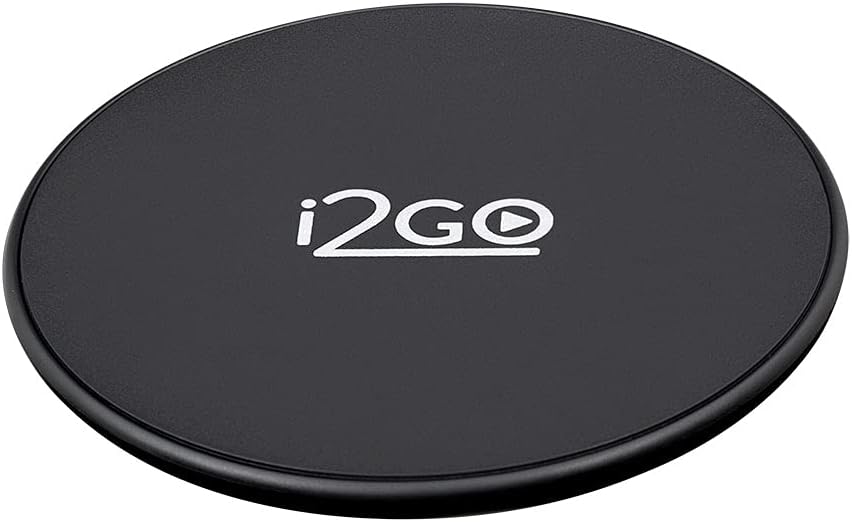
Image: Top view of the I2GO PRO wireless charger.
4. Operating Instructions
- Initiate Charging: Place your Qi-compatible device (smartphone, earbuds, etc.) directly onto the center of the wireless charger.
- LED Indicator:
- Red LED: Indicates the charger is in standby mode.
- Blue LED: Indicates the device is actively charging.
- Optimal Charging: Ensure your device is centered on the charging pad for efficient power transfer. Remove any thick cases or metallic attachments from your device before charging, as these can interfere with wireless charging.
- Charging Completion: Your device's screen will indicate when charging is complete. Remove the device from the charger once fully charged.
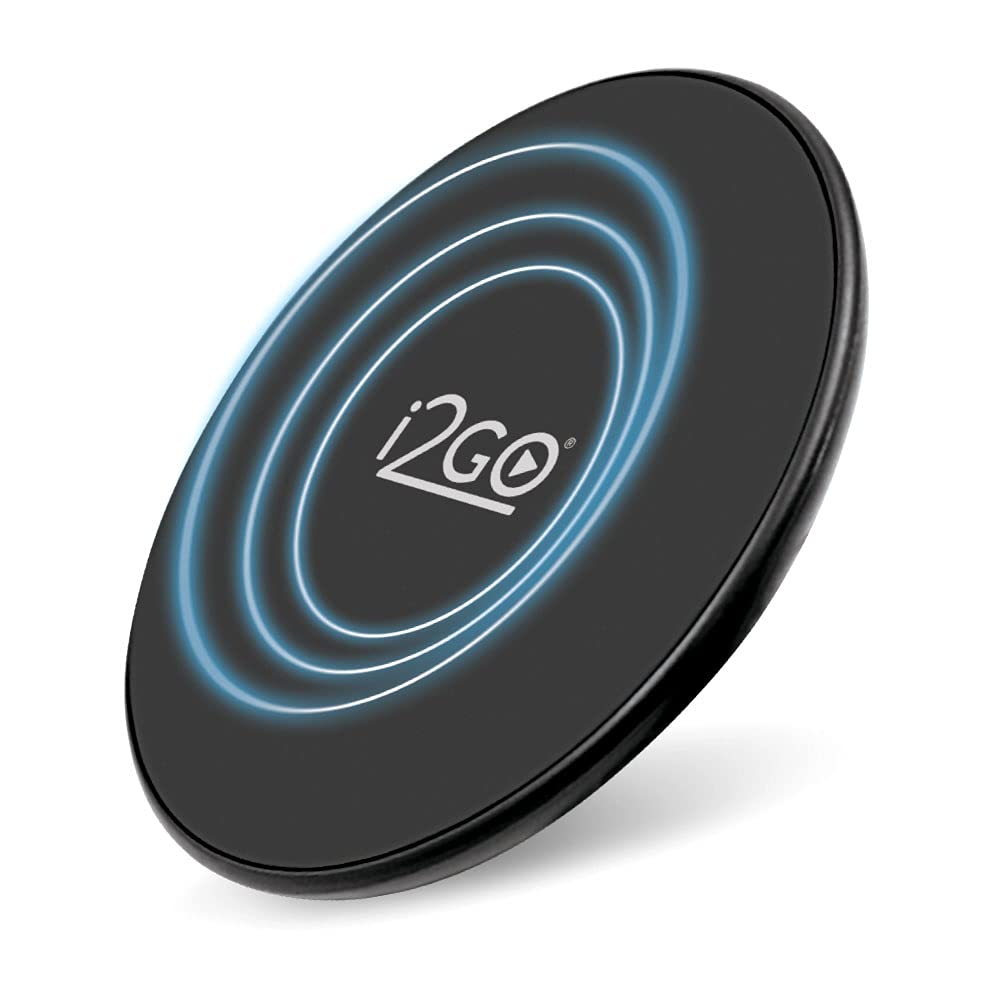
Image: A smartphone placed on the wireless charger, indicating active charging.
Video: Demonstrates the unboxing and basic use of the I2GO PRO 10W Wireless Charger, highlighting its features and ease of use.
5. Compatibility
The I2GO PRO 10W Wireless Charger is compatible with Qi-enabled devices and supports various charging speeds:
- 10W Fast Charge: Compatible with Samsung devices such as S20 Ultra, S20+, S20, S10+, S10, S10e, S9+, S9, S8+, S8, Note 10, Note 9, Note 8. Requires a QC 2.0, QC 3.0, or Power Delivery/Fast Charge adapter.
- 7.5W Fast Charge: Compatible with iPhone models including iPhone 12 Pro Max, 12 Pro, 12, 12 Mini, 11 Pro Max, 11 Pro, 11, XS Max, XS, XR, X, 8 Plus, 8. Requires a QC 2.0, QC 3.0, or Power Delivery/Fast Charge adapter.
- 5W Standard Charging: Compatible with devices like LG V50, V40, V30+, V30, G8, G7, Sony Xperia XZ3, and other Qi-compatible devices. Requires a 5V/2A adapter.
- Earbud Charging: Compatible with AirPods Pro, AirPods 2, Galaxy Buds+, Galaxy Buds, Pixel Buds. Requires a 5V/2A adapter.

Image: Charger features including 10W power, Qi technology, and universal compatibility.
6. Specifications
| Material | ABS |
| Input | 5V 2A | 9V 1.5A (13.5W) |
| Output | 5V 1A | 9V 1.1A (10W max) |
| Charging Efficiency | > 80% |
| Charging Distance | 3 - 8mm |
| Frequency | 110 - 205kHz |
| Charging Power | 10W / 7.5W / 5W |
| Compatible Standard | Qi |
| LED Indicator | Red (Standby), Blue (Charging) |
| QC Support | QC3.0 |
| Charging Cable | Micro USB (30cm) |
| Color | Black |
| Certifications | ROHS, FCC, CE standard, ANATEL: 16180-22-14054 |
| Product Dimensions | 8 x 10 x 10 cm |
| Product Weight | 110 g |
7. Troubleshooting
- Device not charging:
- Ensure the charger is properly connected to a power source and the LED indicator is red (standby).
- Verify your device is Qi-compatible.
- Reposition your device on the center of the charging pad.
- Remove any thick phone cases (over 3mm) or metallic objects/attachments from your device.
- Try a different power adapter (ensure it meets the required voltage/amperage for your desired charging speed).
- Check if the charging cable is securely connected and undamaged.
- Slow charging:
- Ensure you are using a QC 2.0, QC 3.0, or Power Delivery/Fast Charge adapter for 10W/7.5W charging. A standard 5V/2A adapter will only provide 5W charging.
- Confirm your device supports fast wireless charging.
- Check for proper alignment of the device on the charging pad.
- Remove any obstructions like thick cases.
- LED not lighting up:
- Check the power connection to the charger.
- Try a different USB cable or power adapter.
8. Maintenance
- Cleaning: Use a soft, dry cloth to clean the surface of the charger. Do not use harsh chemicals or abrasive materials.
- Storage: Store the charger in a cool, dry place away from direct sunlight and extreme temperatures.
- Handling: Avoid dropping or subjecting the charger to strong impacts. Do not disassemble or attempt to repair the device yourself.
- Water Exposure: Keep the charger away from water and other liquids.
9. Warranty and Support
Warranty: The I2GO PRO 10W Wireless Charger is guaranteed against manufacturing defects for 1 year from the date of purchase. You can activate an additional 2 years of warranty, totaling 3 years, by registering your product. Please refer to the official I2GO website for registration details and terms and conditions.
Support: For technical assistance, troubleshooting, or warranty claims, please contact I2GO customer support through their official website or the contact information provided with your purchase.
Manufacturer: I2GO
ANATEL Certification: 16180-22-14054


