
Introduction
This instruction manual provides comprehensive guidance for the installation and operation of your Start-X Remote Starter Kit, designed specifically for Toyota Tundra (2020-2021) vehicles equipped with push-to-start ignition. This kit allows you to remotely start and stop your vehicle using your existing factory key fob, enhancing comfort by pre-conditioning your vehicle's interior before entry.
Product Compatibility and Requirements
- Vehicle Compatibility: Toyota Tundra (2020-2021) models.
- Ignition Type: Exclusively for vehicles with push-to-start ignition. Not compatible with key blade ignition systems.
- Transmission: Automatic transmission only.
- Fuel Type: Gas only.
- Factory Remote: Your existing factory remote key fob is required for operation. No additional remote is included with this kit.
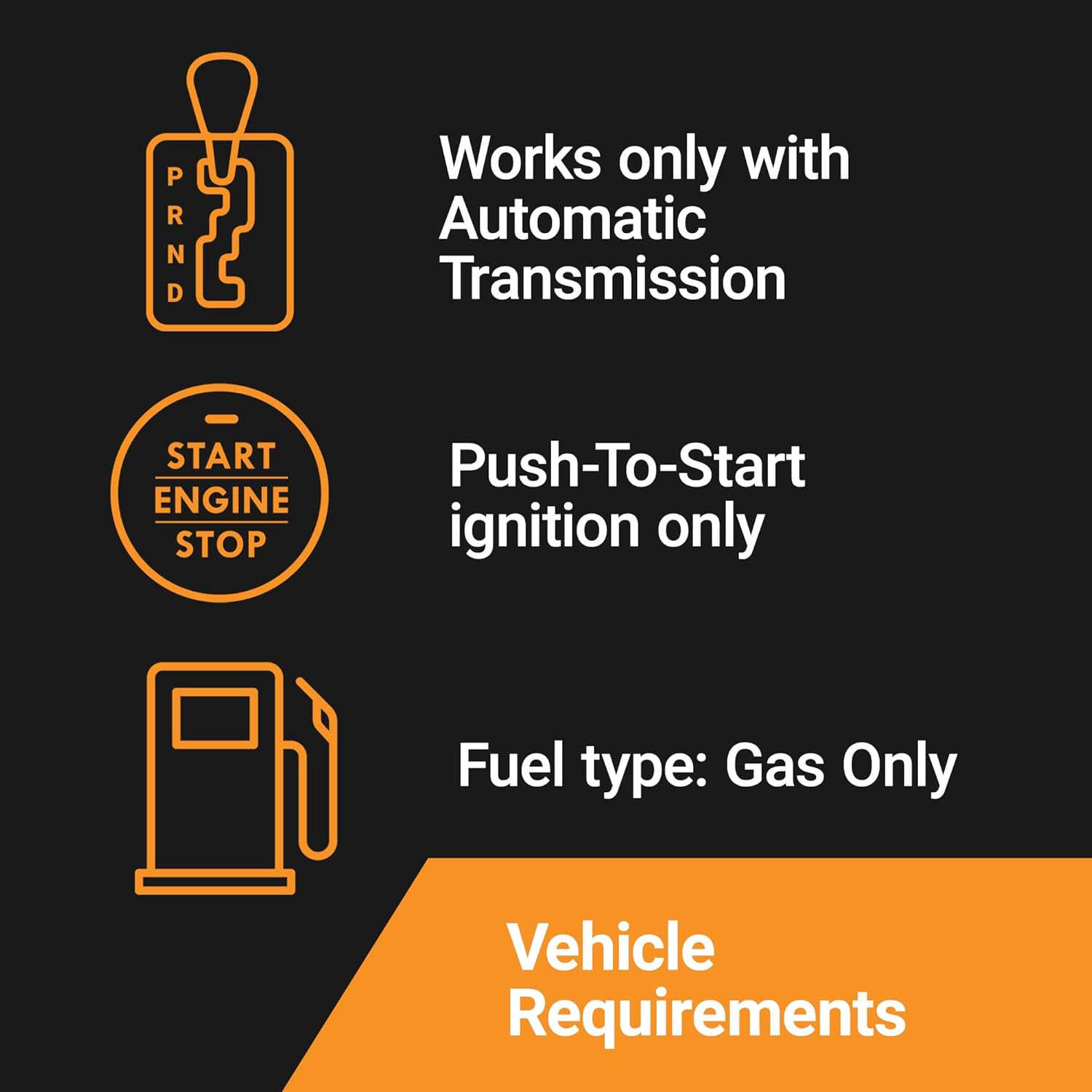
Image: Visual representation of vehicle requirements: Automatic Transmission, Push-To-Start ignition, and Gas fuel type.
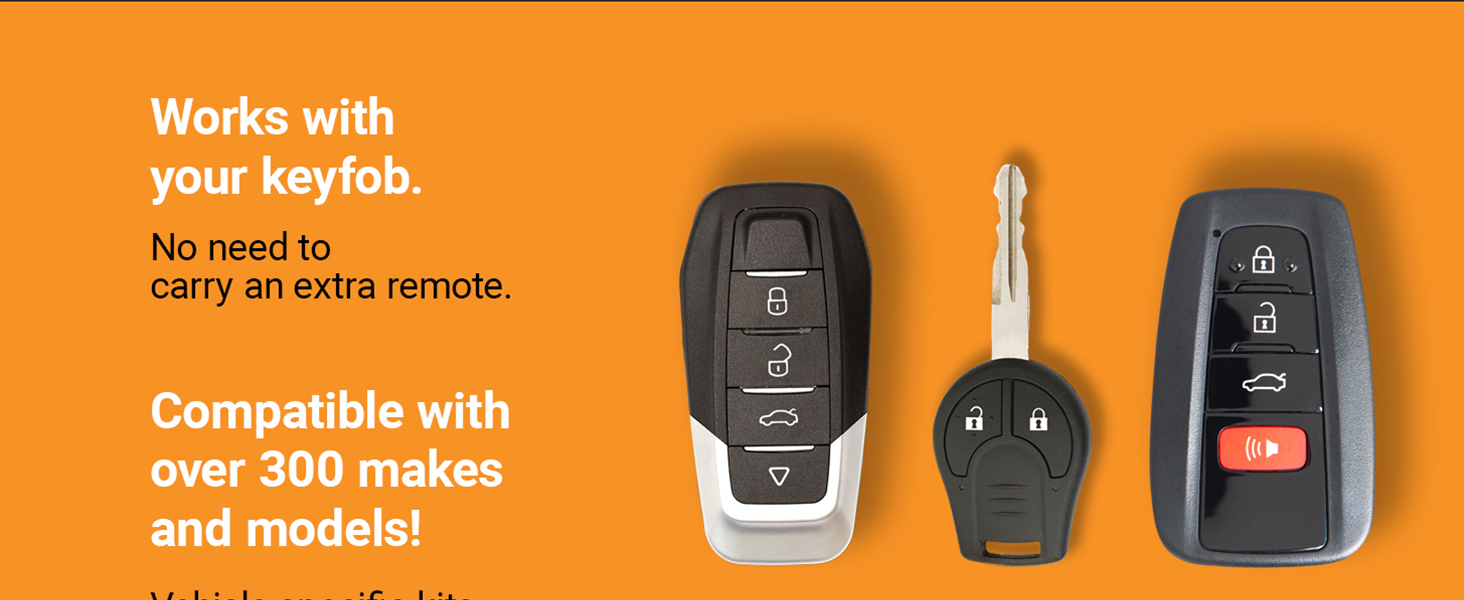
Image: The remote starter works with your existing factory key fob.
Package Contents
Your Start-X Remote Starter Kit includes the following components:
- Remote Start Module
- Vehicle Connection T-Harness
- Pry Tool
- Zip Ties
- Installation Guide
- Welcome Card
- Warning Sticker

Image: All components included in the Start-X Remote Starter Kit.
Installation Instructions
The Start-X Remote Starter Kit features a plug-and-play T-harness design, eliminating the need for wire cutting or splicing. Follow these steps carefully for a successful installation. Some vehicle disassembly may be required to access connection points.
Video: Detailed installation guide for the Start-X Remote Starter Kit in a Toyota Tundra 2020+ Push-to-Start model. This video covers all installation steps from accessing the wiring to securing the module.
Step 1: Access the Passenger Side Under-Glove Box Area
Begin by heading to the passenger side of your vehicle. Locate the plastic tray underneath the glove box. This tray needs to be removed to access the vehicle's wiring. (Refer to the installation video from 0:23 to 1:02 for visual guidance.)
To remove the plastic tray, push the tabs inward. The tray will then come down, revealing the wiring and components above it.
Step 2: Locate and Disconnect the DCM Port
Once the tray is removed, you will see various wiring harnesses. Identify the DCM (Data Communication Module) port. This port is typically located in the area above where the plastic tray was removed. (Refer to the installation video from 1:02 to 1:17 for visual guidance on locating the port.)
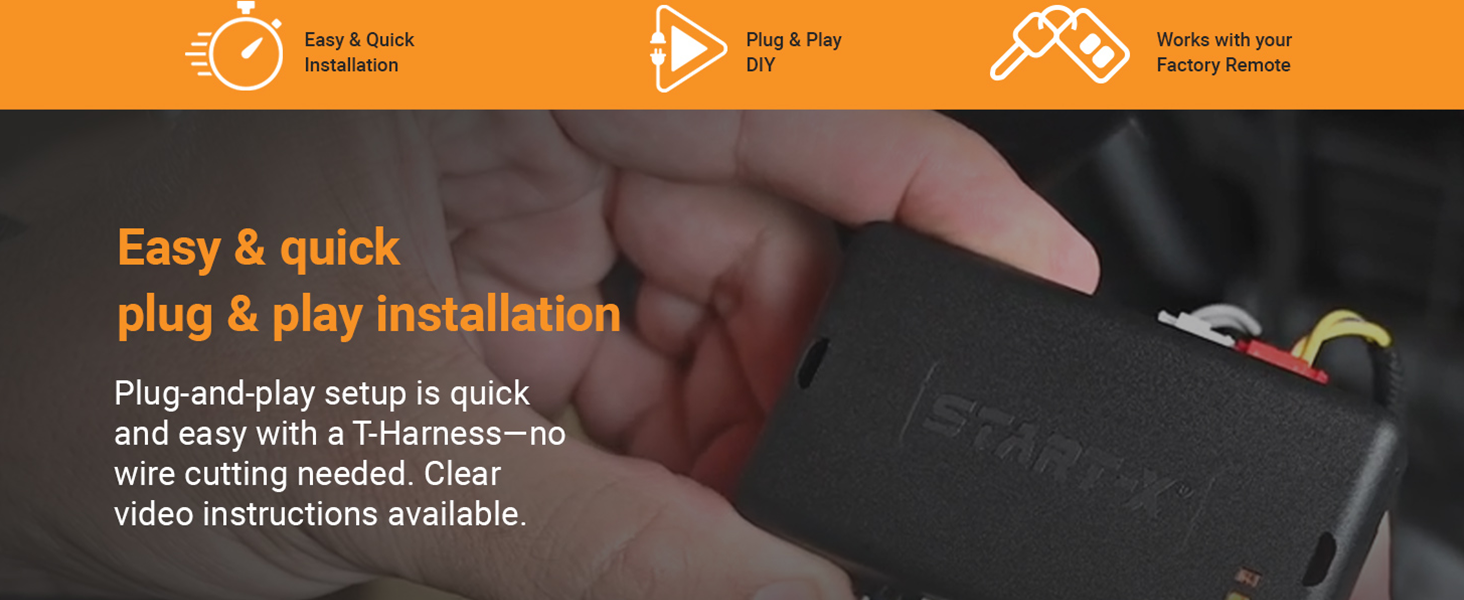
Image: Illustration of the plug-and-play installation process with the T-Harness.
Carefully disconnect the existing harness from the DCM port. Ensure you press any release tabs firmly to avoid damage. (Refer to the installation video from 1:17 to 1:30 for disconnecting the harness.)
Step 3: Connect the T-Harness
Take your Start-X T-Harness. Plug one end of the T-Harness into the vehicle's DCM port where you just disconnected the original harness. Then, plug the original vehicle harness into the corresponding connector on the T-Harness. Listen for a distinct "click" to confirm each connection is secure. (Refer to the installation video from 1:30 to 1:50 for connecting the T-Harness.)

Image: Hands connecting the Start-X module and T-harness.
Step 4: Program the Module
After connecting the T-Harness, the module needs to be programmed to your vehicle. Refer to the detailed programming instructions provided in your physical installation guide. This typically involves a sequence of button presses and observing LED indicators on the module. (The installation video from 1:50 to 2:06 mentions referring to the guide for programming instructions.)
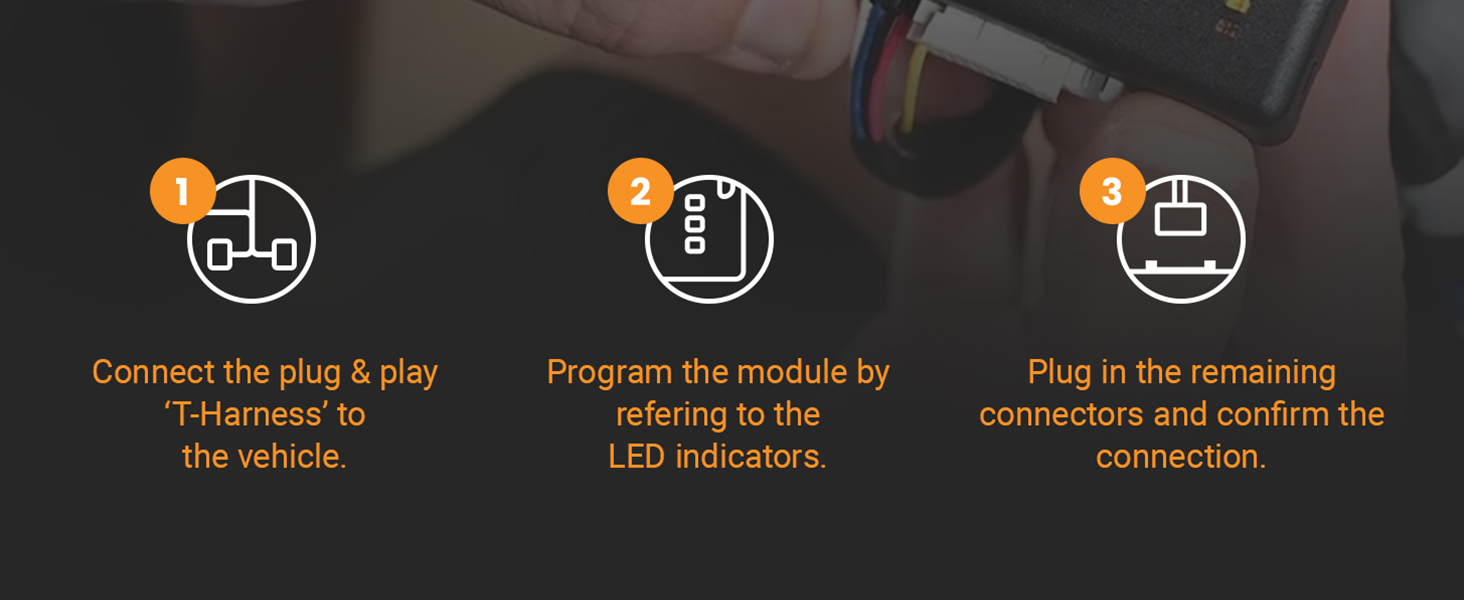
Image: Simplified 3-step installation process: Connect, Program, Confirm.
Step 5: Secure the Module and T-Harness
Once programming is complete and verified, use the provided zip ties to secure the remote start module and the T-Harness. Ensure they are positioned away from moving parts, heat sources, and any areas where they might be pinched or damaged. Reinstall any removed panels or trays. (Refer to the installation video from 2:07 to 2:14 for securing the module with zip ties.)
Operating Instructions
To operate your Start-X Remote Starter Kit, use your existing factory key fob:
- To Remote Start: Press the "Lock" button on your factory key fob three (3) times consecutively. The vehicle's lights will flash, and the engine will start.
- To Remote Stop: To turn off the vehicle after a remote start, press the "Lock" button on your factory key fob three (3) times consecutively again.
- Driving After Remote Start: When you enter the vehicle after a remote start, the engine will shut down as a safety precaution when a door is opened. You must restart the vehicle using the push-to-start button before driving.
- Range: The remote start distance is limited to the effective range of your factory key fob. For extended range, consider an optional Start-X range extender kit (sold separately).

Image: Remote starting your vehicle for comfort in both winter and summer conditions.

Image: Start your vehicle from the comfort of your home or office.
Troubleshooting
- Vehicle Does Not Start:
- Ensure all connections are secure and clicked into place.
- Verify the module was programmed correctly according to the installation guide.
- Check your vehicle's battery. A low battery can prevent remote start.
- Confirm your vehicle meets all compatibility requirements (push-to-start, automatic, gas).
- Vehicle Shuts Down When Door is Opened: This is a normal safety feature. The vehicle is designed to shut off when a door is opened after a remote start. Restart the vehicle manually to drive.
- Reduced Remote Start Range: The range is dependent on your factory key fob. Obstructions, weather, and battery level of your key fob can affect range. Consider a Start-X range extender kit for improved distance.
- Module LED Indicators: Refer to your specific installation guide for the meaning of different LED light patterns on the module, which can help diagnose issues.
Specifications
| Feature | Detail |
|---|---|
| Model Number | TundraDCM |
| Item Weight | 9.1 ounces |
| Package Dimensions | 8.11 x 4.13 x 2.32 inches |
| Manufacturer | Start-X |
| Installation Type | Plug & Play T-Harness |
| Remote Operation | Factory Key Fob (Lock 3X) |
Warranty and Support
Start-X products are designed for reliability and ease of use. For technical assistance, installation questions, or troubleshooting, please contact the Start-X customer support team. Refer to your welcome card or the Start-X website for contact information.


