
Introduction
This manual provides detailed instructions for the installation and operation of your Start-X Remote Starter Kit for Toyota Highlander (2020-2021) non-hybrid vehicles. This kit allows you to remotely start your vehicle, enhancing comfort by pre-heating or cooling the interior before entry.
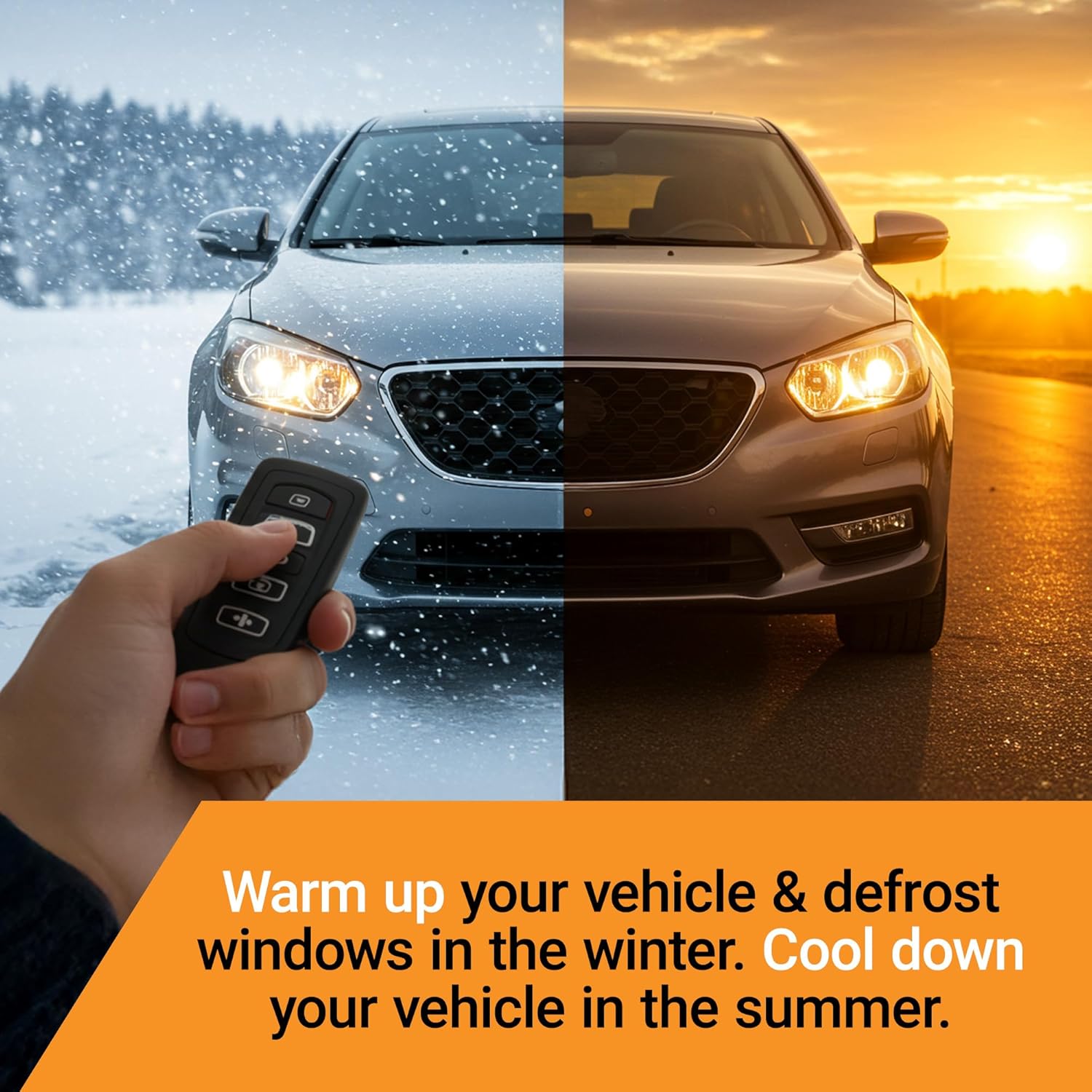
Warm up your vehicle and defrost windows in winter, or cool down your vehicle in summer.
Vehicle Compatibility
This remote starter kit is specifically designed for:
- Toyota Highlander (2020-2021) models.
- Vehicles equipped with push-to-start ignition only.
- Not compatible with hybrid models.
- For gas and automatic transmission vehicles only.
- Requires your existing factory remote (OEM key fob) for operation. No additional remote is included in this kit.
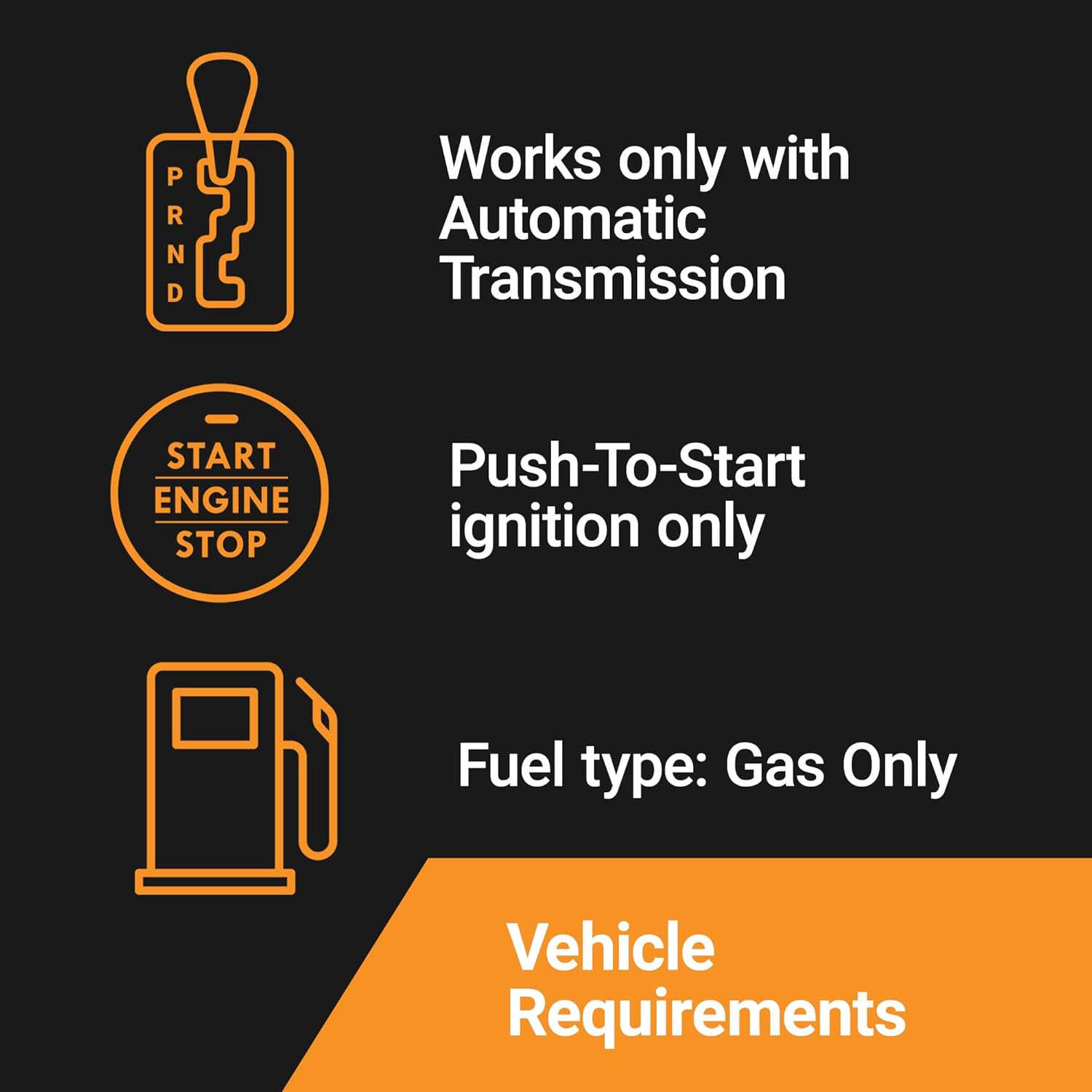
Ensure your vehicle meets these requirements for proper functionality.
Package Contents
The Start-X Remote Starter Kit includes the following components:
- Remote Start Module
- Vehicle Connection T-Harness
- Pry Tool
- Zip Ties
- Installation Guide
- Welcome Card
- Warning Sticker

Verify all components are present before beginning installation.
Safety Precautions
Please observe the following safety precautions during and after installation:
- As a safety measure, the vehicle will shut down if any door is opened after being remotely started. The vehicle must be restarted manually before driving.
- Ensure the vehicle is in Park and the parking brake is engaged before attempting remote start.
- Always ensure the vehicle is in a well-ventilated area when using remote start to avoid carbon monoxide buildup.
Installation Guide
This kit features a plug-and-play T-harness design, eliminating the need for wire cutting or splicing. For a detailed visual guide, please refer to the official installation video below. Some vehicle disassembly may be required.
Official Start-X installation video for Toyota Highlander 2020+ Push-to-Start models. This video demonstrates the step-by-step process for installing the remote starter kit.
Key Installation Steps:
- Remove Center Console Trim: Carefully remove the center console trim around the gear shifter. Begin by gently prying up the cup holder section. Then, pull down the leather part of the gear shifter to expose a metal clip. Remove this clip using a small screwdriver. Once the clip is removed, the top of the gear shifter can be pulled off. Next, unclip and remove the side panel of the center console on the driver's side. Unscrew the Phillips screw located on the black plastic piece on the left side and remove the plastic part.
- Disconnect and Connect T-Harness: Locate the colorful connector in the center console area. Disconnect this connector. Insert the provided T-harness in-line with the disconnected connectors, ensuring both ends click securely into place.
- Programming the Module: After connecting the T-harness, turn on the car, shift the gear into Neutral, then press down on the plastic piece on top of the gear shifter. Remove the plastic piece, shift back to Park, and turn off the car. Refer to the detailed programming instructions provided in the guide for specific steps to program the module.
- Secure the Module: Use the provided zip ties to secure the remote start module and T-harness within the console, ensuring they are not interfering with any moving parts or other components.
- Reassemble: Reassemble all removed console parts in reverse order of disassembly, ensuring all clips and screws are properly secured.
Operating Your Remote Starter
To start your vehicle remotely, use your existing factory key fob:
- Press the 'Lock' button on your OEM key fob three (3) times consecutively.
- The vehicle will start and run for a preset duration.
- To turn off the vehicle remotely, press the 'Lock' button three (3) times again.
The remote start distance is the same as the distance you can lock/unlock your vehicle with your factory key fob.
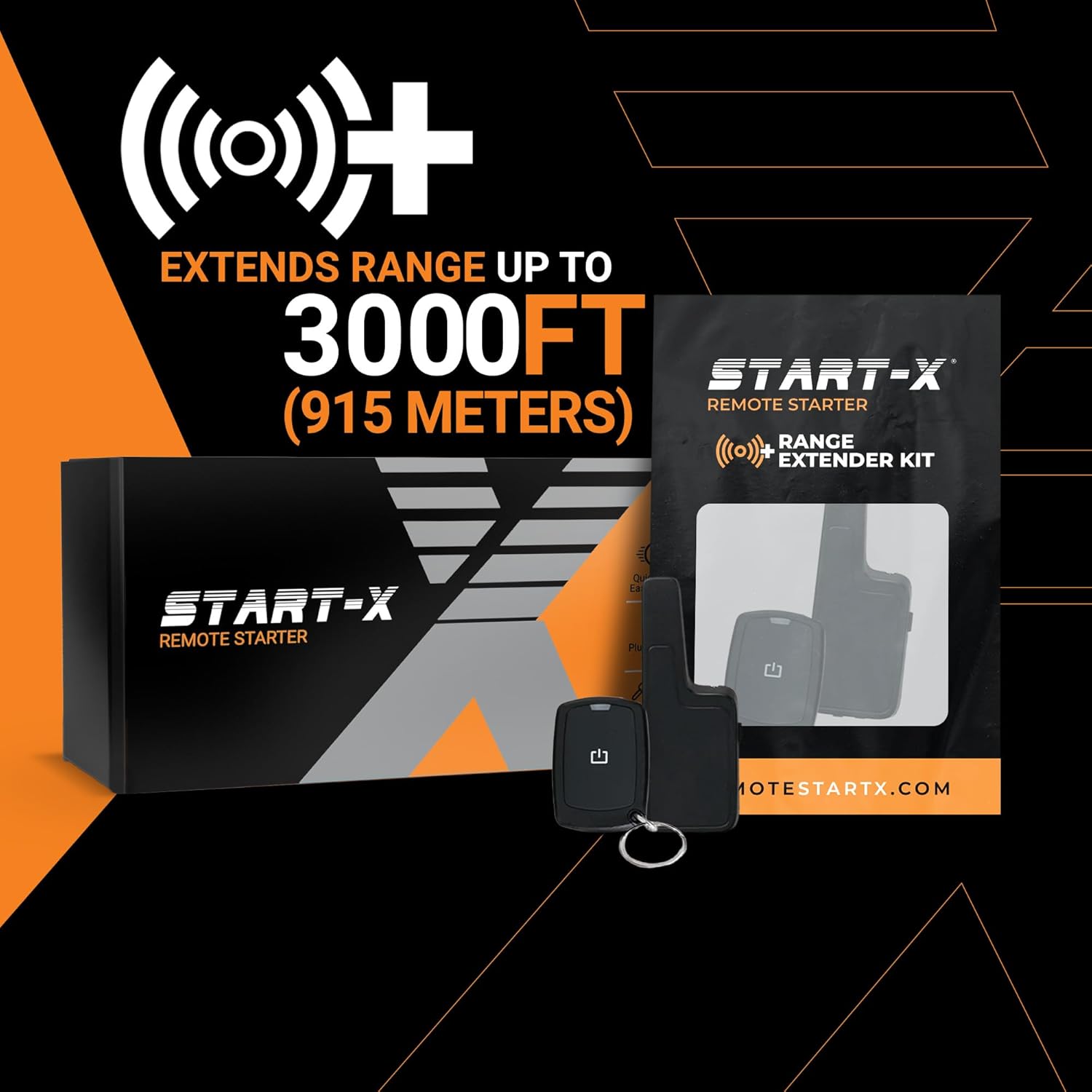
Use your original key fob to activate the remote start feature.
Optional Range Extender Kit
For increased remote start distance, an optional Start-X range extender kit is available (sold separately). These kits can extend your remote start range up to half a mile, and come with separate remotes. Available options include 1-way (up to 2000-feet) and 2-way (up to 3000-feet) systems.
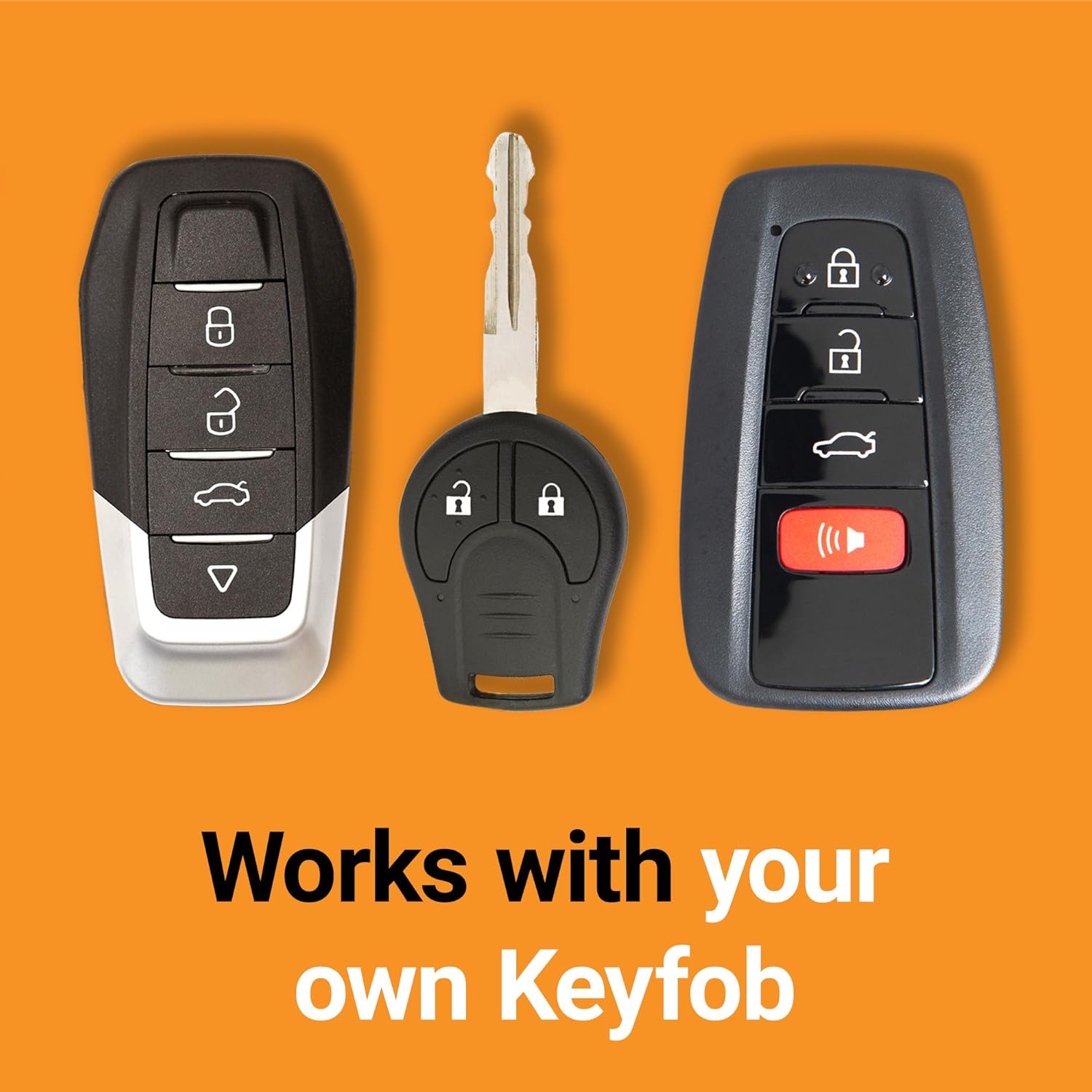
Enhance your remote start range with an optional extender kit.
Troubleshooting
If you encounter any issues with your Start-X Remote Starter Kit, please refer to the following common troubleshooting tips:
- Vehicle Not Starting: Ensure all connections are secure and properly clicked into place. Verify the module is correctly programmed according to the guide. Check your vehicle's battery.
- Remote Start Not Activating: Confirm you are pressing the 'Lock' button three times within the specified interval. Ensure you are within range of your vehicle.
- Vehicle Shuts Off Unexpectedly: This is a safety feature; the vehicle will shut down if a door is opened after remote starting. Restart the vehicle manually to drive.
- Other Issues: If problems persist, refer to the detailed troubleshooting section in the full product guide or contact Start-X customer support.
Product Specifications
- Brand: Start-X
- Model Number: HighlanderDCM
- Item Weight: 8.4 ounces
- Package Dimensions: 9.33 x 4.09 x 2.44 inches
- Compatibility: Toyota Highlander (2020-2021) Non-Hybrid, Push-to-Start, Gas and Automatic Transmission
Support
For technical assistance or customer support, please contact the Start-X support team. Detailed contact information can be found on the Start-X website or in the included welcome card.
Warranty Information
Please refer to the product packaging or the official Start-X website for detailed warranty information regarding your remote starter kit.