Product Overview
The Wellue O2 Pulse Oximeter with Smart Reminder is designed for continuous monitoring of blood oxygen saturation (SpO2), pulse rate, and motion. It features a comfortable finger ring sensor and connects to a free mobile application and PC software for data analysis and trend tracking. This device is intended for sports and aviation use only and is not a medical device.

Image: The Wellue O2 Pulse Oximeter device shown on a wrist with its finger sensor, alongside a smartphone displaying the Vihealth app interface with oxygen level, pulse rate, and motion graphs.
Key Features
- Free APP & Software: Utilize the "Vihealth" App (Android, iOS) and "O2 Insight Pro" Software (PC) to easily share all-day data, track trends, and view real-time O2 levels and heart rate.
- Smart Vibration & Audio Reminder: The oximeter provides customizable vibration and "drip" sound alerts if blood O2 saturation drops below a user-defined level.
- All-day Monitoring: Accurately records O2 level, pulse rate, and motion continuously.
- Comfort Patented Ring Sensor: Soft silicone ring sensor designed for comfort, preventing numbness and slippage.
- Long-lasting Use: Up to 72 hours of continuous use on a single charge, no AAA batteries required.
- Built-in Memory: Stores up to four groups of 10-hour data, which automatically uploads to the app via Bluetooth.

Image: The Wellue O2 Pulse Oximeter device with icons illustrating its features: Smart Vibrator, Bluetooth, Waterproof, Reminders, Rechargeable, All-day Tracking, Innovative Design, and APP & PC compatibility.
Setup Guide
Follow these steps to set up your Wellue O2 Pulse Oximeter and begin monitoring.
- Unboxing: Carefully remove all components from the packaging. You should find the wrist unit, finger sensor, charging cable, and user manual.
- Charging: Before first use, fully charge the device using the provided charging cable. Connect the cable to the charging port on the wrist unit and a USB power source.
- Connecting the Finger Sensor: Plug the finger sensor cable into the designated port on the wrist unit.
- Wearing the Device: Secure the wrist unit comfortably on your wrist. Place the finger sensor on your thumb or index finger. Ensure a snug fit for accurate readings.
- Power On: Press and hold the power button on the wrist unit to turn it on. The display will illuminate.
- App Download: Download the "Vihealth" app from the Apple App Store or Google Play Store.
- Bluetooth Pairing: Open the Vihealth app on your smartphone. Follow the in-app instructions to pair your device via Bluetooth. The app will automatically detect the oximeter when it's powered on and within range.
- Data Sync: Once paired, the app will begin syncing data from the device. You can view real-time measurements and historical data.
Video: An unboxing and setup guide for the Wellue Checkme O2 Max, demonstrating how to connect the components, wear the device, and pair it with the Vihealth mobile application for initial data synchronization.
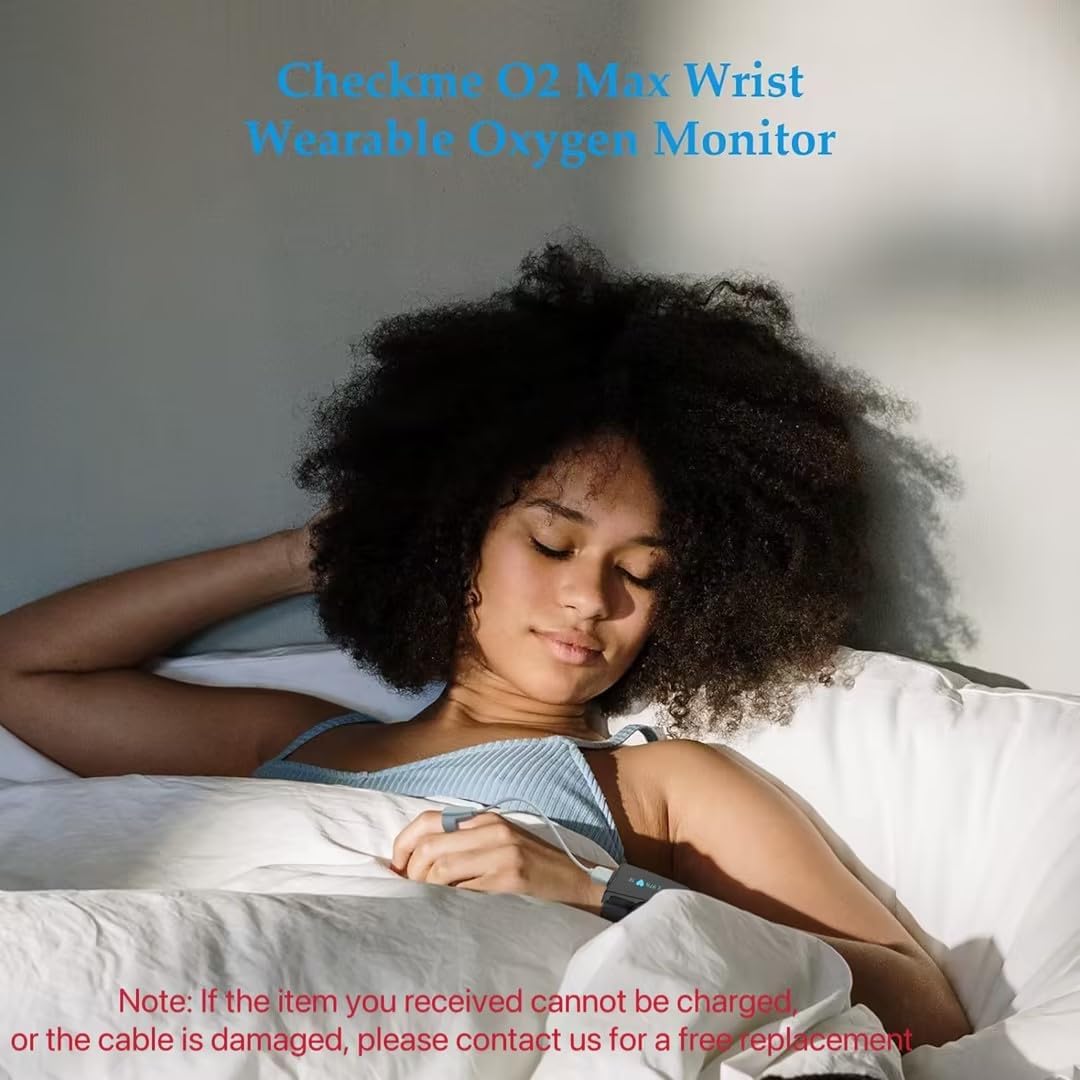
Image: A user wearing the Wellue O2 Pulse Oximeter on their wrist with the finger sensor, indicating its use for overnight monitoring.
Operating Instructions
Once set up, the Wellue O2 Pulse Oximeter operates continuously to provide comprehensive data.
- Continuous Monitoring: The device automatically records your blood oxygen level (SpO2), pulse rate, and motion throughout the day or night.
- Real-time Data: View your current SpO2 and heart rate directly on the device's display or through the Vihealth app.
- Alerts: If your SpO2 falls below the preset threshold, the device will vibrate and emit an audible "drip" sound. You can adjust the intensity of these alerts within the app settings.
- Data Access: All recorded data is stored internally and automatically transfers to the Vihealth app when connected via Bluetooth. The app allows for detailed review of trends over time (daily, weekly, monthly, yearly).
- PC Report Generation: Use the "O2 Insight Pro" software on your PC to generate detailed reports of your monitoring data.

Image: A smartphone screen displaying the Vihealth app with detailed graphs of oxygen level, pulse rate, and motion over a period, highlighting fluctuations.
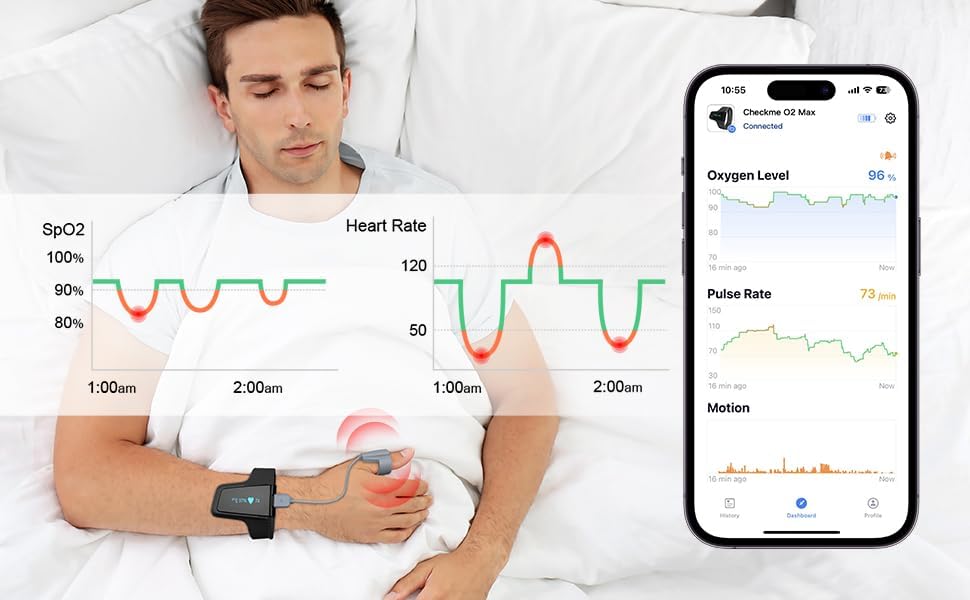
Image: A user wearing the Wellue O2 Pulse Oximeter on their wrist with the finger sensor, demonstrating its comfortable use during daily activities.
Maintenance
Proper maintenance ensures the longevity and accuracy of your device.
- Cleaning: Wipe the device and sensor with a soft, dry cloth. Do not use abrasive cleaners or immerse the device in water.
- Storage: Store the oximeter in a cool, dry place away from direct sunlight and extreme temperatures.
- Battery Care: Recharge the device regularly, even if not in frequent use, to maintain battery health. Avoid fully depleting the battery for extended periods.
Troubleshooting
If you encounter issues with your device, refer to the following common solutions:
- No Reading: Ensure the finger sensor is properly attached and positioned on your finger. Keep your hand still during measurement. Check if the device is powered on and charged.
- App Connectivity Issues: Verify Bluetooth is enabled on your smartphone. Ensure the device is within range. Try restarting both the device and the app.
- Inaccurate Readings: Ensure the sensor is clean and free from obstructions. Avoid strenuous activities during measurement. Make sure your hand is warm and relaxed.
- Device Not Charging: Check the charging cable and USB power source. Ensure the cable is securely connected to the device's charging port.
Specifications
| Attribute | Detail |
|---|---|
| Model Name | CheckmeO2 Max (Oxiband) |
| Measuring Range (Oxygen Level) | 70%-100% |
| Measuring Range (Heart Rate) | 30 to 250 bpm |
| Battery Type | 1 Lithium Polymer battery (included) |
| Continuous Use Time | Up to 72 hours |
| Color | Black, Grey |
| Manufacturer | Viatomtech |
| ASIN | B094JG4JD7 |

Image: Pages from the physical user manual, detailing specifications and usage instructions.
Important Information
Legal Disclaimer: Statements regarding dietary supplements have not been evaluated by the FDA and are not intended to diagnose, treat, cure, or prevent any disease or health condition.
Note: This device is for Sports and Aviation use only and not intended for medical use.
Warranty and Support
For detailed warranty information and customer support, please refer to the official user manual or contact Wellue directly.
You can download the full User Manual (PDF) here.
Visit the official Wellue Store for more products and support: Wellue Store.