
1. Product Overview
The Geevon 210015 Drip Irrigation Kit is an automatic watering system designed for potted plants. It offers both manual and automatic irrigation modes, allowing for precise control over watering duration and frequency. This system is ideal for maintaining plant hydration, especially when you are away.

Image 1: Overview of the Geevon 210015 Drip Irrigation System. The display shows '08 HRS' for the next watering cycle. Settings for watering duration (6 seconds to 30 minutes), watering frequency (1 hour to 7 days), and delay time (0 to 24 hours) are highlighted. The system can operate in manual or automatic modes.
2. Product Components
The Geevon 210015 Drip Irrigation Kit includes the following components:

Image 2: Detailed view of all components included in the kit. This includes the main control unit with LCD display, USB port, hook, inlet/outlet, 'OK', '-', '+' buttons, and battery compartment. Accessories shown are Tubing End Caps (x3), Straight Barb Fittings (x10), T Barb Fittings (x10), Cross Barb Fittings (x3), Micro Drip Emitters (x10), Filter (x1), USB Cable (x1), and 1/4" Tubing (32.8 inches).
- Main Control Unit: Features an LCD Display, USB Port, Hook, Water Inlet, Water Outlet, 'OK' Button, '-' Button, and '+' Button.
- Battery Compartment: Requires 4*AA batteries (not included).
- Tubing End Caps: 3 pieces.
- Straight Barb Fittings: 10 pieces.
- T Barb Fittings: 10 pieces, for two-way watering.
- Cross Barb Fittings: 3 pieces.
- Micro Drip Emitters: 10 pieces.
- Filter: 1 piece.
- USB Cable: 1 piece, for charging.
- 1/4" Tubing: 32.8 inches (approximately 83 cm).
3. Setup Instructions
Follow these steps to set up your Geevon 210015 Drip Irrigation Kit:

Image 3: Step-by-step installation guide. It illustrates cutting tubing, connecting pipes to the unit, attaching T-joints, inserting drippers into tubing, placing drippers in soil, and testing the system.
- Prepare Tubing: Measure and cut the 1/4" tubing to the desired lengths for each plant. Ensure sufficient length to reach from the main unit to each plant and back to the water source.
- Connect Pipes: Connect the cut tubing to the water inlet and outlet ports on the main control unit. The inlet tube should lead to your water reservoir, and the outlet tubes will lead to your plants.
- Install T-Joints (Optional): If watering multiple plants from a single line, use the T-joint fittings to create branches for two-way watering.
- Attach Drippers: Insert the micro drip emitters into the ends of the tubing that will go into the plant pots.
- Position Drippers: Carefully insert the drippers into the soil of each potted plant. Ensure they are securely placed to deliver water effectively.
- Power On and Test: Insert 4*AA batteries into the battery compartment or connect the USB cable for power. Press the 'OK' button to test the system and begin initial setup.
Powering the Device
The system can be powered by 4*AA batteries (not included) or via USB charging. For continuous operation, especially during extended periods, USB power is recommended.
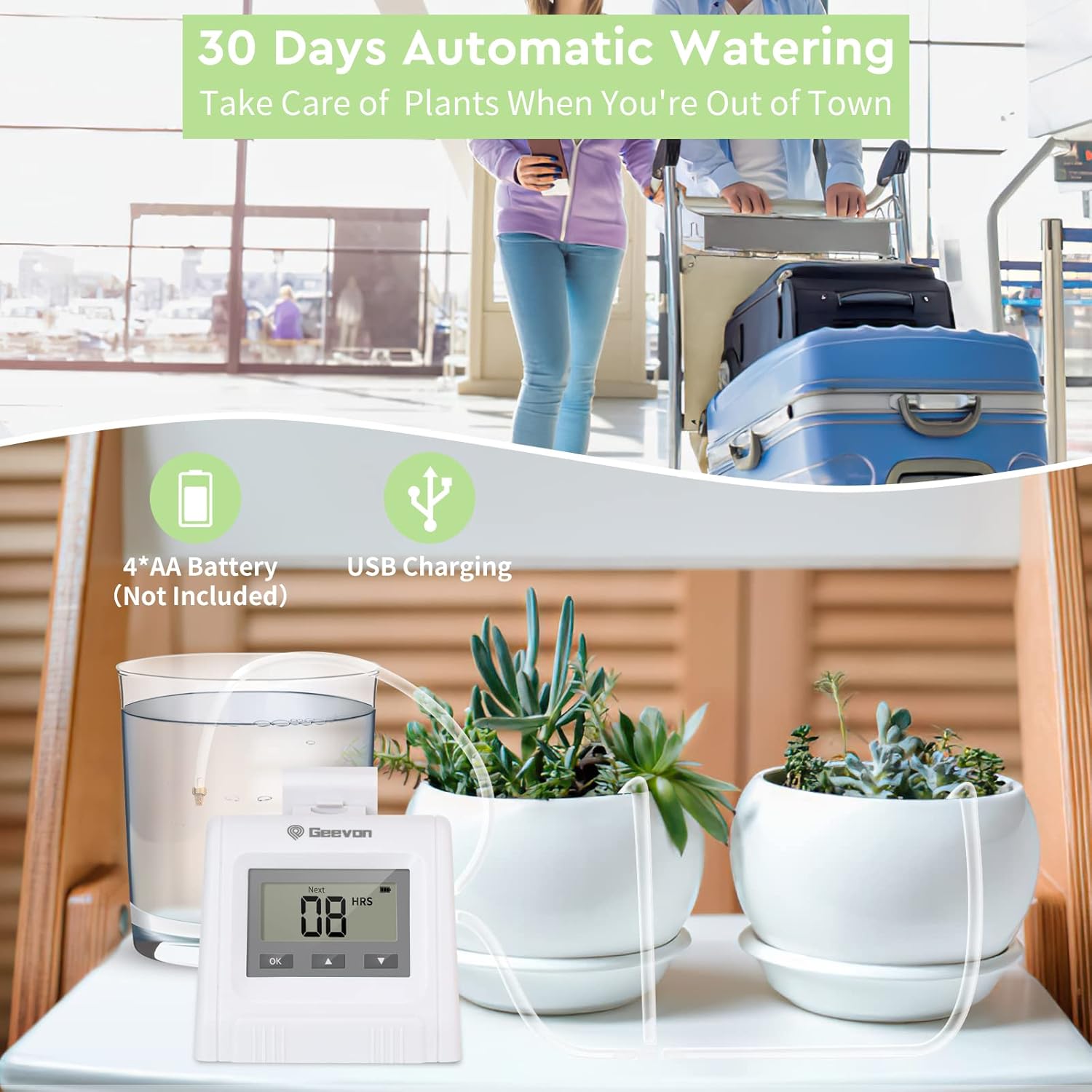
Image 4: The Geevon 210015 system highlighting its power options: 4*AA battery compartment (batteries not included) and a USB charging port. This enables up to 30 days of automatic watering.
4. Operating Instructions
The Geevon 210015 offers both manual and automatic watering modes.
Manual Mode
To initiate instant drip irrigation, press the 'OK' button. This mode is useful for immediate watering needs or for testing the system.
Automatic Mode
For scheduled watering, use the '+', '-', and 'OK' buttons to set the desired parameters:
- Watering Duration: Set how long the system will water during each cycle. Adjustable from 6 seconds to 30 minutes.
- Watering Frequency: Set how often the system will water. Adjustable from 1 hour to 7 days.
- Delay Time: Set a delay before the first automatic watering cycle begins. Adjustable from 0 to 24 hours.
Use the '+' and '-' buttons to adjust values and the 'OK' button to confirm selections and move to the next setting. Once all settings are confirmed, the system will begin its automatic watering schedule.

Image 5: An example setup demonstrating the Geevon 210015 system watering 10 potted plants. The main unit draws water from a reservoir and distributes it through tubing to each plant.
Usage Scenarios
The Geevon 210015 Drip Irrigation Kit is versatile and can be used in various environments:
- Indoor: Ideal for houseplants and small indoor gardens.
- Balcony: Suitable for balcony planters and container gardens.
- Greenhouse: Provides consistent watering for plants in a controlled greenhouse environment.
- Garden: Can be adapted for small garden beds or specific plant groupings.

Image 6: Examples of the Geevon 210015 system in use across different locations: an indoor plant shelf, a balcony with flower boxes, a greenhouse with various plants, and an outdoor garden bed.
5. Maintenance
Regular maintenance ensures optimal performance and longevity of your irrigation system:
- Clean Filter: Periodically check and clean the filter to prevent blockages and ensure consistent water flow.
- Inspect Tubing: Regularly inspect all tubing for kinks, blockages, or damage. Ensure all connections are secure.
- Check Drippers: Verify that all micro drip emitters are free from debris and are delivering water evenly to each plant.
- Battery Replacement: If using batteries, replace them when the low battery indicator appears on the LCD display to avoid interruption of watering cycles.
- Water Reservoir: Ensure the water reservoir always contains sufficient water, especially during extended automatic watering periods.
6. Troubleshooting
If you encounter issues with your Geevon 210015 system, refer to the following common problems and solutions:
- No Water Flow:
- Check if the water reservoir is empty.
- Ensure the filter is clean and not clogged.
- Verify that all tubing connections are secure and free of kinks.
- Check if the pump is operating (listen for a faint hum).
- Uneven Watering:
- Inspect drippers for blockages or debris.
- Ensure all tubing is properly installed and not pinched.
- Confirm that the water source is elevated enough for proper gravity feed if applicable, or that the pump is functioning correctly.
- System Not Turning On/Display Off:
- Check if batteries are installed correctly and have sufficient charge. Replace if necessary.
- If using USB power, ensure the cable is securely connected and the power source is active.
- Incorrect Watering Schedule:
- Re-enter the automatic watering settings (duration, frequency, delay) to ensure they are correctly programmed.
7. Specifications
| Feature | Specification |
|---|---|
| Model Number | 210015 |
| Brand | Geevon |
| Material | Plastic |
| Product Dimensions (LxWxH) | 8.5 x 6.5 x 7 cm (3.35 x 2.56 x 2.76 inches) |
| Item Weight | 500 g (1.1 lbs) |
| Power Source | 4*AA Batteries (not included), USB Charging |
| Watering Duration | 6 seconds to 30 minutes |
| Watering Frequency | 1 hour to 7 days |
| Delay Time | 0 to 24 hours |
| Number of Pieces | 1 (main unit) |

Image 7: Physical dimensions of the Geevon 210015 main control unit. The unit measures 8.2 cm (3.22 in) in width, 7 cm (2.75 in) in depth, and 7.5 cm (2.95 in) in height.
8. Warranty and Support
Information regarding product warranty and customer support is not available in the provided product details. Please refer to the product packaging or contact the retailer for specific warranty terms and support options.
