
Deerma VC20 Pro
Deerma VC20 Pro Cordless Stick Handheld Vacuum Cleaner Mop User Manual
Model: VC20 Pro
1. Introduction
Thank you for choosing the Deerma VC20 Pro Cordless Stick Handheld Vacuum Cleaner Mop. This appliance is designed for efficient cleaning of various surfaces, offering both vacuuming and mopping functionalities. Its cordless design and powerful suction make it suitable for home and car use. Please read this manual thoroughly before operation to ensure safe and optimal performance.
2. Safety Instructions
Always follow basic safety precautions when using electrical appliances to reduce the risk of fire, electric shock, or injury:
- Ensure the power adapter is compatible with your local voltage (220V).
- Do not use the appliance outdoors or on wet surfaces.
- Do not allow children to operate the vacuum cleaner.
- Keep hair, loose clothing, fingers, and all body parts away from openings and moving parts.
- Do not pick up flammable or combustible materials, such as gasoline, or use in areas where they may be present.
- Do not pick up anything that is burning or smoking, such as cigarettes, matches, or hot ashes.
- Turn off the appliance before connecting or disconnecting the battery pack, or before performing any maintenance.
- Use only manufacturer-recommended attachments.
- Store the appliance indoors in a dry place.
3. Product Components
The Deerma VC20 Pro includes the following main components:
- Host Unit: Contains the motor, dust cup, and battery.
- Take Over Components: Extension tube for stick mode.
- Floor Brush Assembly: Electric brush for floor cleaning.
- 2-in-1 Flat Suction Nozzle: For crevices and narrow spaces.
- Brush Attachment: For upholstery and delicate surfaces.
- Mop Component: Attaches to the floor brush for wet mopping.
- Power Adapter: For charging the battery.
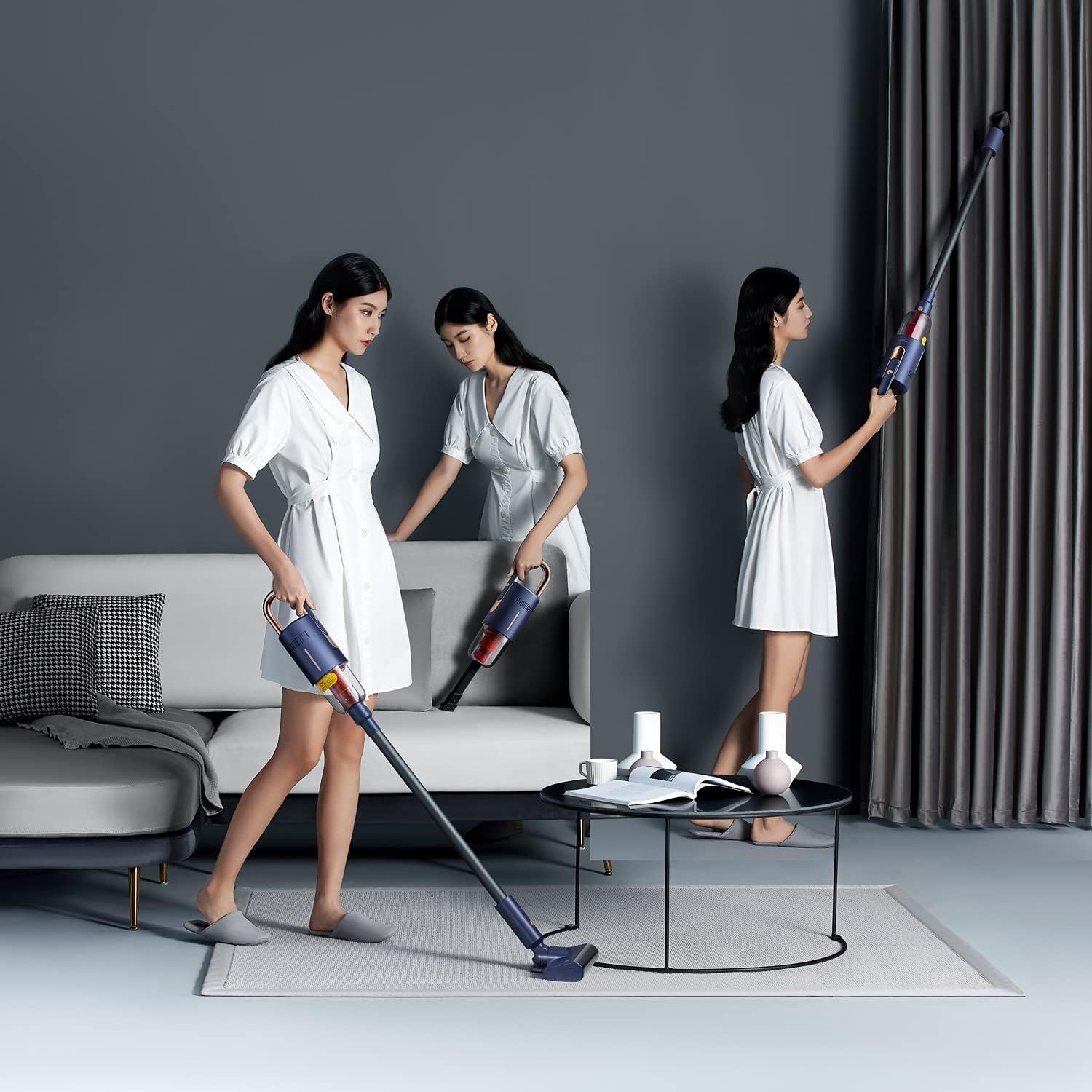
Image: Overview of the Deerma VC20 Pro in various configurations, demonstrating its versatility as a stick vacuum, handheld vacuum, and with an extended reach.
4. Setup
4.1 Assembly
- For Stick Vacuum Mode: Connect the Take Over Component (extension tube) to the Host Unit. Then, attach the Floor Brush Assembly to the other end of the extension tube. Ensure all connections click securely into place.
- For Handheld Vacuum Mode: Directly attach the 2-in-1 Flat Suction Nozzle or the Brush Attachment to the Host Unit.
- For Mopping Function: Attach the wet mopping component to the Floor Brush Assembly by pressing it down until it snaps into place.
4.2 Charging the Battery
Before first use, fully charge the appliance. The battery capacity is 2500mAh, and a full charge takes approximately 3 hours.
- Connect the power adapter to the charging port on the Host Unit.
- Plug the adapter into a power outlet.
- The charging indicator light will illuminate. Once fully charged, the light may change color or turn off, depending on the model.
- Disconnect the charger once charging is complete.
5. Operating Instructions
5.1 Power On/Off and Suction Modes
Press the power button on the Host Unit to turn the vacuum cleaner on. The VC20 Pro features two suction gears:
- Standard Gear (7000Pa): Provides approximately 50 minutes of working time, suitable for general cleaning.
- Strong Gear (17000Pa): Provides approximately 20 minutes of working time, ideal for stubborn dirt and deep cleaning.
Press the mode button to switch between Standard and Strong gears. Press the power button again to turn off the appliance.
5.2 Using the Floor Brush
The electric floor brush is designed for cleaning various floor types, including carpets and hard floors. It can flexibly turn to reach under furniture like beds and tables.
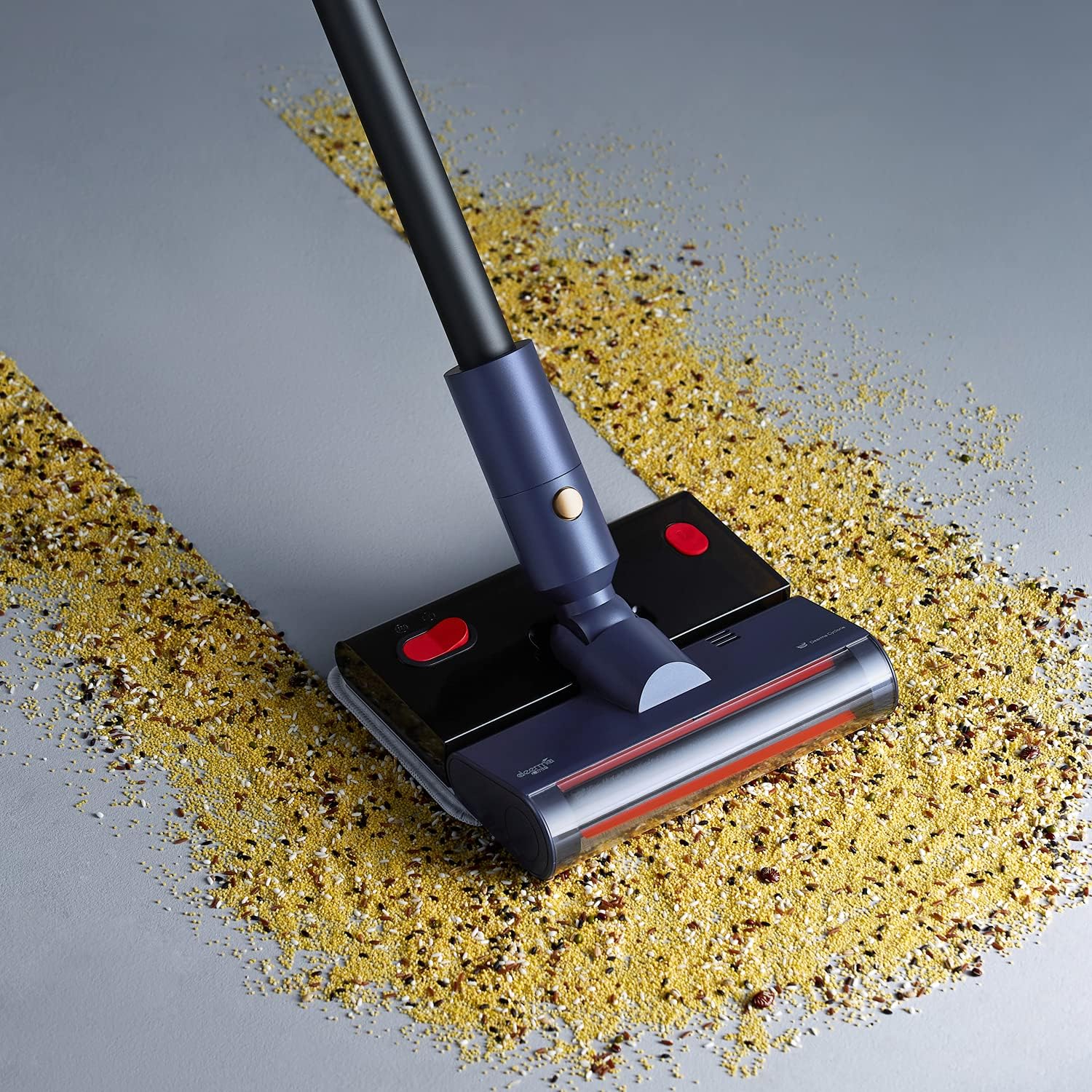
Image: The Deerma VC20 Pro in stick vacuum mode, effectively cleaning spilled grains from a hard floor surface, demonstrating its powerful suction.

Image: A user operating the Deerma VC20 Pro stick vacuum to clean scattered oats on a light-colored floor, highlighting its maneuverability and cleaning capability.
5.3 Using Accessories
The 2-in-1 flat suction nozzle and brush attachment are ideal for cleaning specific areas:
- 2-in-1 Flat Suction Nozzle: Use for narrow gaps, corners, and edges, such as between sofa cushions or along baseboards.
- Brush Attachment: Suitable for cleaning fabric surfaces, upholstery, car interiors, and pet hair.

Image: The Deerma VC20 Pro used as a handheld vacuum, cleaning debris from a grey fabric sofa, showcasing its effectiveness on upholstery.
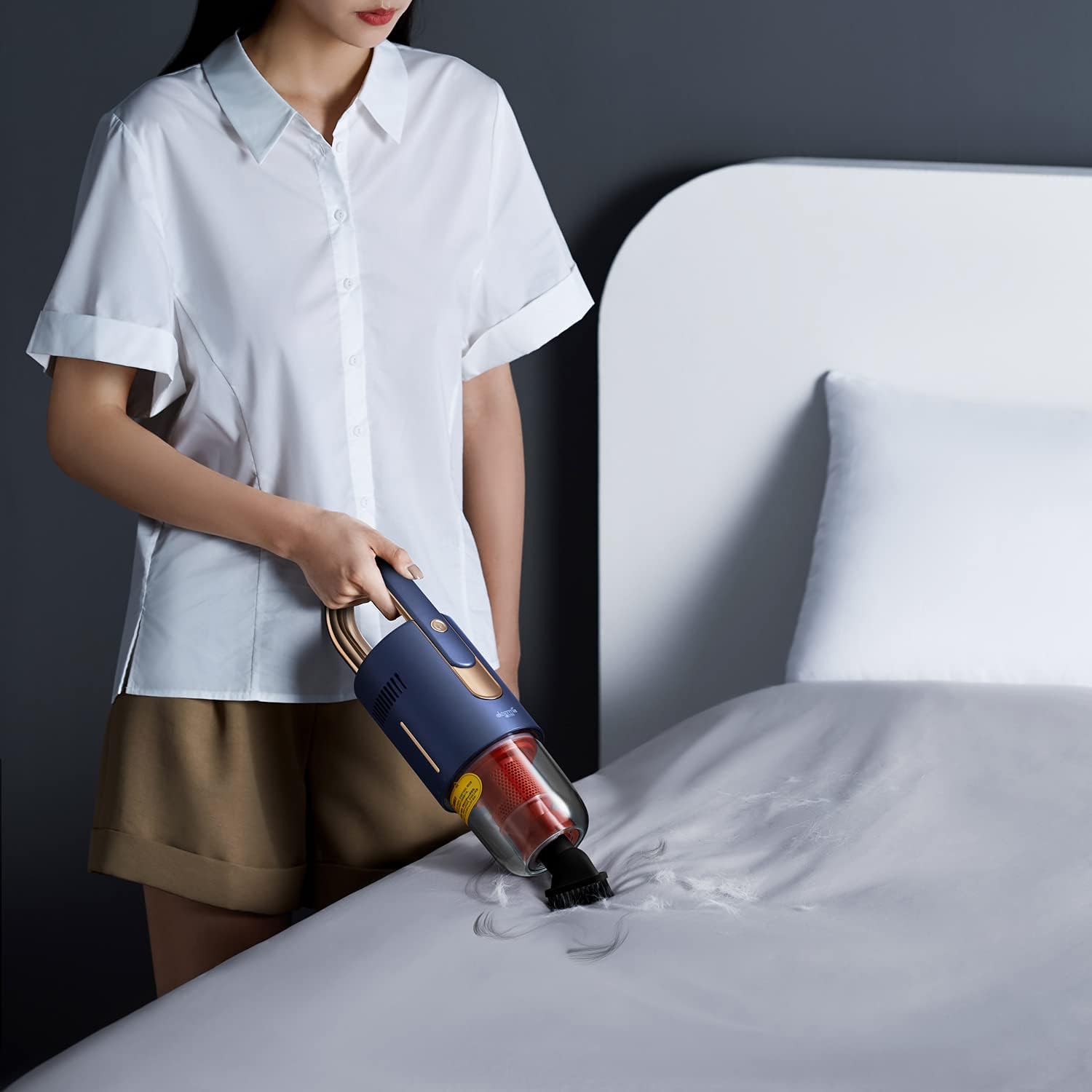
Image: A person using the Deerma VC20 Pro in handheld mode with a brush attachment to clean a white bedsheet, effectively removing dust and particles.

Image: The Deerma VC20 Pro with its crevice tool attachment, cleaning dirt from a narrow gap between a wall and a wooden floor, demonstrating precision cleaning.
5.4 Wet Mopping Function
The wet mopping component allows for simultaneous vacuuming and mopping. You can add disinfectant to the water tank for sterilization.
- Fill the water tank of the mop component with water and, if desired, a suitable disinfectant.
- Attach the mop component to the Floor Brush Assembly.
- Operate the vacuum cleaner as usual. The mop pad will dampen the floor as you vacuum.
- To remove the mop component, simply step on the designated area and lift the vacuum.

Image: The Deerma VC20 Pro in stick mode, with the mopping attachment engaged, cleaning a floor surface. A foot is visible near the mop, indicating its operation.
6. Maintenance
Regular maintenance ensures the longevity and optimal performance of your Deerma VC20 Pro.
6.1 Emptying and Cleaning the Dust Cup
The dust cup has a capacity of 0.6L. Empty it regularly to maintain suction power.
- Ensure the vacuum cleaner is turned off.
- Detach the dust cup from the Host Unit.
- Open the dust cup and empty its contents into a trash bin.
- The dust cup, cyclone tower, and HEPA filter element are all washable. Rinse them with water.
- Allow all components to air dry completely before reassembling and reattaching to the Host Unit.

Image: A hand holding the transparent dust cup of the Deerma VC20 Pro, emptying collected dust and debris into a white trash bin, illustrating the easy disposal process.
6.2 Cleaning the Floor Brush
Periodically check the floor brush for tangled hair or debris. Use scissors to cut away any tangled hair and remove it. The brush roller can often be detached for easier cleaning.
6.3 Battery Care
The intelligent BMS battery management system helps maintain battery health. To prolong battery life, avoid fully discharging the battery frequently and store the appliance in a cool, dry place when not in use for extended periods.
7. Troubleshooting
If you encounter issues with your Deerma VC20 Pro, refer to the following common problems and solutions:
| Problem | Possible Cause | Solution |
|---|---|---|
| Vacuum does not turn on | Battery is discharged; Power button not pressed correctly. | Charge the battery fully; Ensure the power button is pressed firmly. |
| Low suction power | Dust cup is full; Filter is clogged; Blockage in nozzle or tube. | Empty the dust cup; Clean the HEPA filter and cyclone tower; Check for and remove any blockages. |
| Floor brush not rotating | Brush roller is tangled; Connection issue. | Clean the brush roller, removing any hair or debris; Ensure the floor brush is securely attached. |
| Short battery life | Battery not fully charged; Operating in Strong Gear continuously. | Ensure battery is fully charged; Use Standard Gear for longer cleaning sessions. |
If the problem persists after trying these solutions, please contact customer support.
8. Specifications
| Feature | Specification |
|---|---|
| Model | VC20 Pro |
| Voltage | 220V |
| Power | 220W |
| Vacuum Degree | 7000Pa (Standard Gear) / 17000Pa (Strong Gear) |
| Dust Cup Capacity | 0.6L |
| Charging Time | Approximately 3 hours |
| Noise Level | ≤84dB |
| Material | ABS/PC |
| Working Time | Approximately 50min (Standard Gear) / 20min (Strong Gear) |
| Rotating Speed | 3000rpm |
| Battery Type | Li-ion battery |
| Battery Capacity | 2500mAh |
| Product Weight | 2.3kg |
| Product Dimensions (L x W x H) | 24.00 x 21.00 x 118.00 cm |
| Special Features | HEPA filter, Lightweight, Cordless, Wet Mopping |
9. Warranty and Support
For warranty information and customer support, please refer to the warranty card included with your product or contact the retailer from whom you purchased the Deerma VC20 Pro. Keep your purchase receipt as proof of purchase.
Related documentsVC20 Pro


Ask a question about this manual
Ask about setup, troubleshooting, compatibility, parts, safety, or missing instructions. Manuals+ will review the question and use this page’s manual context to help answer it.