
LENRUE A35
LENRUE A35 Speaker User Manual
Model: A35
Introduction
Thank you for choosing the LENRUE A35 Speaker. This portable Bluetooth speaker is designed to deliver clear and powerful audio for an enhanced listening experience. Please read this manual carefully before using the product to ensure proper operation and to maximize its lifespan. Keep this manual for future reference.
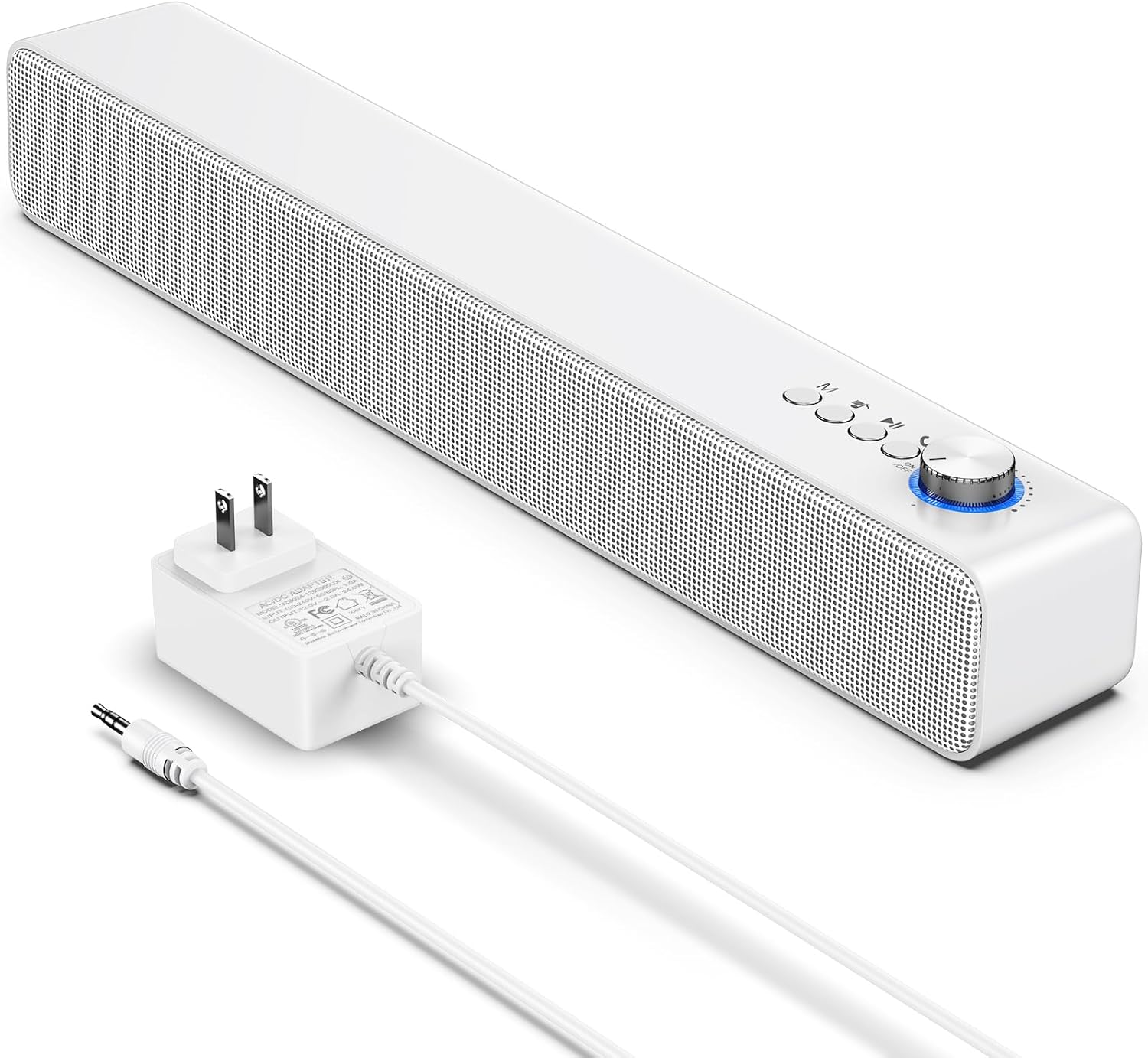
Image: The LENRUE A35 speaker, a white rectangular soundbar, shown with its power adapter and an auxiliary audio cable.
Safety Information
To ensure safe operation and prevent damage, please observe the following precautions:
- Do not expose the speaker to extreme temperatures, humidity, or direct sunlight.
- Avoid dropping or subjecting the speaker to strong impacts.
- Do not disassemble, repair, or modify the speaker yourself. Refer all servicing to qualified personnel.
- Keep the speaker away from water and liquids. While the product is indicated as waterproof, prolonged submersion or exposure to high-pressure water jets should be avoided.
- Use only the provided or approved power adapter.
- Clean the speaker with a soft, dry cloth. Do not use abrasive cleaners or solvents.
Package Contents
Please check that all items are present in your package:
- LENRUE A35 Speaker
- Power Adapter
- Auxiliary Audio Cable
- User Manual (this document)
Product Overview
Familiarize yourself with the components of your LENRUE A35 Speaker.
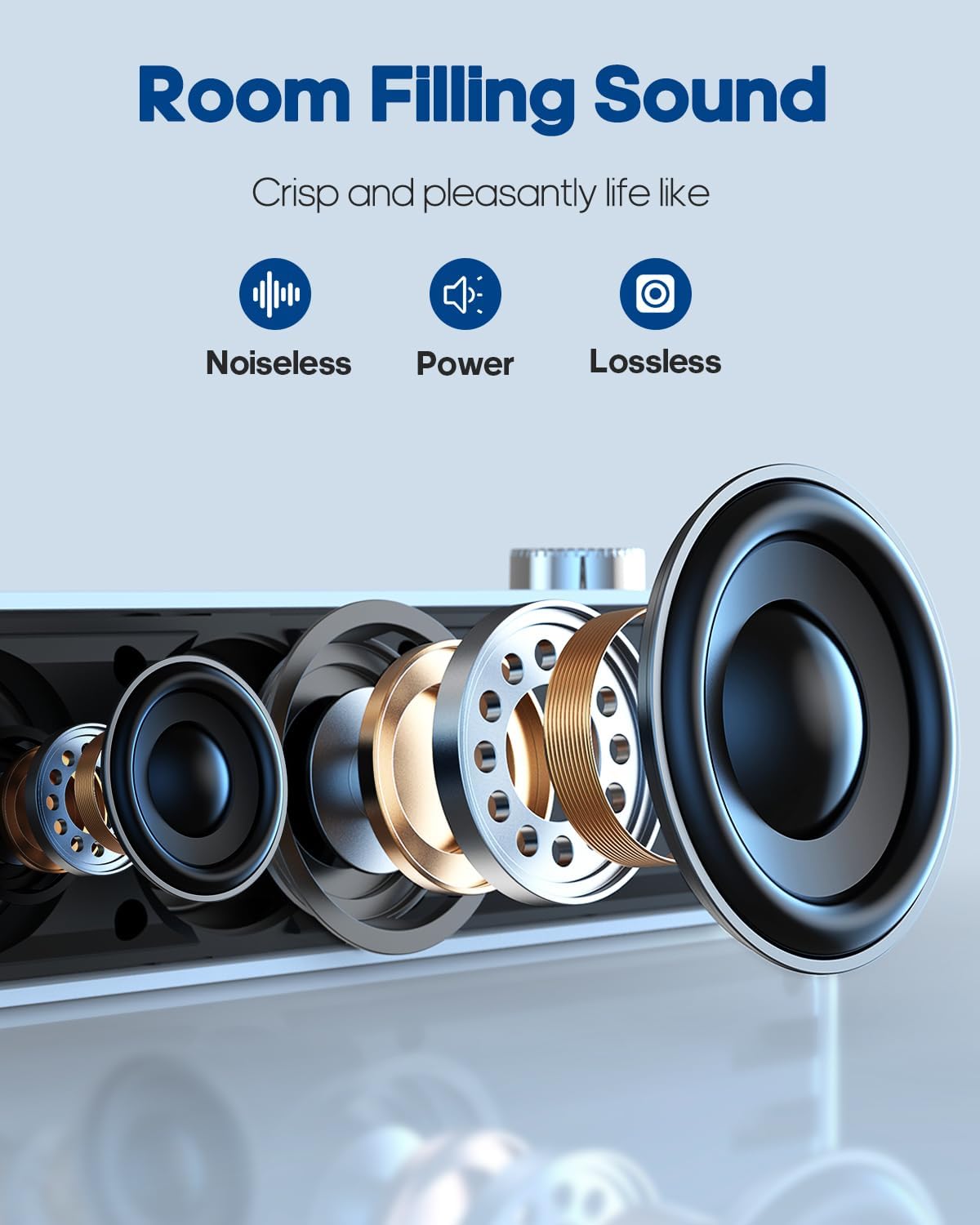
Image: An exploded view of the speaker's internal components, highlighting the drivers and sound technology for "Room Filling Sound".
Front Panel Controls:
- Power/Volume Knob: Rotate to turn on/off and adjust volume.
- Mode Button (M): Press to switch between Bluetooth and AUX modes.
- Previous Track Button: Press to go to the previous song.
- Play/Pause Button: Press to play or pause audio.
- Next Track Button: Press to go to the next song.
Rear Panel Ports:
- DC IN Port: For connecting the power adapter.
- AUX IN Port: For connecting external audio devices via 3.5mm audio cable.
Setup
Power Connection:
- Connect the provided power adapter to the DC IN port on the back of the speaker.
- Plug the power adapter into a standard wall outlet.
- Rotate the Power/Volume knob clockwise to turn on the speaker. An indicator light will illuminate.
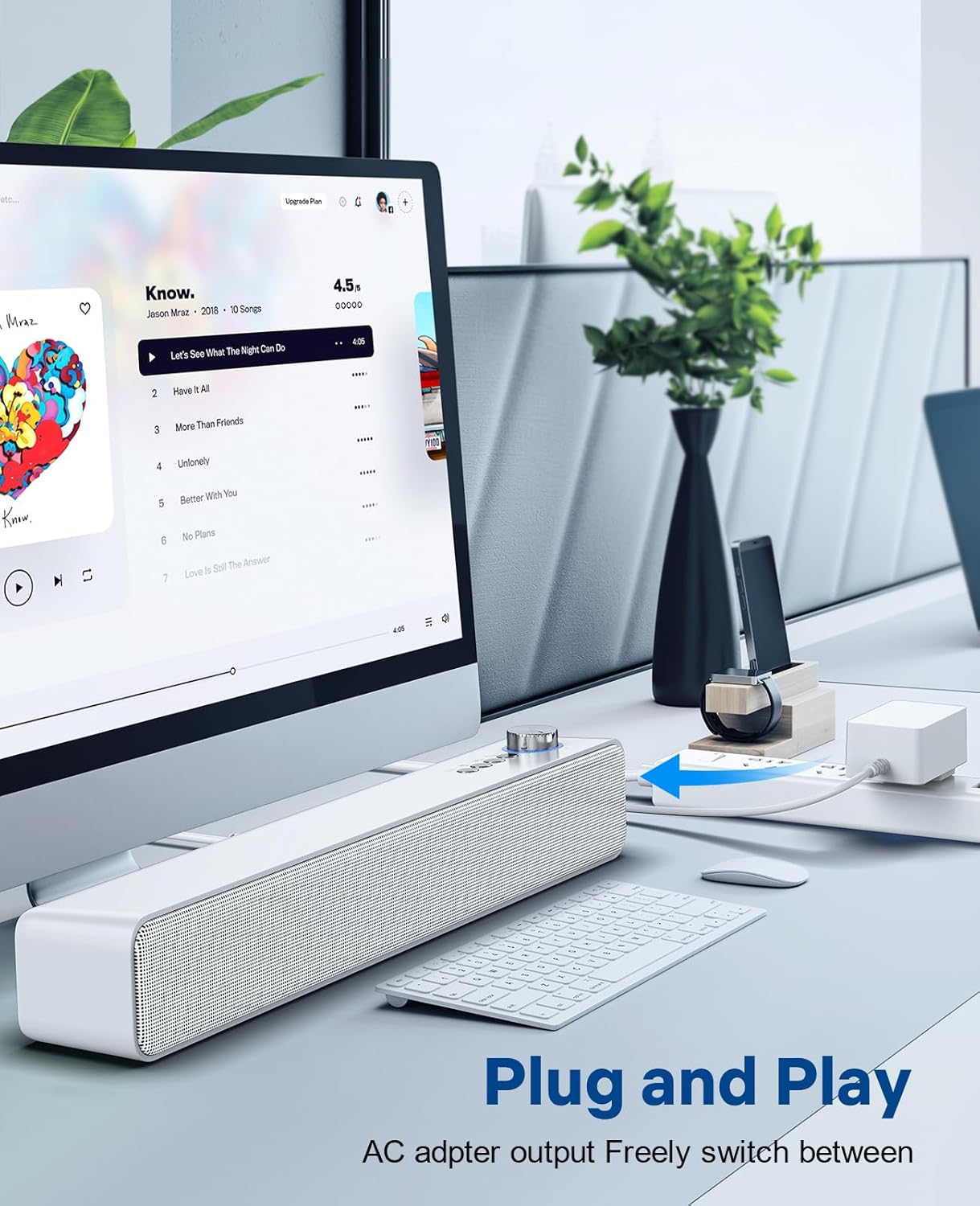
Image: The LENRUE A35 speaker positioned on a desk, connected to a computer setup, demonstrating its "Plug and Play" functionality.
Operating Instructions
Bluetooth Pairing:
- Turn on the speaker by rotating the Power/Volume knob clockwise. The speaker will automatically enter Bluetooth pairing mode (indicated by a flashing blue light or voice prompt).
- On your device (smartphone, tablet, computer), enable Bluetooth and search for available devices.
- Select "A35" from the list of devices.
- Once paired, the indicator light will turn solid blue, and you will hear a confirmation sound.
- You can now play audio from your device through the speaker.
AUX-in Connection:
- Connect one end of the 3.5mm auxiliary audio cable to the AUX IN port on the back of the speaker.
- Connect the other end of the cable to the audio output (headphone jack) of your external device.
- Press the "M" (Mode) button on the speaker to switch to AUX mode. The indicator light will change (e.g., to green or a different blue pattern).
- Play audio from your external device.

Image: The LENRUE A35 speaker with visual cues for Bluetooth and Aux-in connectivity, showing it can connect to various devices like tablets, laptops, and monitors.
Volume Control:
- Rotate the Power/Volume knob clockwise to increase volume.
- Rotate the Power/Volume knob counter-clockwise to decrease volume.
- You can also adjust the volume from your connected device.
Playback Controls (Bluetooth Mode):
- Press the Play/Pause button to play or pause the current track.
- Press the Previous Track button to go to the beginning of the current track or the previous track.
- Press the Next Track button to skip to the next track.
Maintenance
Proper care will ensure the longevity of your speaker:
- Cleaning: Use a soft, dry, lint-free cloth to wipe the surface of the speaker. Do not use liquid cleaners, aerosols, or solvents.
- Storage: When not in use for extended periods, store the speaker in a cool, dry place away from direct sunlight and extreme temperatures.
- Power: Always disconnect the power adapter from the wall outlet and the speaker when not in use or during electrical storms.
Troubleshooting
| Problem | Possible Cause | Solution |
|---|---|---|
| No power | Power adapter not connected; Power outlet not working; Speaker not turned on. | Ensure power adapter is securely connected and plugged into a working outlet. Rotate the Power/Volume knob clockwise to turn on the speaker. |
| No sound | Volume too low; Incorrect mode selected; Device not paired (Bluetooth); Cable not connected (AUX). | Increase volume on speaker and connected device. Press 'M' button to select correct mode. Re-pair Bluetooth device. Check AUX cable connection. |
| Bluetooth pairing failed | Speaker not in pairing mode; Device too far; Interference; Device already paired with another speaker. | Ensure speaker is in pairing mode (flashing blue light). Move device closer to speaker. Turn off other Bluetooth devices. Forget "A35" on your device and try pairing again. |
| Sound distortion | Volume too high; Audio source quality is poor. | Lower the volume on both the speaker and the connected device. Try a different audio source. |
Specifications
| Feature | Detail |
|---|---|
| Model Name | A35 |
| Brand | LENRUE |
| Speaker Type | Surround Sound |
| Connectivity Technology | Bluetooth, Auxiliary, USB |
| Speaker Maximum Output Power | 10 Watts |
| Mounting Type | Tabletop |
| Product Dimensions | 6.6 x 42.93 x 6.1 cm |
| Item Weight | 898 Grams |
| Waterproof | Yes |
Warranty and Support
LENRUE products are designed and manufactured to the highest quality standards. For warranty information or technical support, please refer to the warranty card included with your purchase or visit the official LENRUE website. If you encounter any issues not covered in this manual, please contact our customer service team for assistance.
For further assistance, please visit: LENRUE Brand Store on Amazon
Related documentsA35


Ask a question about this manual
Ask about setup, troubleshooting, compatibility, parts, safety, or missing instructions. Manuals+ will review the question and use this page’s manual context to help answer it.