
Introduction
The Firefield Nightfall 4x50 Night Vision Monocular is designed to provide enhanced visibility in low-light conditions. This device features a powerful, built-in PULSE IR illuminator, delivering crisp, clear images for various observation needs. Its ergonomic design and lightweight frame ensure comfortable and reliable use.
What's in the Box
Upon unpacking your Firefield Nightfall 4x50 Night Vision Monocular, please ensure all items listed below are present:
- Firefield Nightfall 4x50 Night Vision Monocular
- Carrying Case
- Cleaning Cloth
- Hand Strap
- Lens Cap
- 2.5mm to RCA Cable
- USB Cable
- AAA Batteries (3x)
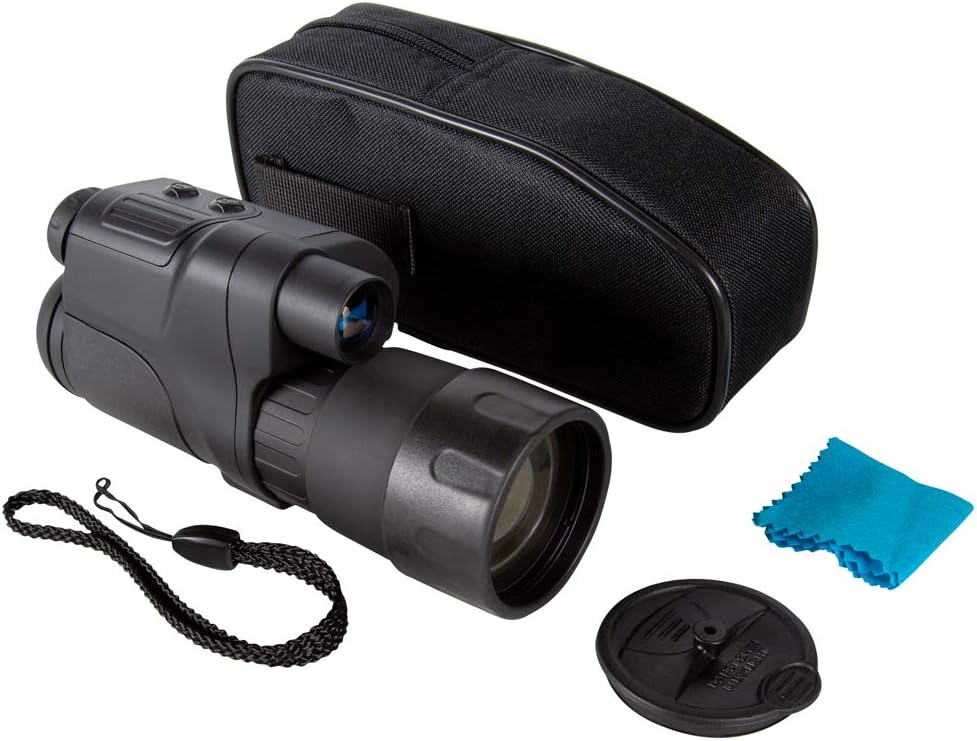
Image: The Firefield Nightfall 4x50 Night Vision Monocular shown with its carrying case, cleaning cloth, hand strap, lens cap, and cables.
Product Overview
Familiarize yourself with the key components and controls of your monocular:
- Objective Lens: Front lens for light collection.
- Eyepiece: Where you look through to view images.
- Front Focus Ring: Adjusts the focus for the objective lens.
- Display Focus Ring: Adjusts the focus for the internal display to match your eye.
- ON/OFF Button: Powers the device on or off.
- Zoom In/Out Buttons: Controls the digital magnification.
- Mode Button: Cycles through different operating modes (e.g., record, capture).
- Built-in IR Illuminator: Provides infrared light for enhanced night vision.
- Picatinny Rail: For mounting accessories.
- Tripod Mount: 1/4'' socket for tripod attachment.
- USB Power Connection: For external power or data transfer.
- Video Out Port: For connecting to an external display.
- Micro SD Card Slot: For storing recorded images and videos.
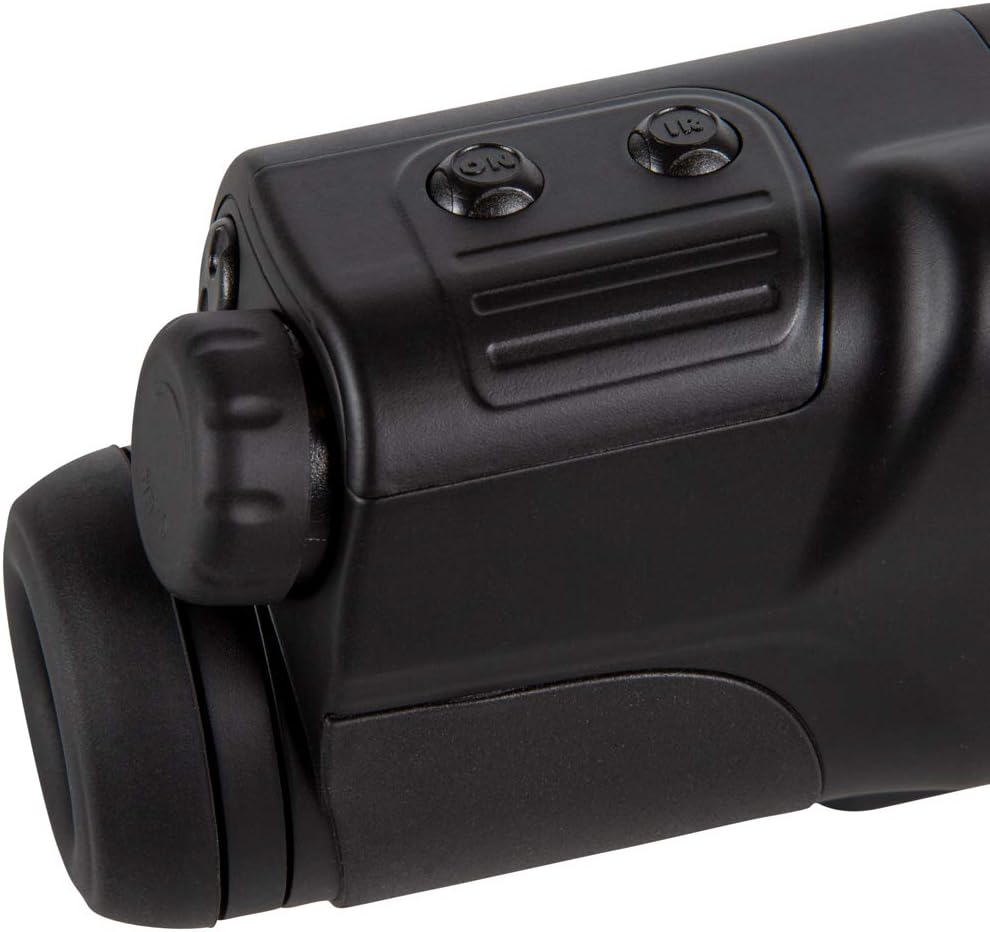
Image: Top view of the monocular showing the power, zoom, and mode buttons.
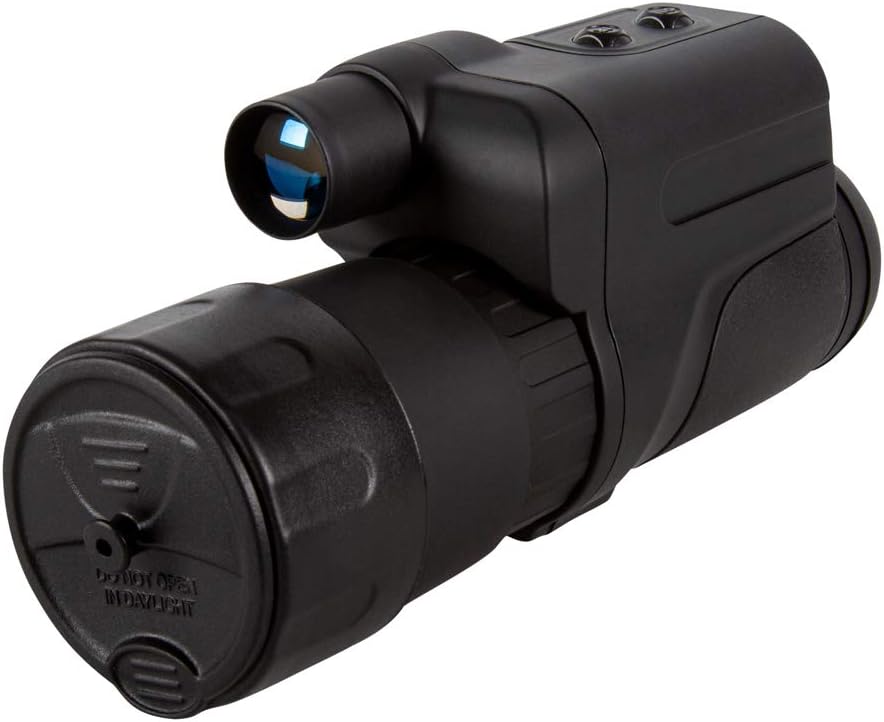
Image: Front view of the monocular with the protective day cap removed, revealing the objective lens and the built-in IR illuminator.
Setup
- Battery Installation: Locate the battery compartment. Insert three (3) AAA batteries, ensuring correct polarity. Close the compartment securely.
- Attach Hand Strap: Secure the provided hand strap to the designated attachment point on the monocular for comfortable and secure handling.
- Lens Cap Usage:
- Daytime Use: Keep the lens cap attached during daytime operation. The cap has a small pinhole that allows sufficient light for color viewing without damaging the intensifier tube.
- Nighttime Use: Remove the lens cap completely for optimal night vision performance.
- Micro SD Card: Insert the micro SD card into its dedicated slot for recording images and videos.
Operating
- Power On/Off: Press and hold the ON/OFF button to power the monocular on or off.
- Adjusting Focus:
- Eyepiece Focus: Rotate the display focus ring on the eyepiece until the internal display text and icons appear sharp to your eye.
- Objective Focus: Rotate the front focus ring on the objective lens to bring distant objects into sharp focus.
- Digital Zoom: Use the Zoom In (+) and Zoom Out (-) buttons to adjust the digital magnification.
- IR Illuminator: Press the IR button to activate the infrared illuminator for enhanced visibility in complete darkness. Cycle through different IR intensity levels if available.
- Recording & Capturing: Use the Mode button to select between photo and video modes. Press the appropriate button (often the ON/OFF or a dedicated capture button) to take a photo or start/stop video recording.
- Connecting to External Devices: Use the provided USB cable to connect the monocular to a computer for data transfer or to an external power source. Use the 2.5mm to RCA cable to connect to compatible video displays.
Maintenance
- Cleaning: Use the provided soft cleaning cloth to gently wipe the lenses. Avoid using abrasive materials or harsh chemicals.
- Storage: Store the monocular in its carrying case in a cool, dry place when not in use. Ensure the lens cap is on to protect the objective lens.
- Battery Care: Remove batteries if the device will not be used for an extended period to prevent leakage and damage.
Troubleshooting
- No Power: Check battery installation and ensure batteries are fresh.
- Blurry Image: Adjust both the eyepiece focus and the objective lens focus until the image is clear.
- Poor Night Vision Performance: Ensure the IR illuminator is activated and the lens cap is removed. Check for ambient light sources that might interfere.
- No Color in Daytime: Ensure the day cap is properly installed on the objective lens.
Specifications
| Brand | Firefield |
| Model Name | Nightfall |
| Magnification | 4x |
| Objective Lens Diameter | 50 mm |
| Item Weight | 1.5 Pounds |
| Material | Aluminum |
| Night Vision | Yes |
| Mounting Type | Tripod Mount |
| Included Components | Carrying case, Cleaning cloth, Hand strap, Lens cap |
Warranty and Support
The Firefield Nightfall 4x50 Night Vision Monocular comes with a 3 Year Limited Warranty. For warranty information, additional details, or support, please refer to the official Firefield website or contact their customer service.
Legal Disclaimer: Shipping is only available within the US. We do not ship to PO Boxes, APO/FPO, PR, RI, Alaska/Hawaii, US Protectorates.