
Technical Pro TPH15002URBT
Technical Pro 1500 Watt Multi-Channel Bluetooth Home Stereo Digital Hybrid Amplifier User Manual
Model: TPH15002URBT
1. Introduction
This manual provides comprehensive instructions for the setup, operation, and maintenance of your Technical Pro 1500 Watt Multi-Channel Bluetooth Home Stereo Digital Hybrid Amplifier, model TPH15002URBT. Please read this manual thoroughly before operating the unit to ensure proper use and to maximize its performance and longevity.
The TPH15002URBT is a high-powered hybrid amplifier designed to integrate powerful amplification with versatile receiver functionalities, suitable for various home audio setups.

Figure 1.1: Front view of the Technical Pro TPH15002URBT Digital Hybrid Amplifier.

Figure 1.2: The amplifier integrated into a typical home stereo environment with speakers and a television.
2. Key Features
The Technical Pro TPH15002URBT amplifier is equipped with a range of features designed to enhance your audio experience:
- 1500 Watts Peak Power: Delivers robust audio output for dynamic sound.
- Multiple Input & Output Modes: Supports diverse audio sources and speaker configurations.
- Bluetooth Connectivity: Seamless wireless audio streaming from compatible devices with a range of 35+ feet.
- Individualized Output Control: Features like bass, treble, and balance controls allow for precise audio customization.
- Integrated Media Inputs: Includes RCA, USB, and SD card inputs for versatile media playback.
- AM/FM Digital Tuner: Built-in tuner for radio reception.
- Headphone Output: 3.5mm headphone jack for private listening.
- Dual 1/4" Mic Inputs: With volume, echo, bass, and treble controls for microphone use.

Figure 2.1: Diagram highlighting key features including power output, input/output types, and Bluetooth capabilities.

Figure 2.2: Close-up of the amplifier's front panel, detailing USB and SD card maximum size (32 GB), RCA inputs, digital FL readout with spectrum display, and sampling rate (128 kbps/44.1 KHz).
3. Setup and Connections
Follow these steps to properly set up your amplifier and connect your audio components:
3.1 Speaker Connections
- Ensure the amplifier is powered off and unplugged from the wall outlet.
- Connect your main speakers to the "Banana binding post (4 speakers)" outputs on the rear panel. Ensure correct polarity (+ to + and - to -).
- For surround sound speakers, use the "push-button" outputs.
3.2 Audio Source Connections
- RCA Inputs: Connect external audio sources (e.g., CD player, DVD player, turntable with pre-amp) to the RCA input jacks (2 audio sources) on the rear panel.
- USB/SD Card: Insert a USB flash drive or SD card (up to 32GB) into the respective slots on the front panel for digital media playback.
- MP3 (3.5mm) Input: Connect portable audio devices using a 3.5mm audio cable to the MP3 input on the front panel.
- Microphone Inputs: Connect microphones to the dual 1/4" mic inputs on the front panel.

Figure 3.1: Rear view of the amplifier showing speaker outputs (banana binding post and push-button), RCA inputs, and antenna connections.
4. Operating Instructions
This section details how to operate your Technical Pro amplifier for various audio functions.
4.1 Power On/Off
- Ensure all connections are secure before plugging the amplifier into a power outlet.
- Press the POWER button on the front panel to turn the unit on or off.
4.2 Source Selection
- Use the INPUT FUNCTION selector on the front panel or the remote control to switch between RCA, USB, SD, MP3, and AM/FM tuner modes.
4.3 Bluetooth Operation
- Select Bluetooth as the input source. The display will indicate Bluetooth pairing mode.
- On your Bluetooth-enabled device (smartphone, tablet, etc.), search for available Bluetooth devices.
- Select "Technical Pro" or a similar name from the list to pair. Once paired, the amplifier will confirm the connection.
- You can now stream audio wirelessly from your device to the amplifier.
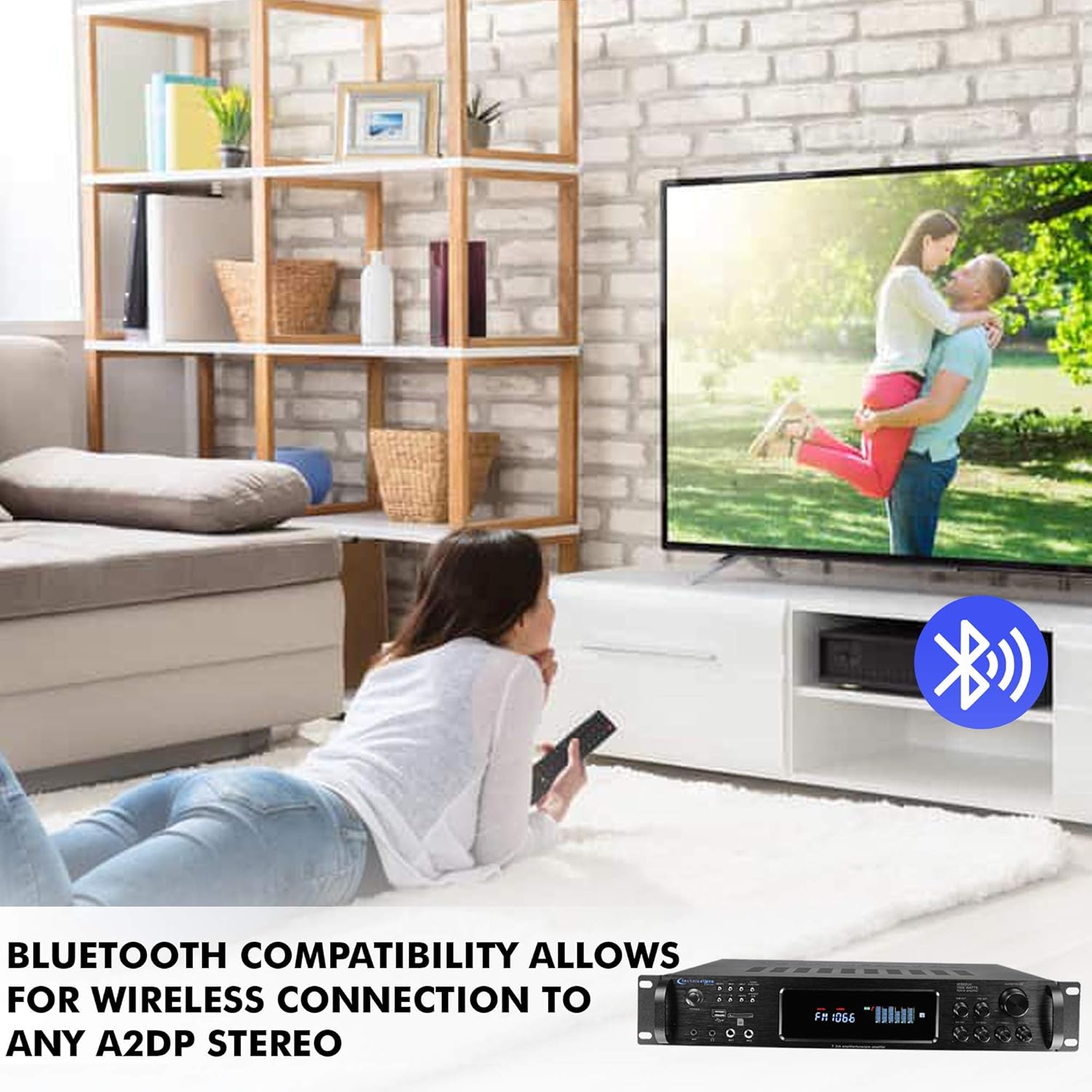
Figure 4.1: Illustrates Bluetooth compatibility, allowing wireless connection to any A2DP stereo device.
4.4 USB/SD Card Playback
- Insert a USB flash drive or SD card containing audio files (e.g., MP3) into the corresponding slot on the front panel.
- Select USB or SD as the input source.
- The amplifier will automatically begin playback. Use the navigation buttons on the front panel or remote control to skip tracks or adjust playback settings.
4.5 AM/FM Tuner
- Select AM or FM as the input source.
- Use the tuning buttons to scan for radio stations. The digital display will show the current frequency.
4.6 Audio Controls
- Master Volume: Adjust the overall output volume using the large knob on the front panel.
- Bass/Treble: Use the dedicated knobs to adjust the bass and treble levels to your preference.
- Balance: Adjust the left/right channel balance.
- Mic Volume/Echo/Bass/Treble: Controls for connected microphones.
5. Maintenance
Proper maintenance ensures the longevity and optimal performance of your amplifier.
- Cleaning: Use a soft, dry cloth to clean the exterior of the unit. Do not use liquid cleaners or aerosols, as they may damage the finish or internal components.
- Ventilation: Ensure the amplifier has adequate ventilation. Do not block ventilation openings. Avoid placing the unit in enclosed spaces or on soft surfaces that may impede airflow.
- Storage: If storing the unit for an extended period, unplug it from the power outlet and store it in a cool, dry place away from direct sunlight and extreme temperatures.
- Power Cord: Regularly inspect the power cord for any damage. If damaged, discontinue use and contact customer support.
6. Troubleshooting
If you encounter issues with your amplifier, refer to the following common problems and solutions:
| Problem | Possible Cause | Solution |
|---|---|---|
| No power | Power cord not connected; Power outlet not active; Unit is off. | Ensure power cord is securely plugged in; Test outlet with another device; Press the POWER button. |
| No sound output | Incorrect input source selected; Volume too low; Speakers not connected properly; Mute function active. | Select the correct input source; Increase master volume; Check speaker wire connections and polarity; Deactivate mute. |
| Bluetooth not connecting | Amplifier not in Bluetooth mode; Device too far; Device already paired with another unit. | Ensure amplifier is in Bluetooth input mode; Move device closer to amplifier; Disconnect device from other Bluetooth units and try pairing again. |
| USB/SD card not playing | Incorrect input source; Unsupported file format; Corrupted media; Card/drive not inserted correctly. | Select USB/SD input; Ensure files are in a supported format (e.g., MP3); Try a different USB/SD card; Reinsert the card/drive. |
| Poor radio reception | Antenna not connected or positioned poorly. | Connect the AM/FM antenna securely; Adjust antenna position for better signal. |
If the problem persists after trying these solutions, please contact Technical Pro customer support for further assistance.
7. Specifications
Detailed technical specifications for the Technical Pro TPH15002URBT amplifier:
- Model: TPH15002URBT
- Peak Power Output: 1500 Watts
- RMS Power Output: 200 Watts RMS (Both Channels Driven @ 1.0% THD @ 8 ohms)
- Product Dimensions (W x D x H): 19.1 x 14 x 3.5 inches
- Item Weight: 14.32 pounds
- Connectivity Technology: RCA, Bluetooth, USB
- Bluetooth Version: v2.0 with EDR (2.4 GHz)
- Bluetooth Wireless Range: 30+ feet
- Controller Type: Push Button
- Special Feature: Equalizer
- Compatible Devices: Speaker, Smartphone, Tablet, Personal Computer
- Audio Encoding: Stereo
- Audio Output Mode: Stereo
- USB/SD Card Max Size: 32 GB
- Sampling Rate (USB/SD): 128 kbps / 44.1 KHz
- Inputs: RCA (2 audio sources), USB, SD Card, MP3 (3.5mm), 2 Mic (1/4")
- Outputs: Banana binding post (4 speakers), push-button (surround sound speakers), Headphone (3.5mm)
- Tuner: AM/FM Digital Tuner

Figure 7.1: Amplifier dimensions: 19.1 inches (width), 14 inches (depth), 3.5 inches (height).
8. Warranty and Support
For information regarding warranty coverage, technical support, or service inquiries, please refer to the warranty card included with your product or visit the official Technical Pro website. Keep your purchase receipt as proof of purchase for warranty claims.
Manufacturer: Technical Pro
Date First Available: April 29, 2021
For direct support, you may visit the Technical Pro Store on Amazon.
Related documentsTPH15002URBT


Ask a question about this manual
Ask about setup, troubleshooting, compatibility, parts, safety, or missing instructions. Manuals+ will review the question and use this page’s manual context to help answer it.