1. Setup
1.1 Unboxing and Initial Placement
Carefully remove the TV and all accessories from the packaging. Place the TV on a stable, flat surface or prepare for wall mounting. Ensure adequate ventilation around the TV.

Front view of the VIZIO 50-Inch M-Series Smart TV, showcasing its sleek design and display.
1.2 Attaching the TV Stands
If not wall-mounting, attach the included stands to the bottom of the TV. Refer to the quick start guide for specific screw placement and tightening instructions. Ensure the TV is stable before proceeding.

Image showing the VIZIO 50-Inch M-Series Smart TV with its stands attached, along with its dimensions.
1.3 Connecting Devices
Connect your external devices such as cable boxes, gaming consoles, or sound systems to the TV's input ports. The VIZIO M-Series TV features multiple HDMI ports, including HDMI 1 with eARC support, USB 2.0, Composite Input, Audio Out (RCA), Audio Out (Optical), and Ethernet for wired network connection.

Detailed view of the VIZIO M-Series TV's side and rear input/output ports, including HDMI, USB, Composite, Audio Out, and Ethernet.

Side profile of the VIZIO M-Series TV highlighting the accessible HDMI and USB 2.0 ports.
1.4 Power On and Network Connection
Plug the power cable into the TV and a wall outlet. Press the power button on the remote or TV. Follow the on-screen prompts to connect to your home Wi-Fi network or use an Ethernet cable for a wired connection. This step is crucial for accessing Smart TV features and updates.
2. Operating the VIZIO M-Series Smart TV
2.1 Using the Voice Remote
The VIZIO M-Series comes with a voice remote for easy navigation and control. Use the dedicated app buttons for quick access to popular streaming services like Netflix, Prime Video, Disney+, Hulu, and Tubi. The remote also features a microphone button for voice commands, allowing you to search for content, switch inputs, or adjust settings hands-free.

The VIZIO Voice Remote, featuring dedicated buttons for popular streaming apps and a microphone for voice commands.
2.2 SmartCast Platform and Apps
The TV features the award-winning SmartCast platform, providing access to a wide selection of built-in apps. Navigate through the intuitive interface to find movies, shows, live TV, and more. The VIZIO App Catalog offers numerous readily available applications without the need for downloads.

The VIZIO SmartCast home screen displaying a variety of streaming applications and trending content.

A visual representation of the VIZIO App Catalog, showcasing a broad range of streaming services available.
2.3 VIZIO WatchFree+
Enjoy thousands of free movies and shows with VIZIO WatchFree+. This feature provides access to live TV channels and on-demand content, including local news and specialized channels, without additional subscriptions.

The VIZIO WatchFree+ interface, showing a selection of free live and on-demand channels.
2.4 Casting and Voice Assistant Integration
The TV supports Apple AirPlay 2 and Chromecast built-in, allowing you to stream, mirror, or cast content directly from your compatible devices. It also works seamlessly with popular voice assistants like Alexa, Apple Home, and Google Assistant for integrated smart home control.

Illustration of the VIZIO Smart TV's compatibility with Apple AirPlay and Chromecast for seamless content sharing.
The VIZIO Smart TV demonstrating compatibility with Alexa, Apple Home, and Google Assistant devices.
2.5 Picture and Gaming Features
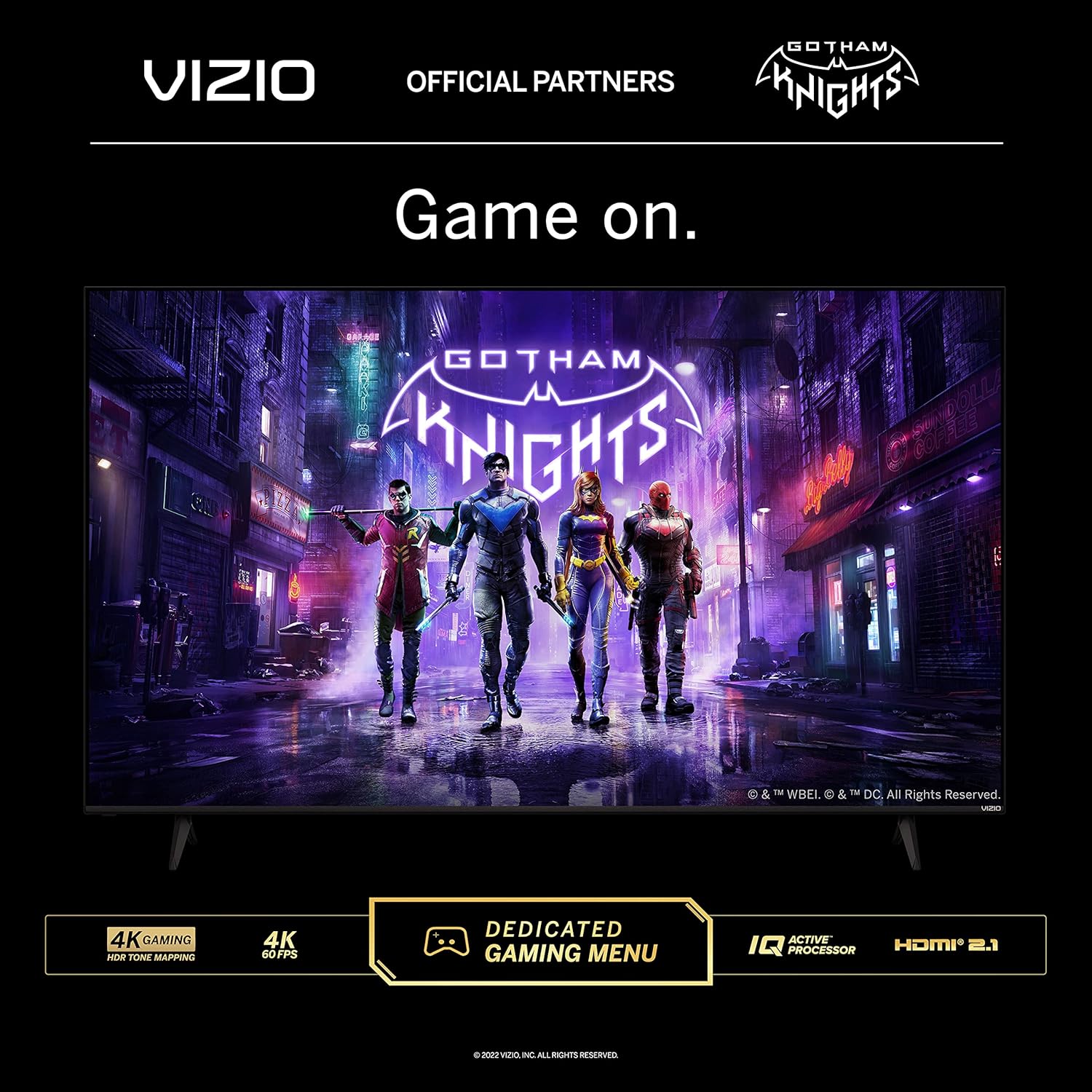
Experience stunning visuals with 4K Ultra HD resolution, Dolby Vision Bright Mode, Quantum Color, and a Full Array Backlight. The IQ Active Processor enhances picture processing and 4K upscaling. For gamers, the V-Gaming Engine with Auto Game Mode, Variable Refresh Rate (VRR) with AMD FreeSync, and ultra-low input lag provide an optimized gaming experience.

The VIZIO Smart TV highlighting its 4K gaming capabilities, including a dedicated gaming menu and IQ Active Processor.

Energy Guide label for the VIZIO M50Q6-J01 TV, showing estimated yearly energy cost and electricity use.
3. Maintenance
3.1 Cleaning the Screen
To clean the TV screen, gently wipe it with a soft, dry microfiber cloth. For stubborn smudges, lightly dampen the cloth with water or a screen-safe cleaning solution. Avoid harsh chemicals or abrasive materials that could damage the screen.
3.2 Software Updates
The VIZIO M-Series TV periodically receives software updates to improve performance and add new features. Ensure your TV is connected to the internet to receive these updates automatically. You can also manually check for updates through the TV's settings menu.
4. Troubleshooting
4.1 No Picture/Sound
- Check all cable connections (power, HDMI, etc.) to ensure they are secure.
- Verify the correct input source is selected on the TV.
- Ensure the TV is powered on and not in standby mode.
- If using external audio, check the sound system's power and input settings.
4.2 Remote Control Not Responding
- Replace the batteries in the remote control.
- Ensure there are no obstructions between the remote and the TV's sensor.
- If using the voice feature, ensure the microphone is not covered and speak clearly.
4.3 Network Connectivity Issues
- Restart your Wi-Fi router and modem.
- Go to the TV's network settings and attempt to reconnect to your Wi-Fi network.
- If using a wired connection, ensure the Ethernet cable is securely connected to both the TV and the router.
5. Specifications
| Feature | Detail |
|---|---|
| Brand | VIZIO |
| Model Number | M50Q6-J01 |
| Screen Size | 50 Inches |
| Display Technology | QLED |
| Resolution | 4K Ultra HD (3840 x 2160) |
| Refresh Rate | 60 Hz |
| Special Features | Flat, Dolby Vision Bright Mode, Quantum Color, Full Array Backlight, IQ Active Processor, V-Gaming Engine, VRR with AMD FreeSync, Alexa Compatibility, Apple AirPlay 2, Chromecast built-in |
| Connectivity Technology | HDMI (3 ports, including 1 eARC), USB 2.0, Ethernet, Composite Input, Audio Out (RCA), Audio Out (Optical) |
| Product Dimensions | 43.81"W x 10"D x 26.71"H |
| Item Weight | 27.03 Pounds |
| Included Components | Power Cable, Voice Remote Control, TV Stands |
6. Warranty & Support
VIZIO offers Lifetime Technical Support for their products. For assistance, you can contact VIZIO customer service via text, live agent chat, email, or video support. Visit the official VIZIO website for more details and contact information.

Information regarding VIZIO's Lifetime Technical Support, available since 2002, with various contact methods.
For additional product information and resources, please visit the official VIZIO M-Series page: www.vizio.com/en/tv/m-series
7. Official Product Videos
VIZIO 2022 M6-Series 4K UHD Quantum LED Overview
An official video from Vizio, Inc. showcasing the features and capabilities of the VIZIO 2022 M6-Series 4K UHD Quantum LED TV, including its picture quality and smart features.