1. Introduction
This manual provides essential instructions for the proper setup, operation, maintenance, and troubleshooting of your Infinix XB04 XBand 4 Smart Fitness Watch. Please read this manual thoroughly before using the device to ensure optimal performance and longevity.
2. Product Overview
The Infinix XB04 XBand 4 is a smart fitness watch designed to assist you in tracking your daily activities and receiving notifications. It features a rectangular display and a durable polycarbonate band.

Figure 2.1: Infinix XB04 XBand 4 displaying current time and date.
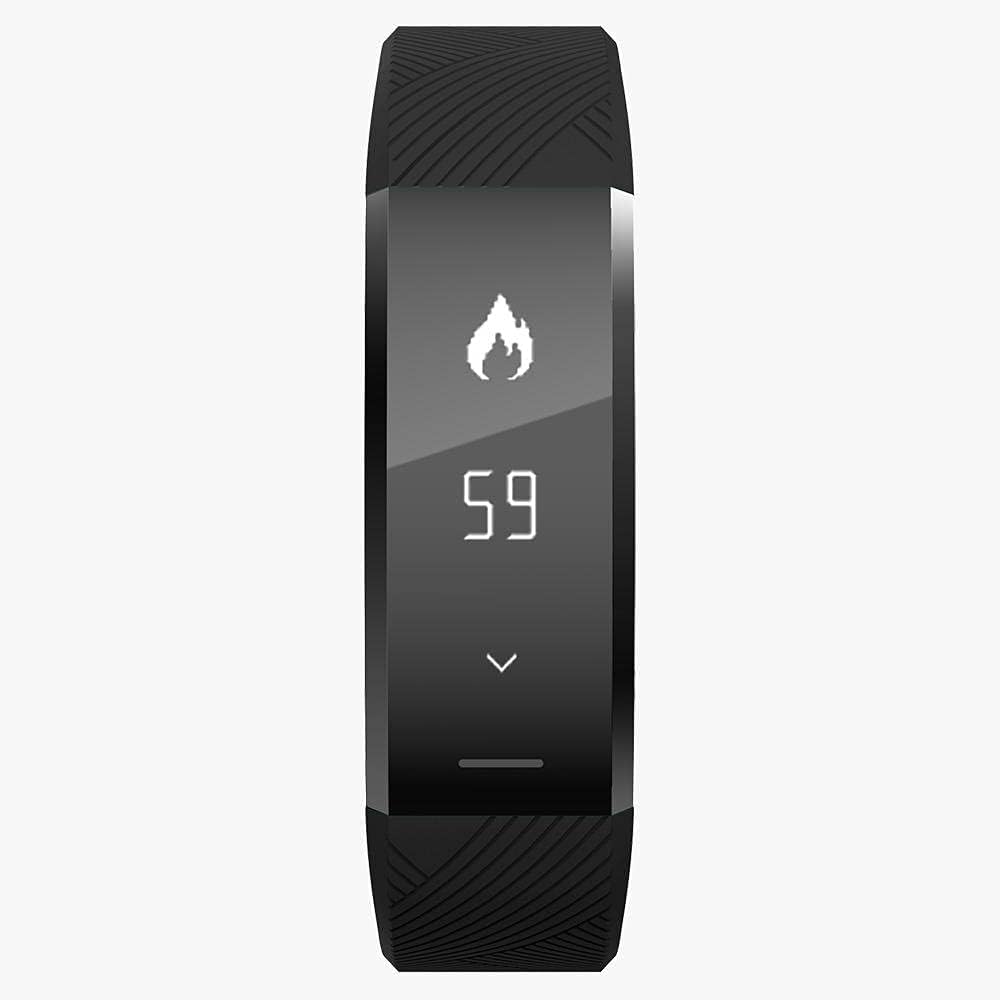
Figure 2.2: The watch interface showing calorie tracking data.
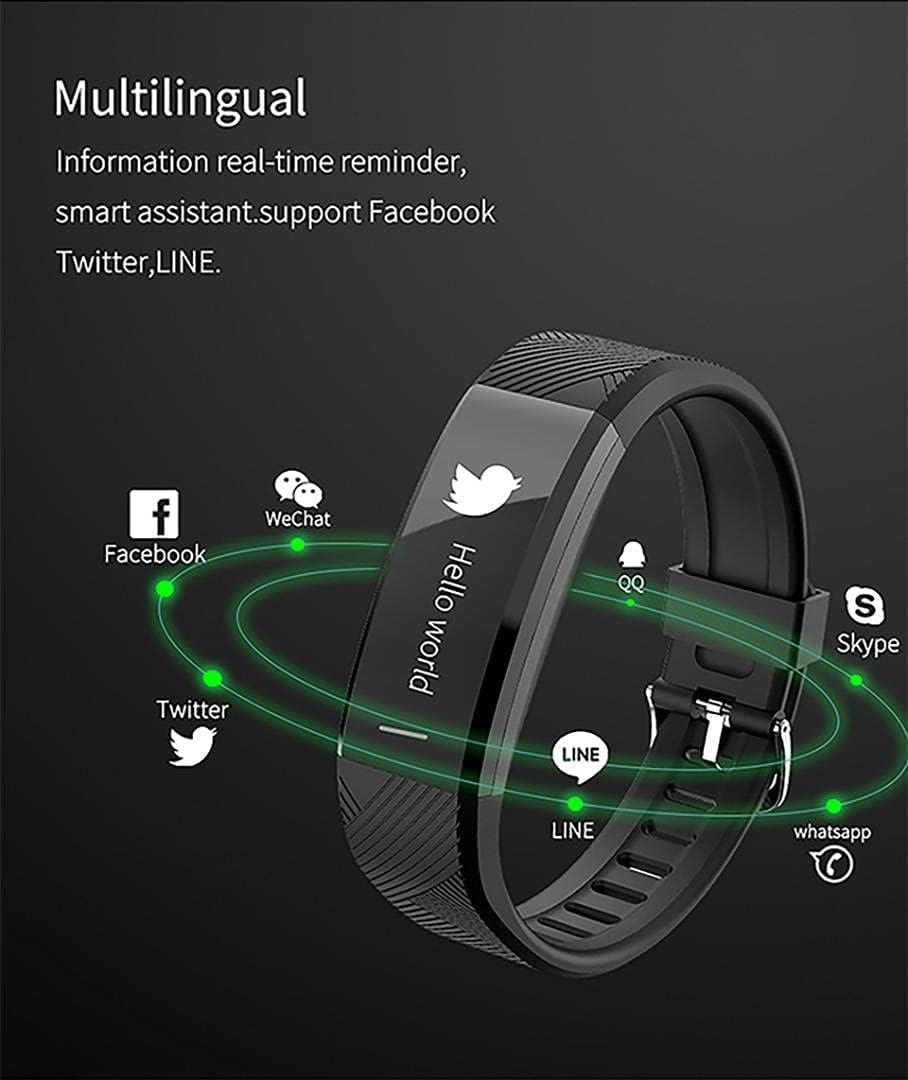
Figure 2.3: The watch illustrating its multilingual real-time notification capabilities for various applications.
3. Setup
3.1 Initial Charging
Before first use, fully charge your Infinix XB04 XBand 4. Connect the charging cable to the designated port on the watch and a standard USB power source. The device requires batteries for operation.
3.2 App Installation and Pairing
- Download the official companion application for the Infinix XBand 4 from your smartphone's app store. The watch is compatible with both iOS and Android operating systems.
- Ensure Bluetooth is enabled on your smartphone.
- Open the companion app and follow the on-screen instructions to search for and pair with your XB04 device.
- Confirm the pairing request on both your smartphone and the watch, if prompted.
4. Operating Instructions
4.1 Basic Navigation
The XB04 XBand 4 typically features a touch-sensitive area or a single button for navigation. Tap or press to cycle through different screens and functions. Refer to the on-screen prompts for specific interactions.
4.2 Activity Tracking
The watch automatically tracks various fitness metrics. Common functions include:
- Step Count: Displays the total number of steps taken.
- Calorie Burn: Estimates calories burned based on activity.
- Distance: Calculates distance covered.
Detailed activity data can be viewed within the companion smartphone application.
4.3 Notifications
Once paired with your smartphone, the XB04 XBand 4 can display real-time notifications for incoming calls, messages, and various social media applications. Ensure notification permissions are enabled in both your phone settings and the companion app.
4.4 Water Resistance
The device features water resistance. However, it is not suitable for diving or prolonged submersion. Avoid exposure to hot water, steam, or high-velocity water streams.
5. Maintenance
5.1 Cleaning
Wipe the watch and band regularly with a soft, damp cloth. Avoid using harsh chemicals or abrasive materials, as these can damage the device's finish and functionality.
5.2 Charging Practices
Use only the provided charging cable. Do not expose the charging contacts to moisture or foreign objects. Avoid overcharging the device for extended periods.
5.3 Storage
When not in use for an extended period, store the watch in a cool, dry place away from direct sunlight and extreme temperatures. Ensure the battery has some charge to prevent deep discharge.
6. Troubleshooting
6.1 Device Not Turning On
- Ensure the device is fully charged. Connect it to the charger for at least 30 minutes.
- Attempt a soft reset by pressing and holding the main button (if available) for 10-15 seconds.
6.2 Unable to Pair with Smartphone
- Verify Bluetooth is active on your smartphone.
- Ensure the watch is within close proximity to your phone.
- Restart both the watch and your smartphone.
- Clear the Bluetooth cache on your phone or forget the device and attempt to re-pair.
- Update the companion app to the latest version.
6.3 Inaccurate Activity Data
- Ensure the watch is worn correctly and securely on your wrist.
- Verify your personal information (height, weight, age) is accurately entered in the companion app.
- Perform a factory reset (if available in settings) and re-pair the device.
7. Specifications
| Feature | Detail |
|---|---|
| Brand | Infinix |
| Model Name | XB04 |
| Operating System | Other |
| Compatible OS | iOS / Android |
| RAM Size | 64 |
| SIM Card Support | No |
| Camera | No |
| Band Material | Polycarbonate |
| Special Features | Water Resistance |
| Connectivity | Bluetooth |
| GPS | No GPS |
| Item Shape | Rectangular |
| Screen Size | 22 Millimeters |
| Batteries Required | Yes |
| Package Dimensions | 12.3 x 9.1 x 3.1 cm |
| Item Weight | 42 g |
8. Warranty and Support
The Infinix XB04 XBand 4 Smart Fitness Watch is covered by a standard manufacturer's warranty. Please refer to the warranty card included in your product packaging for specific terms and conditions, including warranty duration and coverage details.
For technical support, service, or warranty claims, please contact Infinix customer service through their official website or the contact information provided with your purchase. Ensure you have your product model number (XB04) and proof of purchase available when seeking support.


