
Introduction
This manual provides detailed instructions for the installation, operation, and maintenance of your SSYING 1080P Battery Home Security Camera System. Please read this manual thoroughly before use and retain it for future reference.
Product Features
- 1080P HD Video Resolution
- Wire-Free Design for Flexible Placement
- IP65 Weatherproof Rating for Outdoor Use
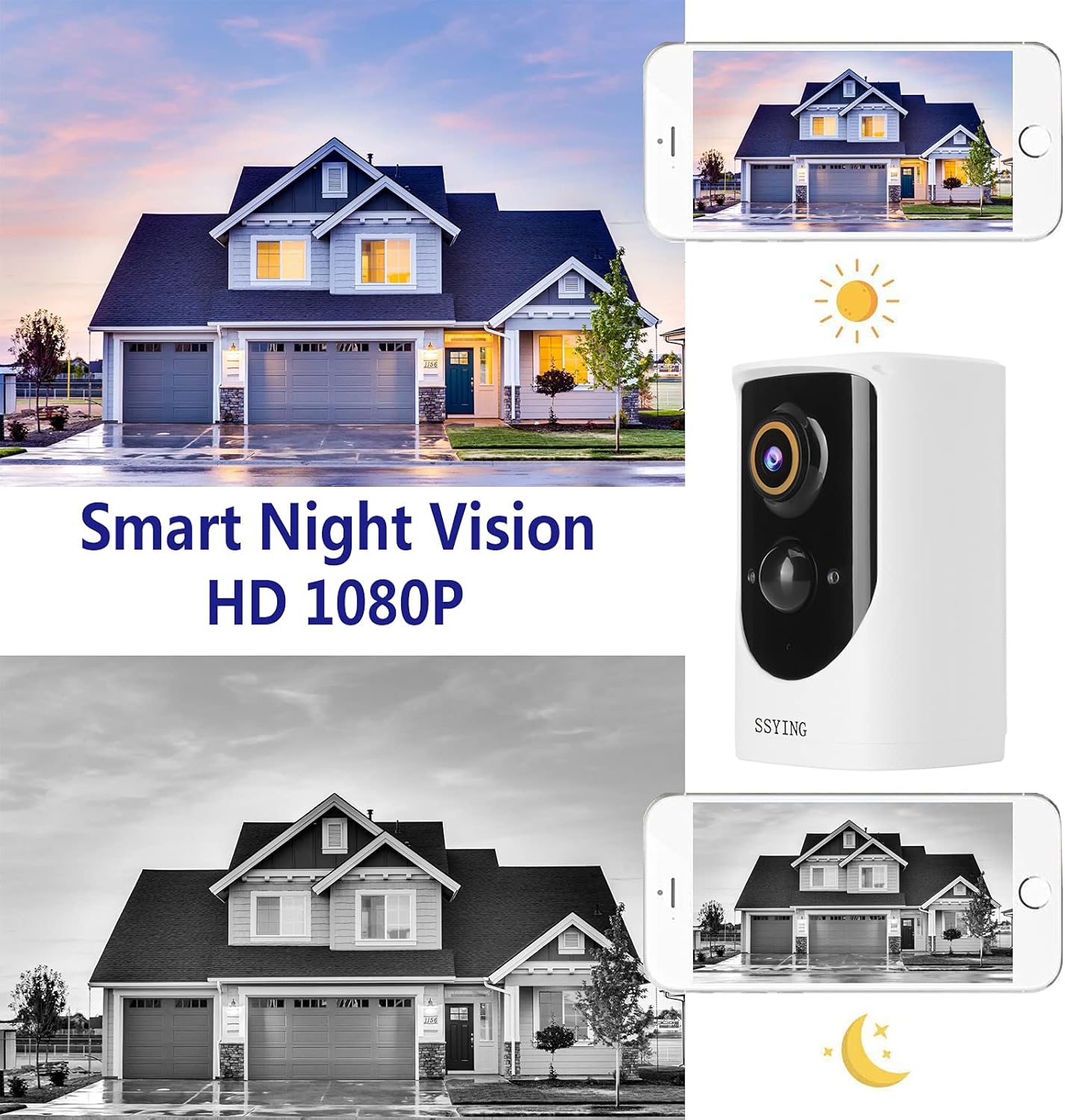
- HD Night Vision (Infrared)
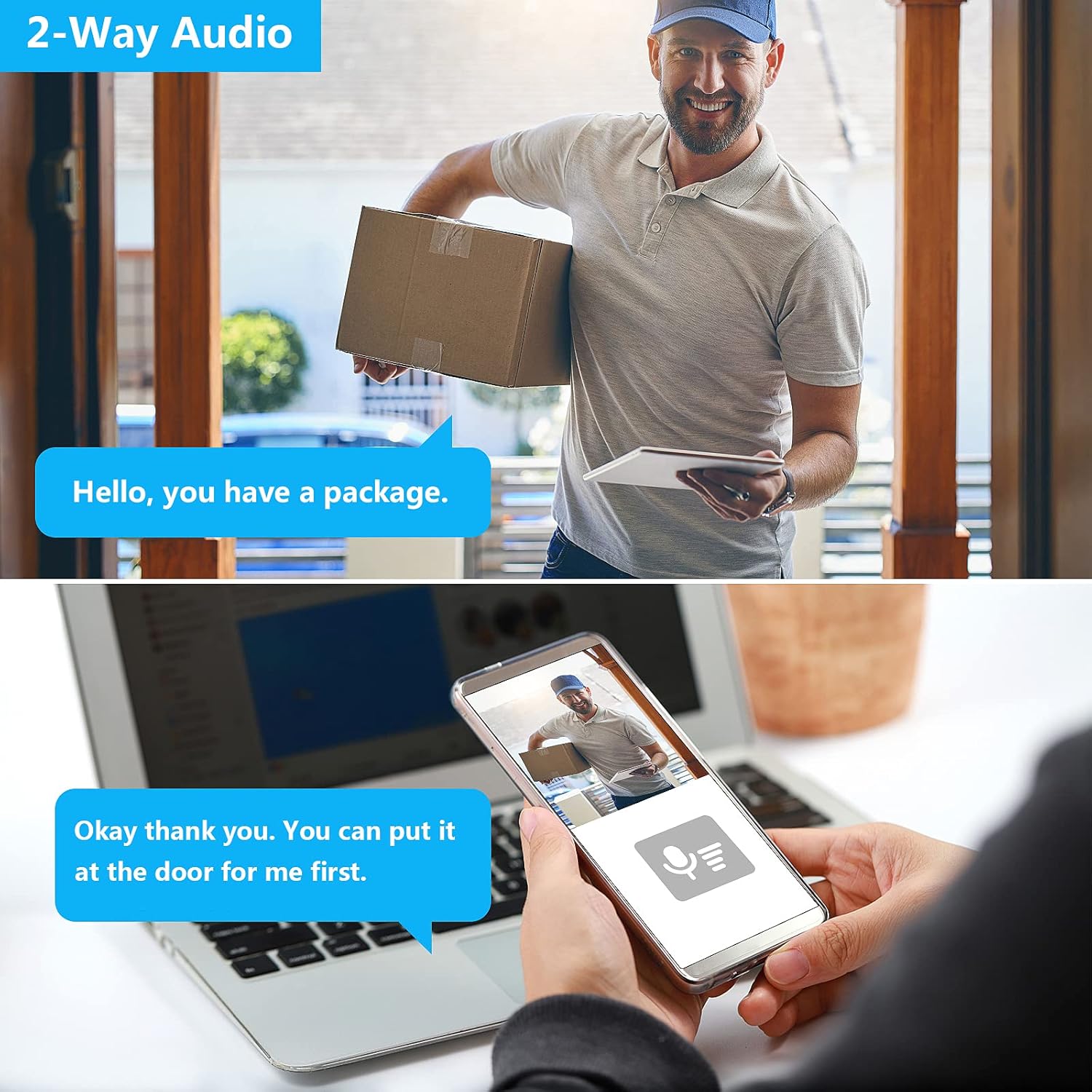
- Two-Way Audio Communication
- PIR Motion Detection with Instant Mobile Notifications
- Rechargeable Battery Power
- Wide-Angle Camera Lens
- Supports iOS and Android devices

Package Contents
Please check that all components are present and in good condition:
- SSYING 1080P Battery Camera
- Mounting Bracket
- USB Charging Cable
- Screws and Wall Anchors
- User Manual
Setup Guide
1. Charging the Camera
Before initial use, fully charge the camera battery using the provided USB cable. A full charge ensures optimal performance and battery life.
2. App Download and Account Registration
Download the official SSYING app from the App Store (iOS) or Google Play Store (Android). Register for an account and log in.
3. Pairing the Camera with the App
- Power on the camera.
- Follow the in-app instructions to add a new device. This typically involves scanning a QR code on the camera or connecting to a temporary Wi-Fi hotspot created by the camera.
- Connect the camera to your home 2.4GHz Wi-Fi network. Note: 5GHz Wi-Fi is not supported.
- Once connected, the camera will appear in your app's device list.

4. Installation
The camera can be mounted on a wall or ceiling, or simply placed on a flat surface.
Wall/Ceiling Mounting
- Choose a suitable location that provides the desired viewing angle and strong Wi-Fi signal.
- Use the mounting bracket as a template to mark drill holes.
- Drill holes and insert wall anchors if necessary.
- Secure the mounting bracket with screws.
- Attach the camera to the mounting bracket and adjust the angle.


Operating Instructions
Live View
Open the SSYING app and select your camera to view the live feed. You can pinch to zoom and pan the view.
Two-Way Audio
While in live view, tap the microphone icon in the app to speak through the camera's speaker. Tap again to end. This allows for direct communication with visitors.
Motion Detection and Alerts
The camera uses a Passive Infrared (PIR) sensor to detect motion. When motion is detected, the camera will record a video clip and send an instant notification to your smartphone.
You can adjust motion sensitivity and set detection zones within the app settings.
Night Vision
The camera automatically switches to infrared night vision in low-light conditions, providing clear black-and-white video footage.
Cloud Storage
The camera supports cloud storage for recorded events. Refer to the app for details on storage plans and access to recorded footage.
Maintenance
Battery Charging
When the battery level is low, you will receive a notification. Disconnect the camera from its mount and charge it using the USB cable.
Cleaning
Periodically wipe the camera lens and body with a soft, dry cloth to remove dust and debris. Do not use harsh chemicals.
Weather Resistance
The IP65 rating ensures protection against dust and water jets. However, avoid submerging the camera in water or exposing it to extreme weather conditions beyond its operating limits.
Troubleshooting
Camera Not Connecting to Wi-Fi
- Ensure your Wi-Fi network is 2.4GHz. The camera does not support 5GHz networks.
- Check Wi-Fi signal strength at the camera's location.
- Restart your router and the camera, then attempt pairing again.
- Verify the Wi-Fi password entered is correct.
If issues persist, try moving the camera closer to the router during setup.
No Motion Detection Alerts
- Check the motion detection settings in the app to ensure it's enabled and sensitivity is appropriate.
- Ensure the camera's view is not obstructed.
- Verify app notifications are enabled on your smartphone.
Short Battery Life
- Frequent motion detection events or live view usage can drain the battery faster. Adjust sensitivity or reduce live view time.
- Extreme cold weather can reduce battery performance.
- Ensure the camera is fully charged each time.
Poor Video Quality
- Check your Wi-Fi connection speed. A weak signal can affect video streaming quality.
- Clean the camera lens.
For further assistance, please contact SSYING customer support.
Specifications
| Feature | Detail |
|---|---|
| Model | BACA-422 |
| Video Resolution | 1080P HD |
| Power Source | Battery Powered (6000mAh) |
| Connectivity | 2.4GHz Wireless WiFi |
| Weather Resistance | IP65 |
| Night Vision | Infrared |
| Audio | Two-Way Audio |
| Motion Detection | PIR Motion Sensor |
| Dimensions (L x W x H) | 3.7 x 2.3 x 2.3 inches |
| Item Weight | 14.8 ounces |
| Operating Temperature | Up to 50°C (122°F) |
Warranty and Support
For warranty information and technical support, please refer to the product packaging or contact SSYING customer service through their official website or the contact information provided in the app.