
Introduction
The ANFIER M6 Language Translator Earbuds are designed to provide real-time translation across multiple languages and accents, alongside standard audio functions for music and calls. This manual provides detailed instructions for setting up, operating, and maintaining your device.
Package Contents
Please verify that all items are present in your package:
- ANFIER M6 Translator Earbuds (Left and Right)
- Charging Case
- USB Type-C Charging Cable
- Multiple Sizes of Ear Tips (Small, Medium, Large)
- User Manual (this document)

Image: The ANFIER M6 Translator Earbuds package showing the earbuds, charging case, USB-C cable, and various ear tips.
Setup
1. Charging the Earbuds and Case
Before first use, fully charge the earbuds and charging case. Connect the provided USB Type-C cable to the charging case and a power source. The indicator light on the case will show charging status.
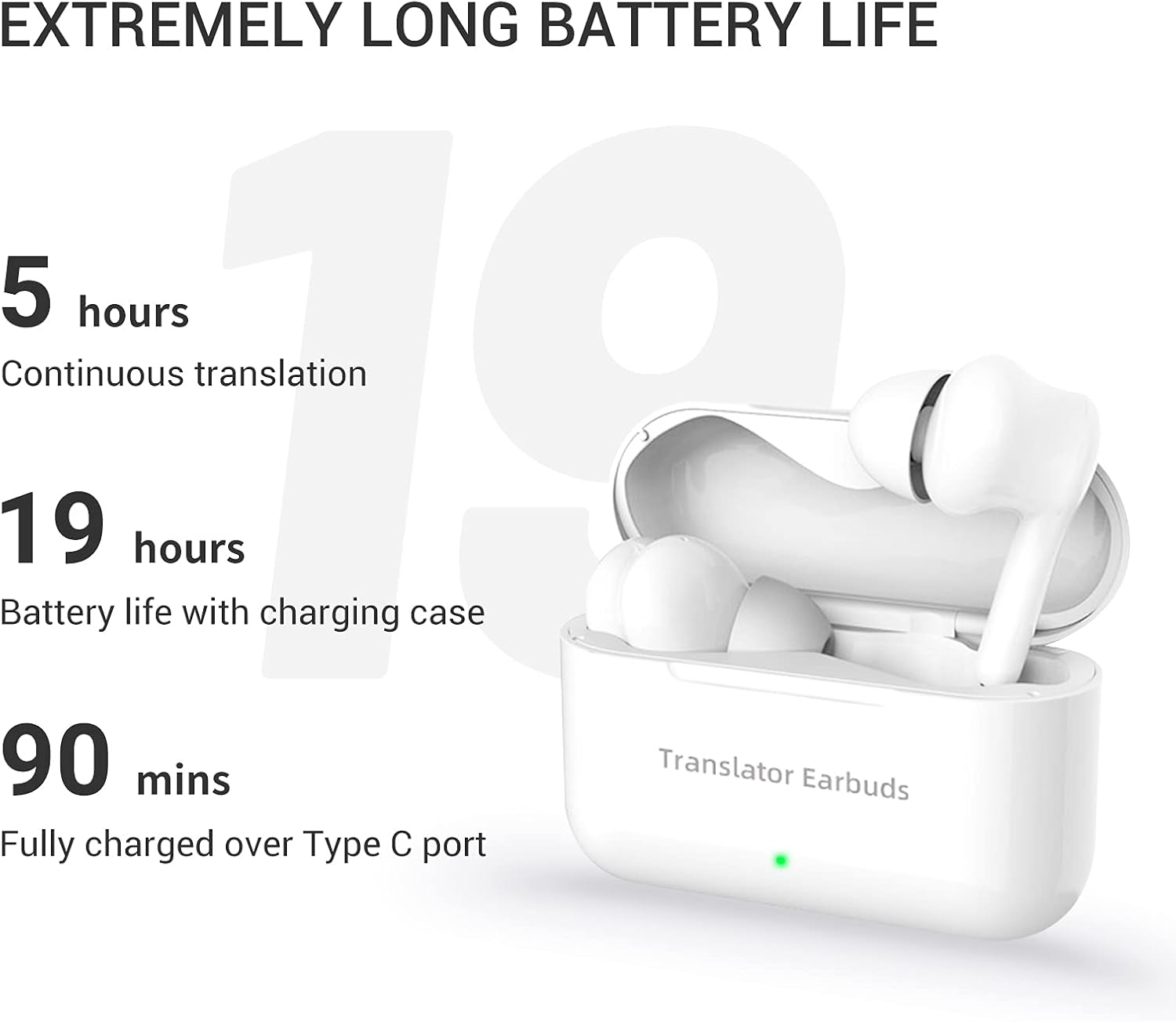
Image: The ANFIER M6 charging case connected to a USB-C charging cable, indicating the charging process.
2. Installing the WarsTrans App
The ANFIER M6 earbuds require the "WarsTrans" application for translation functions. Download the app from the Apple App Store (for iOS devices) or Google Play Store (for Android devices).

Image: A smartphone screen displaying the WarsTrans app download options from App Store and Google Play, with the earbuds and charging case in the foreground.
3. Bluetooth Pairing
- Open the charging case. The earbuds will automatically enter pairing mode.
- On your smartphone, enable Bluetooth and search for available devices.
- Select "ANFIER M6" from the list to connect.
- Once paired, open the WarsTrans app to complete the setup for translation features.
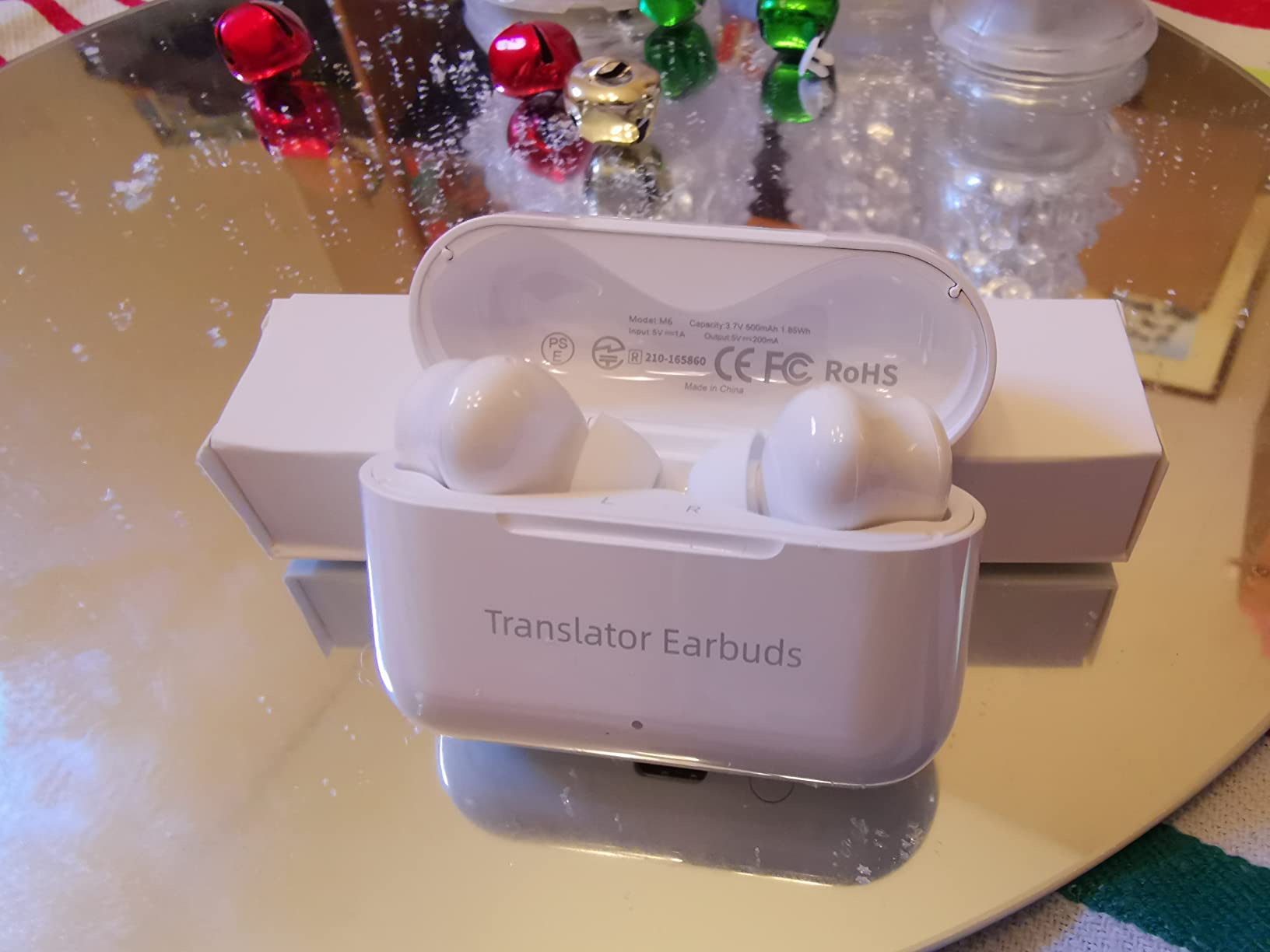
Image: A smartphone displaying the Bluetooth connection screen for "Translator Earbuds M6", with the earbuds and charging case nearby.
4. Selecting Ear Tips for Comfort
The earbuds come with three sizes of ear tips (small, medium, large) to ensure a secure and comfortable fit. Choose the size that best seals your ear canal for optimal sound quality and translation accuracy.

Image: Diagram illustrating different ear tip sizes (original, small, medium, large) for the ANFIER M6 earbuds to ensure a proper fit for various ear canal sizes.
Operating Modes
The ANFIER M6 Translator Earbuds offer two primary translation modes:
1. Touch Mode (Simultaneous Interpretation)
In Touch Mode, each person wears one earbud. This mode facilitates natural, almost seamless simultaneous translation for conversations. Speak into your earbud, and the translation will be heard by the other person through their earbud.

Image: Two individuals engaged in a conversation, each wearing an ANFIER M6 earbud, demonstrating the Touch Mode for simultaneous interpretation.
2. Speaker Mode
Speaker Mode is suitable for short, simple interactions, especially when only one person is wearing an earbud. One person wears an earbud, and the other communicates via the mobile phone's speaker. The app translates and reads out the conversation through the phone's speaker, maintaining a comfortable social distance.
Image: An individual wearing an ANFIER M6 earbud interacting with another person who is speaking into a smartphone, illustrating the Speaker Mode for translation.
Key Features
- Extensive Language Support: Supports 71 languages and 56 accents, covering a significant portion of the global population.
- High Accuracy & Speed: Powered by 4 leading translation engines, achieving up to 97% translation accuracy with a low latency of 0.5 seconds, supported by 15 worldwide servers.
- Smart Noise Reduction: Enhances translation accuracy by focusing on voice input and reducing background noise.
- Hi-Fi Stereo Sound: Equipped with premium loudspeakers for an immersive music listening experience and clear phone calls.
- Ergonomic Design: Secure-fit and compact design for comfortable long-term wear.

Image: Graphic illustrating the ANFIER M6 earbuds' support for 71 languages and 56 accents, powered by 4 leading translation engines for up to 97% accuracy.
Video: An official ANFIER video demonstrating the M6 translator earbuds' real-time translation capabilities, language support, and dual operating modes in various scenarios.
Battery and Charging
The ANFIER M6 earbuds are equipped with a high-capacity battery and power management algorithm for extended use.
- Continuous Working Time: Up to 5 hours on a single charge.
- Total Battery Life (with Charging Case): Up to 24 hours.
- Full Charge Time: Approximately 90 minutes via Type-C port.

Image: Graphic detailing the battery performance of the ANFIER M6 earbuds, showing 5 hours of continuous translation, 19 hours with the charging case, and 90 minutes for a full charge.
Maintenance
- Cleaning: Regularly clean the earbuds and charging case with a soft, dry cloth. Do not use liquids or abrasive cleaners.
- Ear Tips: Remove and clean ear tips periodically to prevent wax buildup. Replace them if they become damaged or lose their seal.
- Storage: Store the earbuds in their charging case when not in use to protect them and keep them charged.
- Avoid Extreme Conditions: Do not expose the earbuds to extreme temperatures, humidity, or direct sunlight.
Troubleshooting
| Problem | Possible Cause | Solution |
|---|---|---|
| Earbuds not pairing | Bluetooth off, earbuds not in pairing mode, out of range. | Ensure Bluetooth is on. Open case to activate pairing. Keep devices close. Forget device and re-pair. |
| Translation inaccuracy or delay | Poor internet connection, background noise, incorrect language settings. | Check internet connection. Move to a quieter environment. Verify language settings in the WarsTrans app. Ensure ear tips provide a good seal. |
| No sound from earbuds | Low battery, not connected, volume too low. | Charge earbuds. Reconnect Bluetooth. Increase volume on device. |
| App not functioning correctly | Outdated app, software glitch. | Update the WarsTrans app. Restart the app or your phone. Reinstall the app if issues persist. |
Specifications
- Model: M6
- Brand: ANFIER
- Translation Languages: 71 languages, 56 accents
- Translation Accuracy: Up to 97%
- Translation Speed: As fast as 0.5 seconds
- Connectivity: Bluetooth 5.0
- App Compatibility: iOS & Android (WarsTrans App)
- Earbud Battery Life: Up to 5 hours (continuous translation)
- Total Battery Life: Up to 24 hours (with charging case)
- Charging Time: Approximately 90 minutes (Type-C)
- Item Weight: 7.4 ounces
- Manufacturer: ANFIER
Warranty and Support
For warranty information and customer support, please refer to the official ANFIER website or contact their customer service directly. Keep your purchase receipt as proof of purchase for any warranty claims.
ANFIER Store: Visit the ANFIER Store on Amazon
