
1. Product Overview
The Minetom Smart Fairy String Lights are a versatile lighting solution designed for both indoor and outdoor decoration. These 33-foot lights feature 66 color-changing micro LEDs on a flexible copper wire, offering multiple control options including a control box, a 24-key remote, and a dedicated smartphone application. Key features include music synchronization, customizable lighting effects, and scheduling capabilities.
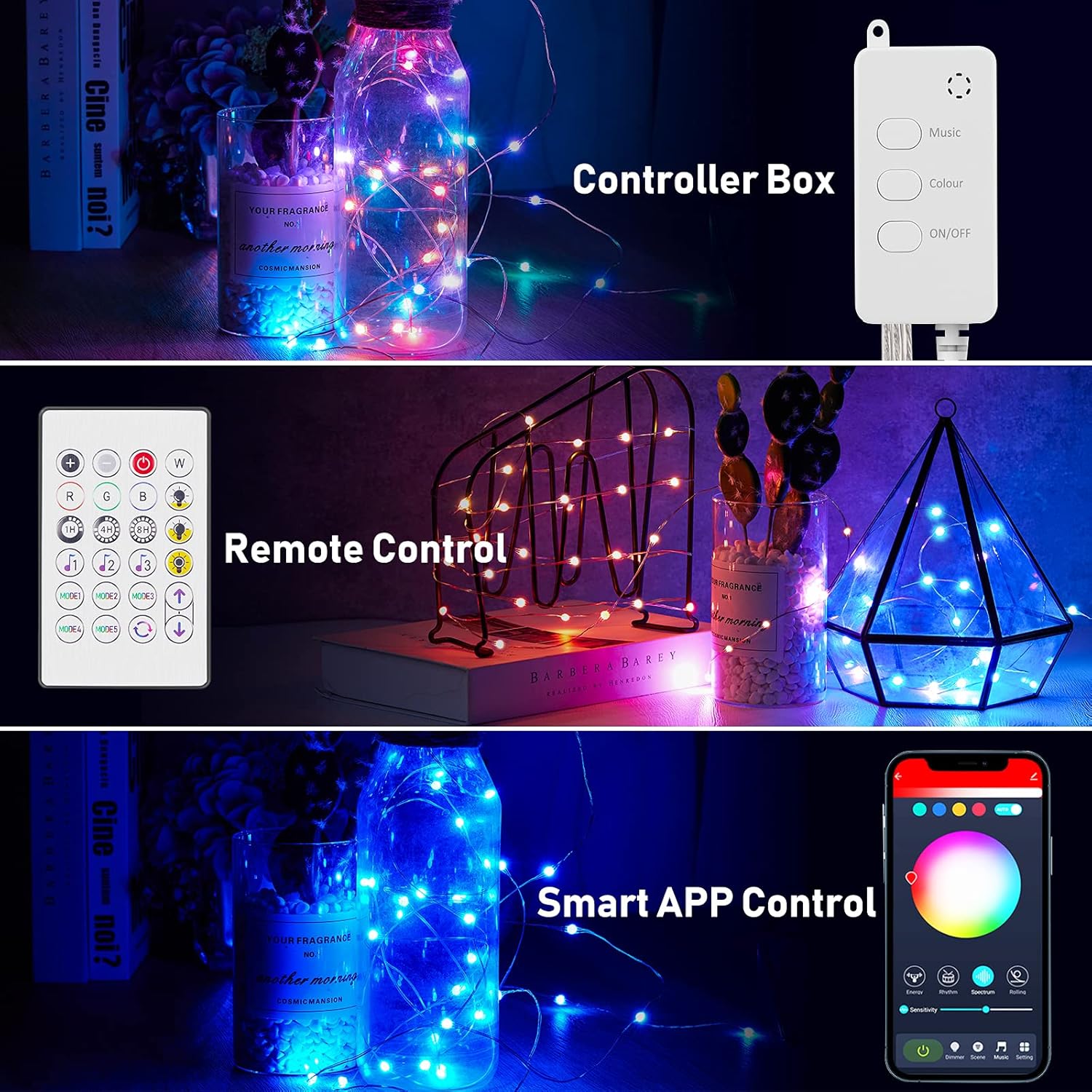
Image: Minetom Smart Fairy String Lights illuminating different decorative elements.
2. Package Contents
Verify that all items are present in your package:
- 1 × 33ft Smart Fairy String Lights with 66 LED Bulbs
- 1 × Remote Control
- 1 × User Manual (this document)
3. Setup Instructions
3.1 Powering the Lights
The Smart Fairy String Lights are powered via a USB plug. Connect the USB plug to a compatible 5V USB power source. This can include:
- A power bank
- A USB wall adapter (not included)
- A laptop USB port
- A USB socket
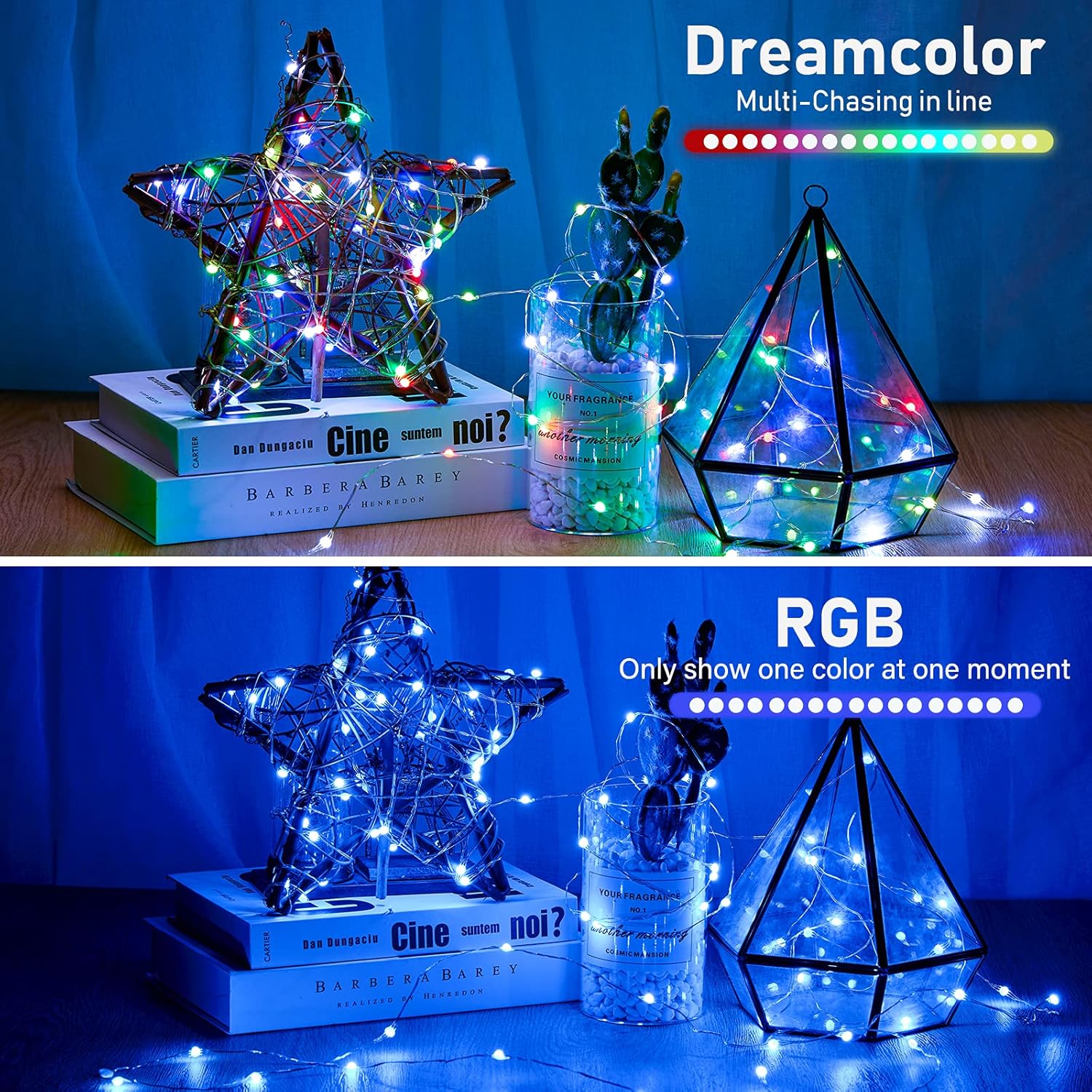
Image: Various USB power source options for the string lights.
3.2 App Installation (Optional)
For advanced control features, download the companion application to your smartphone:
- Scan the QR code provided in the packaging or search for "Hello Fairy" in your device's app store.
- Install the application.
- Enable Bluetooth on your smartphone.
- Open the app and follow the on-screen instructions to connect to your lights.
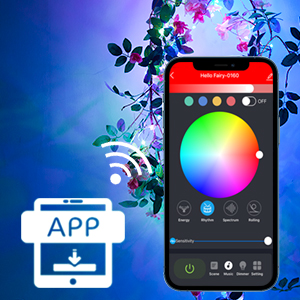
Image: Icon representing the mobile application for controlling the lights.
4. Operating Instructions
The Minetom Smart Fairy String Lights offer three methods of control: the inline control box, the remote control, and the smartphone application.
4.1 Control Box
The small inline control box has three buttons:
- Music: Cycles through music synchronization modes.
- Colour: Cycles through static color options.
- ON/OFF: Turns the lights on or off.
4.2 Remote Control
The included 24-key remote control provides comprehensive control over the lights:
- Power Button: Turns lights on/off.
- Color Selection: Direct buttons for various static colors (Red, Green, Blue, White, etc.).
- Brightness Adjustment: Increase or decrease light intensity.
- Mode Selection: Buttons for different dynamic lighting effects (e.g., Flash, Strobe, Fade, Smooth).
- Timer: Set a timer for automatic shut-off.
- Music Mode: Activates music synchronization.

Image: Overview of the three control methods: Controller Box, Remote Control, and Smart APP Control.
4.3 Smartphone Application Control
The smartphone app offers the most extensive control and customization options:
- Color Wheel: Select from over 16 million colors.
- Brightness Adjustment: Adjust brightness from 1% to 100%.
- Scene Modes: Choose from pre-set scene modes for various occasions.
- Customization: Create and save your own lighting effects and patterns.
- Music Sync: Utilize the device's microphone for advanced music synchronization.
- Timer & Schedule: Set precise timers and schedules for automatic on/off, sunrise/sunset routines.
- Group Control: Control multiple sets of lights simultaneously (if applicable).
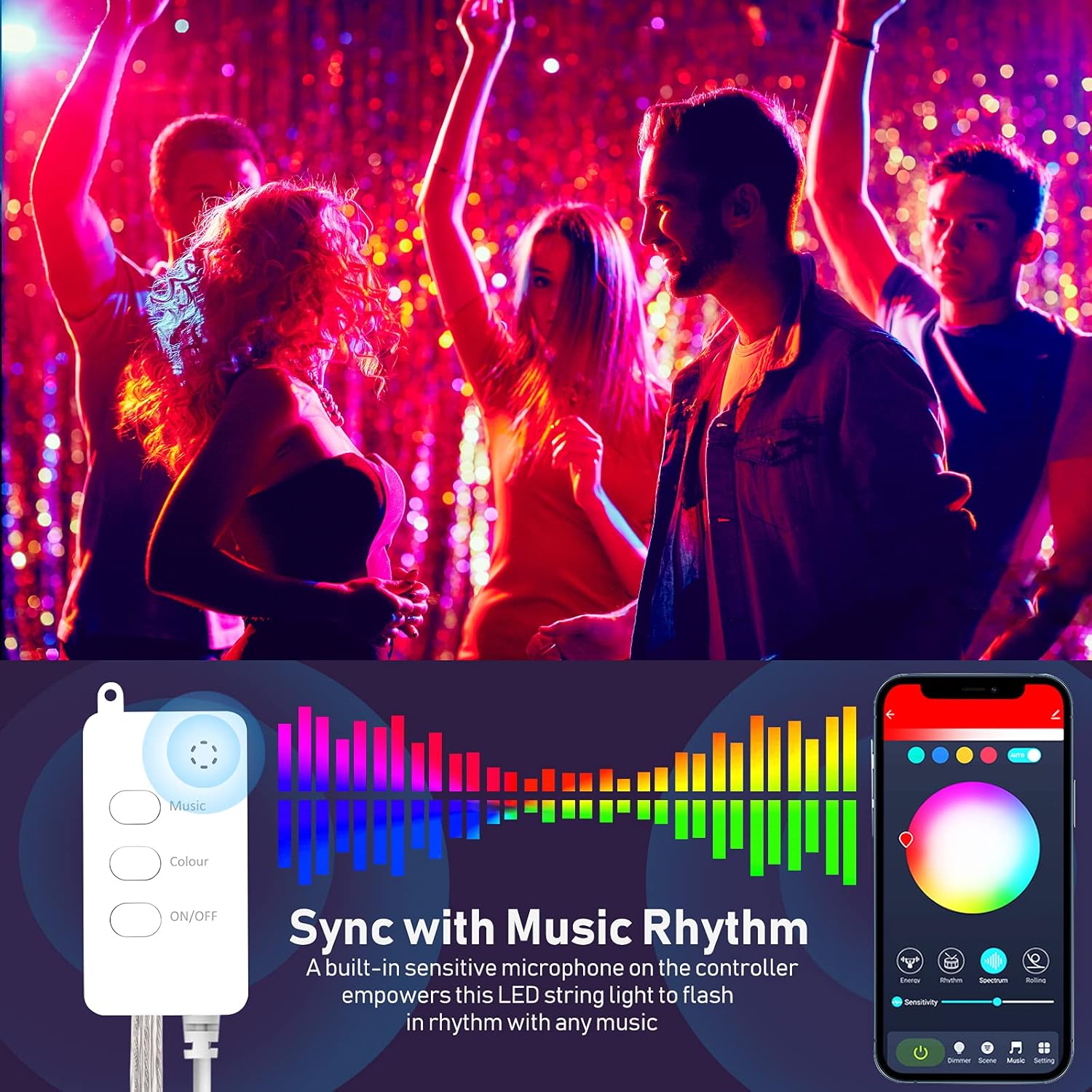
Image: The 'Hello Fairy' app interface demonstrating various control features including scene modes, color selection, and timer settings.
4.4 Music Synchronization
The built-in sensitive microphone on the controller allows the LED string lights to flash and change colors in rhythm with any music. This creates a dynamic and immersive atmosphere.
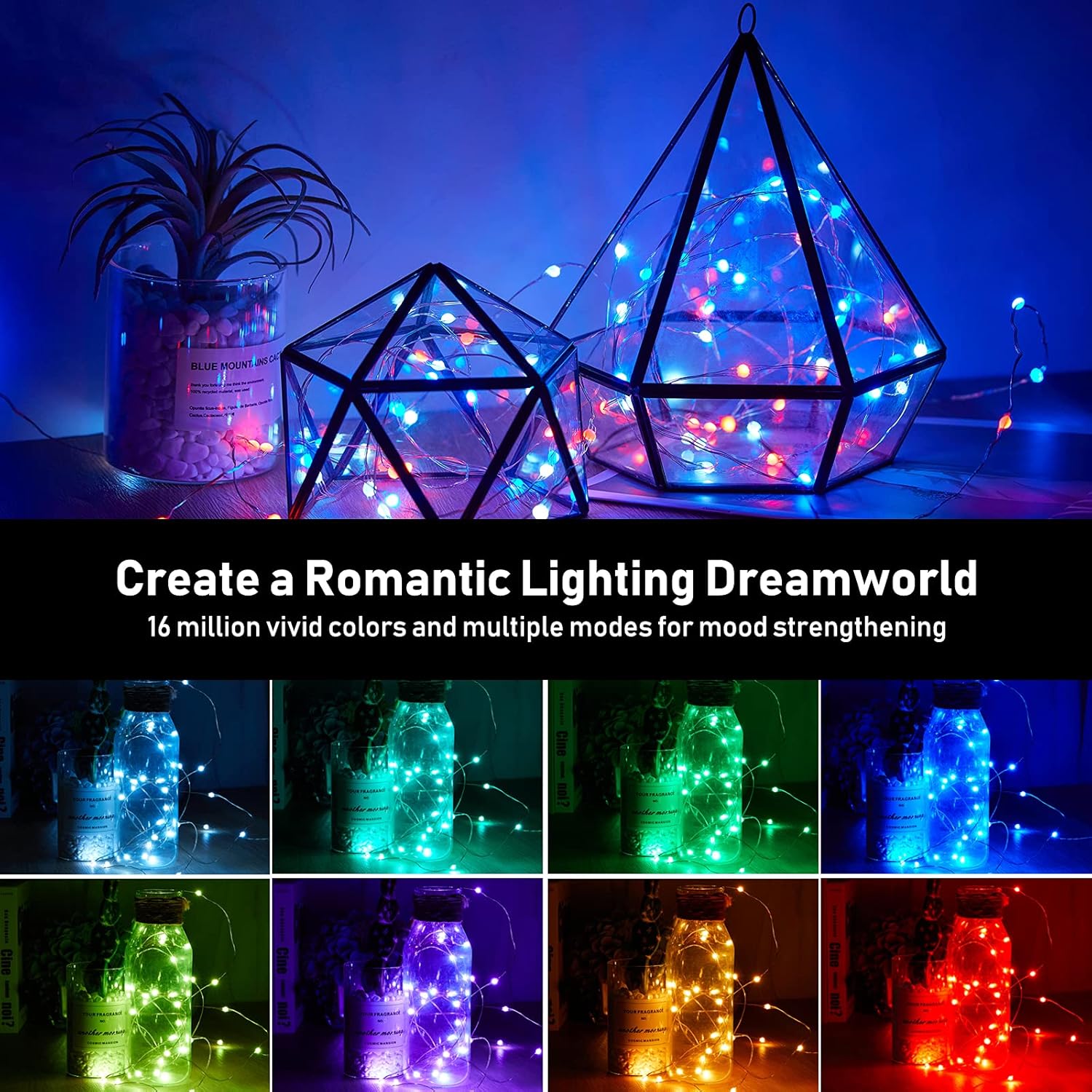
Image: Visual representation of the music sync feature, showing lights reacting to sound.
Video: Demonstration of the Minetom Smart Fairy String Lights' music synchronization feature, showing lights changing with audio.
4.5 Timer and Scheduling
Use the app to set timers or create schedules for your lights to turn on or off automatically. This feature helps conserve energy and provides convenience.

Image: Screenshot of the app's interface for setting timers and countdowns.
5. Maintenance
The Minetom Smart Fairy String Lights require minimal maintenance.
- Cleaning: Gently wipe the lights and controller with a dry, soft cloth if they become dusty. Do not use liquid cleaners directly on electrical components.
- Storage: When not in use, carefully coil the string lights to prevent tangling and store them in a cool, dry place away from direct sunlight.
- Water Resistance: The lights are designed for indoor and outdoor use and are waterproof (IP44 rated). However, the USB plug and controller box are not fully waterproof and should be protected from direct exposure to heavy rain or immersion in water.

Image: Fairy lights shown in water, illustrating their waterproof design.
6. Troubleshooting
| Problem | Possible Cause | Solution |
|---|---|---|
| Lights do not turn on. | No power supply or loose connection. | Ensure USB plug is securely connected to a working 5V power source. Try a different USB port or adapter. |
| Remote control not working. | Remote battery depleted or obstruction. | Replace the remote control battery. Ensure no obstructions between the remote and the controller box. |
| App cannot connect to lights. | Bluetooth is off or lights are out of range. | Ensure Bluetooth is enabled on your phone. Move closer to the lights. Restart the app and/or power cycle the lights. |
| Music sync is not responsive. | Microphone obstruction or low music volume. | Ensure the controller box's microphone is not covered. Increase music volume. |
7. Product Specifications
- Brand: Minetom
- Model: B092VPLXHP
- Color: Multicolor
- Indoor/Outdoor Usage: Indoor, Outdoor
- Special Features: APP Control, Remote Control, Color Changing, Dimmable, Flexible Wire, Energy Efficient, Music Sync, Safe to Touch, Waterproof (IP44)
- Light Source Type: LED
- Power Source: USB-Plug (5V)
- Number of Light Sources: 66
- Wattage: 5 watts
- Item Length: 33 Feet (10 meters)
- Material: Copper Wire
- Control Method: App, Remote, Control Box
- Batteries Required: No (for lights), Yes (for remote, typically CR2025, not included)
8. Safety Information
- Do not expose the USB plug or controller box to water or extreme weather conditions.
- Ensure the power source is 5V to prevent damage to the lights.
- Keep out of reach of small children to prevent choking hazards from small parts or entanglement with the wire.
- Do not attempt to modify or repair the lights yourself. Contact customer support if issues arise.
- Unplug the lights from the power source when not in use or during cleaning.
9. Warranty and Support
Minetom products are designed for quality and reliability. For warranty information or technical support, please refer to the contact details provided with your purchase or visit the official Minetom website. Please have your model number (B092VPLXHP) and purchase date ready when contacting support.