
Introduction
Thank you for choosing the maisi Wireless CCTV Camera System. This manual provides essential information for the proper installation, operation, and maintenance of your security system. Please read it carefully before use and retain it for future reference.
This system offers high-definition 3MP surveillance with a 4-channel Network Video Recorder (NVR) and a pre-installed 500GB Hard Disk Drive (HDD) for extended recording. Enjoy features like night vision, P2P remote access, and instant alerts via app or email.
Package Contents
Please check the package contents to ensure all items are present:
- 1 x Network Video Recorder (NVR) with pre-installed 500GB HDD
- 2 x 3MP HD IP Bullet Cameras
- 1 x Quick Setup Guide
- 1 x USB Mouse
- Power Adapters (3-pin UK plugs) for NVR and cameras
- Ethernet Cable

Image: Complete maisi wireless CCTV system components.
Safety Information
- Ensure all power connections are secure and use only the provided power adapters.
- Do not expose the NVR to water or extreme temperatures.
- While cameras are weatherproof, avoid submerging them in water.
- Installation should be performed by qualified personnel if you are unsure.
- Keep cables organized to prevent tripping hazards.
Setup
1. NVR Initial Connection
- Connect the NVR to a monitor or TV using an HDMI or VGA cable (not included).
- Plug in the USB mouse to the NVR.
- Connect the NVR to power using its dedicated power adapter.
- Connect the NVR to your router via the Ethernet cable for internet access and remote viewing.
2. Camera Installation and Power
- Mount the cameras in desired locations, ensuring a clear field of view.
- Connect each camera to its dedicated power adapter. The cameras will automatically pair with the NVR wirelessly.

Image: NVR and camera power connections.
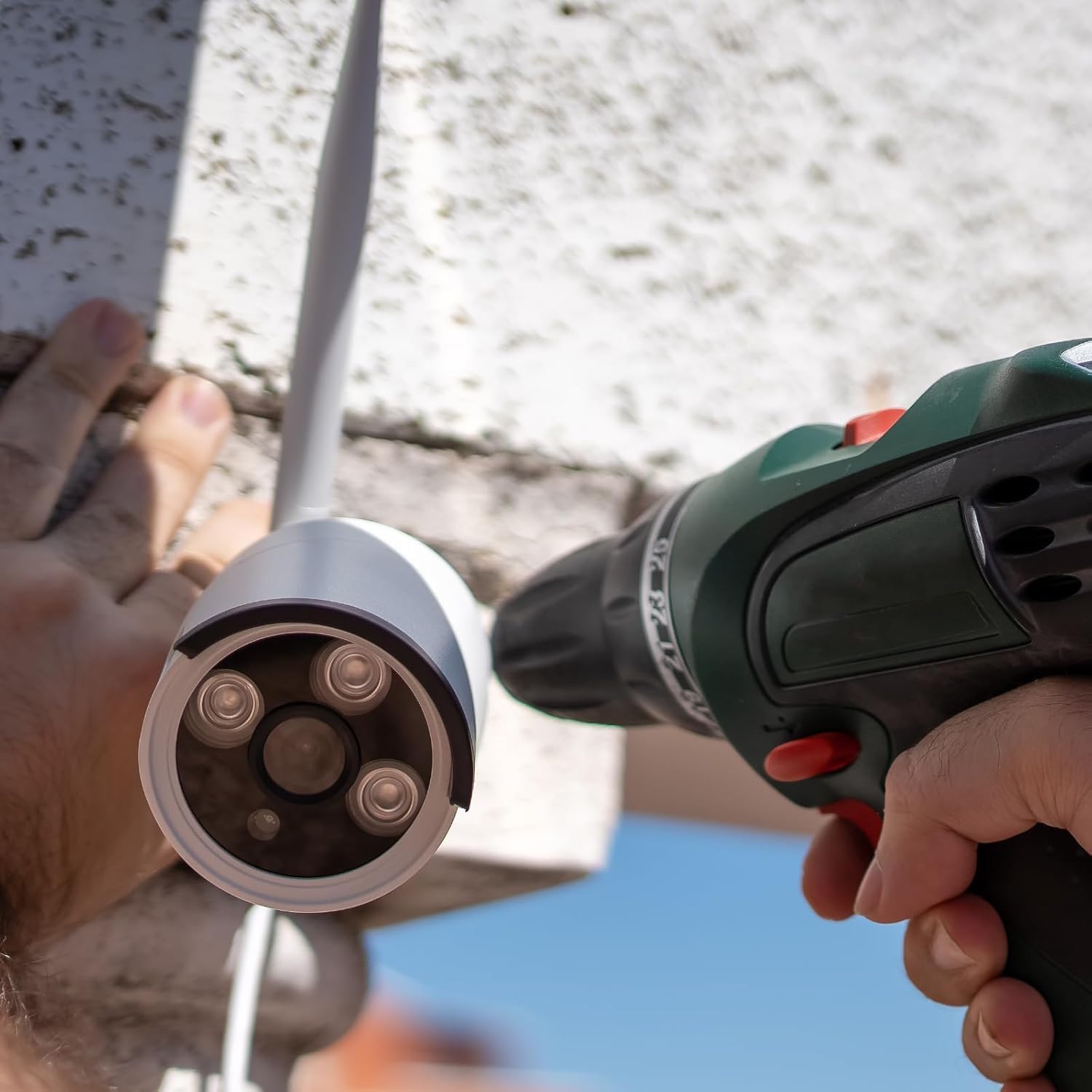
Image: Installing a maisi wireless security camera.
3. Mobile App Setup
- Download the 'XVRView' app from your smartphone's app store (iOS or Android).
- Register an account and follow the in-app instructions to add your NVR system using the device ID or QR code.
- Once connected, you can view live feeds, playback recordings, and receive alerts remotely.

Image: Mobile app interface for live viewing.
Operating
Live View
After setup, the NVR will display live feeds from all connected cameras on the monitor. You can switch between single-camera view and multi-camera grid view using the NVR interface or mobile app.
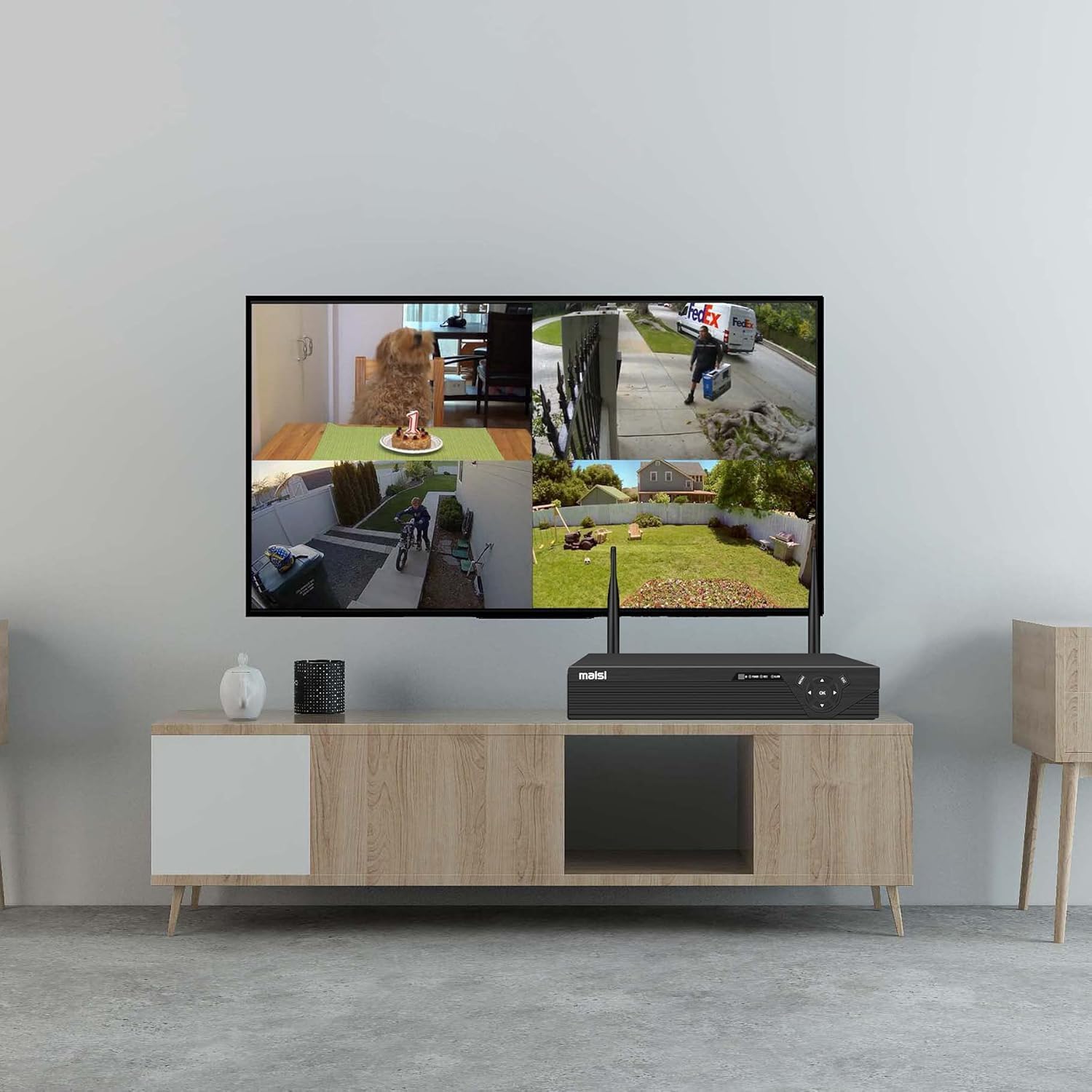
Image: Live camera feeds displayed on a TV via NVR.
Recording Modes
The system supports various recording modes:
- Continuous Recording: Records 24/7, overwriting oldest footage when the HDD is full.
- Scheduled Recording: Set specific times for recording.
- Motion Detection Recording: Records only when motion is detected, saving HDD space. You can configure motion detection zones and sensitivity.
Playback
Access recorded footage through the NVR interface or mobile app. Use the timeline to select specific dates and times for playback. The 500GB HDD allows for up to 30 days of loop recording.
Night Vision
The cameras are equipped with infrared (IR) LEDs for night vision, providing clear black and white video up to 60 feet in low-light conditions. An automatic IR-cut filter ensures accurate color representation during the day.
Audio Recording
Some camera models may support audio recording. Check your specific camera model's features. If supported, audio will be recorded alongside video footage.

Image: Camera indicating audio recording capability.
Alerts
Configure the system to send email alerts with snapshot attachments or push notifications to your smartphone when motion is detected.
Maintenance
- Cleaning: Regularly clean camera lenses with a soft, dry cloth to ensure clear image quality.
- Connection Check: Periodically verify all power and network connections are secure.
- Firmware Updates: Check the manufacturer's website for any available firmware updates for your NVR and cameras to ensure optimal performance and security.
- HDD Management: The system automatically manages HDD space. If you experience issues, check the NVR settings for HDD status.
Troubleshooting
| Problem | Possible Solution |
|---|---|
| No video display on monitor/TV. | Check HDMI/VGA cable connection. Ensure NVR is powered on. Verify monitor input source. |
| Cameras not showing video. | Ensure cameras are powered on. Check wireless signal strength between cameras and NVR. Re-pair cameras if necessary (refer to Quick Setup Guide). |
| Poor image quality. | Clean camera lenses. Ensure cameras are within optimal range of the NVR. Check for obstructions. |
| No recording. | Verify HDD status in NVR settings. Check recording schedule and motion detection settings. Ensure sufficient storage space. |
| Remote access via app not working. | Ensure NVR is connected to the internet. Check network settings on NVR and smartphone. Verify app login credentials. |
| Motion detection alerts not received. | Check motion detection settings and alert configurations (email/push notifications). Ensure NVR has internet access. |

Image: 3MP vs 720p video clarity comparison.

Image: Weatherproof camera in action.
Specifications
| Feature | Detail |
|---|---|
| Brand | maisi |
| Model Number | 87704+2x71699+500gb |
| Number of Channels | 4 |
| Video Capture Resolution | 3 Megapixels (3MP) |
| Wireless Technology | Wi-Fi |
| Night Vision Range | 60 feet |
| Storage | 500GB HDD (pre-installed), supports up to 8TB SATA |
| Video Compression | H.265 |
| Video Outputs | HDMI, VGA |
| Special Features | Night Vision, Image Sensor, Weatherproof (IP66 rated) |
| Compatible Devices | Tablets, Cameras, Windows/Mac PCs (client software), iOS/Android (XVRView app) |
| Power Source | Corded Electric |
| Item Weight | 2.37 Kilograms |
| Product Dimensions (LxWxH) | 16.65 x 28.66 x 30.89 cm |
Warranty & Support
For warranty information, please refer to the specific terms provided at the point of purchase or contact maisi customer support. If you encounter any issues not covered in this manual, please reach out to maisi customer service for assistance.
You can often find additional support resources, FAQs, and contact information on the official maisi website.