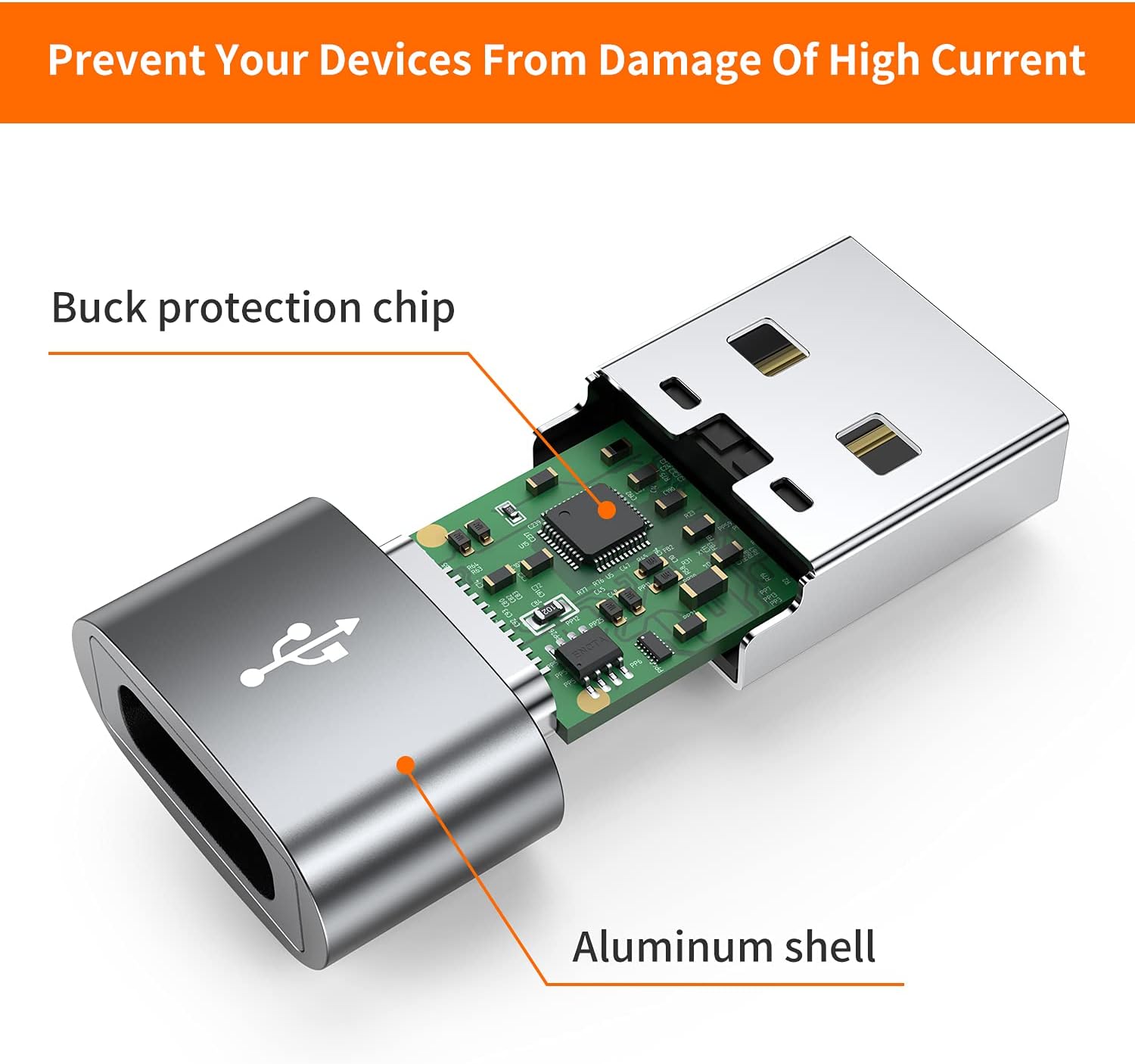
Image: A pack of four JXMOX USB C Female to USB Male Adapters.
1. Introduction
This manual provides essential instructions for the safe and efficient use of your JXMOX USB C Female to USB Male Adapter. This adapter is designed to convert a USB-C cable end into a standard USB-A male connector, allowing compatibility with a wider range of devices for charging and data transfer.
2. Key Features
- USB-C Female to USB-A Male Conversion: Enables connection of USB-C cables to standard USB-A ports.
- Efficient Charging: Supports stable charging speeds up to 5V/3A, 9V/2A for phones and tablets.
- Data Transfer: Offers USB 2.0 data transfer speeds up to 480 Mbps.
- Plug and Play: No drivers or software installation required for immediate use.
- Safety and Durability: Constructed with high-quality materials and features a built-in double-sided 56KΩ resistor for safe charging and data transfer.
3. Device Compatibility
This adapter is compatible with a wide range of USB-C enabled devices when connecting to a USB-A port for charging and data transfer. Compatible devices include, but are not limited to:
- iPhone models (X, 11, 12, 13, 14, 15, 16, 17 Pro Max)
- Apple Watch (iWatch Series SE, 7, 8 Ultra)
- iPad models (iPad Pro, iPad Air, iPad mini 6)
- Samsung Galaxy models (S25, S25+, S25 Ultra, S24, S24+, S24 Ultra, S23, S23+, S23 Ultra, S22, S22+, S22 Ultra, S21, S21+, S21 Ultra, S20, S20+, S20 Ultra, Note 10, Note 20)
- Google Pixel models (7, 7a, 6, 5, 4, 4a, 3, 3A, 2 XL)
- Other Type-C supported devices for charging and data transfer.
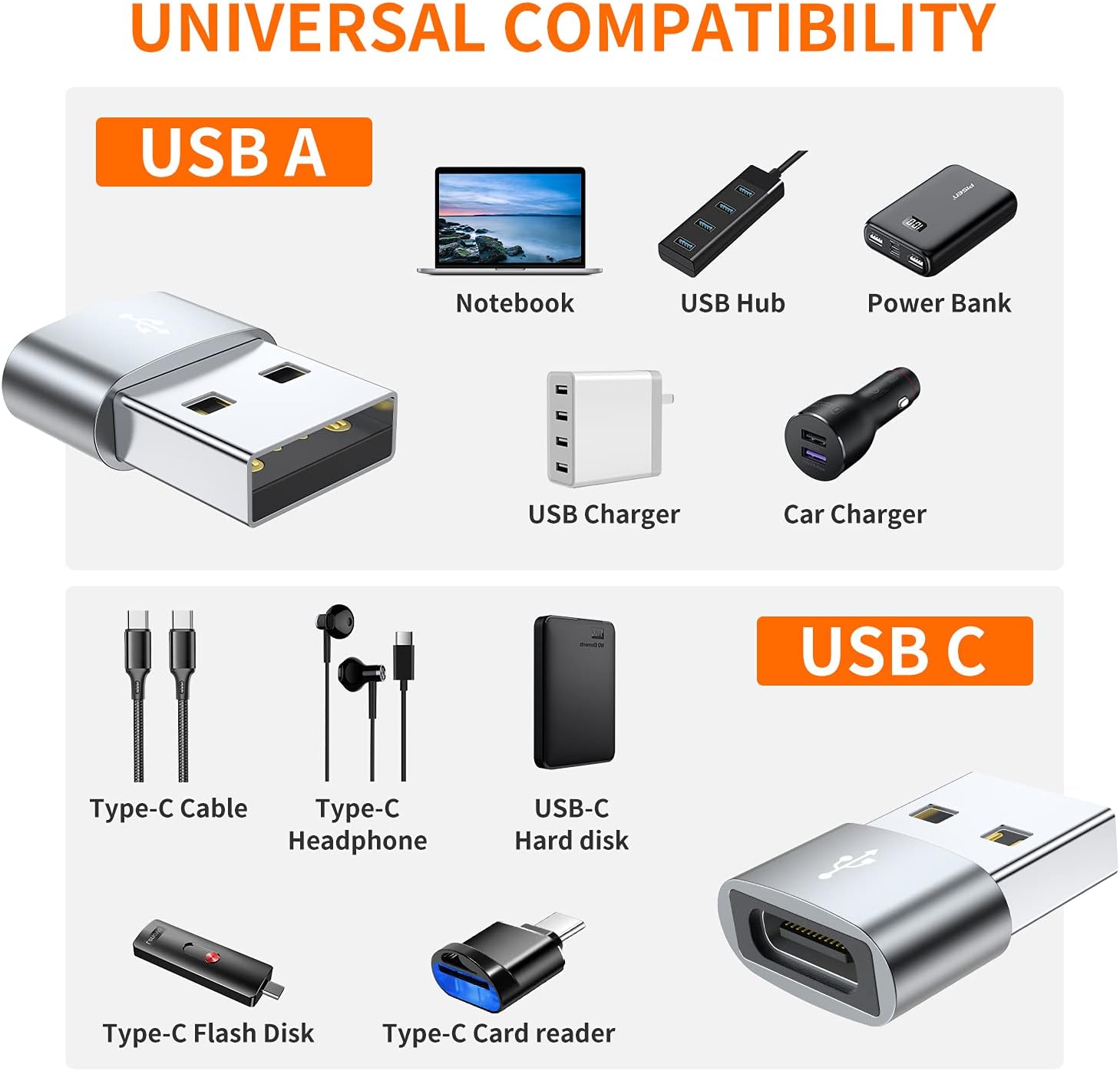
Image: Universal compatibility chart for USB-A and USB-C devices with the adapter.
4. Important Functional Limitations
Please be aware of the following limitations to ensure proper use:
- This adapter will NOT support video signal transmission (HDMI, VGA, DP, or other video signals).
- Due to incompatible charging protocols, this adapter does NOT work with MagSafe wireless chargers.
- This adapter cannot charge laptops (e.g., MacBook). It is designed for phones and tablets.
- This is a USB 2.0 adapter and does NOT support USB 3.0/3.1 protocol. It cannot achieve 5Gbps transmission speed.

Image: Visual representation of the adapter's use with a note on specific functional limitations.
5. Setup and Operation
The JXMOX USB C Female to USB Male Adapter is designed for simple plug-and-play functionality.
- Connect USB-C Cable: Insert the USB-C male end of your charging or data cable into the USB-C female port of the JXMOX adapter. Ensure a secure connection.
- Connect to USB-A Port: Plug the USB-A male end of the JXMOX adapter (now connected to your USB-C cable) into any standard USB-A port on your charger, power bank, computer, or car.
- Functionality:
- For charging, your device will begin charging at supported speeds.
- For data transfer, your device will be recognized by the host device (e.g., computer) for file exchange at USB 2.0 speeds.
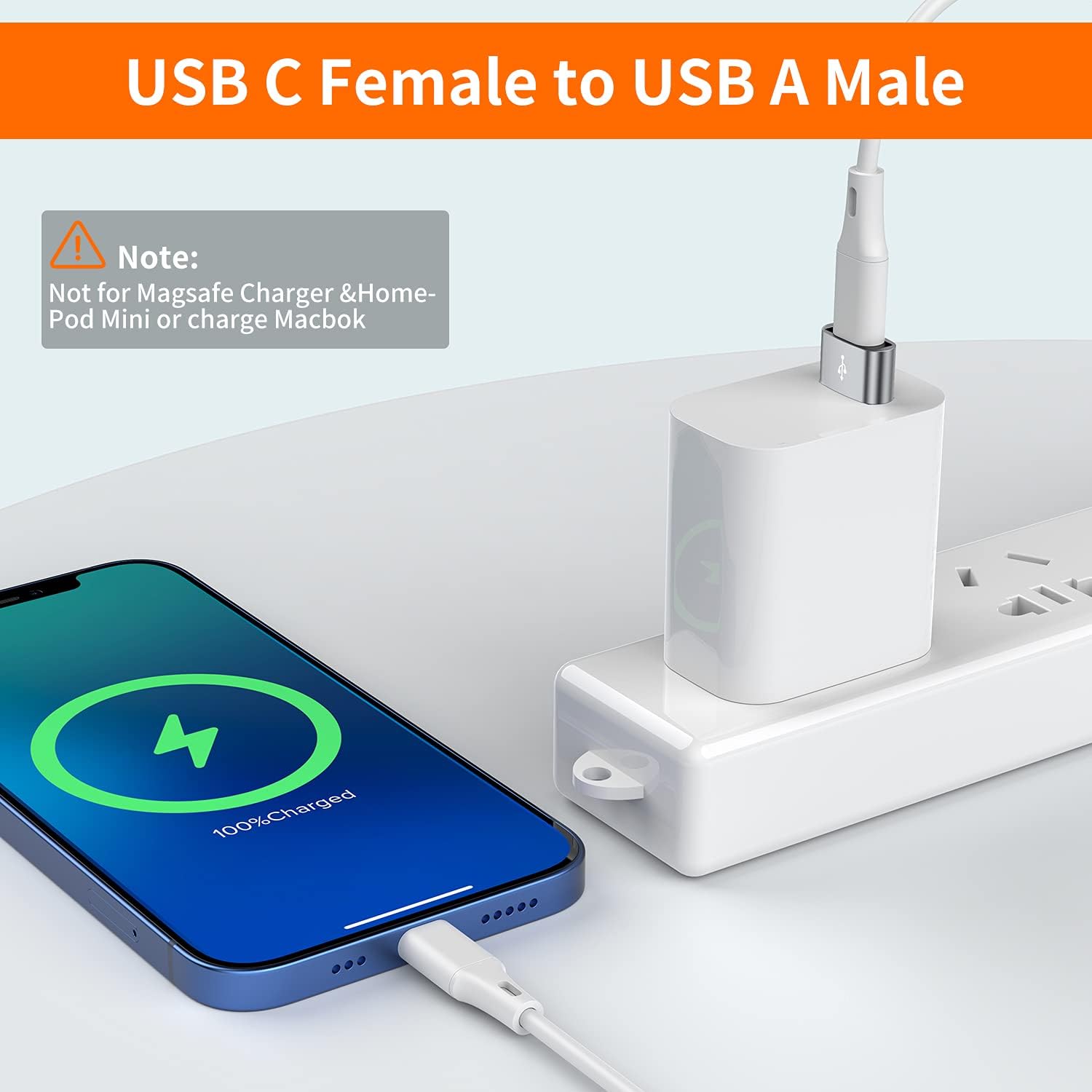
Image: Illustrates connecting a USB-C cable to the adapter and then to a USB-A wall charger for device charging.