
1. Introduction
This manual provides detailed instructions for the operation and maintenance of your Soundcore by Anker Life Q30 Hybrid Active Noise Cancelling Headphones. Please read this guide thoroughly to ensure proper usage and to maximize your listening experience.

Image 1: Soundcore Life Q30 Headphones (Blue)
2. Package Contents
The Soundcore Life Q30 package includes the following items:
- Soundcore Life Q30 Over-Ear Headphones
- USB-C Charging Cable
- 3.5 mm AUX Cable
- Hard Carrying Case
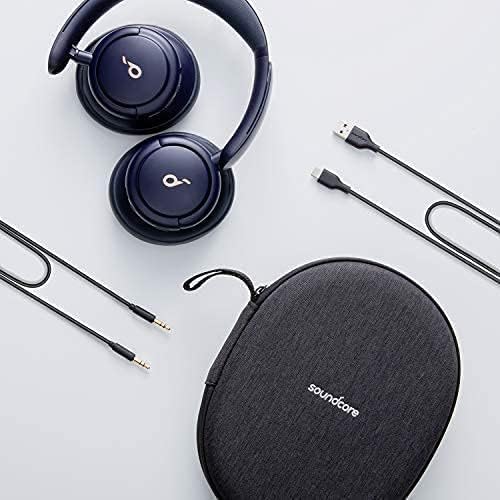
Image 2: Headphones, cables, and carrying case.
3. Controls and Connections
The Soundcore Life Q30 headphones feature intuitive controls and essential connection ports.

Image 3: Right earcup with controls.
3.1 Right Earcup Controls
- Touch Control Panel: Tap and hold the right earcup to activate Transparency Mode. Tap again to return to the previous mode.
- Volume Up/Down Buttons: Adjust audio playback volume.
- Play/Pause Button: Control media playback.
- 3.5 mm Audio Jack: For wired connection using the provided AUX cable. Note: ANC is not compatible with AUX cable connection.
3.2 Left Earcup Controls
- ANC Button: Toggle between Noise Cancellation, Transparency, and Normal modes.
- Power On/Off Button: Press and hold to power the headphones on or off.
- USB-C Charging Port: For charging the headphones using the provided USB-C cable.
4. Setup
4.1 Initial Charging
Before first use, fully charge your Soundcore Life Q30 headphones. Connect the USB-C charging cable to the charging port on the left earcup and a power source. The LED indicator will show charging status.
4.2 Bluetooth Pairing
- Power on the headphones by pressing and holding the Power button on the left earcup.
- The LED indicator will flash blue, indicating pairing mode.
- On your device (smartphone, tablet, etc.), enable Bluetooth and search for available devices.
- Select "Soundcore Life Q30" from the list to connect.
- Once connected, the LED indicator will turn solid blue.
4.3 Google Fast Pair
For Android devices, the Soundcore Life Q30 supports Google Fast Pair for quick and seamless connection. When the headphones are in pairing mode and near an Android phone or tablet, a pop-up notification will appear on your device, allowing for easy connection.
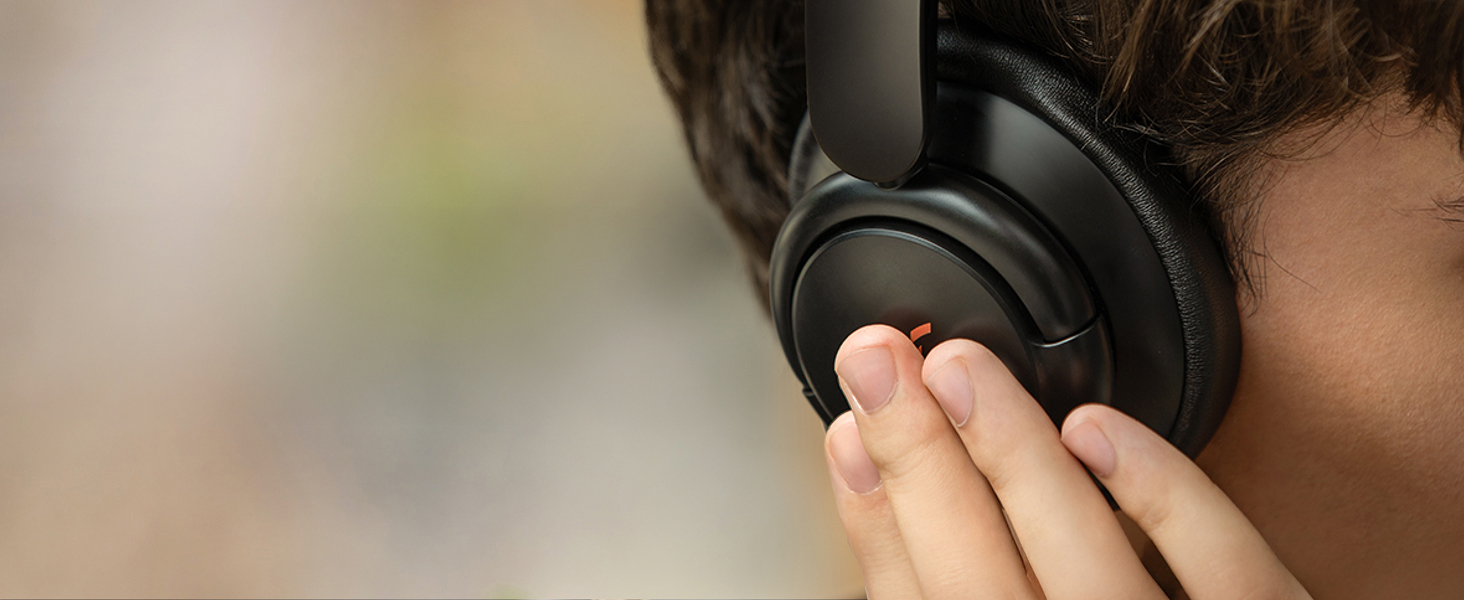
Image 4: Google Fast Pair in action.
5. Operating Modes
The Soundcore Life Q30 headphones offer multiple listening modes to adapt to your environment.
5.1 Active Noise Cancellation (ANC)
Activate ANC to reduce ambient noise. Press the ANC button on the left earcup to cycle through modes. The Life Q30 offers three specialized ANC modes:
- Transport Mode: Minimizes low-frequency sounds like airplane engines or bus noise.
- Outdoor Mode: Reduces traffic and wind noise.
- Indoor Mode: Dampens the sound of busy offices or background chatter.

Image 5: Active Noise Cancellation principle.
5.2 Transparency Mode
This mode allows you to hear your surroundings without removing your headphones. It is useful for conversations or being aware of announcements. Activate by tapping and holding the right earcup, or by pressing the ANC button.
Image 6: Activating Transparency Mode via touch control.
5.3 Normal Mode
This is the standard audio mode without active noise cancellation or transparency features. It conserves battery life and is suitable for quiet environments.
6. Sound Quality
The Soundcore Life Q30 headphones deliver Hi-Res Audio through 40mm dynamic drivers with highly-flexible silk diaphragms, reproducing thumping bass and crisp treble up to 40kHz.
6.1 Custom EQ via Soundcore App
Utilize the Soundcore app to customize your listening experience with various preset equalizers or create your own custom EQ settings to match your preferences.
Image 7: Soundcore App interface for sound customization.
7. Comfort and Design
Designed for extended listening sessions, the Life Q30 headphones prioritize comfort and durability.
- Pressure-Free Comfort: Ultra-soft protein leather earcups with memory foam padding provide a snug fit over your ears without excessive pressure.
- Lightweight Build: The headphones are designed to be lightweight (approximately 9.3 ounces or 267 grams) for comfortable long-term wear.
- Adjustable Headband: The headband is adjustable to fit various head sizes and features generous memory foam cushioning.
- Foldable Design: The earcups can swivel and fold for compact storage in the included hard carrying case.

Image 8: Foldable design for portability.
8. Battery Life and Charging
The Life Q30 headphones offer extended battery performance:
- 40-Hour Playtime: Up to 40 hours of music playback with Active Noise Cancellation enabled.
- 60-Hour Playtime: Up to 60 hours in standard mode (ANC off).
- Fast Charging: A quick 5-minute charge provides approximately 4 hours of listening time.
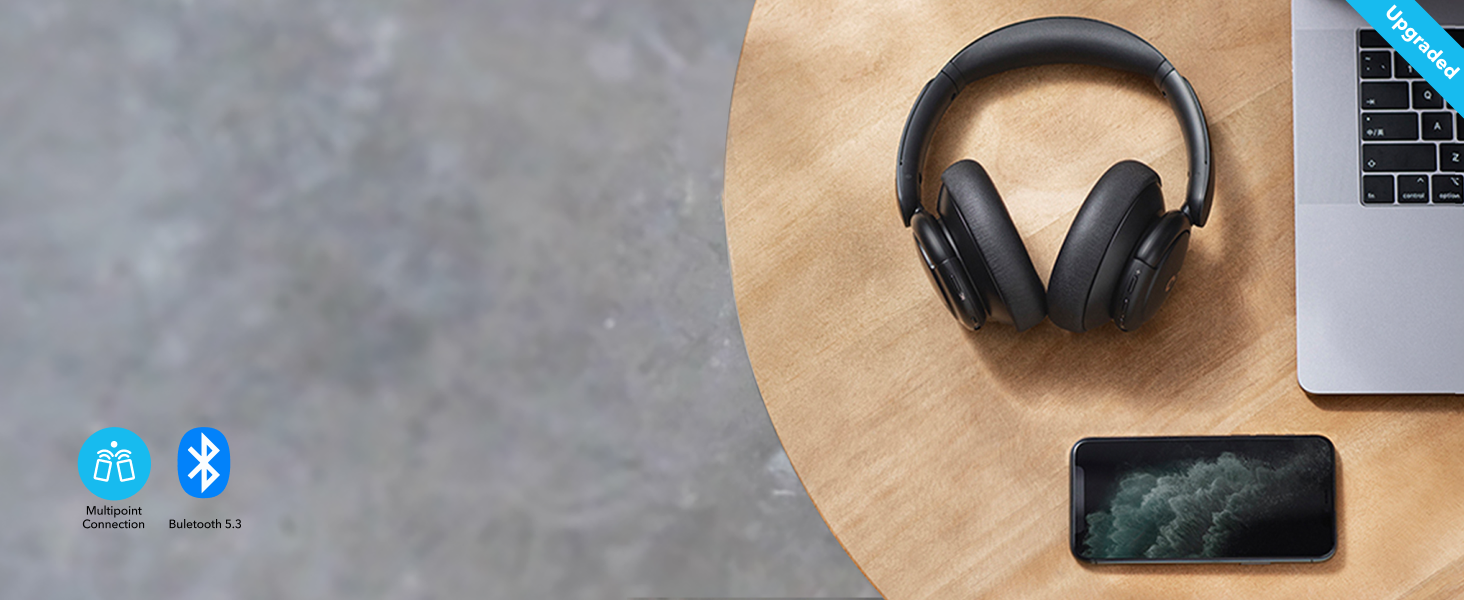
Image 9: Extended battery life for various usage scenarios.
9. Soundcore App Features
Download the Soundcore app from your device's app store to unlock the full potential of your Life Q30 headphones. The app allows for:
- Custom Equalizer: Choose from various presets or create personalized sound profiles.
- ANC Mode Selection: Easily switch between Transport, Outdoor, and Indoor noise cancellation modes.
- Superior Sleep: Access 11 white noise sounds to aid relaxation and sleep.
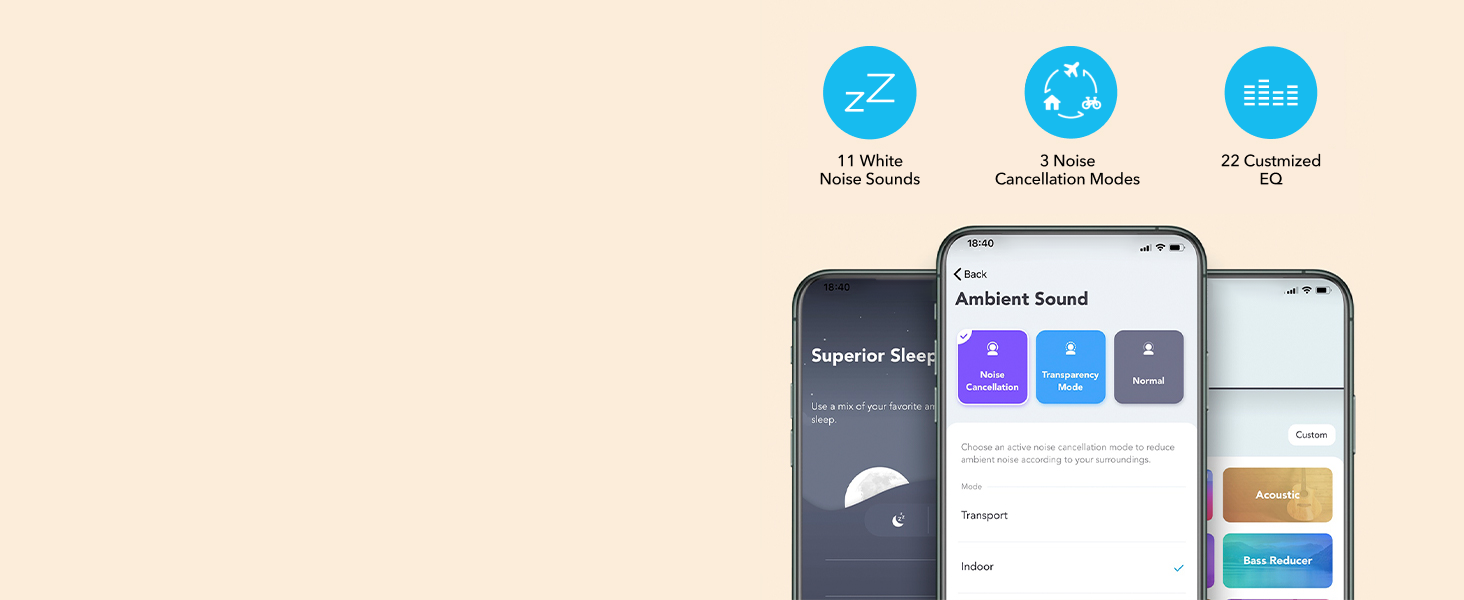
Image 10: Soundcore App for enhanced control.
10. Specifications
| Model | A3028 |
| Connectivity | Bluetooth 5.0, 3.5 mm AUX |
| Audio Codecs | AAC, SBC |
| Drivers | 40mm Dynamic Drivers |
| Frequency Response | Up to 40kHz (Hi-Res Audio) |
| Noise Control | Hybrid Active Noise Cancellation (Transport, Outdoor, Indoor) |
| Microphone | AI-Enhanced Mics for Calls |
| Battery Life (ANC On) | Up to 40 hours |
| Battery Life (Standard) | Up to 60 hours |
| Charging Time | 5-minute charge for 4 hours playback |
| Weight | 9.3 ounces (267 grams) |
| Dimensions | 7.68 x 7.09 x 3.07 inches |
11. Maintenance
To ensure the longevity and optimal performance of your Soundcore Life Q30 headphones, follow these maintenance guidelines:
- Cleaning: Use a soft, dry cloth to clean the earcups and headband. Avoid using harsh chemicals or abrasive materials.
- Storage: When not in use, store the headphones in their hard carrying case to protect them from dust, scratches, and impacts.
- Avoid Moisture: Do not expose the headphones to water or excessive moisture.
- Temperature: Avoid storing or using the headphones in extreme temperatures.
12. Troubleshooting
If you encounter issues with your headphones, refer to the following common solutions:
- Cannot Pair: Ensure headphones are in pairing mode (flashing blue LED). Turn off and on your device's Bluetooth. Try pairing with a different device.
- No Sound: Check volume levels on both headphones and your connected device. Ensure headphones are properly connected via Bluetooth or AUX cable.
- Poor Sound Quality: Try adjusting EQ settings in the Soundcore app. Ensure there are no obstructions between the headphones and your device.
- ANC Not Working: Ensure ANC mode is activated. Adjust between Transport, Outdoor, and Indoor modes to find the most effective setting for your environment.
- Microphone Issues: Ensure the microphone is not obstructed. Check device settings to confirm the headphones are selected as the input device.
13. Warranty and Support
Soundcore by Anker products are backed by a limited warranty. For detailed warranty information, technical support, or customer service inquiries, please refer to the official Soundcore website or contact their customer support directly. Keep your proof of purchase for warranty claims.
14. Product Videos
Soundcore Life Q30 Noise Cancelling Headphones Overview
Video 1: An official overview of the Soundcore Life Q30 Noise Cancelling Headphones, highlighting key features and design.
Everything You Need to Know in 30 Seconds
Video 2: A concise 30-second summary of the essential features and benefits of the Soundcore Life Q30 headphones.


