
Mitcent MT1002
Mitcent Bladeless Fan & Air Purifier User Manual
Model: MT1002
Introduction
Thank you for choosing the Mitcent Bladeless Fan and Air Purifier. This innovative device combines efficient air circulation with advanced air purification, providing a comfortable and healthy environment. Please read this manual thoroughly before operation to ensure proper use, maintenance, and safety.
Important Safety Instructions
- Always unplug the fan before cleaning, performing maintenance, or moving the unit.
- Do not operate any fan with a damaged cord or plug. Discard fan or return to an authorized service facility for examination and/or repair.
- Do not run cord under carpeting. Do not cover cord with throw rugs, runners, or similar coverings. Arrange cord away from traffic area and where it will not be tripped over.
- Do not insert fingers or any objects into any openings.
- Do not use outdoors.
- This appliance is not intended for use by persons (including children) with reduced physical, sensory or mental capabilities, or lack of experience and knowledge, unless they have been given supervision or instruction concerning use of the appliance by a person responsible for their safety.
- Children should be supervised to ensure that they do not play with the appliance.
- Use this fan only as described in this manual. Any other use not recommended by the manufacturer may cause fire, electric shock, or injury to persons.
Package Contents
- Mitcent Bladeless Fan and Air Purifier Unit
- H12 HEPA Filter (pre-installed or separate)
- Remote Control
- Power Cord
- User Manual (this document)

Image: The Mitcent Bladeless Fan unit, its remote control, and the H12 HEPA filter. The fan is white with a green base, and the filter is cylindrical.
Setup
- Unpacking: Carefully remove all components from the packaging. Retain packaging for future storage or transport.
- Filter Installation (if not pre-installed):
- Locate the filter compartment at the base of the fan.
- Twist the base counter-clockwise to unlock and remove the cover.
- Insert the H12 HEPA filter into the compartment, ensuring it is seated correctly.
- Replace the cover and twist clockwise to lock it securely.

Image: A baby reaching towards the bladeless fan, highlighting its child-friendly design. The fan is white with a green base, placed on a rug in a living room setting.
The bladeless design ensures safety for children and pets, making it suitable for family environments.
- Placement: Place the fan on a firm, level surface. Ensure there is adequate space around the unit for optimal air circulation. Avoid placing it directly against walls or furniture that might obstruct airflow.
- Power Connection: Plug the power cord into a standard electrical outlet (120 Volts AC).
Operating Instructions
Control Panel & Remote Control
The fan can be operated using the touch controls on the unit's base or the included remote control.
Functions:
- Power On/Off: Press the power button to turn the unit on or off.
- Speed Settings: The fan offers 8-speed settings. Use the '+' and '-' buttons on the remote or touch panel to adjust the fan speed.
- Modes:
- Sleep Mode: Reduces fan speed and noise level (below 40 dB) for quiet operation during sleep. The LED display will dim or turn off.
- Natural Mode: Simulates natural breeze by varying fan speed.
- Power Cool Mode: Provides maximum airflow for rapid cooling.
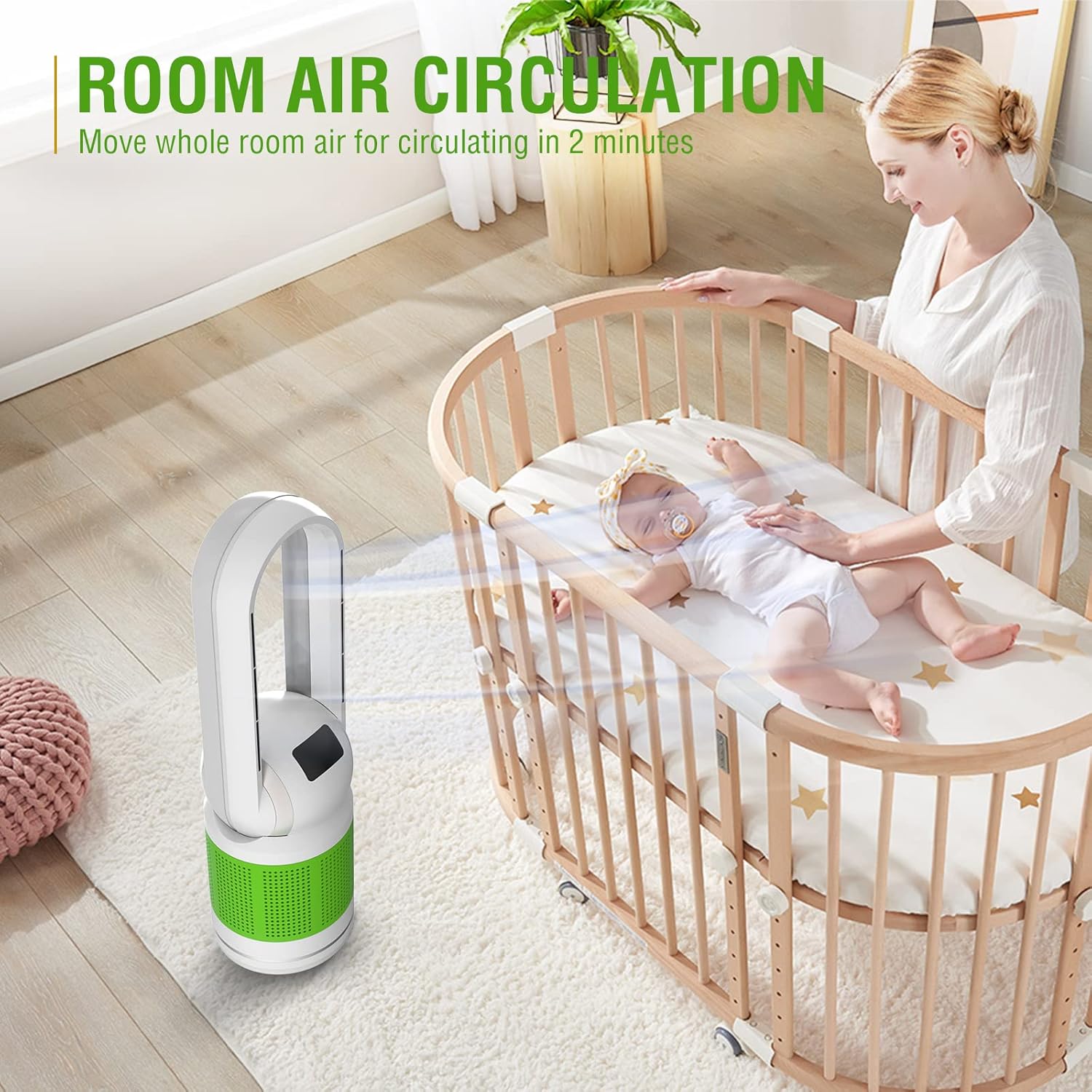
Image: The Mitcent Bladeless Fan operating in a living room with a family, demonstrating its 3 modes and 8-speed settings for adjustable breeze.
- Oscillation: Press the oscillation button to activate 120° oscillation, distributing air across a wider area. Press again to stop oscillation.
- Timer: Set the 8-hour sleep timer to automatically turn off the fan after a set duration.

Image: The bladeless fan operating quietly in a bedroom while a child sleeps, emphasizing its low noise level (below 40 dB) in sleep mode and 8-hour timer function.
Maintenance
Cleaning the Unit:
- Always unplug the fan before cleaning.
- Use a soft, damp cloth to wipe the exterior surfaces of the fan. Do not use abrasive cleaners or solvents.
- For the air outlet, use a soft brush or a vacuum cleaner with a brush attachment to remove dust.
- Ensure no water or liquids enter the internal components.
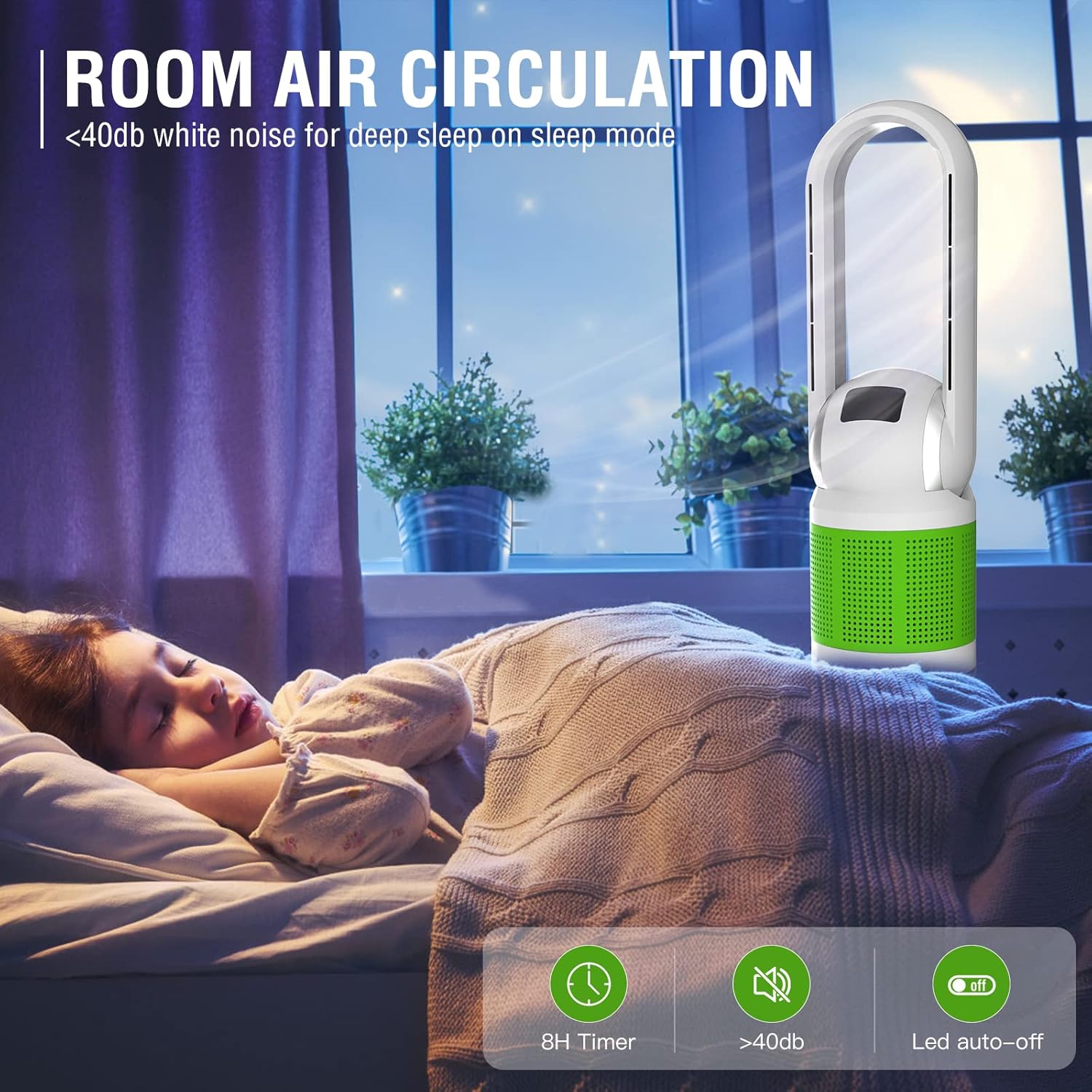
Image: A gloved hand wiping the surface of the Mitcent Bladeless Fan with a blue cloth, demonstrating easy cleaning.
Filter Replacement:
The H12 HEPA filter should be replaced every 3-4 months, depending on usage and air quality. A dirty filter can reduce the fan's performance and air purification efficiency.
- Unplug the fan from the power outlet.
- Twist the base of the fan counter-clockwise to unlock and remove the filter cover.
- Carefully remove the old filter.
- Insert a new Mitcent HEPA filter (search "Mitcent HEPA Filter" on Amazon for replacements).
- Replace the filter cover and twist clockwise to lock it securely.
Image: A close-up view of the cylindrical H12 HEPA filter, emphasizing its pleated design for efficient air purification.
Troubleshooting
| Problem | Possible Cause | Solution |
|---|---|---|
| Fan does not turn on. | Not plugged in; Power outlet not working; Power button not pressed. | Ensure power cord is securely plugged into a working outlet. Press the power button. |
| Weak airflow. | Fan speed too low; Air filter is dirty or clogged; Obstruction in air intake/outlet. | Increase fan speed. Clean or replace the air filter. Remove any obstructions. |
| Unusual noise during operation. | Unit not on a level surface; Internal obstruction; Filter not installed correctly. | Place fan on a flat, stable surface. Unplug and check for any foreign objects. Reinstall filter correctly. |
| Oscillation not working. | Oscillation function not activated. | Press the oscillation button on the control panel or remote. |
Specifications
- Brand: Mitcent
- Model Number: MT1002
- Color: White
- Product Dimensions: 10"D x 10"W x 41"H
- Item Weight: 9.5 Pounds
- Power Source: AC
- Voltage: 120 Volts
- Wattage: 40 watts
- Noise Level: 50 dB (below 40 dB in sleep mode)
- Air Flow Capacity: 1850 Cubic Feet Per Minute
- Filter Type: H12 HEPA Filter (captures 99.95% of 0.3 micron particles)
- Special Features: Air Purifying, Bladeless, Oscillating (120°), Remote Controlled, 8-Hour Timer, 8-Speed Settings, 3 Modes (Sleep, Natural, Power Cool)
- Recommended Room Type: Bedroom, Living Room, Dining Room, Kitchen, Kids, Nursery, Bathroom, Home Office
Warranty & Support
For warranty information or technical support, please contact Mitcent customer service. Refer to the product packaging or the official Mitcent website for the most up-to-date contact details.
Website: Visit the Mitcent Store on Amazon
Related documentsMT1002


Ask a question about this manual
Ask about setup, troubleshooting, compatibility, parts, safety, or missing instructions. Manuals+ will review the question and use this page’s manual context to help answer it.