
Uthfy Tower Fan 03
Uthfy Oscillating Bladeless Tower Fan User Manual
Model: Tower Fan 03
Introduction
Thank you for choosing the Uthfy Oscillating Bladeless Tower Fan. This fan is designed to provide comfortable and healthy cooling with its safe and reliable operation. Featuring a bladeless design, it ensures safety for families with children and pets. The fan offers multiple wind modes and speeds, wide oscillation, and convenient remote control, making it an ideal cooling solution for various indoor spaces.
Its slim, lightweight, and space-saving design allows it to fit easily into bedrooms, studies, offices, and other areas where traditional fans might be too bulky. The integrated 7.5-hour timer and auto screen-off function contribute to energy efficiency and a peaceful sleeping environment.

The Uthfy Oscillating Bladeless Tower Fan provides powerful and quiet cooling with remote control functionality.
Safety Information
This Uthfy tower fan is ETL certified, ensuring it meets recognized safety standards. The bladeless design eliminates fast-spinning blades, preventing accidental contact by children or pets. A fused safety plug is included to protect against power surges. For detailed safety guidelines and warnings, please refer to the official Safety Information PDF.
Package Contents
Please verify that all components are present in the package:
- Tower Fan Unit
- Front Fan Base
- Rear Fan Base
- Thumbs Screws (for base assembly)
- Remote Controller (1 CR2 battery included)
Setup
Follow these steps to assemble and set up your Uthfy Tower Fan:
- Assemble the Base: Align the Front Fan Base and Rear Fan Base. Attach them to the bottom of the tower fan unit using the provided thumbs screws. Ensure the base is securely fastened for stability.
- Placement: Place the fan on a flat, stable surface. Ensure there is adequate space around the fan for optimal air circulation and oscillation.
- Power Connection: Plug the standard AC power plug into a suitable electrical outlet.

The fan's versatile functions include remote control, timer, multiple modes and speeds, auto screen off, and 90-degree oscillation.
Operating Instructions
Your Uthfy Tower Fan offers various settings for customized cooling. Control the fan using the touch-enabled control panel on top or the wireless remote control.
Control Panel and Remote Control
The control panel features LED indicator lights for easy operation. The wireless remote control allows you to manage all functions from up to 17 feet away, providing convenience whether you are on the couch or in bed. The control panel automatically screens off after 30 seconds of no operation, maintaining settings and promoting a darker environment for sleep.
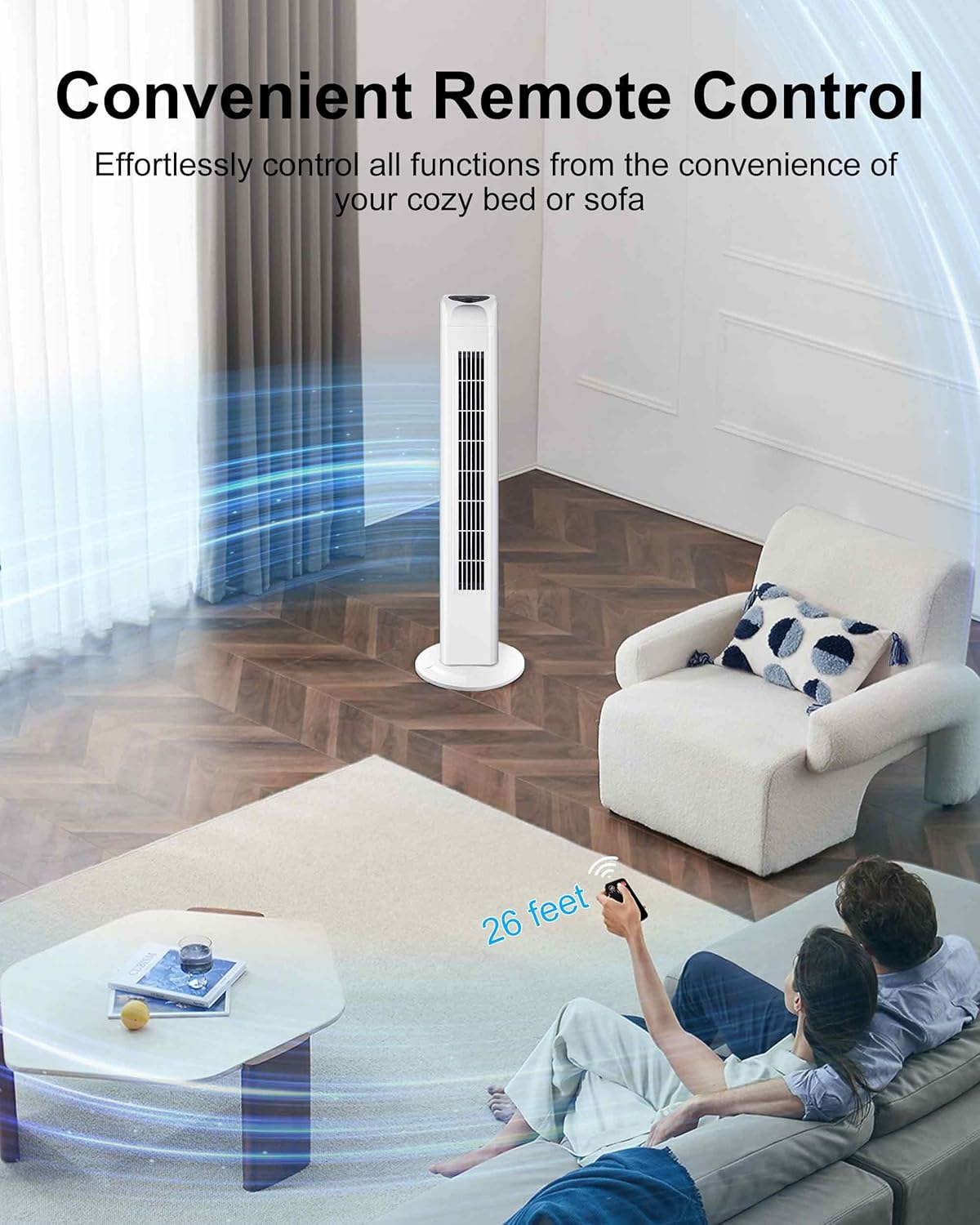
Effortlessly control the fan's functions with the convenient remote control.
Wind Modes and Speeds
The fan features 3 wind speeds (low, medium, high) and 3 air flow modes to suit your preference:
- Normal Mode: Provides a steady and consistent airflow.
- Natural Mode: Simulates natural outdoor breezes by constantly changing between different wind intensities.
- Sleep Mode: Delivers a gentle and quiet breeze, ideal for a peaceful sleeping environment.

Customize your cooling comfort with 3 speeds and 3 distinct airflow modes.
Oscillation Function
Activate the oscillation feature to distribute cool air evenly across a wide area of the room. This broad oscillation helps accelerate indoor air circulation and can be used in conjunction with air conditioning for enhanced energy savings.
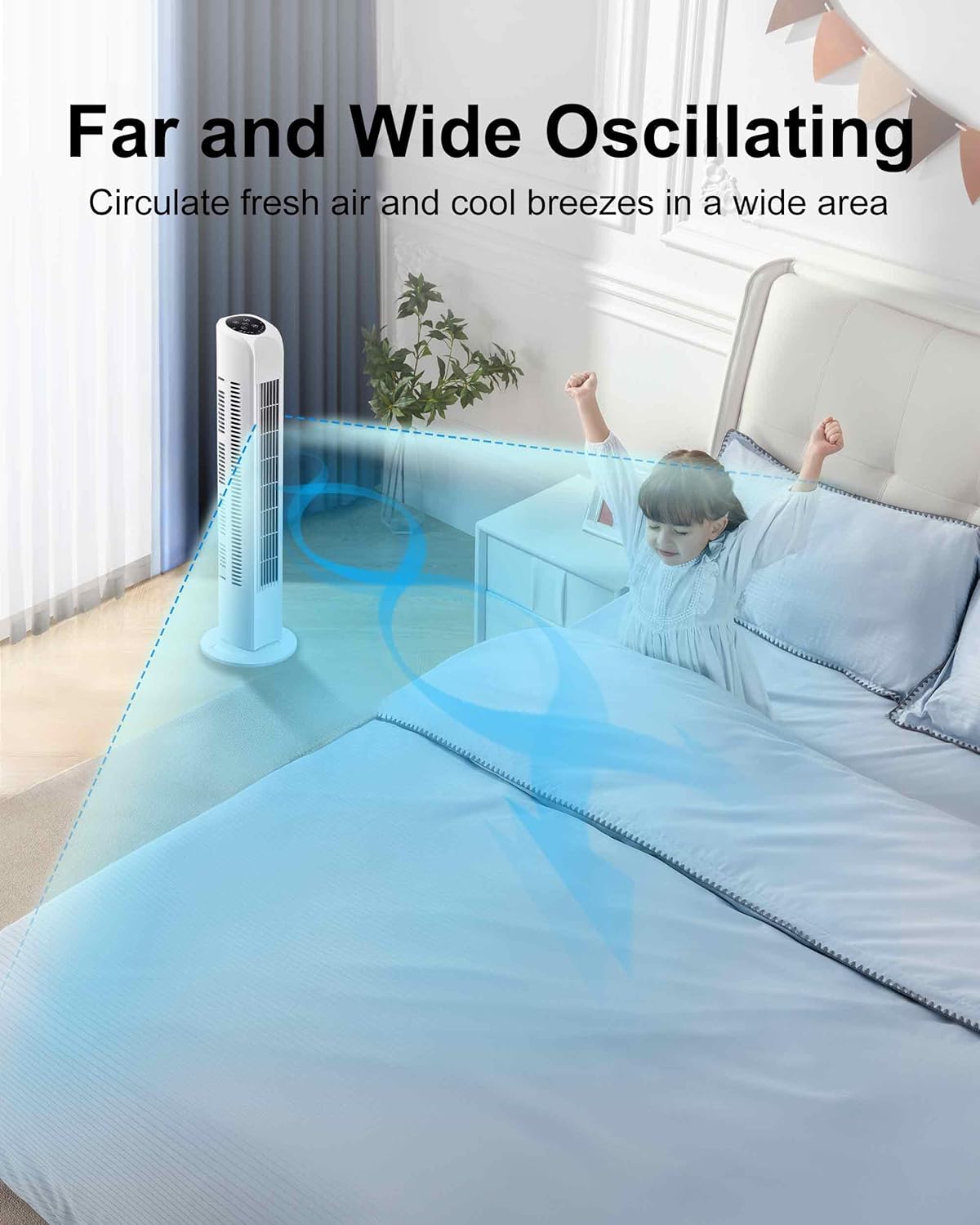
The fan circulates fresh air and cool breezes in a wide area through its oscillating function.
Timer Function
The fan includes a 7.5-hour timer, allowing you to set it to automatically switch off in 0.5-hour increments. This feature helps save energy by preventing unnecessary operation.

The 7.5-hour auto-off timer, combined with the auto screen off function, ensures a gentle and quiet breeze for sound sleep.
Maintenance
To ensure the longevity and optimal performance of your Uthfy Tower Fan, follow these general care instructions:
- Cleaning: Always unplug the fan before cleaning. Use a soft, damp cloth to wipe down the exterior surfaces. Do not use abrasive cleaners or immerse the fan in water.
- Dust Removal: Regularly clean the air intake and outlet grilles to prevent dust buildup, which can affect airflow and efficiency. A vacuum cleaner with a brush attachment can be used for this purpose.
- Storage: If storing the fan for an extended period, ensure it is clean and dry. Store it in a cool, dry place, preferably in its original packaging, to protect it from dust and damage.
Troubleshooting
If you encounter issues with your Uthfy Tower Fan, please refer to the following common troubleshooting tips:
- Fan does not turn on: Ensure the power cord is securely plugged into a working electrical outlet. Check if the power button on the control panel or remote control has been pressed.
- Weak airflow: Verify that the air intake and outlet grilles are not obstructed by dust or other objects. Ensure the fan is set to a higher speed mode.
- Remote control not working: Check if the CR2 battery in the remote control needs replacement. Ensure there are no obstructions between the remote and the fan's sensor. The remote works best when pointed directly at the fan.
- Unusual noise: Ensure the fan is placed on a flat, stable surface. Check for any foreign objects that might have entered the fan grilles. If the noise persists, discontinue use and contact customer support.
For more complex issues, please consult the full User Manual (PDF) or contact Uthfy customer support.
Specifications
| Brand | Uthfy |
| Model Name | Oscillating Tower Fan (Tower Fan 03) |
| Color | White |
| Electric Fan Design | Floor Fan |
| Power Source | Corded Electric |
| Product Dimensions | 8"D x 8"W x 30"H |
| Noise Level | 42 dB |
| Wattage | 60 Watt-hours |
| Voltage | 120.0 Volts |
| Item Weight | 5.5 Pounds |
| Control Method | Remote, Touchpad |
| Number of Power Levels | 3 |
| Blade Material | Plastic |
| Certification | ETL Certified |
Official Product Video
This video demonstrates the Uthfy Standing Tower Fan in operation, showcasing its features and performance.
Warranty and Support
The Uthfy Oscillating Bladeless Tower Fan comes with a 1-year manufacturer's warranty. This warranty covers defects in materials and workmanship under normal use. Please retain your proof of purchase for warranty claims.
For technical support, warranty service, or any questions regarding your product, please contact Uthfy customer service through the retailer's platform or the official Uthfy website. Always provide your model number (Tower Fan 03) and purchase date when seeking support.
Related documentsTower Fan 03


Ask a question about this manual
Ask about setup, troubleshooting, compatibility, parts, safety, or missing instructions. Manuals+ will review the question and use this page’s manual context to help answer it.