
1. Introduction
Thank you for choosing the Eono Eonoheadphone 1 Wireless Active Noise Cancelling Headphones. This manual provides essential information for setting up, operating, and maintaining your headphones. Please read it carefully before use.
Package Contents
- Eono Eonoheadphone 1 Wireless ANC Headphones
- USB-C Charging Cable
- 3.5mm Audio Cable (AUX)
- Hard Carrying Case
- User Manual
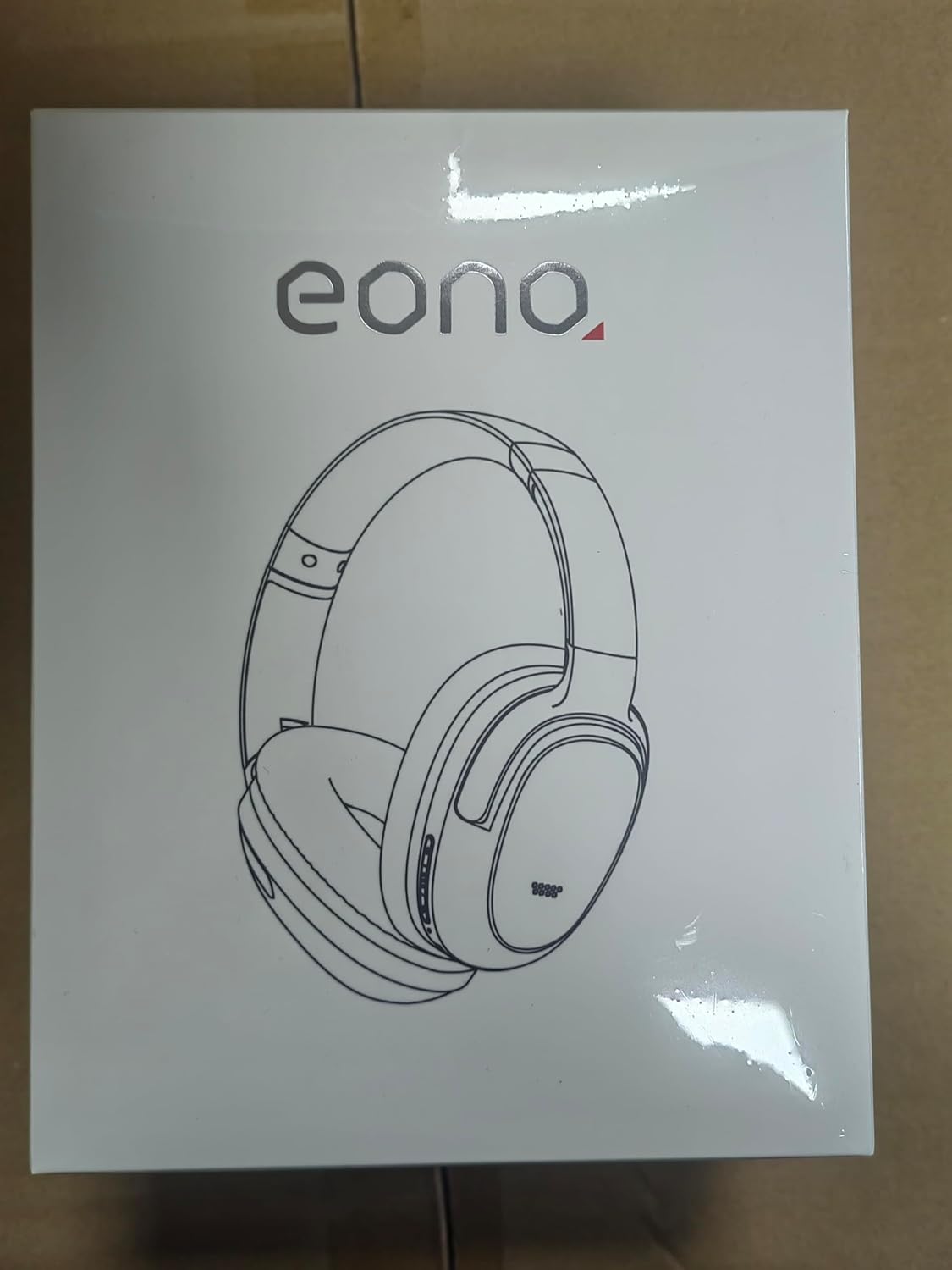
Image: Eono Eonoheadphone 1 headphones and included accessories.
2. Product Overview
The Eono Eonoheadphone 1 features a lightweight, comfortable design with advanced audio technology.
Microphone Placement

Image: Diagram illustrating the placement of ANC microphones (1, 2, 3, 4) and the Call Microphone (5) on the headphones.
- ANC Mics (1, 2, 3, 4): Four microphones are strategically placed to detect and filter out ambient noise for effective Active Noise Cancellation.
- Call Mic (5): Dedicated microphone for clear voice calls.
Comfort and Design

Image: Close-up of the ultra-soft protein leather earcups with memory foam padding.
The Eonoheadphone 1 features ultra-soft protein leather earcups with memory foam padding designed to fit snugly over your ears, providing comfort during extended listening sessions. The lightweight construction further enhances wearability.
Audio Quality

Image: Illustration of sound waves from a 40mm driver.
Equipped with 40mm dynamic drivers and highly flexible silk diaphragms, these headphones reproduce rich bass and crisp treble, extending up to 40 kHz for enhanced audio clarity.
3. Setup
Charging the Headphones
Before first use, fully charge your headphones. Use the provided USB-C cable to connect the headphones to a compatible USB power source.

Image: Quick charge and battery life information.
- A full charge takes approximately 60 minutes.
- A 10-minute quick charge provides up to 5 hours of playback.
- Battery life: Up to 40 hours with Active Noise Cancellation (ANC) enabled, or up to 60 hours in normal mode.
Bluetooth Pairing
The Eonoheadphone 1 uses Bluetooth 5.2 for stable wireless connectivity.

Image: Example of a Bluetooth pairing request on a mobile device.
- Power On: Press and hold the Power button on the headphones until the indicator light flashes, indicating pairing mode.
- Enable Bluetooth: On your device (smartphone, tablet, computer), enable Bluetooth.
- Select Headphones: In your device's Bluetooth settings, select "Eonoheadphone 1" from the list of available devices.
- Confirm Connection: Once connected, the indicator light on the headphones will change, and you may hear an audio prompt.
Multipoint Connection

Image: Headphones connected to two devices simultaneously.
The Eonoheadphone 1 can connect to two devices simultaneously. This allows you to seamlessly switch between listening to music on one device and taking calls on another without re-pairing.
4. Operating Instructions
Power On/Off
- To Power On: Press and hold the Power button for approximately 3 seconds.
- To Power Off: Press and hold the Power button for approximately 5 seconds.
Active Noise Cancellation (ANC) Modes
The headphones offer multiple noise control modes to adapt to your environment.

Image: Visual representation of different noise cancelling modes in various settings.
- ANC Mode: Activates active noise cancellation, reducing up to 95% of low-frequency ambient noise. Ideal for travel or noisy environments.
- Normal Mode: Standard audio playback without active noise cancellation.
- Transparency Mode: Allows ambient sounds to pass through, enabling you to hear your surroundings while listening to audio. Useful for awareness in urban environments.
To switch between modes, press the dedicated ANC button on the headphones. An audio prompt will indicate the current mode.
Music and Call Controls
The headphones feature intuitive controls for managing your audio and calls. Refer to the physical buttons on the earcups for specific functions:
- Volume Up/Down: Adjust audio volume.
- Play/Pause: Single press the multi-function button.
- Next Track: Double press the multi-function button.
- Previous Track: Triple press the multi-function button.
- Answer/End Call: Single press the multi-function button during an incoming call or active call.
- Reject Call: Press and hold the multi-function button during an incoming call.
5. Maintenance
Cleaning
To maintain the condition of your headphones:
- Wipe the earcups and headband with a soft, dry cloth.
- Avoid using abrasive cleaners or solvents.
- Do not immerse the headphones in water. While water-resistant, they are not designed for submersion.
Storage
The Eonoheadphone 1 features a foldable design for convenient storage and portability.

Image: Instructions for folding and storing the headphones in the carrying case.
- Rotate the earcups flat.
- Fold the headphones inward.
- Place them in the provided hard carrying case to protect them from damage.
6. Troubleshooting
If you encounter issues with your Eono Eonoheadphone 1, refer to the following common solutions:
- No Power: Ensure the headphones are charged. Connect them to a power source using the USB-C cable.
- Cannot Pair: Make sure Bluetooth is enabled on your device and the headphones are in pairing mode. Try turning Bluetooth off and on again on your device, or restart both devices.
- No Sound: Check the volume levels on both the headphones and your connected device. Ensure the headphones are correctly paired. If using a wired connection, ensure the 3.5mm audio cable is fully inserted into both the headphones and the audio source.
- Poor Sound Quality: Ensure there are no obstructions between the headphones and your device. Move closer to your device to improve signal strength. Check if the audio source quality is high.
- ANC Not Working Effectively: Ensure the earcups form a good seal around your ears. Some high-frequency or sudden noises may not be fully cancelled.
- Microphone Issues: Ensure the headphones are connected and selected as the input device on your computer or smartphone. Check for any mute functions on your device.
7. Specifications
| Model Number | S3 |
| Brand | Eono |
| Dimensions (Product) | 16 x 7.2 x 14.8 cm |
| Weight (Product) | 410 g |
| Color | Black |
| Ear Placement | Over-ear |
| Impedance | 16 Ohms |
| Noise Control | Active Noise Cancellation |
| Frequency Response | 16 Hz - 40 kHz |
| Connectivity Technology | Wireless (Bluetooth 5.2) |
| Bluetooth Range | 10 Meters |
| Audio Connector | USB-C (Charging), 3.5mm (Audio Input) |
| Material | Leather, Plastic |
| Charging Time (Full) | Approx. 60 Minutes |
| Quick Charge | 10 Minutes for 5 hours playback |
| Battery Life (ANC On) | Up to 40 Hours |
| Battery Life (Normal Mode) | Up to 60 Hours |
| Driver Size | 40 mm |
| Water Resistance Level | Water Resistant |
| Features | Active Noise Cancellation, Fast Charging, Lightweight, Built-in Microphone, Foldable Design |
8. Warranty and Support
For warranty information or technical support, please contact Eono customer service through your purchase platform. You can find support links on the product packaging or by visiting:
- Amazon.es Customer Service
- Amazon.com Customer Service
- Amazon.co.uk Customer Service
- Amazon.de Customer Service
- Amazon.fr Customer Service
- Amazon.it Customer Service
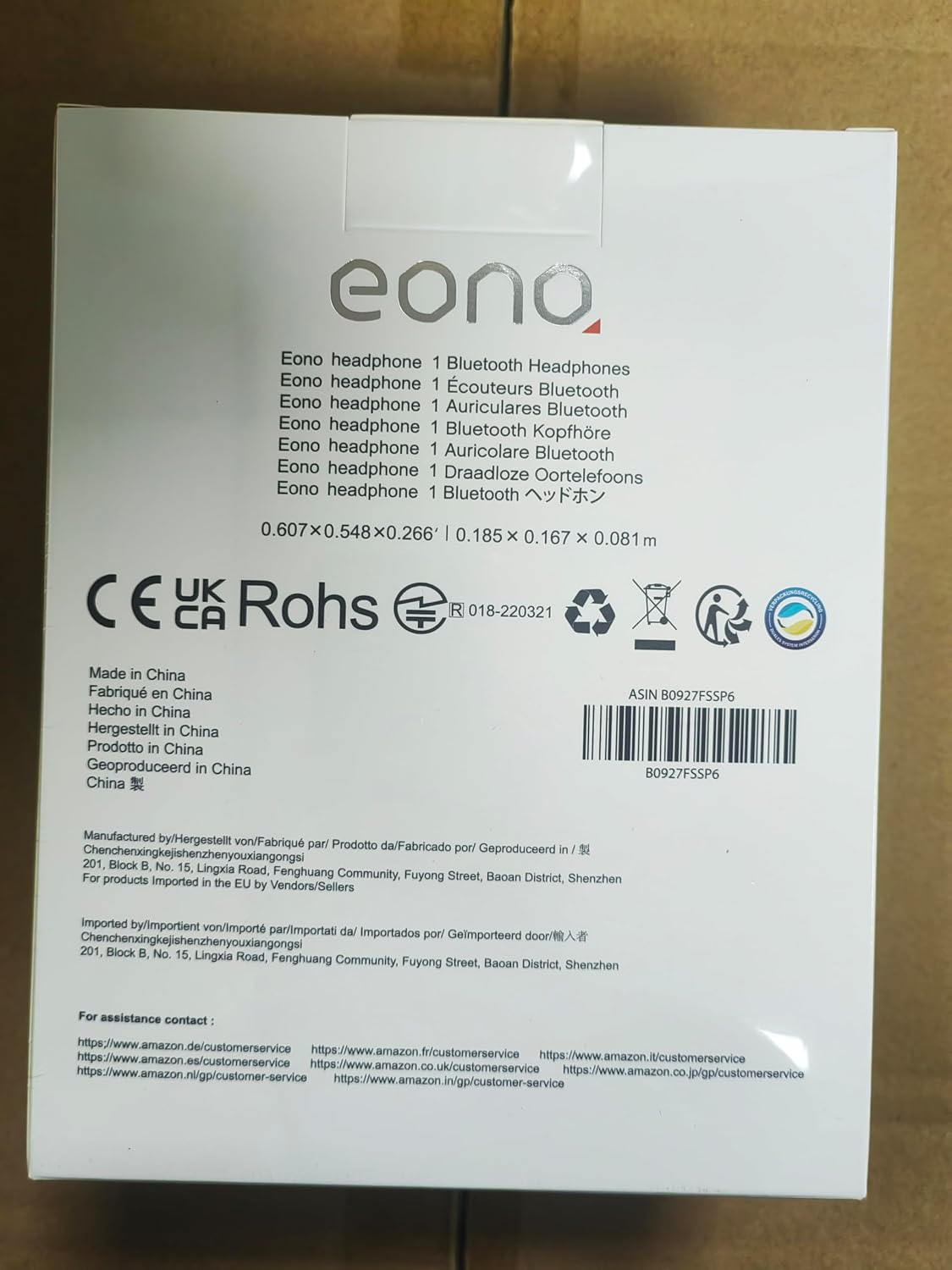
Image: Back of product packaging with customer service information.


