
Sharper Image Revo White
Sharper Image White Noise Sound Machine - User Manual
Model: Revo White
Brand: Sharper Image
Product Overview
The Sharper Image White Noise Sound Machine is a portable relaxation therapy device designed to provide a peaceful environment for sleep, meditation, and focus. It features 6 soothing nature soundscapes and white noise, with a timer function for convenience.

Image: The Sharper Image White Noise Sound Machine, Revo White model, shown with its retail packaging. The device is compact and white with a grey speaker grille on top, featuring various control buttons.
Key Features:
- 6 Calming Nature Sounds: Includes rain, forest, ocean, relax, calm, and white noise.
- Meditation and Focus Aid: Helps block distractions for improved concentration.
- Ideal for Babies and Kids: Soothes and calms for faster, more peaceful sleep.
- Premium Speaker: Delivers high-quality sound for an enhanced experience.
- Portable Design: Compact size (4x4x2 inches, 6.4 ounces) for easy travel.
- Automatic Timer: Set for 15, 30, or 60 minutes with gradual fade-out.
- Dual Power Options: Can be powered by USB cable (included) or 3 AA batteries (not included).
Setup Instructions
Follow these steps to set up your Sharper Image White Noise Sound Machine:
- Unpack Contents: Carefully remove the Sound Soother Revo unit and the USB charging cable from the packaging.
- Power Options:
- USB Power: Insert the small end of the included USB cable into the USB port on the back of the Sound Soother. Plug the larger end into a compatible USB power adapter (not included) or a USB port on a computer.
- Battery Power: For portable use, locate the battery compartment on the bottom of the unit. Insert 3 AA 1.5V batteries (not included), ensuring correct polarity.
- Placement: Place the sound machine on a flat, stable surface near your bed, desk, or desired relaxation area.

Image: The Sound Soother Revo, USB charging cable, and icons indicating the need for 3 AA batteries or a 5W USB power adapter.
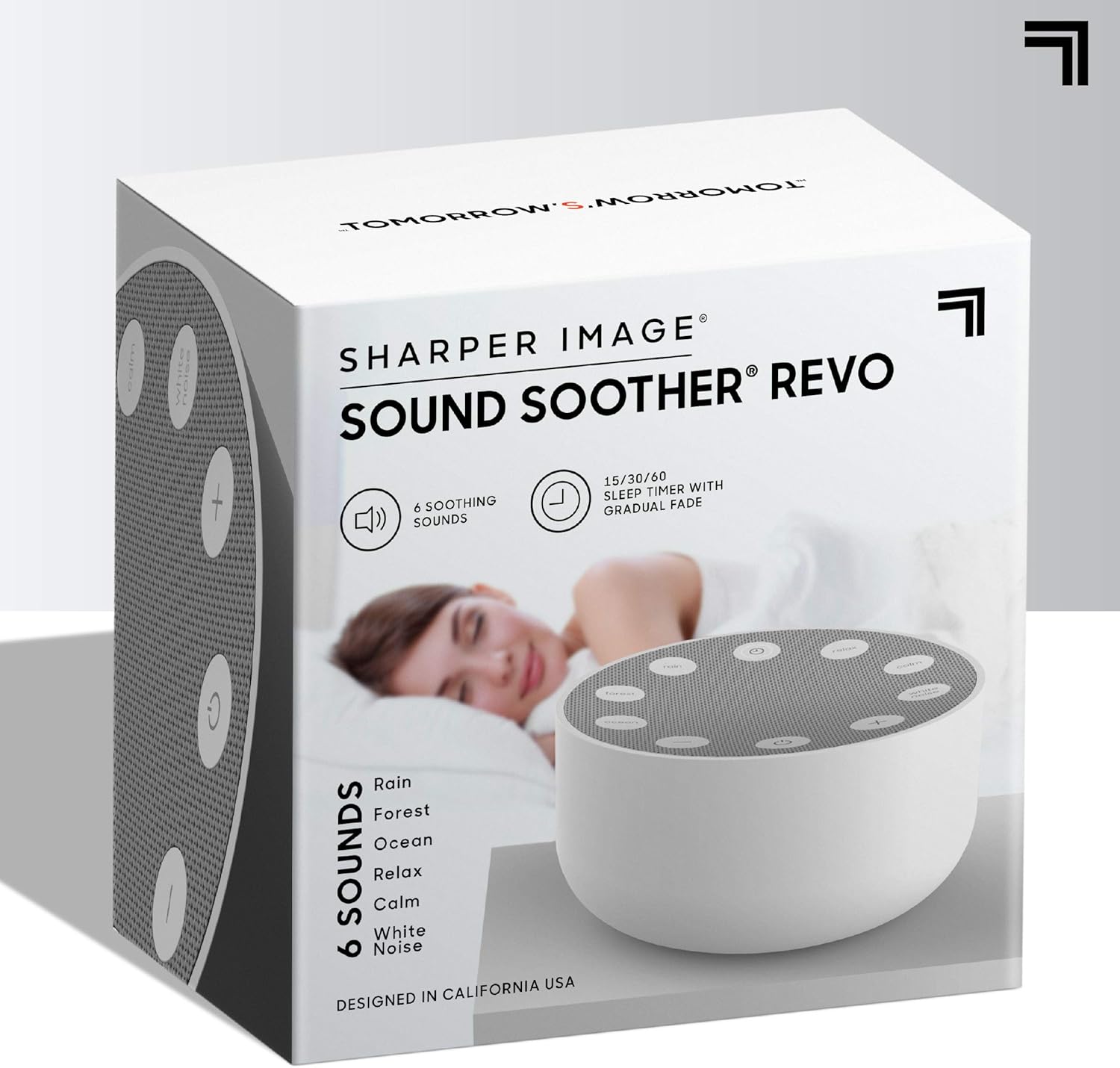
Image: A detailed view of the USB charging port located on the back of the Sound Soother device.
Operating Instructions
Familiarize yourself with the controls and functions of your sound machine:
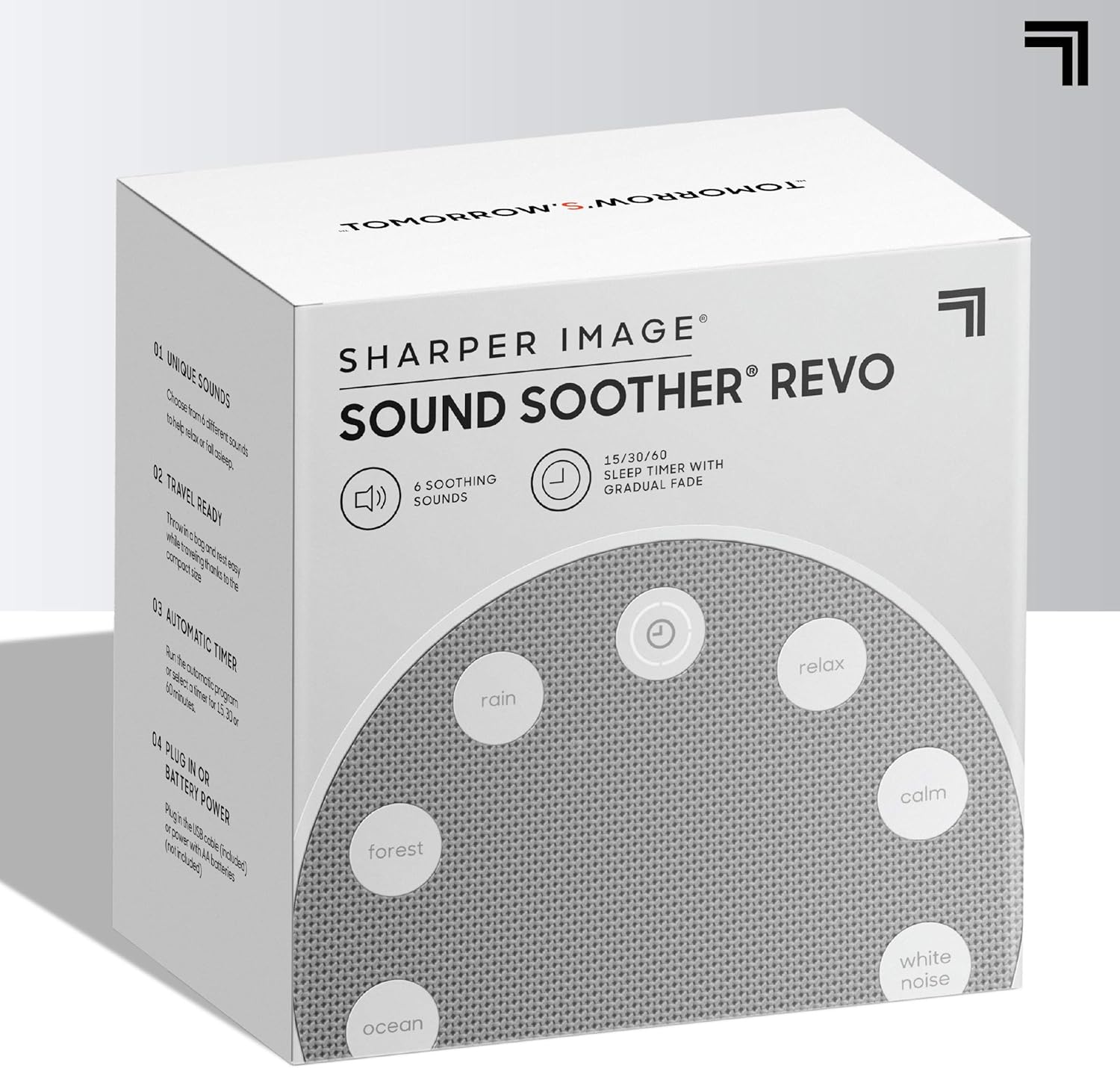
Image: A diagram illustrating the various buttons on the top of the Sound Soother, indicating controls for Calm Sound, Stream Sound, Ocean Sound, Volume Down, Speaker On/Off, On/Off, Volume Up, White Noise Sound, Rain Sound, Relax Sound, and Timer.
- Power On/Off: Press the On/Off Button (located at the bottom center) to turn the unit on or off.
- Select Sound: The device offers 6 unique sounds. Press the dedicated buttons around the speaker grille to select your desired sound:
- Rain
- Forest
- Ocean
- Relax
- Calm
- White Noise
- Adjust Volume: Use the Volume Up (+) and Volume Down (-) buttons to set the desired sound level.
- Set Timer: Press the Timer Button (top center) to cycle through the available timer settings: 15 minutes, 30 minutes, or 60 minutes. The sound will gradually fade out when the timer expires.
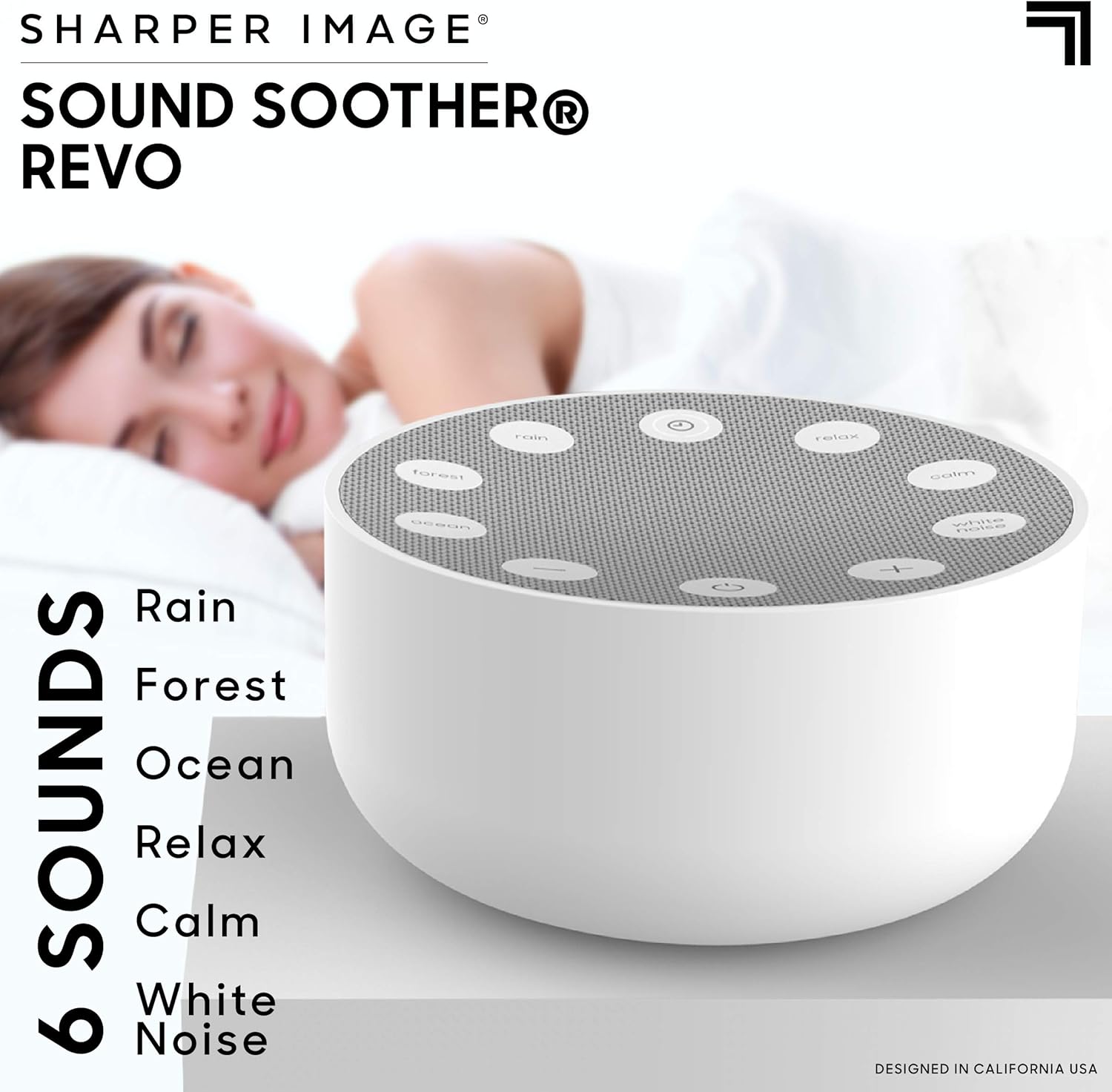
Image: The Sound Soother Revo highlighting its six available sounds for selection.
Care and Maintenance
To ensure the longevity and optimal performance of your sound machine, follow these care guidelines:
- Cleaning: Wipe the exterior of the unit with a soft, dry cloth. Do not use liquid cleaners or abrasive materials.
- Storage: When not in use for extended periods, store the device in a cool, dry place away from direct sunlight and extreme temperatures.
- Battery Care: If using batteries, remove them if the unit will not be used for a long time to prevent leakage.
- Avoid Moisture: Keep the device away from water or excessive humidity.
Troubleshooting Guide
If you encounter any issues with your Sharper Image White Noise Sound Machine, refer to the following common problems and solutions:
| Problem | Possible Cause | Solution |
|---|---|---|
| No power/Unit does not turn on. |
|
|
| No sound. |
|
|
| Sound is distorted or unclear. |
|
|
Product Specifications
| Specification | Detail |
|---|---|
| Product Dimensions | 4 x 4 x 2 inches |
| Weight | 6.4 ounces |
| Item Model Number | Revo White |
| Power Source | Battery Powered (3 AA 1.5V batteries, not included) or USB (5W USB power adapter, not included) |
| Manufacturer | Merchsource |
| Color | Grey |
| Material | Plastic |

Image: The compact dimensions of the Sound Soother Revo, measuring 4 inches in width and 2 inches in height.
Warranty and Support
The Sharper Image White Noise Sound Machine is backed by a 90-day manufacturer warranty. For any questions, issues, or detailed product support, please refer to the official User Manual PDF.
You can download the full User Manual (PDF) here.
Related documentsRevo White


Ask a question about this manual
Ask about setup, troubleshooting, compatibility, parts, safety, or missing instructions. Manuals+ will review the question and use this page’s manual context to help answer it.