
Introduction
This manual provides comprehensive instructions for the setup, operation, maintenance, and troubleshooting of your OneOdio A30 Wireless Active Noise Cancelling Headphones. Please read thoroughly to ensure optimal performance and longevity of your device.
What's in the Box
- 1x OneOdio A30 ANC Headphones
- 1x Carry Pouch
- 1x Airplane Adapter
- 1x Micro USB Charging Cable
- 1x 3.5mm AUX Cable
- 1x User Manual
Product Overview
The OneOdio A30 headphones are designed for comfort and superior audio performance, featuring active noise cancelling technology and versatile connectivity options.

Figure 1: Front view of the OneOdio A30 Wireless Active Noise Cancelling Headphones, showcasing the over-ear design and included 3.5mm audio cable.
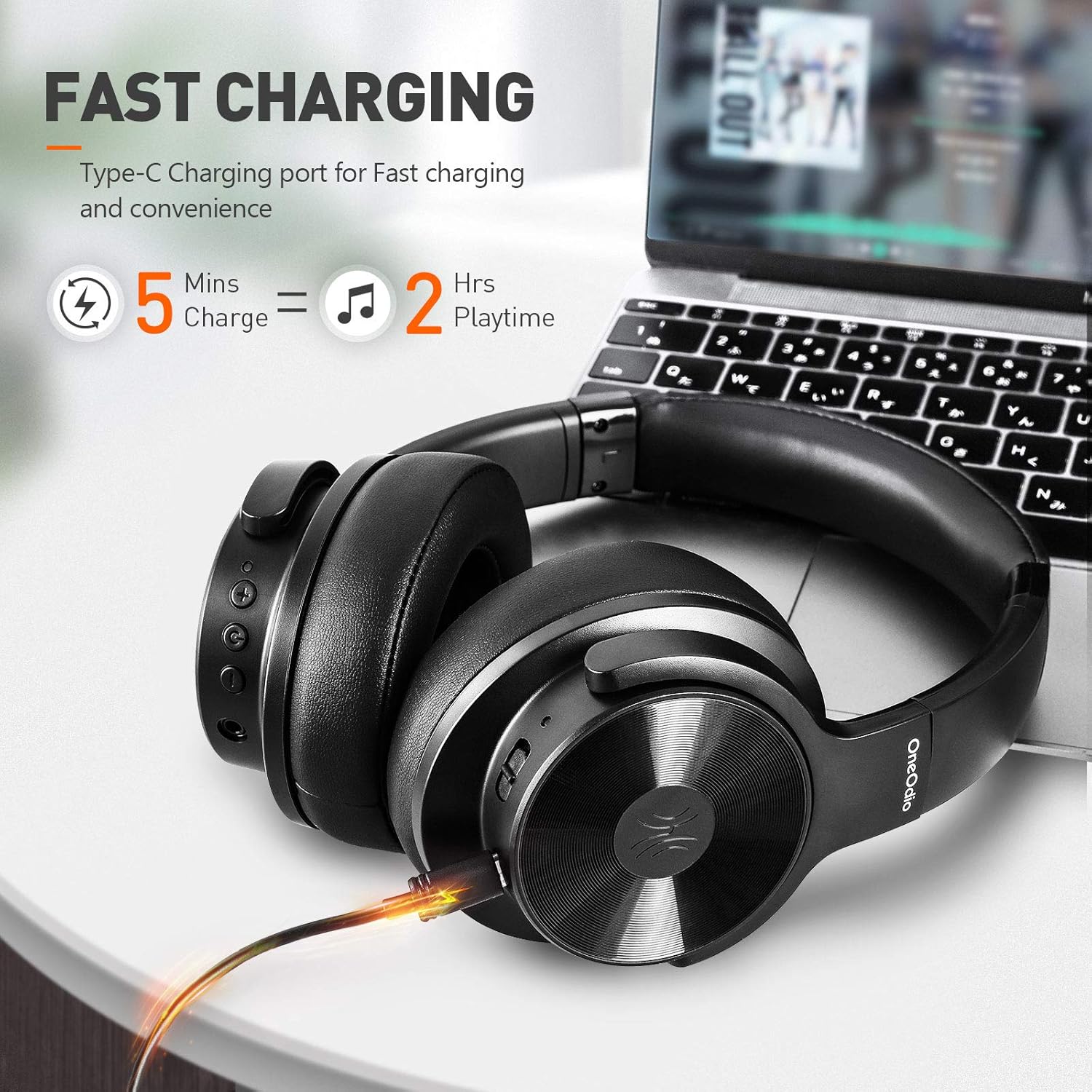
Figure 2: The OneOdio A30 headphones connected to a laptop via a Type-C charging cable, illustrating the fast charging capability: 5 minutes of charge provides 2 hours of playtime.

Figure 3: Close-up of the plush ear memory cushions on the OneOdio A30 headphones, highlighting the breathable mesh and soft protein earpad materials designed for comfort.
Setup
Bluetooth Pairing
- Ensure the headphones are powered off.
- Press and hold the power button for approximately 3-5 seconds until the LED indicator flashes red and blue alternately, indicating pairing mode.
- On your device (smartphone, tablet, computer), enable Bluetooth and search for available devices.
- Select "OneOdio A30" from the list of devices to connect.
- Once connected, the LED indicator will slowly flash blue.
Wired Connection
To use the headphones in wired mode, connect the provided 3.5mm AUX cable to the headphone's audio jack and to your audio source. This mode works even if the battery is depleted.
Operating Instructions
Active Noise Cancelling (ANC)
The OneOdio A30 features advanced ANC technology to reduce ambient noise. ANC works in both wired and wireless modes.
- To activate ANC, slide the ANC switch located on the left earcup. The LED indicator will turn green.
- To deactivate ANC, slide the ANC switch back to its original position.
Call Handling
The headphones include a high-quality built-in microphone for clear communication.
- To answer/end a call: Press the multi-function button once.
- To reject a call: Press and hold the multi-function button for 2 seconds.
Music Playback
- Play/Pause: Press the multi-function button once.
- Volume Up: Press the "+" button.
- Volume Down: Press the "-" button.
- Next Track: Press and hold the "+" button for 2 seconds.
- Previous Track: Press and hold the "-" button for 2 seconds.
Charging
Connect the Micro USB charging cable to the headphone's charging port and to a USB power source. The LED indicator will show a red light during charging and turn off when fully charged.
Charging Time: Approximately 2.5 hours.
Battery Life:
- 35 hours (ANC + Bluetooth)
- 54 hours (Bluetooth only)
- 50 hours (ANC only)
Maintenance & Care
- Clean the headphones regularly with a soft, dry cloth.
- Avoid exposing the headphones to extreme temperatures, humidity, or liquids.
- Store the headphones in the provided carry pouch when not in use to protect them from dust and scratches.
- Do not attempt to disassemble or modify the headphones, as this will void the warranty.
Troubleshooting
No Power
- Ensure the headphones are fully charged.
- Press and hold the power button for 3-5 seconds to turn on.
Cannot Pair via Bluetooth
- Ensure the headphones are in pairing mode (red and blue LED flashing).
- Make sure Bluetooth is enabled on your device and it is within range (10m/33ft).
- Clear the Bluetooth pairing list on your device and try pairing again.
Sound Distortion/Poor Quality
- Check the audio source and ensure the volume is not too high or too low.
- If using wired mode, ensure the 3.5mm AUX cable is securely connected.
- If using wireless mode, ensure there are no obstructions between the headphones and your device.
- Try turning ANC off and on to see if it resolves the issue.
Specifications
| Feature | Specification |
|---|---|
| Model Name | A30 |
| Connectivity Technology | Bluetooth v5.0, Wireless |
| Bluetooth Version | 5.0 |
| Bluetooth Range | 10m / 33ft |
| Battery Capacity | 500mAh |
| Charging Time | About 2.5 hours |
| Using Time (ANC+BT) | 35 hours |
| Using Time (BT Only) | 54 hours |
| Using Time (ANC Only) | 50 hours |
| Noise Reduction Depth | -25 ~ -28dB |
| Driver Diameter | 40mm |
| Frequency Response | 20Hz-20KHz |
| Item Weight | 12.6 ounces |
| Product Dimensions | 6.4 x 5.3 x 3.3 inches |
Warranty & Support
OneOdio products typically come with a 24-month extended warranty. For more information or to register your product, please visit the official OneOdio website.
For customer service inquiries, please contact:
- Email: info@oneodio.com
- Phone: +00852 6940 3848 (Mon to Fri 9:00 am - 6:30 pm, UTC+8 HKT)
Official Product Videos
Video 1: OneOdio A30 Active Noise Cancelling Headphones - An official product video showcasing key features and design elements.


