
Introduction
Thank you for choosing the Evershop Fast Wireless Charger. This manual provides detailed instructions for the safe and efficient use of your new inductive charging station. Please read this manual thoroughly before use and retain it for future reference.
Product Overview
Key Features
- Fast Wireless Charging: 1.5 times faster than standard wireless charging stands, charging iPhones 10% faster than other 5W wireless chargers and Samsung Galaxy devices in approximately 3 hours.
- Wide Compatibility: Supports 7.5W charging for iPhone 13/14/12/11/Pro/Max/SE 2020/XS MAX/XS/XR/X/8/8 Plus; 10W charging for Samsung Galaxy S21/S20 Ultra/S20/S10+/S10E/S9/S9+/S8+/S8/S8 Active/S7/S6/Note10/Note9/Note8/Note7, Huawei Mate 20 Pro, P30 Pro, P40 Pro; and 5W charging for all Qi-compatible devices like Google Pixel 3/3XL/4XL.
- Compact and Portable Design: Ultra-thin, lightweight, and durable, making it easy to carry.
- Advanced Safety Features: Built-in protection against overvoltage, short-circuit, overcurrent, and overheating. FCC, RoHS, and CE approved.
- Intelligent Foreign Object Detection: Automatically detects foreign metallic objects to ensure safe charging.
- Premium Build: Features 100% handcrafted synthetic leather and glossy metal with an LED indicator light.
Package Contents
- Evershop Fast Wireless Charger
- Micro USB Type-C Charging Cable
- User Manual
Note: A power adapter is not included and must be purchased separately.
Setup
- Connect the Charger: Plug the Micro USB Type-C charging cable into the port on the wireless charger.
- Connect to Power: Connect the other end of the USB cable to a compatible power adapter (not included). For optimal fast charging, use a Quick Charge 2.0/3.0 adapter or a Power Delivery (PD) adapter.
- Placement: Place the wireless charger on a flat, stable surface.

Image: The Evershop Fast Wireless Charger, a square-shaped pad with a grey fabric top and white base, connected to a black USB-C cable. A subtle LED indicator is visible on the front edge.
Operating Instructions
- Verify Compatibility: Ensure your smartphone supports Qi wireless charging before placing it on the pad.
- Place Your Device: Center your Qi-compatible smartphone on the charging pad. The charger features a wider charging area, allowing for flexible placement without requiring perfect alignment.
- Charging Indication: The LED indicator on the charger will illuminate to confirm that charging has begun.
- Optimal Charging: For best results, remove any thick phone cases (over 4mm) or cases containing metal, magnets, or credit cards, as these can interfere with wireless charging.
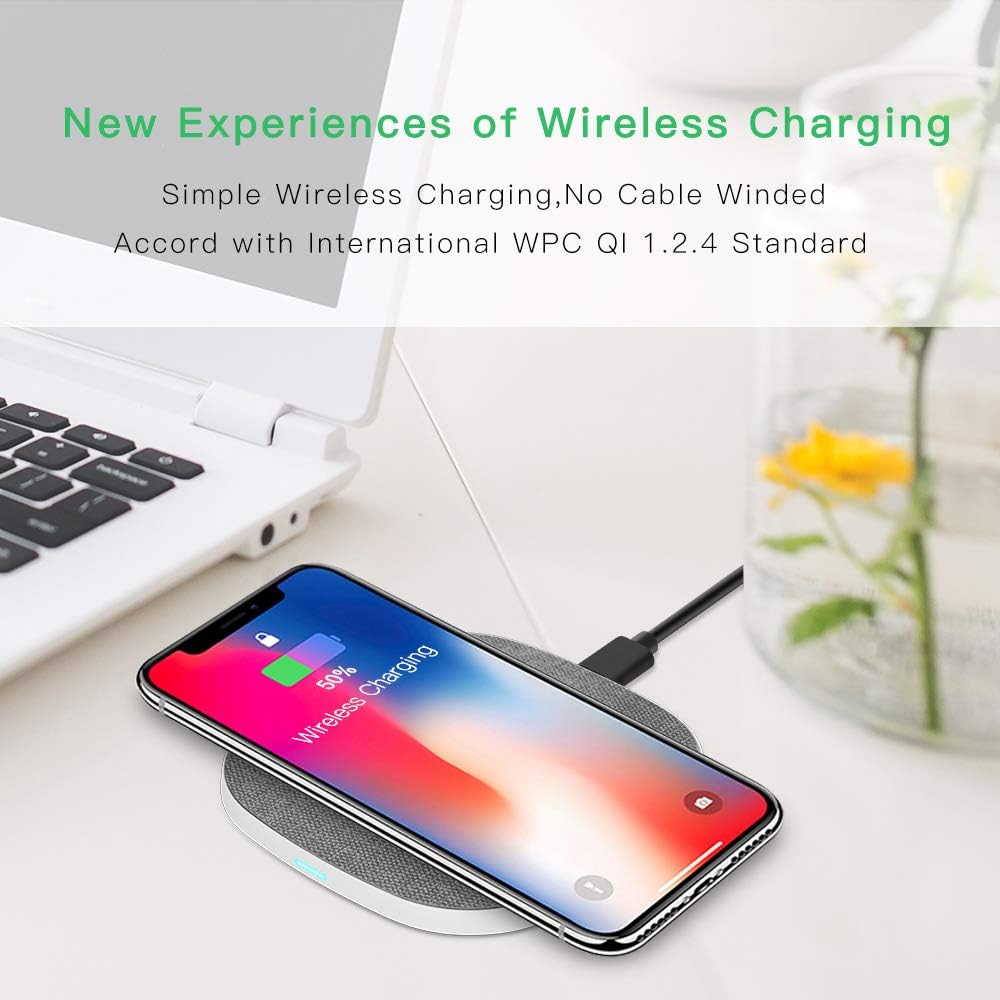
Image: A smartphone displaying a charging icon is placed on the Evershop wireless charging pad, illustrating the ease of wireless charging without tangled cables.
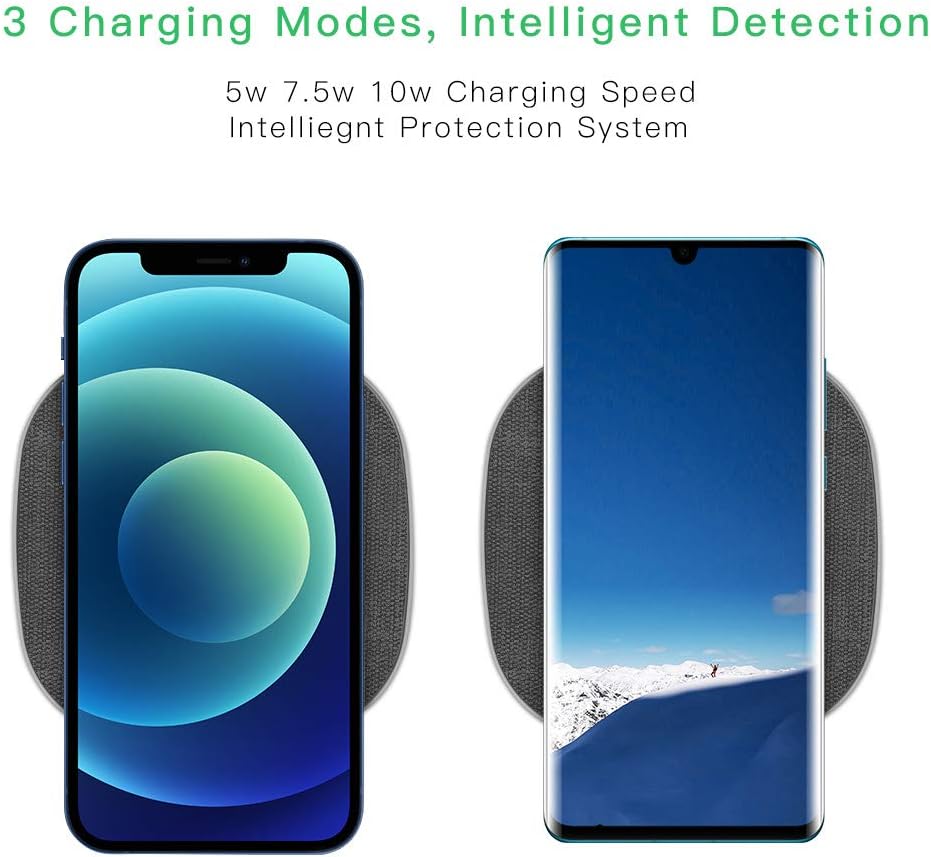
Image: Two smartphones, one iPhone and one Android, are shown on separate charging pads, representing the charger's ability to intelligently detect and provide 5W, 7.5W, or 10W charging speeds.

Image: A diagram illustrating objects that should be removed from the phone or charging area, such as metal rings, thick phone cases (over 4mm), credit cards, keys, and coins, to ensure proper charging.
Maintenance
- Cleaning: Disconnect the charger from the power source before cleaning. Use a soft, dry cloth to wipe the surface. Do not use harsh chemicals or abrasive materials.
- Storage: Store the charger in a cool, dry place when not in use.
- Avoid Damage: Do not drop, disassemble, or attempt to repair the charger yourself. Avoid exposing it to extreme temperatures or liquids.
Troubleshooting
| Problem | Possible Cause | Solution |
|---|---|---|
| Device not charging. | Device not Qi-compatible; improper placement; foreign object interference; power adapter issue. | Ensure device supports Qi wireless charging. Reposition device on the center of the pad. Remove any foreign objects (metal, cards, thick cases). Use a compatible power adapter (QC 2.0/3.0 or PD). |
| Slow charging. | Incompatible power adapter; phone case interference; background apps. | Use a Quick Charge 2.0/3.0 or Power Delivery (PD) adapter. Remove phone case. Close unnecessary background applications on your phone. |
| LED indicator blinking or off. | Foreign object detected; device not placed correctly; power issue. | Remove any foreign objects. Realign your device on the charging pad. Check power connection and adapter. |
| Charger or device getting hot. | Normal during fast charging; foreign object; poor ventilation. | Slight warmth is normal. Ensure no foreign objects are present. Place the charger in a well-ventilated area. If overheating persists, discontinue use and contact support. |
Specifications
| Specification | Value |
|---|---|
| Brand | Evershop |
| Model Number | WC09P-1 |
| Color | White |
| Connector Type | USB Type-C (input) |
| Special Features | Fast Charging, Foreign Object Detection |
| Total USB Ports | 1 |
| Amperage | 1.5 A (Output) |
| Power Output | 5W, 7.5W, 10W (Max) |
| Compliant Specifications | CE, FCC, RoHS |
| Power Source | Corded Electric |
| Compatible Devices | Google Nexus 4/5/6/Pixel 3/3XL/4/4XL, Sony Xperia Z4V/XZ2/XZ3, Huawei P40 Pro/P30 Pro/Mate 30/30 Pro/20 Pro, LG G3/G6/G6+/G7/G7ThinQ/G7+ ThinQ/G8/G8ThinQ/G8S/G8SThinQ/G8X/G8X ThinQ/V30/V30+/V30SThinQ/V35/V35ThinQ/V40ThinQ/V50/V50ThinQ, Samsung Galaxy S21/S20 Ultra/S20/S10+/S10E/S9/S9+/S8+/S8/S8 Active/S7/S6/Note10/Note9/Note8/Note7, iPhone 13/14/14 Pro/13Pro/13ProMax/13 mini/12/12Mini/12Pro/12ProMax/(SE 2020)/11/11Pro/11ProMax/XS MAX/XS/XR/X/8/8+ |
Warranty and Support
Evershop provides a money-back guarantee for this inductive charging station. If you encounter any issues with the product or are not satisfied with your purchase, you can contact Evershop for a refund or replacement. There is no time limit for this offer. Please reach out to Evershop customer support for assistance.