
PowerLocus P6
PowerLocus P6 Wireless Bluetooth Headphones User Manual
Model: P6 | Brand: PowerLocus
Introduction
Thank you for choosing PowerLocus P6 Wireless Bluetooth Headphones. These over-ear headphones are designed to provide a high-fidelity stereo sound experience with deep bass, extended playtime, and comfortable wear. This manual will guide you through the setup, operation, maintenance, and troubleshooting of your new headphones.
What's in the Box
- 1x PowerLocus P6 Headphones
- 1x 3.5mm Audio Cable
- 1x USB Charging Cable
- 1x User Manual
- 1x Premium Carry Pouch

Image: All components included in the PowerLocus P6 headphone package.
Product Features
- Bluetooth 5.3 Connectivity: Ensures stable and low-latency wireless connection up to 12m/39ft.
- Hi-Fi Stereo Sound: Equipped with upgraded dynamic audio speakers for powerful, crisp sound and deep bass.
- 50-Hour Playtime: Extended battery life for long listening sessions.
- Built-in HD Microphone: For clear hands-free calls.
- Foldable & Lightweight Design: Enhances portability and storage.
- Soft Over-Ear Earmuffs: Provides comfort for prolonged use.
- Universal Compatibility: Works with iOS, Android, Windows, and Mac devices.
- Voice Assistant Support: One-click access to Siri/Google Assistant.
- Multi-Point Connection: Connects to two devices simultaneously.

Image: Front view of the PowerLocus P6 Wireless Bluetooth Headphones.

Image: Demonstrating the premium comfort of the headphones with flexible earpads and soft memory foam earmuffs.

Image: Highlighting the universal compatibility of the headphones with various devices.

Image: Visual representation of the main features of the PowerLocus P6 headphones.
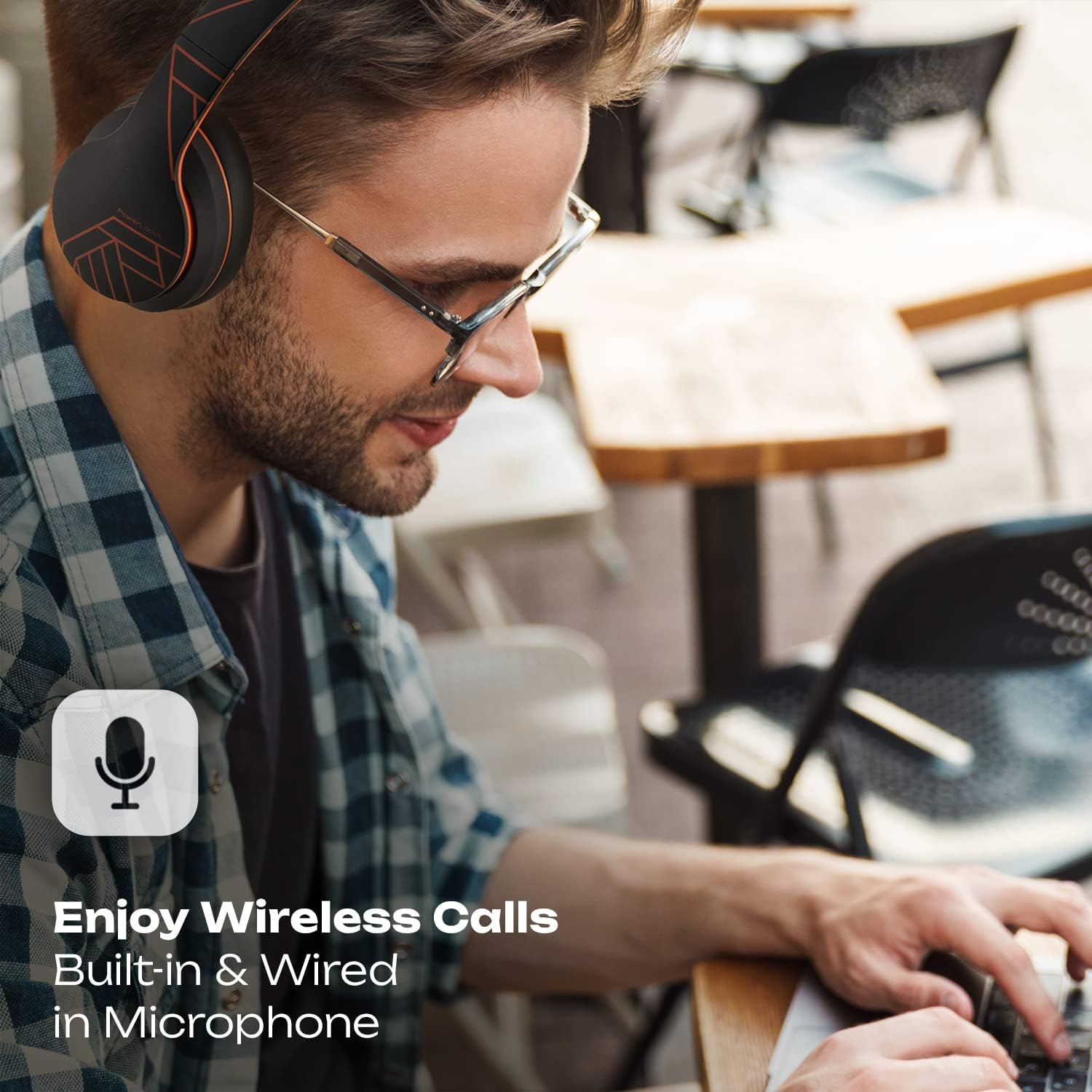
Image: Showcasing the wireless call capability and built-in microphone.
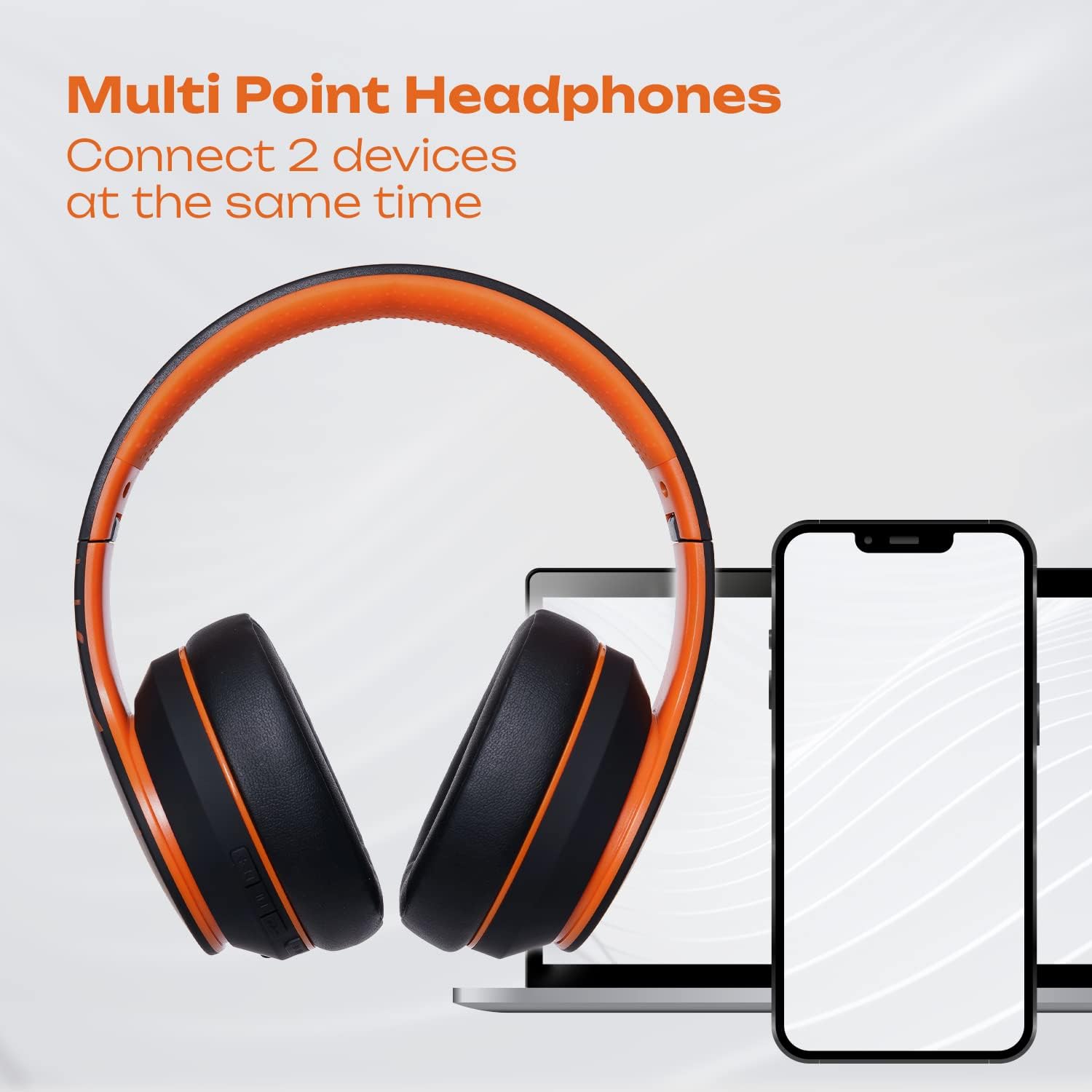
Image: Illustrating the multi-point connection feature, allowing simultaneous connection to two devices.

Image: Highlighting the long wireless playtime of the headphones.
Setup
Charging the Headphones
Before first use, fully charge your PowerLocus P6 headphones. Connect the provided USB charging cable to the charging port on the headphones and the other end to a USB power source (e.g., computer USB port, wall adapter). The charging time is approximately 2.5 hours. A full charge provides up to 50 hours of playtime.
Bluetooth Pairing
- Ensure the headphones are turned off.
- Press and hold the Power button until the LED indicator flashes blue and red, indicating pairing mode.
- On your device (smartphone, tablet, PC), enable Bluetooth and search for available devices.
- Select "PowerLocus P6" from the list of devices.
- Once connected, the LED indicator will turn solid blue.
Multi-Point Connection
The PowerLocus P6 headphones support connecting to two Bluetooth devices simultaneously. After pairing with the first device, disable Bluetooth on that device. Then, pair the headphones with the second device. Once paired, re-enable Bluetooth on the first device. The headphones should now be connected to both devices, allowing you to switch audio sources seamlessly.
Operating Instructions
Controls
- Power On/Off: Press and hold the Power button.
- Play/Pause: Press the Multi-function button once.
- Volume Up/Down: Press the Volume + / - buttons.
- Next/Previous Track: Long press the Volume + / - buttons.
- Answer/End Call: Press the Multi-function button once.
- Reject Call: Long press the Multi-function button.
- Activate Voice Assistant (Siri/Google Assistant): Press the Voice Control button once.
Wired Mode
To use the headphones in wired mode, connect the provided 3.5mm audio cable to the headphone's audio jack and the other end to your audio source. This mode is useful when the battery is depleted or for devices without Bluetooth connectivity.
Maintenance
- Cleaning: Use a soft, dry cloth to clean the headphones. Do not use harsh chemicals or abrasive materials.
- Storage: When not in use, store the headphones in the provided carry pouch to protect them from dust and scratches. The foldable design allows for compact storage.
- Water Resistance: These headphones are not water resistant. Avoid exposure to liquids, moisture, and extreme temperatures.
- Battery Care: To prolong battery life, avoid fully discharging the headphones frequently. Charge them regularly, even if not in constant use.

Image: PowerLocus P6 headphones folded and stored in their protective pouch.
Troubleshooting
- Headphones won't turn on: Ensure the headphones are fully charged.
- Cannot pair with device: Make sure Bluetooth is enabled on your device and the headphones are in pairing mode (flashing blue and red LED). Try restarting both devices.
- No sound: Check the volume levels on both the headphones and your connected device. Ensure the headphones are properly paired. If using wired mode, ensure the 3.5mm cable is fully inserted.
- Poor sound quality: Ensure the headphones are within Bluetooth range (12m/39ft) of your device. Avoid obstacles that may interfere with the signal.
- Microphone not working: Ensure the headphones are properly connected and selected as the audio input device on your computer or smartphone.
Specifications
| Model Name | P6 |
| Brand | PowerLocus |
| Connectivity Technology | Wireless (Bluetooth 5.3) |
| Wireless Communication Technology | Bluetooth |
| Headphones Jack | 3.5 mm Jack |
| Ear Placement | Over Ear |
| Noise Control | Sound Isolation |
| Battery Life | 50 Hours |
| Charging Time | 2.5 Hours |
| Bluetooth Range | 36 Feet (approx. 12 meters) |
| Audio Driver Size | 40 Millimeters |
| Frequency Range | 20Hz-20000kHz |
| Impedance | 32 Ohm |
| Item Weight | 0.35 Kilograms (12.3 ounces) |
| Material | Leather |
| Water Resistance Level | Not Water Resistant |
Warranty & Support
PowerLocus P6 Wireless Bluetooth Headphones come with a 24-month warranty covering manufacturing defects. We are committed to providing excellent customer service based in the USA.
For any questions, issues, or warranty claims, please contact PowerLocus customer support through the retailer's platform or visit the official PowerLocus website for contact information.
Related documentsP6


Ask a question about this manual
Ask about setup, troubleshooting, compatibility, parts, safety, or missing instructions. Manuals+ will review the question and use this page’s manual context to help answer it.