
Introduction
Thank you for choosing the ELPHECO Motion Sensor Trash Can set. This set includes two automatic garbage cans, one 2.5-gallon and one 2-gallon, designed for convenience and hygiene in various spaces such as bathrooms, kitchens, and offices. Featuring smart motion sensor technology, these bins offer touchless operation, an odor-sealing lid, and a sleek design to complement any decor. This manual provides essential information for proper setup, operation, maintenance, and troubleshooting to ensure optimal performance and longevity of your product.
Product Overview
Key Features:
- 2-in-1 Set: Includes one 2.5-gallon and one 2-gallon motion sensor trash can. The smaller bin is packed inside the larger one for shipping.
- Compact & Capacious: Designed for narrow corners and small areas, offering ample capacity without occupying excessive space.
- Hygiene & Convenience: Automatic lid opening via smart sensors eliminates the need for touch, reducing germ spread.
- Effortless Waste Disposal: Wave your hand over the sensor for smooth lid opening and automatic closing.
- Durable Construction: Crafted from sturdy plastic for daily use and lasting appearance.
- Easy to Clean: Smooth surfaces facilitate simple cleaning.
- Sleek Design: Modern aesthetic blends seamlessly with various interior styles.
- Versatile Placement: Suitable for bathrooms, home offices, bedrooms, and kitchens.
What's in the Box:
- ELPHECO Motion Sensor Trash Can (2.5 Gallon)
- ELPHECO Motion Sensor Trash Can (2 Gallon)
- Trash Bags (starter pack)
- Instruction Manual

Image: The ELPHECO Motion Sensor Trash Can set, highlighting the automatic lid opening.
Setup Instructions
- Unpacking: Carefully remove both trash cans from the packaging. Note that the 2-gallon bin is nested inside the 2.5-gallon bin. Separate them before proceeding.
- Battery Installation:
- Locate the battery compartment on the underside of the lid.
- Open the compartment and insert the required batteries (typically AA, refer to the lid's label for exact type and quantity). Ensure correct polarity.
- Close the battery compartment securely.

Image: Battery installation in the lid's compartment.
- Insert Trash Bag:
- Remove the lid from the trash can body.
- Place a trash bag into the can, ensuring the edges are folded over the top rim.
- Secure the trash bag by placing the bag fixing ring (if included) over the bag and into the can's rim, or by reattaching the lid firmly.

Image: Steps for trash bag installation.
- Power On: Press and hold the power button (usually located near the sensor on the lid) for a few seconds until the indicator light flashes, indicating the unit is powered on.
Operating Instructions
- Motion Sensor Operation:
- Simply wave your hand approximately 6-10 inches above the sensor area on the lid.
- The lid will open automatically and remain open as long as your hand is within the sensor's range.
- After a few seconds of no activity, the lid will close automatically.

Image: Demonstrating motion sensor activation.
- Manual Operation:
- To open the lid manually, press the "Open/Close" button (often indicated by up/down arrows or a power symbol).
- The lid will stay open until you press the button again, or it may close automatically after a longer period.
- Note: Manual operation may temporarily disable the smart sensor until the lid is closed manually or the unit is reset.

Image: Manual open/close button on the lid.
- Power Off: Press and hold the power button until the indicator light turns off.
Video: Demonstration of the ELPHECO Motion Sensor Trash Can's automatic lid opening and closing functionality.
Maintenance
- Cleaning:
- Wipe the exterior of the trash can with a soft, damp cloth and mild detergent. Avoid abrasive cleaners.
- Ensure the sensor area on the lid remains clean and free of obstructions for optimal performance.
- The interior can be wiped down with a damp cloth. Ensure it is completely dry before reinserting a new trash bag.
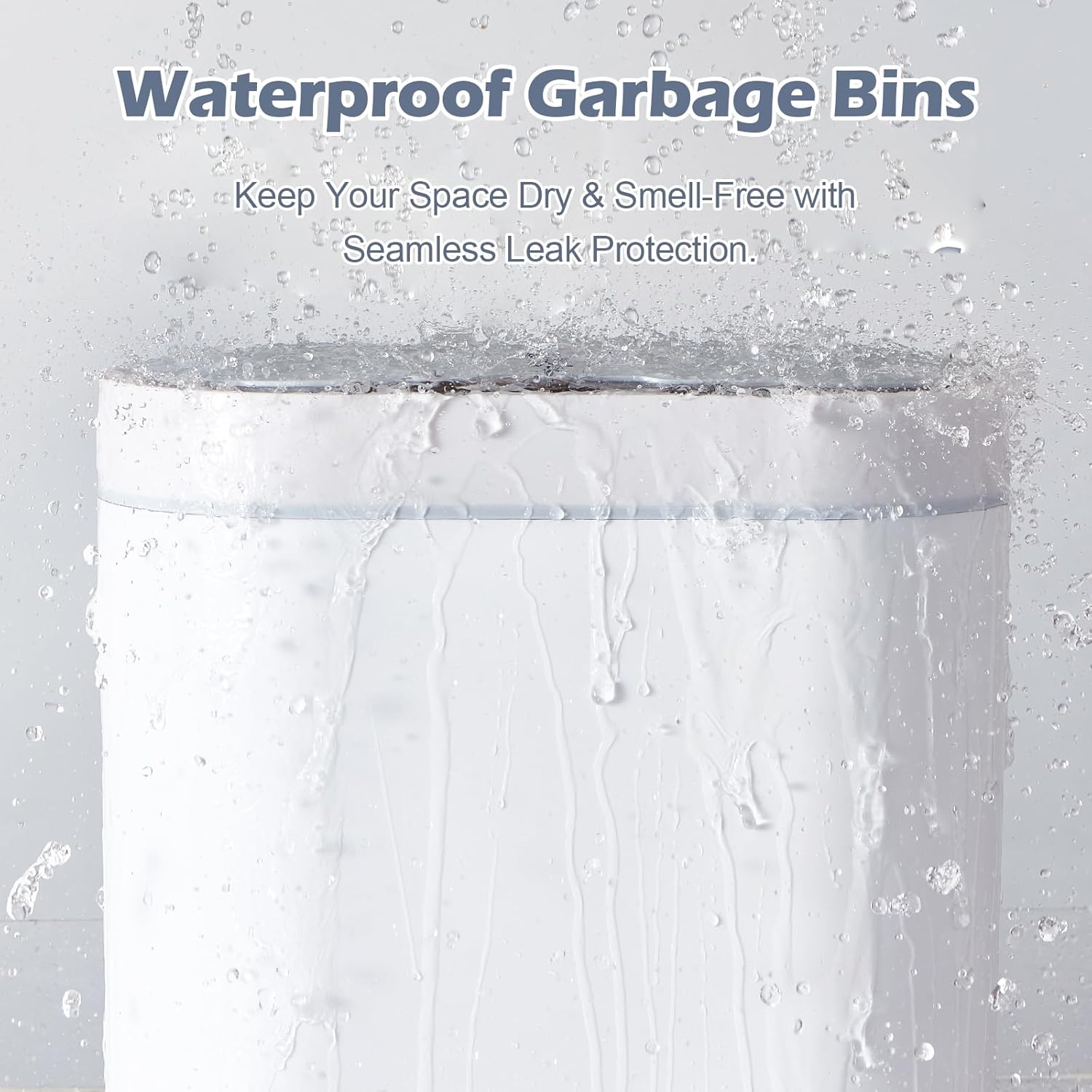
Image: The waterproof design of the trash can lid.
- Changing Trash Bags: Follow the steps outlined in the "Setup Instructions" to replace full trash bags.
- Battery Replacement: When the lid's operation becomes slow or inconsistent, it's time to replace the batteries. Follow the "Battery Installation" steps.
- Odor Filter (if applicable): Some models may include an odor filter. Replace the filter periodically (e.g., every 3-6 months) to maintain odor control. Refer to the product packaging or specific model instructions for filter type and replacement procedure.
Troubleshooting
| Problem | Possible Cause | Solution |
|---|---|---|
| Lid does not open automatically. |
|
|
| Lid closes too quickly or stays open too long. |
|
|
| Lid makes unusual noise. |
|
|
Specifications
| Feature | Detail |
|---|---|
| Brand | ELPHECO |
| Model Numbers | ELPH6711 (2.5 Gallon), ELPH5711 (2 Gallon) |
| Capacity | 2.5 Gallons (larger unit), 2 Gallons (smaller unit) |
| Color | White |
| Opening Mechanism | Motion-Sensor |
| Material | Plastic |
| Product Dimensions (2.5 Gallon) | 11.8"L x 5.9"W x 12.6"H |
| Item Weight | 2.53 pounds (for the set) |
| Recommended Uses | Bathroom, Home Office, Bedroom |

Image: Dimensions of the 2-gallon and 2.5-gallon trash cans.
Warranty and Support
For warranty information or technical support, please refer to the contact details provided on the product packaging or visit the official ELPHECO website. Keep your purchase receipt as proof of purchase for any warranty claims.
You can also visit the ELPHECO Store on Amazon for more products and support: ELPHECO Amazon Store.