
1. Introduction
Thank you for choosing the rockpapa E9 Over-Ear Bluetooth Headphones. These headphones are designed to provide a high-quality audio experience with the flexibility of both wired and wireless connectivity. Featuring Bluetooth 5.3 technology, a built-in microphone, and a foldable design, they are suitable for various uses including listening to music, watching videos, online learning, and making calls.
2. What's in the Box
Please check the package contents to ensure all items are present:
- 1 x rockpapa E9 Wireless Headphones
- 1 x USB Charging Cable
- 1 x 3.5mm Male to Male Audio Cable
- 1 x User Guide
- 1 x Headphones Carry Case

Figure 2.1: rockpapa E9 headphones in Yellow Grey with the included protective carry case.
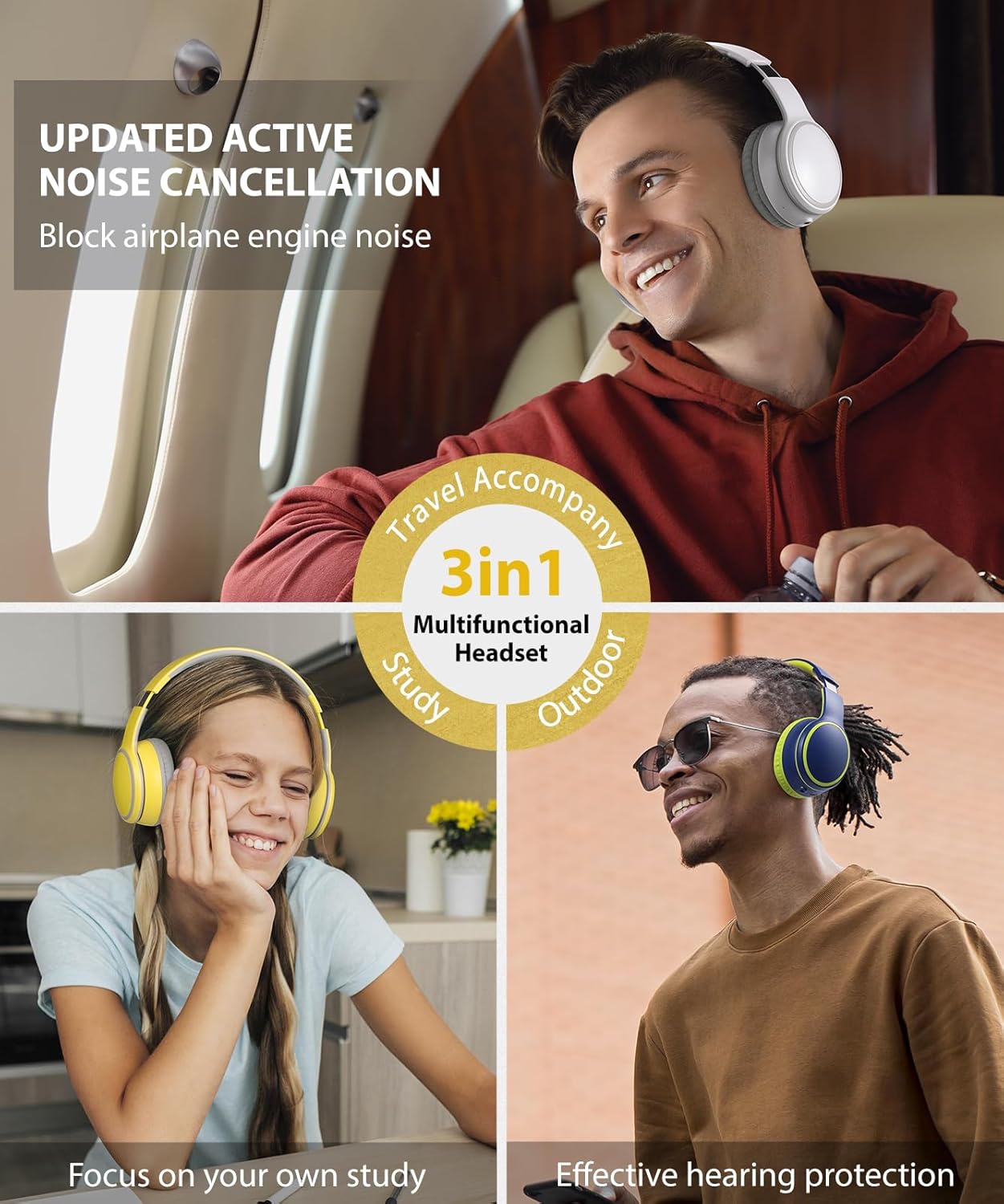
Figure 2.2: The complete package contents, including the rockpapa E9 headphones, USB charging cable, 3.5mm audio cable, and user guide.
3. Product Features
- Stereo Bluetooth Headphones: Equipped with 40mm audio drivers for rich bass and clear midrange. Bluetooth 5.3 ensures lower latency and stable transmission for an optimal listening experience.
- Comfortable & Foldable Design: Features super soft earmuffs and an adjustable headband for comfortable wear by various age groups. The classic folding design allows for easy portability and storage, ideal for travel.
- Built-in Microphone & Volume Control: The integrated microphone and volume controller enable hands-free calls and music management. Easily control tracks (start/stop, next/previous) and answer/end phone calls.
- Long Battery Life: A high-capacity rechargeable battery provides up to 25 hours of playtime at 50% volume or 14 hours at 100% volume. Fast charging takes approximately 2 hours with a 5V 1A/5V 2A charger.
- Wired/Wireless Functionality: An audio cable is provided for continuous listening even when the battery is depleted, ensuring you never power off.
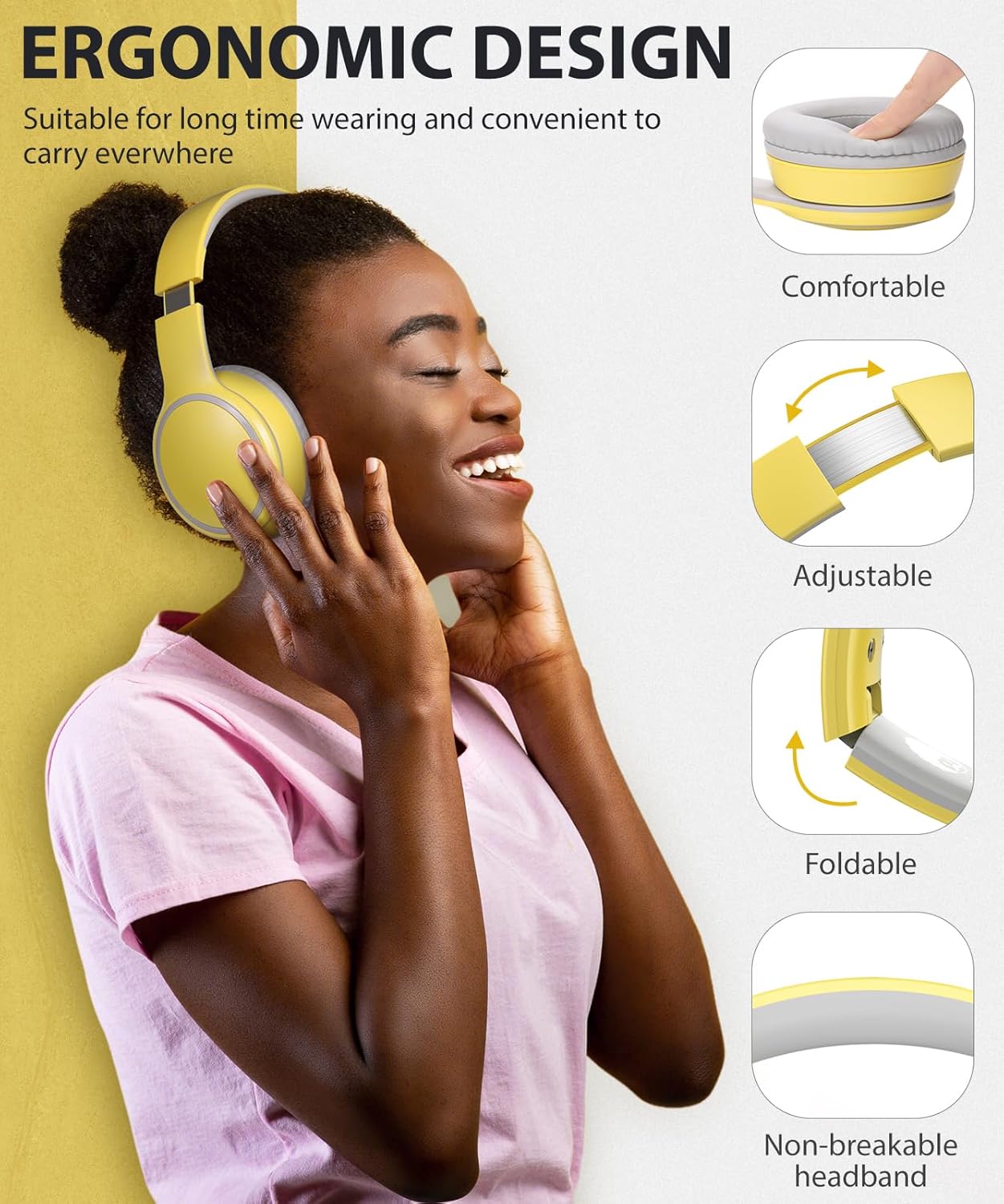
Figure 3.1: The ergonomic design of the rockpapa E9 headphones, highlighting comfortable earcups, adjustable headband, foldable structure, and a durable, non-breakable headband for extended use.

Figure 3.2: A young girl wearing rockpapa E9 headphones, demonstrating features like the 40mm audio driver, HD microphone, foldable design, and long battery life suitable for studying or entertainment.
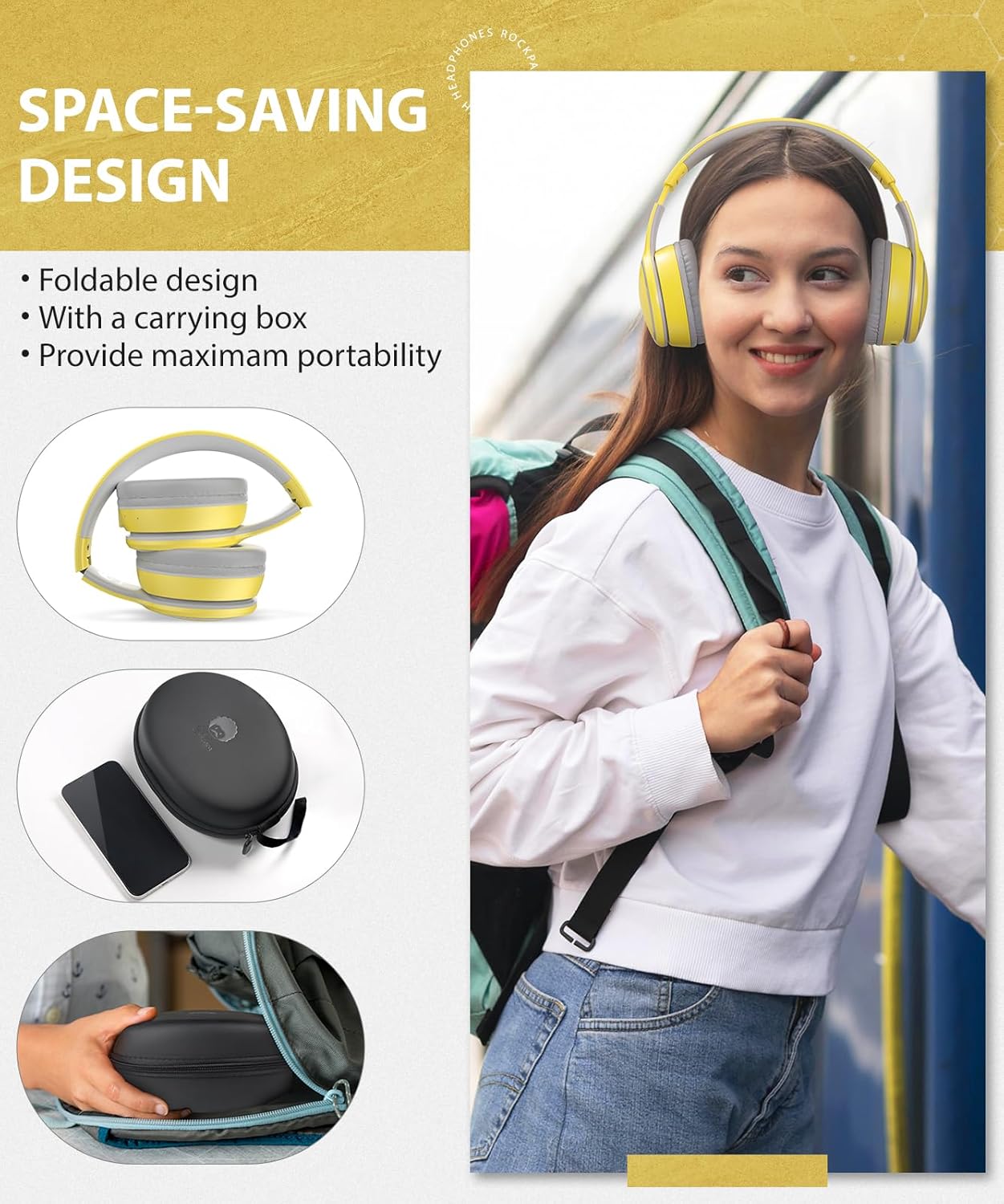
Figure 3.3: A person traveling with the rockpapa E9 headphones folded and stored in their compact carrying case, showcasing the space-saving and portable design.
Official Product Video
Video 3.1: An official video from RockPapaDirect showcasing the rockpapa E9 Wireless Bluetooth Headphones, highlighting their features and benefits for children.
4. Setup Instructions
4.1. Charging the Headphones
- Connect the provided USB charging cable to the Type-C charging port on the headphones.
- Plug the other end of the USB cable into a 5V 1A or 5V 2A power adapter (not included) or a computer's USB port.
- The LED indicator on the headphones will illuminate during charging. It will turn off or change color once fully charged.
- A full charge typically takes approximately 2 hours.
4.2. Bluetooth Pairing
- Ensure the headphones are fully charged.
- Press and hold the Power button on the headphones until the LED indicator flashes red and blue alternately. This indicates the headphones are in pairing mode.
- On your device (smartphone, tablet, PC), enable Bluetooth and search for available devices.
- Select "rockpapa E9" from the list of found devices to connect.
- Once successfully paired, the LED indicator will typically show a solid blue light or flash blue slowly.
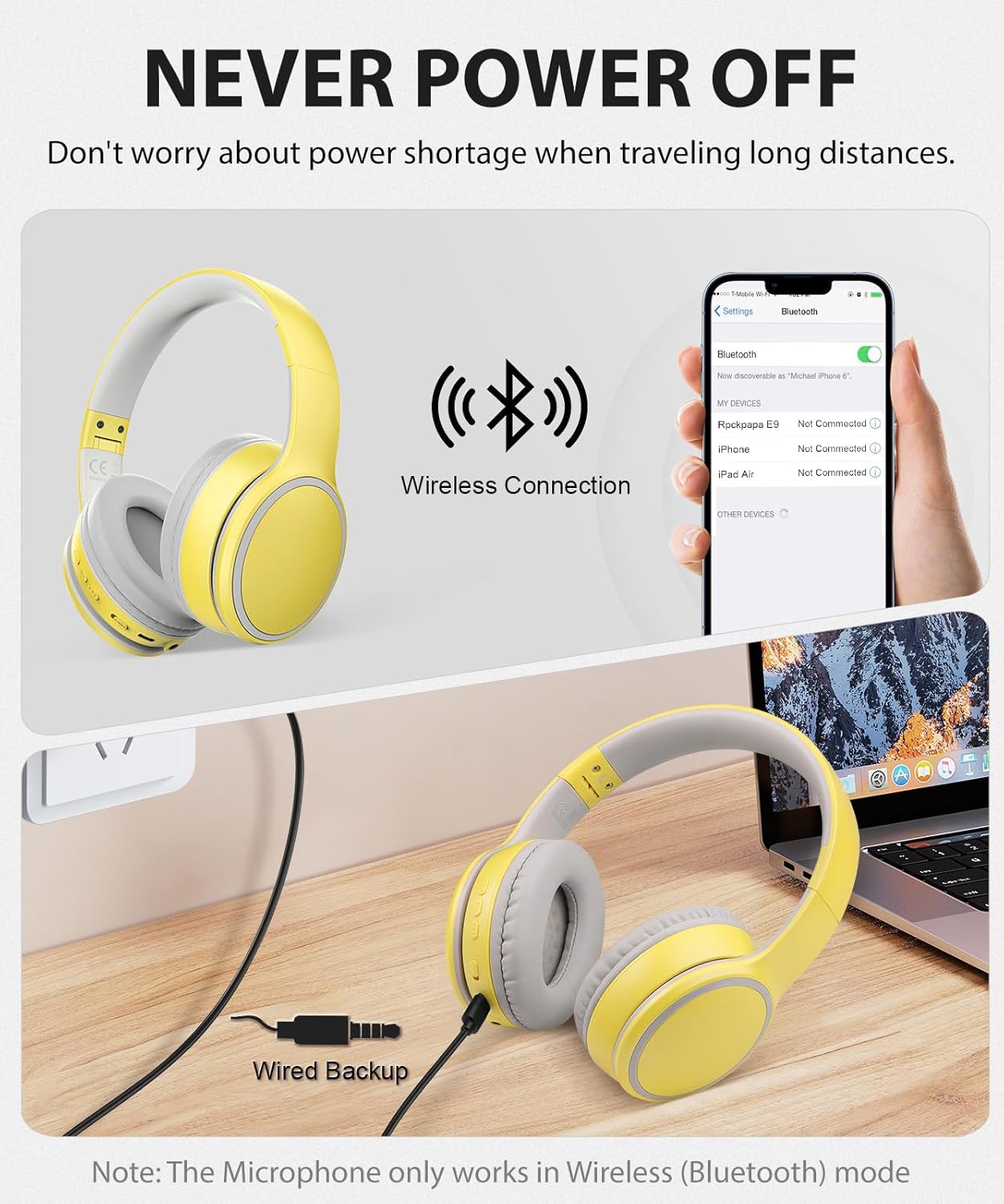
Figure 4.1: Illustration of the rockpapa E9 headphones' connectivity options, showing both wireless Bluetooth pairing with a smartphone and a wired connection using the 3.5mm audio cable.
5. Operating Instructions
5.1. Controls Overview
The control buttons are located on the earcup for easy access:
- Power Button: Press and hold to power on/off. Short press to play/pause music or answer/end calls.
- Volume Up / Next Track: Short press for volume up. Long press for next track.
- Volume Down / Previous Track: Short press for volume down. Long press for previous track.
5.2. Wired Mode Operation
To use the headphones in wired mode:
- Connect one end of the provided 3.5mm audio cable to the audio jack on the headphones.
- Connect the other end of the audio cable to your audio source (e.g., smartphone, tablet, PC, TV).
- The headphones will automatically switch to wired mode.
- Note: The built-in microphone only functions in wireless (Bluetooth) mode. When using wired mode, you will need to use your device's microphone if communication is required.

Figure 5.1: Detailed view of the rockpapa E9 headphone controls, indicating the functions of each button, the Type-C charging port, 3.5mm audio jack, microphone, and LED indicator.
6. Maintenance
- Cleaning: Use a soft, dry cloth to clean the headphones. Do not use liquid cleaners or sprays.
- Storage: When not in use, fold the headphones and store them in the provided carry case to protect them from dust and damage.
- Avoid Extremes: Do not expose the headphones to extreme temperatures, humidity, or direct sunlight.
- Water Resistance: These headphones are not water resistant. Avoid contact with water or excessive moisture.
7. Troubleshooting
- Headphones will not power on: Ensure the headphones are fully charged. Connect them to a power source using the USB charging cable.
- Cannot pair with device:
- Ensure the headphones are in pairing mode (LED flashing red and blue).
- Make sure Bluetooth is enabled on your device and it is within 10 meters of the headphones.
- Forget the device from your device's Bluetooth list and try pairing again.
- No sound or poor sound quality:
- Check the volume levels on both the headphones and your connected device.
- Ensure the headphones are properly paired or the audio cable is securely connected.
- If in wired mode, ensure the audio cable is fully inserted into both the headphones and the audio source.
- Try playing audio from a different source or device to rule out source issues.
- Microphone not working: The microphone only works in wireless (Bluetooth) mode. If you are using the 3.5mm audio cable, the built-in microphone will not function.
- "BATTERY LOW" voice prompt: This prompt indicates the battery is low. Please charge the headphones.
8. Specifications
| Feature | Detail |
|---|---|
| Model Name | E9 |
| Connectivity Technology | Wireless (Bluetooth) / Wired (3.5mm Jack) |
| Wireless Communication Technology | Bluetooth 5.3 |
| Bluetooth Range | 10 Meters |
| Audio Driver Size | 40 Millimeters |
| Frequency Response | 20 KHz |
| Noise Control | Sound Isolation (Passive Noise Isolation) |
| Battery Life | Up to 25 Hours (at 50% volume) |
| Charging Time | 2 Hours |
| Control Type | Volume Control, Button |
| Special Features | Detachable Cable, Fast Charging, Foldable, Microphone Included, Volume Control |
| Compatible Devices | Cellphones, Desktops, Laptops, Tablets |
| Age Range (Description) | Suitable for Kids 5+ Years old |
| Item Weight | 0.4 Kilograms (14.1 ounces) |
| Product Dimensions | 3.54 x 7.64 x 5.67 inches |
| Water Resistance Level | Not Water Resistant |
9. Warranty and Support
rockpapa headphones come with protection against manufacturer defects at no extra charge. For any questions or support needs while using your headphones, please contact customer service. A quick response is typically provided within 12-24 hours.
For further assistance, please refer to the contact information provided in your user guide or visit the official rockpapa website.