
ICECO VL60 Pro Single Zone
ICECO VL60 ProS Portable Refrigerator User Manual
Model: VL60 Pro Single Zone
Introduction
This manual provides comprehensive instructions for the safe and efficient operation of your ICECO VL60 ProS Portable Refrigerator. Please read this manual thoroughly before use and retain it for future reference. The ICECO VL60 ProS is a versatile portable refrigerator designed for both home and vehicle use, featuring a SECOP compressor for reliable cooling across a wide temperature range.
Safety Information
Always observe the following safety precautions to reduce the risk of fire, electric shock, or injury:
- Ensure the power supply voltage matches the refrigerator's requirements (12/24V DC, 110-240V AC).
- Do not operate the refrigerator if the power cord is damaged.
- Keep ventilation openings clear of obstructions to prevent overheating.
- Do not use electrical appliances inside the storage compartments unless they are of the type recommended by the manufacturer.
- Avoid touching cold surfaces with wet hands to prevent frostbite.
- Disconnect power before cleaning or maintenance.
- This appliance is not intended for use by persons (including children) with reduced physical, sensory, or mental capabilities, or lack of experience and knowledge, unless they have been given supervision or instruction concerning use of the appliance by a person responsible for their safety.
Package Contents
Verify that all items are present in the package:
- ICECO VL60 ProS Portable Refrigerator
- AC Power Adapter (110-240V)
- DC Power Cable (12/24V)
- Removable Basket
- Replacement Handles
- Corner Protectors (4 pieces)
- Drain Plugs
- User Manual (this document)
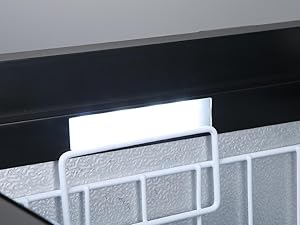
Image: Included accessories such as handles, corner guards, drain plug, screws, and a screwdriver.
Setup
- Unpacking: Carefully remove the refrigerator and all accessories from the packaging.
- Placement: Place the refrigerator on a flat, stable surface. Ensure adequate ventilation around the unit, especially the compressor area. Avoid direct sunlight or heat sources.
- Handle Installation (Optional): If the handles are not pre-installed, attach them using the provided screws.
- Power Connection:
- AC Power (Home Use): Connect the AC power adapter to the AC input port on the refrigerator and then plug it into a standard 110-240V AC wall outlet.
- DC Power (Car Use): Connect the DC power cable to one of the 12/24V DC input ports on the refrigerator and plug the other end into your vehicle's cigarette lighter socket or a compatible DC power source.

Image: Rear view of the ICECO VL60 ProS illustrating the AC (110-240V) and DC (12/24V) power input ports, along with dual USB charging ports.
Operating Instructions
Control Panel Overview
The control panel allows you to manage the refrigerator's settings. It typically includes a display for temperature, buttons for temperature adjustment, and mode selection.

Image: Close-up of the control panel, showing the digital temperature display, battery monitor indicator, and buttons for adjusting settings and selecting operating modes.
Powering On/Off
Press and hold the power button on the control panel to turn the unit on or off.
Temperature Control
Use the '+' and '-' buttons on the control panel to set the desired temperature. The cooling range is from 0°F to 50°F (-18°C to 10°C).
MAX and ECO Modes
- MAX Mode: Provides rapid cooling to reach the set temperature quickly. This mode consumes more power.
- ECO Mode: Optimizes power consumption for energy saving, ideal for extended use when fast cooling is not critical.

Image: Visual representation of MAX mode for fast cooling (e.g., off-road driving) and ECO mode for energy saving (e.g., city driving).
Reversible Lid Operation
The lid is designed for multi-directional opening. It can be opened from either side without reassembly, or completely removed for full access, which is useful in confined spaces.
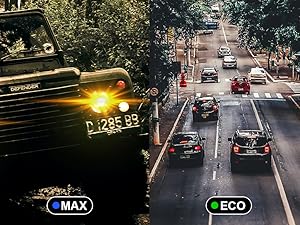
Image: Diagram showing the reversible lid mechanism, allowing it to open from the front or back without needing to be reinstalled.
USB Charging Ports
Two USB outlets are integrated for charging mobile devices. These ports are active only when the refrigerator is powered by DC (12/24V).
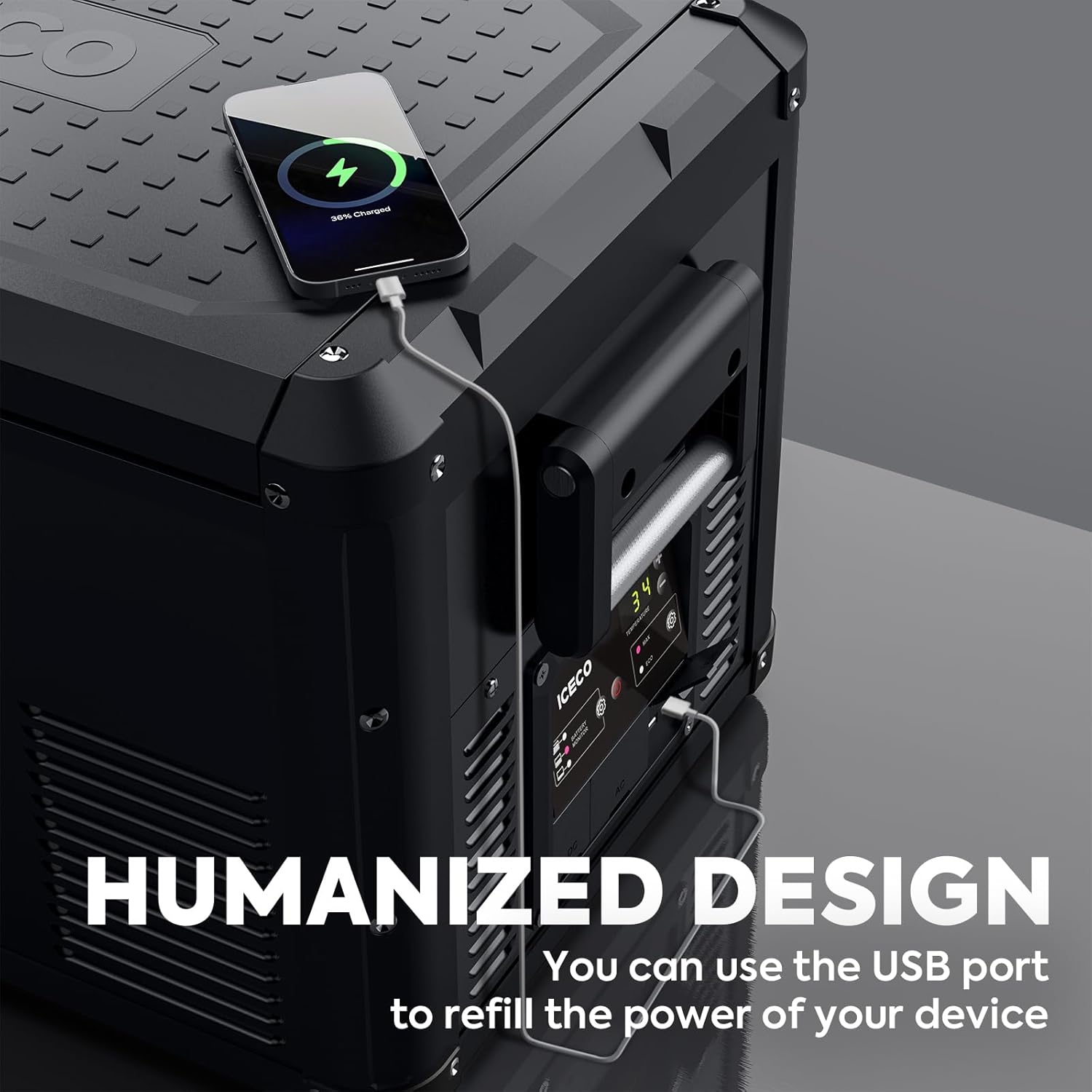
Image: A smartphone connected to one of the USB ports on the ICECO VL60 ProS, illustrating its charging capability.
Battery Protection System
The unit features a 3-level battery protection system to prevent your vehicle's battery from draining completely. You can adjust the protection level via the control panel settings (refer to the full manual for specific instructions on adjusting battery protection levels).

Image: An icon representing the 3-level battery protection feature, designed to safeguard vehicle batteries during use.
Maintenance
Cleaning
- Always disconnect the power supply before cleaning.
- Clean the interior and exterior surfaces with a damp cloth and mild detergent. Avoid abrasive cleaners.
- Ensure the unit is dry before reconnecting power.
Drainage
The refrigerator is equipped with a drain hole for easy cleaning and defrosting. Remove the drain plug to allow water to escape.

Image: A close-up view of the drain plug and drain hole located inside the refrigerator for convenient water removal.
Troubleshooting
If you encounter issues with your ICECO VL60 ProS, refer to the following common troubleshooting steps:
| Problem | Possible Cause | Solution |
|---|---|---|
| Refrigerator not turning on | No power supply; faulty cable; power button not pressed correctly. | Check power connections (AC/DC). Ensure power outlet/vehicle socket is functional. Press and hold power button for a few seconds. |
| Unit not cooling sufficiently | Temperature setting too high; ventilation blocked; excessive ambient temperature; lid not sealed properly. | Lower temperature setting. Ensure clear ventilation around the unit. Avoid direct sunlight. Check lid seal for proper closure. |
| Unusual noise from compressor | Unit not level; foreign object near fan. | Place unit on a level surface. Inspect for obstructions near the fan and remove if safe to do so. |
| USB ports not charging | Unit powered by AC; device incompatible; cable faulty. | Ensure unit is connected to DC power. Try a different USB cable or device to rule out compatibility or cable issues. |
Specifications
| Feature | Specification |
|---|---|
| Brand | ICECO |
| Model | VL60 Pro Single Zone |
| Capacity | 60 Liters (63.4 Quarts) |
| Cooling Range | 0°F to 50°F (-18°C to 10°C) |
| Compressor | SECOP |
| Power Input | DC 12V/24V, AC 110-240V |
| USB Ports | 2 (Active under DC power only) |
| Item Weight | 55.1 pounds |
| Product Dimensions | 30.2 x 18.5 x 18.1 inches |
| Noise Level | 45 dB |
| Material | Steel |
| Certification | ETL |
Warranty and Support
ICECO provides the following warranty for the VL60 ProS Portable Refrigerator:
- Compressor: 5-year warranty.
- All Other Parts: 1-year warranty.
For local after-sales service or telephone support, please contact ICECO customer service. Messages are typically answered within 24 hours, including weekends.
For further assistance, please visit the official ICECO website or refer to your purchase documentation for contact details.
Related documentsVL60 Pro Single Zone


Ask a question about this manual
Ask about setup, troubleshooting, compatibility, parts, safety, or missing instructions. Manuals+ will review the question and use this page’s manual context to help answer it.