
Afloia miropro
Afloia MIRO PRO Air Purifier & Humidifier Combo User Manual
Model: miropro
Introduction
This user manual provides detailed instructions for the safe and efficient operation, setup, maintenance, and troubleshooting of your Afloia MIRO PRO Air Purifier and Humidifier Combo. Please read this manual thoroughly before using the appliance and retain it for future reference.
Product Overview
The Afloia MIRO PRO is a versatile 2-in-1 appliance designed to improve your indoor air quality and comfort. It combines a powerful air purifier with an evaporative humidifier.
- Separate Designed: The main body functions as an air purifier, with a detachable humidifier module. The air purifier can be used independently.
- 3-in-1 Filtration: Features a 3-stage filtration system including a prefilter, activated carbon filter, and true HEPA filter. It offers 360° air outlet, refreshing air 5 times per hour in rooms up to 219 ft² (20 m²).
- No Mist Humidification: Utilizes an evaporative principle to convert invisible water into nano-water molecules, providing pure humidification without mist, dust accumulation, or water leakage.
- Seven Color Light: Offers three light modes (seven-color cycle, current color, light off) for customizable ambiance.
- Filter Replacement Alert: A red indicator light activates after 2200 hours of use, recommending filter replacement every 3-6 months for optimal performance.
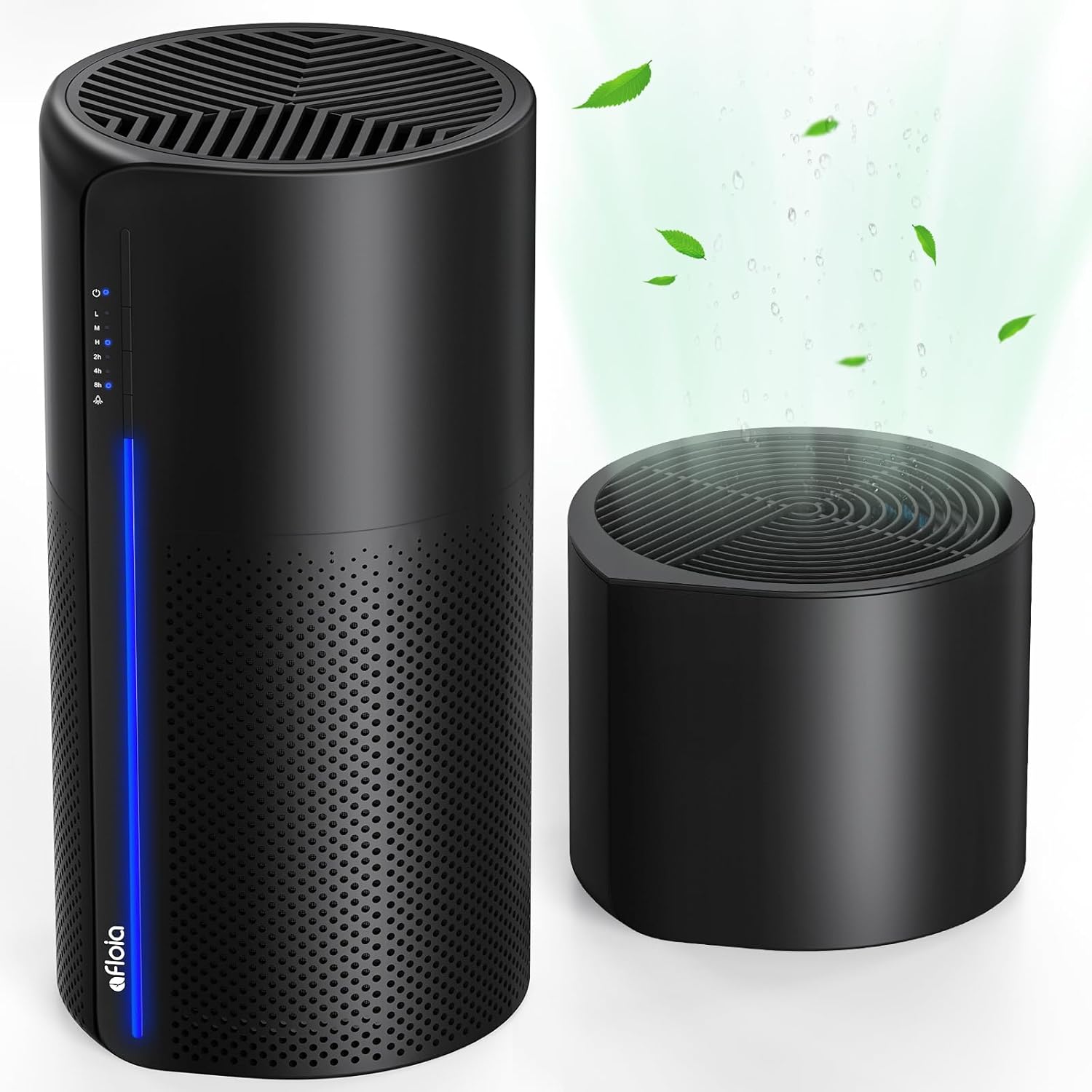
Image: The Afloia MIRO PRO Air Purifier and Humidifier Combo in black, showcasing its sleek design and separate humidifier module.

Image: Illustration of the two primary usage methods: with the humidifier module attached for air purification and humidification, and without for air purification only.
Setup
- Unpacking: Carefully remove the appliance and all accessories from the packaging.
- Filter Installation:
- Remove the plastic packaging from the air purifier filter.
- Open the base of the air purifier and insert the filter.
- Ensure the filter is securely in place before closing the base.
- Humidifier Setup (Optional):
- If using the humidifier function, ensure the humidifier module is properly installed on top of the air purifier, fixed by the bottom serration.
- Fill the humidifier tank with clean water from the top. Do not overfill.
- Placement: Place the unit on a flat, stable surface, ensuring adequate clearance around the air inlets and outlets for optimal air circulation.
- Power Connection: Plug the power cord into a suitable electrical outlet.

Image: Step-by-step guide for replacing the air purifier filter, including opening the base, removing the old filter, installing the new one, and resetting the indicator light.
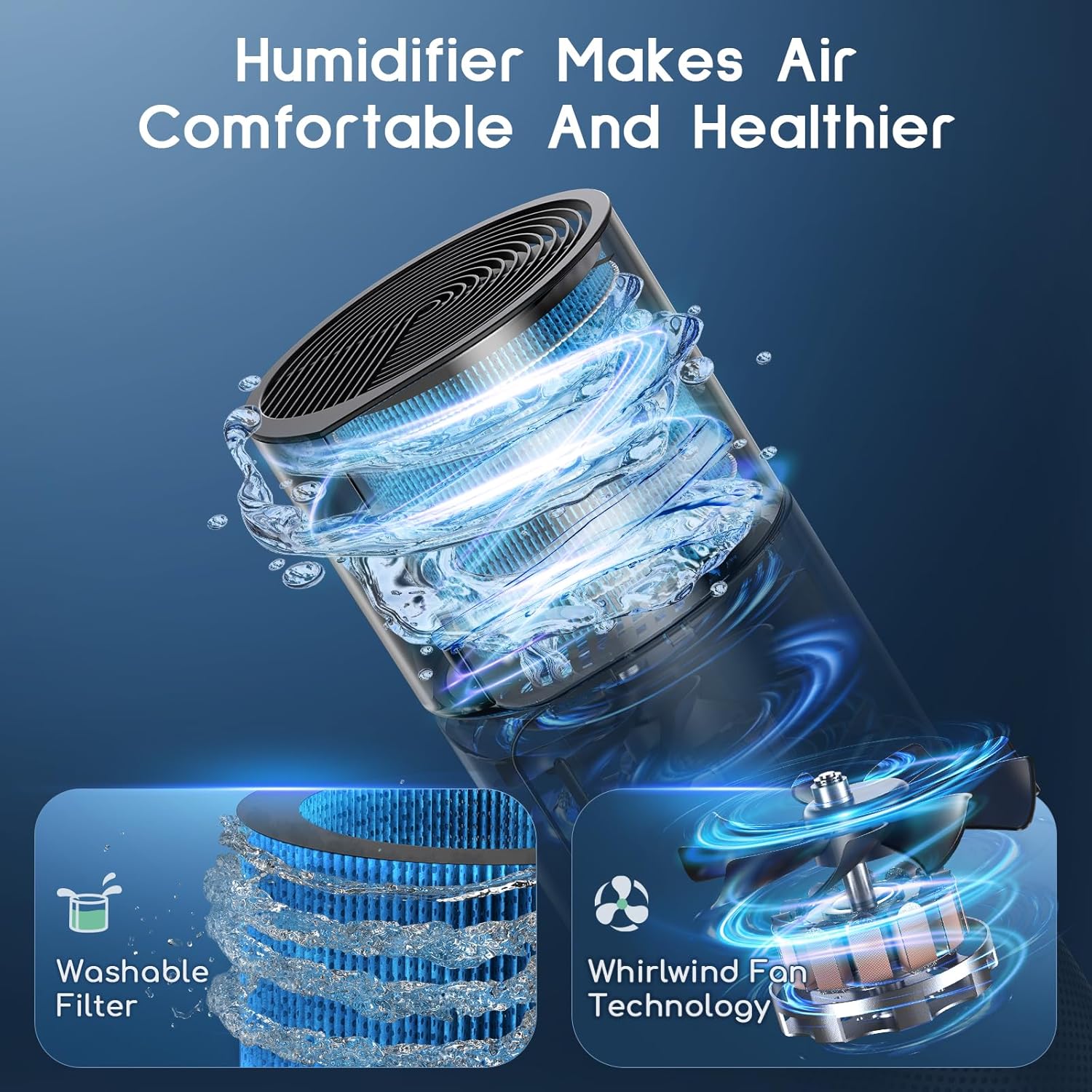
Image: A hand pouring water into the top-fill humidifier module, demonstrating the ease of refilling.
Operating Instructions
- Power On/Off: Press the power button (indicated by a power symbol) to turn the unit on or off.
- Fan Speed Adjustment:
- Press the fan speed button to cycle through Low (L), Medium (M), and High (H) settings.
- The corresponding indicator light will illuminate.
- Timer Setting:
- Press the timer button to set the operating duration for 2 hours (2h), 4 hours (4h), or 8 hours (8h).
- The unit will automatically shut off after the selected time.
- Light Control:
- Press the light button to cycle through three light modes: seven-color cycle, a single selected color, or light off.
- This feature allows for customizable ambiance.
- Humidifier Operation:
- Ensure the humidifier module is filled with water.
- The humidifier operates in conjunction with the air purifier. There is no separate control for humidification on the main panel.

Image: Close-up of the control panel, showing the power, fan speed (L, M, H), timer (2h, 4h, 8h), and light mode buttons with their respective indicator lights.
Maintenance
Regular maintenance ensures optimal performance and extends the lifespan of your Afloia MIRO PRO.
Air Purifier Filter Replacement
The air purifier filter should be replaced every 3-6 months, or when the red indicator light illuminates (after approximately 2200 hours of use).
- Turn off and unplug the unit.
- Open the base of the air purifier.
- Remove the old filter.
- Install a new Afloia purifier filter (Search for B08CVFXPMC on Amazon).
- Close the base.
- Turn on the machine. To reset the filter replacement alert, press and hold the power button for 15 seconds until the red light turns off.
Image: Visual guide for replacing the air purifier filter, showing the steps from alert to reset.
Humidifier Filter Cleaning/Replacement
The humidifier filter (Search for B08L98WGCH on Amazon) is washable. Regular cleaning is recommended to maintain healthy moisture output.
- Turn off and unplug the unit.
- Remove the humidifier module from the air purifier.
- Gently remove the humidifier filter.
- Soak the filter in a solution of vinegar and water.
- Clean the filter gently with a soft brush.
- Rinse thoroughly with running water to remove any residue.
- Allow the filter to air dry completely before reinserting.
- Replace the humidifier filter if it shows signs of wear or excessive mineral buildup that cannot be cleaned.

Image: A washable humidifier filter submerged in water, illustrating the cleaning process.
General Cleaning
- Wipe the exterior of the unit with a soft, damp cloth.
- Do not use abrasive cleaners or solvents.
- Regularly clean the water tank of the humidifier to prevent mold and bacteria growth.
Troubleshooting
| Problem | Possible Cause | Solution |
|---|---|---|
| Unit does not turn on. | Not plugged in; Power outage; Power button not pressed. | Ensure the power cord is securely plugged into a working outlet. Check the power supply. Press the power button firmly. |
| Weak airflow or purification. | Air filter is dirty or clogged. | Replace the air purifier filter. Ensure there are no obstructions around the air inlets or outlets. |
| No mist from humidifier. | Water tank is empty; Humidifier filter is dry or clogged. | Refill the water tank. Clean or replace the humidifier filter. Ensure the humidifier module is correctly seated. |
| Red filter indicator light is on. | Filter needs replacement. | Replace the air purifier filter and reset the filter alert by pressing and holding the power button for 15 seconds. |
| Unusual noise. | Unit not on a flat surface; Obstruction in fan; Loose filter. | Place the unit on a stable, flat surface. Check for any foreign objects. Ensure filters are properly installed. |
Specifications
| Feature | Detail |
|---|---|
| Brand | Afloia |
| Model Number | miropro |
| Product Dimensions | 7.6"D x 7.6"W x 21.8"H |
| Weight | 5.7 Pounds |
| Color | Black |
| Wattage | 23 watts |
| Floor Area Coverage | Up to 219 ft² (20 m²) |
| Filtration System | 3-Stage (Prefilter, Activated Carbon, True HEPA) |
| Humidification Type | Evaporative (No Mist) |
| Light Features | Seven Color Light with three modes |
| Certifications | CE Certified, EPA Certified, FCC Certified |
Warranty and Support
For warranty information, technical support, or customer service inquiries, please contact Afloia customer support through their official website or the retailer where the product was purchased.
Refer to your purchase documentation for specific warranty terms and conditions.
For replacement filters, search for:
- Purifier Filter: B08CVFXPMC
- Humidifier Filter: B08L98WGCH
Ask a question about this manual
Ask about setup, troubleshooting, compatibility, parts, safety, or missing instructions. Manuals+ will review the question and use this page’s manual context to help answer it.