
4DRC 4D-M3
4DRC 4D-M3 Mini Drone with Camera User Manual
Model: 4D-M3
Introduction
This manual provides detailed instructions for the safe operation and maintenance of your 4DRC 4D-M3 Mini Drone with Camera. Please read this manual thoroughly before operating the drone to ensure proper function and to avoid damage or injury. Keep this manual for future reference.
Safety Precautions
- Always operate the drone in open areas, away from people, animals, and obstacles.
- Do not fly near high-voltage lines, airports, or restricted airspace.
- Ensure all propellers are securely attached and undamaged before each flight.
- Keep hands and face away from rotating propellers.
- Do not operate the drone in strong winds or adverse weather conditions.
- Supervise children during drone operation. This product is intended for children.
- Charge batteries using only the provided charger and follow all charging instructions.
- In case of emergency, use the one-key emergency stop function.
Package Contents
Verify that all items are present in your package:
- 4DRC 4D-M3 Mini Drone
- Remote Controller
- Module Batteries (x2)
- USB Charging Cable
- Spare Propellers
- Propeller Guards (x4)
- Screwdriver
- User Manual
- Storage Case
Product Overview
Familiarize yourself with the drone's components.
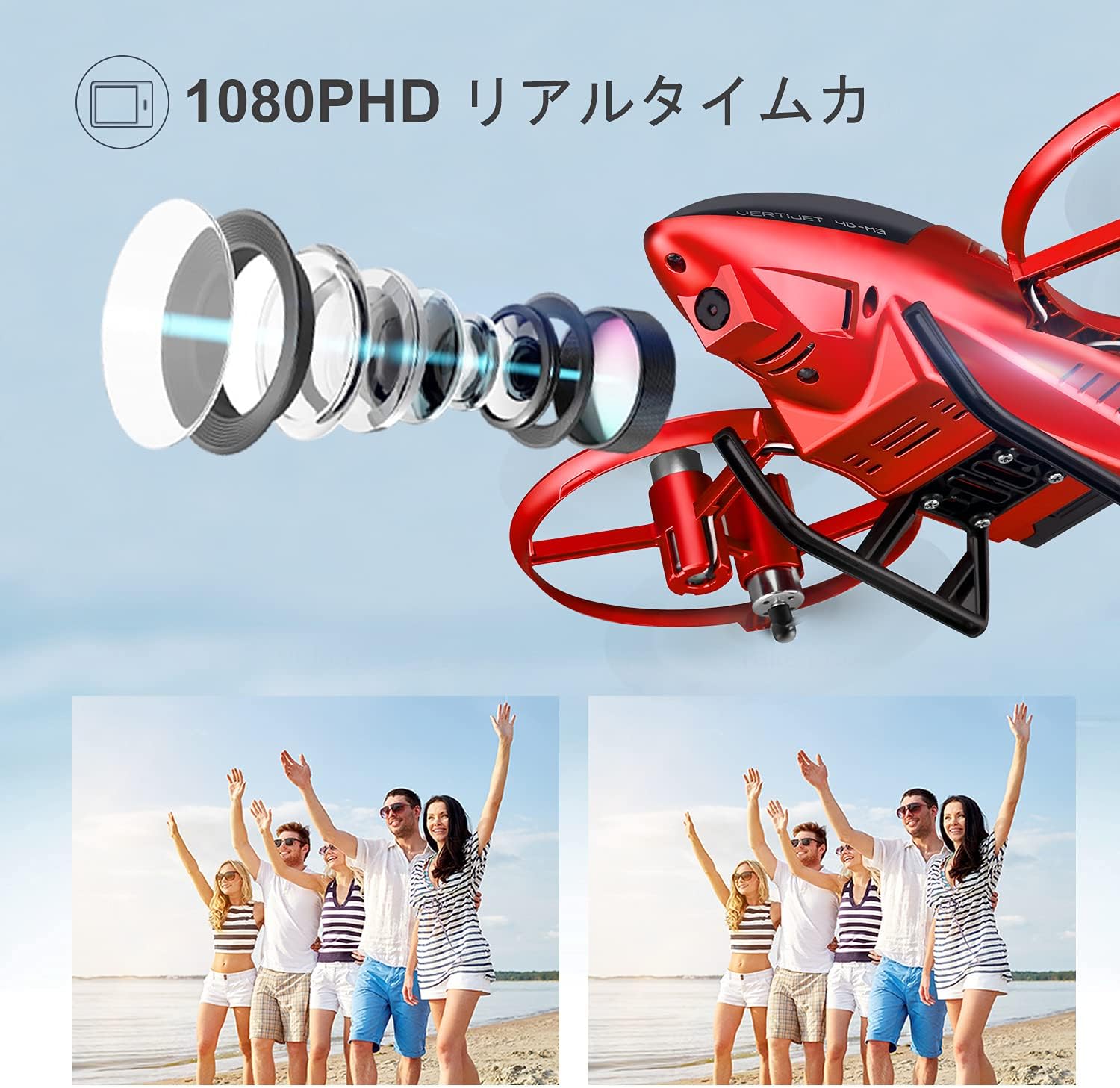
Image: The 4DRC 4D-M3 Mini Drone, showcasing its compact design and propeller guards.

Image: Detailed view of the 4DRC 4D-M3 drone, highlighting its camera lens and overall structure.
Setup
1. Battery Installation and Charging
The drone uses module batteries for extended flight time. Ensure batteries are fully charged before use.
- Insert the module battery into the drone's battery compartment.
- Connect the USB charging cable to the battery and a USB power source.
- The charging indicator will show the charging status. Disconnect once fully charged.
Video: Demonstrates the drone's features including battery installation and flight capabilities.
2. Remote Controller Pairing
Follow these steps to pair the remote controller with the drone:
- Power on the drone.
- Power on the remote controller.
- Move the left joystick up and then down. The drone's lights will stop flashing, indicating successful pairing.
Operating Instructions
Basic Flight Operations
- One-Key Takeoff/Landing: Press the one-key takeoff/landing button to automatically launch or land the drone.
- Altitude Hold Mode: The drone maintains a stable altitude, making it easier to control.
- Headless Mode: In headless mode, the drone's orientation is relative to the pilot, simplifying flight control regardless of the drone's front direction.
- 3 Speed Modes: Adjust the flight speed according to your skill level and environment.

Image: Illustrates one-key takeoff/landing, headless mode, and altitude hold features for easy flight.
Advanced Features
- HD Camera & FPV Function: The 120° wide-angle 1080P HD camera captures high-quality videos and clear aerial photos. Enjoy live FPV (First Person View) transmission up to 60m directly to your smartphone.
- Gesture Control: Perform specific hand gestures (e.g., raising a hand, V-gesture) in front of the drone's camera to trigger photo or video recording.
- Track Flight Mode: Draw a flight path on your smartphone screen, and the drone will automatically follow the designated route.
- 3D Flip: Execute exciting 3D flips with a single button press for dynamic flight maneuvers.
- Gravity Induction Mode: Control the drone's flight direction by tilting your smartphone.
- Emergency Stop: In critical situations, press the emergency stop button to immediately halt the drone's motors.

Image: Demonstrates gesture control for photos and the track flight mode feature.

Image: The drone performing a 3D flip, illustrating its acrobatic capabilities.

Image: Shows FPV real-time transmission to a smartphone, allowing instant sharing of photos and videos.

Image: Depicts voice control commands for basic flight maneuvers like "Fly" and "Left".
Maintenance
- Regularly inspect propellers for damage. Replace any bent or broken propellers immediately using the provided spare parts.
- Clean the drone body with a soft, dry cloth. Avoid using water or harsh chemicals.
- Store the drone and batteries in a cool, dry place, away from direct sunlight and extreme temperatures.
- Ensure batteries are partially charged (around 50%) before long-term storage to prolong their lifespan.
Troubleshooting
| Problem | Possible Cause | Solution |
|---|---|---|
| Drone does not respond to controller. | Not paired, low battery, out of range. | Re-pair the controller, charge batteries, ensure drone is within operating range. |
| Drone drifts during flight. | Calibration needed, uneven surface at takeoff, wind interference. | Perform gyroscope calibration, take off from a flat surface, avoid flying in windy conditions. |
| Camera not recording/transmitting. | App not connected, insufficient storage, camera malfunction. | Ensure the app is correctly connected via Wi-Fi, check SD card (if applicable) or phone storage, contact customer support if issue persists. |
| Short flight time. | Battery not fully charged, old battery, aggressive flying. | Fully charge batteries, consider replacing old batteries, fly more conservatively. |
Specifications
- Brand: 4DRC
- Model: 4D-M3
- Video Capture Resolution: 1080P HD
- Wireless Communication: Wi-Fi, 2.4 GHz
- Control Type: Remote Control, Gesture Control, Gravity Induction, Voice Control
- Battery Type: Lithium Ion Module Battery (x2 included)
- Max Flight Time: Approximately 20 minutes (with 2 batteries)
- FPV Range: Up to 60 meters
- Target Age: Children
- Color: Red
- UPC: 781858651988
- ASIN: B08ZNQJSDQ
Customer Support
If you have any questions regarding the functions, maintenance, or repair of your drone, please do not hesitate to contact our dedicated customer service team. We are available to assist you with any flight-related issues in a timely manner.
For support, please refer to the contact information provided with your product packaging or visit the official 4DRC website.
Related documents4D-M3


Ask a question about this manual
Ask about setup, troubleshooting, compatibility, parts, safety, or missing instructions. Manuals+ will review the question and use this page’s manual context to help answer it.