
W-KING D7
W-KING 60W Loud Bluetooth Speaker User Manual
Model: D7 | Brand: W-KING
1. Product Overview
The W-KING 60W Loud Bluetooth Speaker (Model D7) is designed to deliver powerful, high-fidelity audio for both indoor and outdoor environments. Featuring advanced DSP technology, four drivers, and two passive bass radiators, it produces a rich sound experience with deep bass, clear mids, and crisp highs. Its robust design includes IPX6 waterproofing, making it suitable for various adventures. The speaker also functions as a power bank, ensuring your devices stay charged on the go.


2. Getting Started
2.1 Package Contents
- W-KING 60W Loud Bluetooth Speaker (Model D7)
- USB-C Charging Cable
- 3.5mm Audio Cable (AUX)
- User Manual
2.2 Charging the Speaker
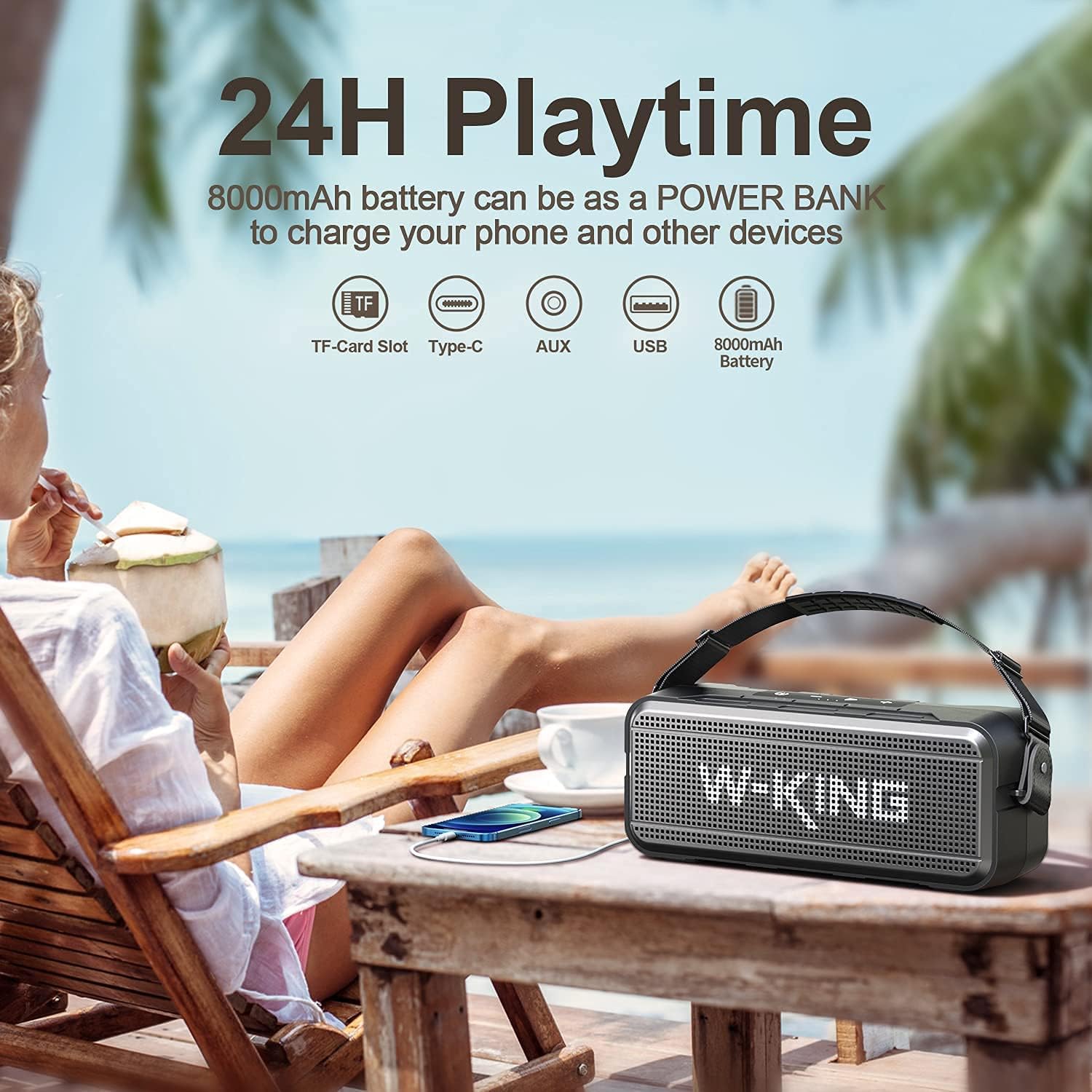
Before first use, fully charge the speaker. Connect the provided USB-C charging cable to the speaker's Type-C port and the other end to a 5V 2.0A power adapter (not included). The charging indicator will show the charging status. A full charge ensures up to 24 hours of playtime at the lowest volume.
2.3 Powering On/Off
- To Power On: Press and hold the Power button (⏻) for 2-3 seconds until you hear an audible prompt.
- To Power Off: Press and hold the Power button (⏻) for 2-3 seconds until the speaker shuts down.
3. Operating Your Speaker
3.1 Bluetooth Pairing
The speaker uses Bluetooth 5.0 for a stable and fast connection up to 100 feet (30 meters).
- Ensure the speaker is powered on and in Bluetooth pairing mode (indicated by a flashing blue LED).
- On your device (smartphone, tablet, etc.), enable Bluetooth and search for available devices.
- Select "W-KING D7" from the list.
- Once connected, you will hear a confirmation sound, and the LED will turn solid blue.

3.2 True Wireless Stereo (TWS) Pairing
Pair two W-KING D7 speakers together for a powerful 120W stereo sound experience.
- Ensure both speakers are powered on and not connected to any Bluetooth device.
- On one speaker (this will be the primary speaker), double-press the TWS button (often integrated with the Play/Pause button).
- The speakers will search for each other and automatically pair. You will hear a confirmation sound once connected.
- Now, connect your device to the primary speaker via Bluetooth as described in section 3.1.

3.3 Hands-Free Calling
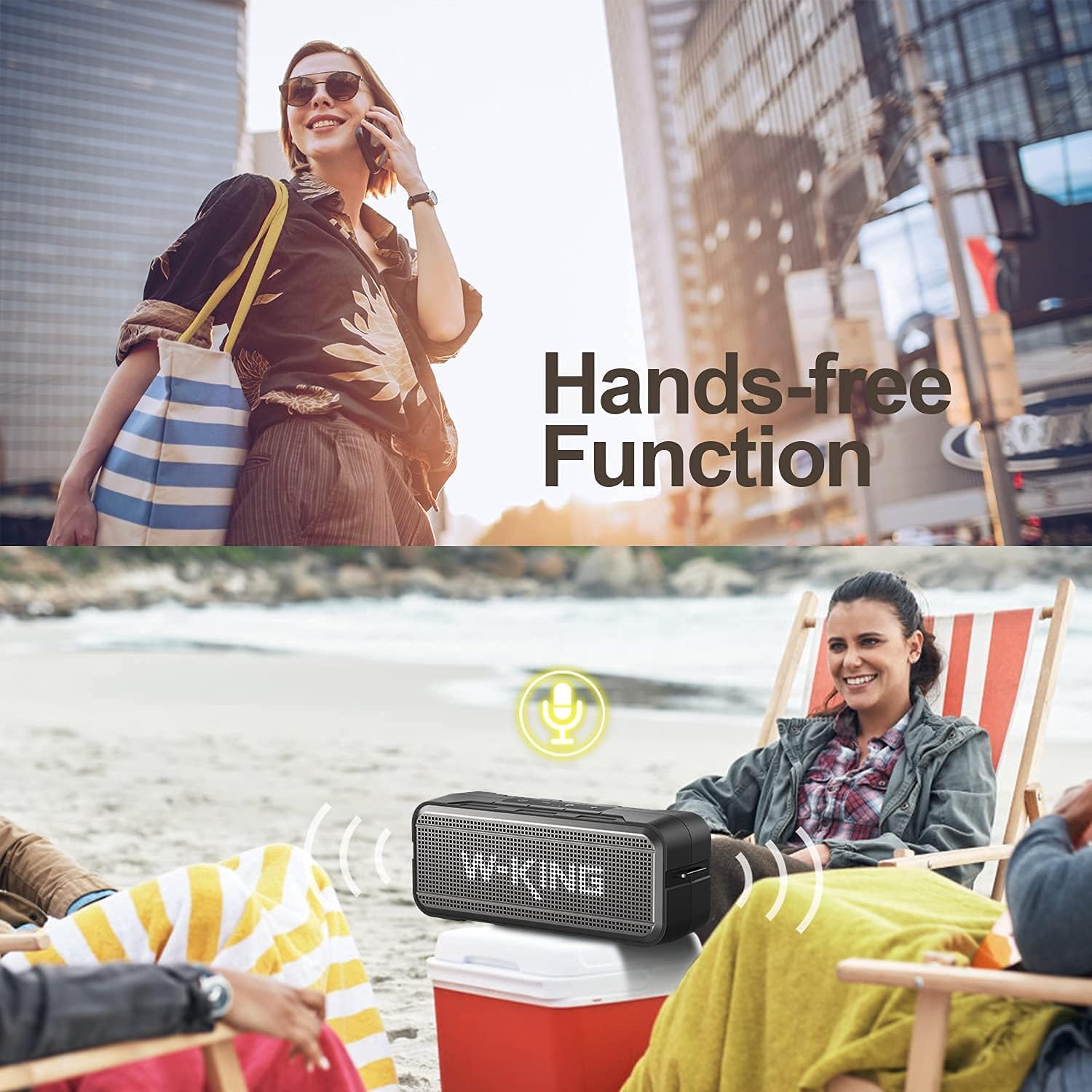
The built-in microphone allows for convenient hands-free calling when connected to your smartphone.
- Answer Call: Press the Play/Pause button once.
- End Call: Press the Play/Pause button once.
- Reject Call: Press and hold the Play/Pause button for 2 seconds.


3.4 EQ Modes
The speaker features a built-in equalizer with different modes (e.g., Indoor and Outdoor) to optimize sound for your environment.
- Switch EQ Mode: Double-click the Play/Pause button to cycle through available EQ modes.

3.5 Using AUX and TF Card
In addition to Bluetooth, the speaker supports audio input via a 3.5mm AUX cable and playback from a TF (microSD) card.
- AUX Input: Connect one end of the 3.5mm audio cable to your device's headphone jack and the other end to the speaker's AUX port. The speaker will automatically switch to AUX mode.
- TF Card Playback: Insert a TF card with audio files into the TF card slot. The speaker will automatically detect and begin playing music from the card.

4. Care and Maintenance
4.1 Water Resistance (IPX6)
The W-KING D7 speaker is IPX6 waterproof, meaning it can withstand powerful water jets. It is suitable for use in rainy conditions, by the pool, or at the beach. However, it is not designed for submersion in water.

4.2 General Care
- Clean the speaker with a soft, damp cloth. Do not use harsh chemicals or abrasive cleaners.
- Keep the speaker away from extreme heat sources, direct sunlight for prolonged periods, and strong magnetic fields.
- Store the speaker in a cool, dry place when not in use.
- Ensure all port covers are securely closed to maintain water resistance.

5. Troubleshooting
If you encounter issues with your W-KING D7 speaker, please refer to the following common solutions:
- Speaker won't turn on: Ensure the battery is charged. Connect the speaker to a power source and try again.
- Cannot pair via Bluetooth:
- Make sure the speaker is in pairing mode (flashing blue LED).
- Ensure Bluetooth is enabled on your device.
- Move the speaker closer to your device.
- Forget the speaker from your device's Bluetooth list and try pairing again.
- Restart both the speaker and your device.
- No sound or distorted sound:
- Adjust the volume on both the speaker and your connected device.
- Ensure the speaker is not muted.
- If using AUX, check the cable connection and ensure it's fully inserted.
- If using TF card, ensure the audio files are in a supported format and the card is inserted correctly.
- Try resetting the speaker (if a reset button is available, typically a small pinhole).
- Short battery life:
- Ensure the speaker is fully charged before use.
- High volume levels consume more battery.
- Using the power bank function will reduce the speaker's playtime.
6. Technical Specifications
| Feature | Specification |
|---|---|
| Brand | W-KING |
| Model Number | D7 |
| Speaker Type | Subwoofer |
| Speaker Maximum Output Power | 60 Watts |
| Audio Output Mode | Stereo |
| Connectivity Technology | Bluetooth, Auxiliary, USB |
| Bluetooth Version | 5.0 |
| Bluetooth Range | 100 Feet (approx. 30 meters) |
| Power Source | Battery Powered |
| Battery Capacity | 8000mAh (Lithium Ion) |
| Playtime | Up to 24 hours (at lowest volume) |
| Waterproof Rating | IPX6 |
| Control Method | Touch |
| Product Dimensions (D x W x H) | 4.72" x 12.6" x 4.72" (12cm x 32cm x 12cm) |
| Item Weight | 5.5 pounds (2.5 Kilograms) |
| Included Components | TF Card slot, 3.5mm audio jacks |

7. Warranty and Support
For warranty information, technical support, or service inquiries, please refer to the documentation provided with your purchase or visit the official W-KING website. Keep your proof of purchase for warranty claims.
Related documentsD7


Ask a question about this manual
Ask about setup, troubleshooting, compatibility, parts, safety, or missing instructions. Manuals+ will review the question and use this page’s manual context to help answer it.