
1. Introduction
The TEAMGROUP PD1000 is a high-performance 2TB portable external solid state drive designed for reliable and fast data storage. Featuring a USB 3.2 Gen 2 interface, it offers data transfer speeds of up to 1000MB/s. Its robust construction provides IP68 waterproof and dustproof certification, along with military-grade shock resistance (US MIL-STD-810G 516.6 Procedure IV), making it suitable for various demanding environments. The aluminum alloy casing ensures durability and efficient heat dissipation.

An angled view of the TEAMGROUP PD1000 portable external solid state drive, highlighting its compact design and the TEAMGROUP logo.
2. Package Contents
Verify that all items are present in the package:
- TEAMGROUP PD1000 Portable External SSD
- USB 3.2 Type-A to Type-C Cable
- USB 3.2 Type-C to Type-C Cable

The TEAMGROUP PD1000 SSD displayed alongside its included USB-C to USB-C and USB-A to USB-C cables, ready for connection.

The retail box for the TEAMGROUP PD1000 portable external SSD, showcasing product features and branding.
3. Setup Instructions
- Connect the SSD: Use one of the provided USB cables to connect the PD1000 SSD to your computer or compatible device.
- For USB-C ports on your device, use the USB 3.2 Type-C to Type-C cable.
- For standard USB-A ports on your device, use the USB 3.2 Type-A to Type-C cable.
- Device Recognition: Your operating system (Windows, macOS, Linux) should automatically detect the PD1000 SSD. It may appear as a new drive in 'My Computer' (Windows) or 'Finder' (macOS).
- Initial Formatting (if necessary): The drive typically comes pre-formatted (e.g., exFAT) for broad compatibility. If your operating system does not recognize the drive or if you wish to use a different file system (e.g., NTFS for Windows, HFS+ or APFS for macOS), you may need to format the drive.
- Windows: Open 'Disk Management', locate the PD1000, right-click, and select 'Format'. Choose your desired file system and allocation unit size.
- macOS: Open 'Disk Utility', select the PD1000, and click 'Erase'. Choose your desired format (e.g., APFS, Mac OS Extended (Journaled), exFAT).
Caution: Formatting the drive will erase all data on it. Ensure you have backed up any important data before proceeding.
4. Operating Instructions
- Data Transfer: To transfer files, simply drag and drop them to and from the PD1000 drive icon, or use copy/paste functions. The USB 3.2 Gen 2 interface supports transfer speeds up to 1000MB/s, depending on your system's capabilities and the type of files being transferred.
- Safe Removal: Always safely eject the PD1000 SSD before disconnecting it from your computer to prevent data corruption.
- Windows: Click the 'Safely Remove Hardware and Eject Media' icon in the system tray, then select the PD1000.
- macOS: Drag the drive icon to the Trash, or right-click the drive icon and select 'Eject'.
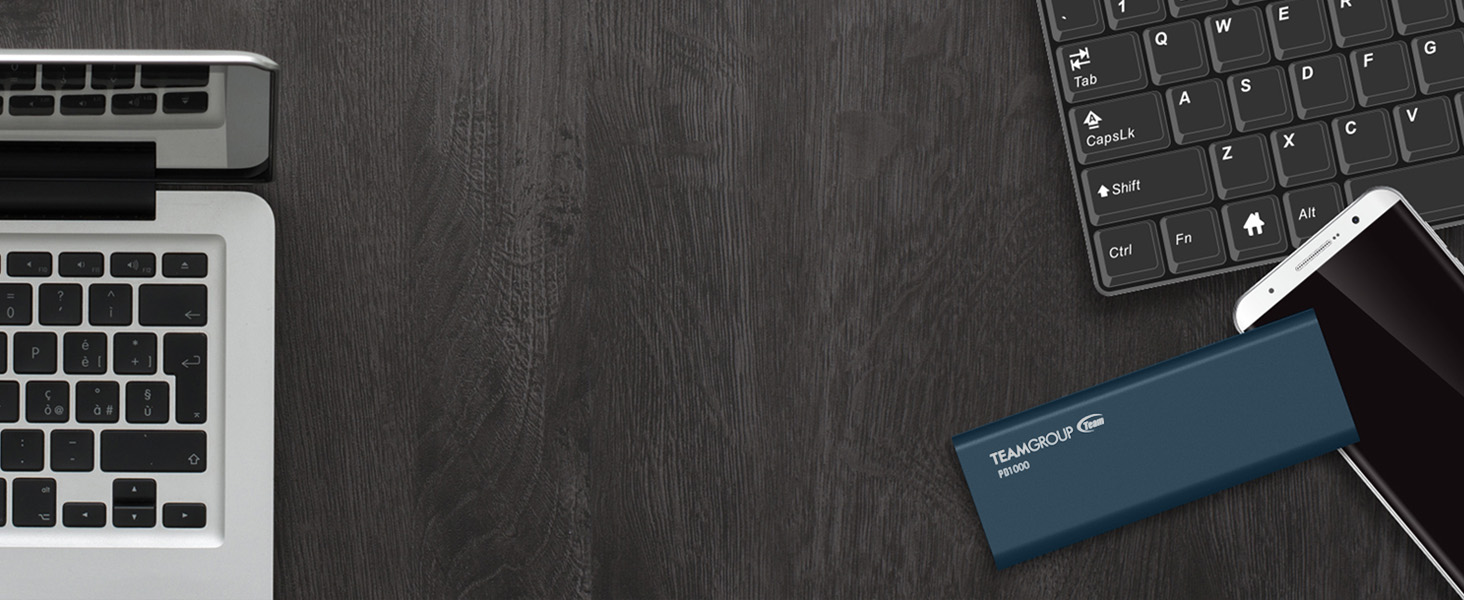
The TEAMGROUP PD1000 SSD depicted against a background of abstract data streams, symbolizing its high-speed data transfer capabilities.
5. Maintenance and Care
The TEAMGROUP PD1000 is engineered for durability, but proper care can extend its lifespan and maintain performance.
- Waterproof and Dustproof (IP68): The PD1000 is certified IP68, meaning it is protected against dust ingress and can withstand immersion in water up to 1.5 meters for 30 minutes. While highly resistant, avoid prolonged exposure to water or harsh chemicals. Ensure the USB port cover is securely closed when not in use to maintain water and dust resistance.
- Shockproof and Pressure Resistant: The device meets US military-grade MIL-STD-810G 516.6 Procedure IV for shock resistance and is designed to withstand significant pressure. However, extreme impacts should still be avoided.
- Cleaning: Use a soft, dry, lint-free cloth to clean the exterior of the SSD. Do not use abrasive cleaners or solvents.
- Storage: Store the SSD in a cool, dry place away from direct sunlight and extreme temperatures.
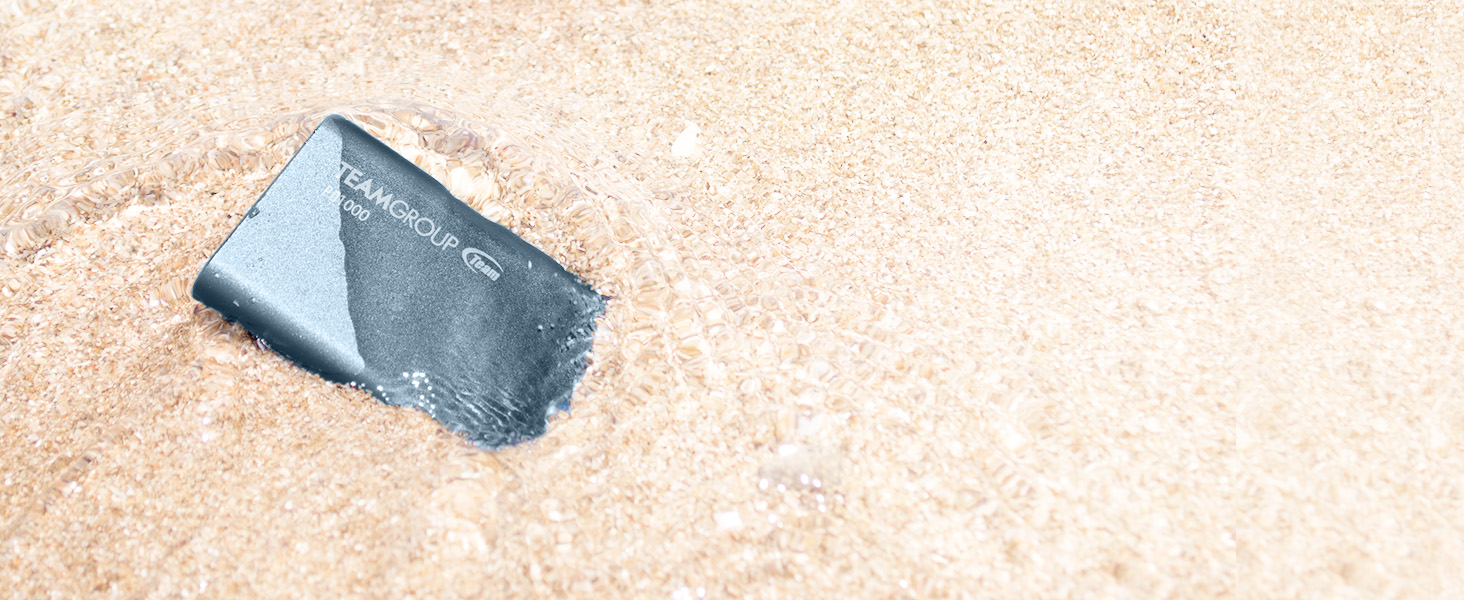
The TEAMGROUP PD1000 SSD partially submerged in shallow water on a sandy beach, illustrating its IP68 waterproof capability.
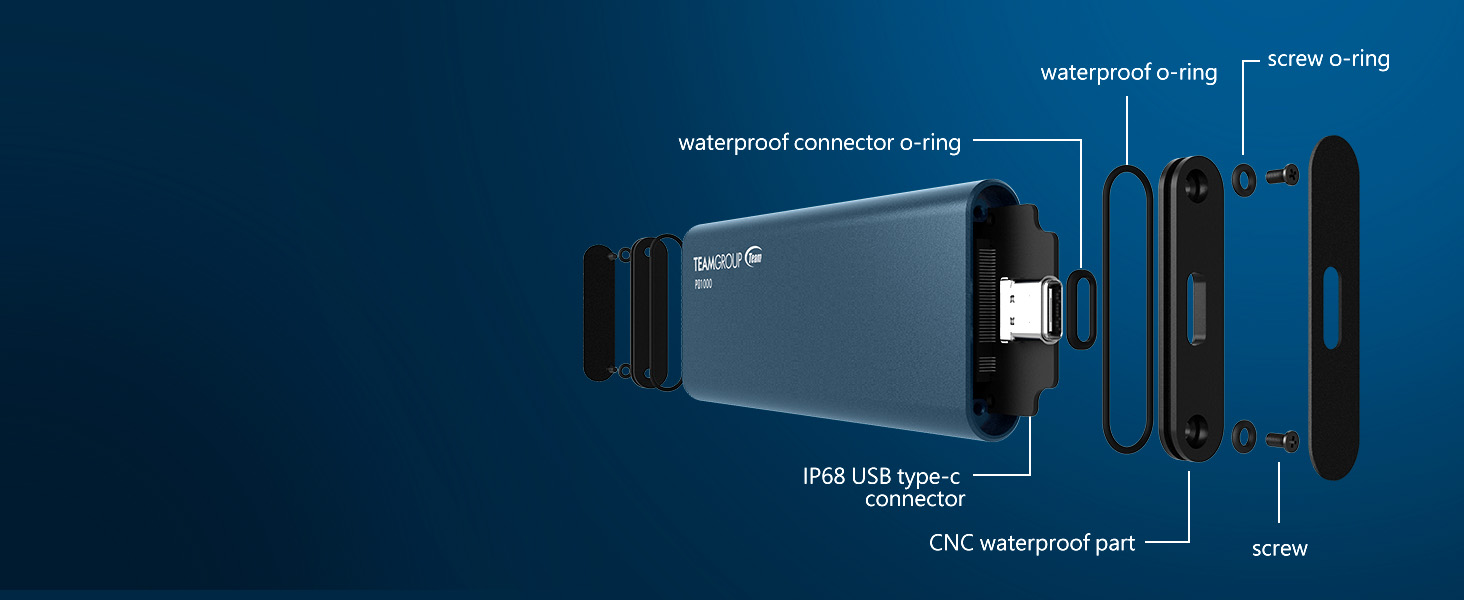
An exploded diagram of the TEAMGROUP PD1000 SSD, detailing its internal components and the waterproof sealing mechanisms, including O-rings and the IP68 USB Type-C connector.
The TEAMGROUP PD1000 SSD placed on a road surface with tire tracks, visually representing its shockproof and pressure-resistant design.
6. Troubleshooting
If you encounter issues with your TEAMGROUP PD1000 SSD, refer to the following common problems and solutions:
- Drive Not Recognized:
- Ensure the USB cable is securely connected to both the SSD and your device.
- Try a different USB port on your computer.
- Try using the other included USB cable.
- Check 'Disk Management' (Windows) or 'Disk Utility' (macOS) to see if the drive is detected but unformatted or uninitialized.
- Restart your computer.
- Slow Transfer Speeds:
- Ensure you are connected to a USB 3.2 Gen 2 (or compatible) port on your device. Older USB 2.0 or 3.0 ports will result in lower speeds.
- Verify your computer's drivers are up to date.
- The performance can vary based on the file size and type (many small files transfer slower than a few large files).
- Close other applications that might be using system resources or the USB bus.
- Data Transfer Errors:
- Ensure the drive is not full.
- Safely eject and reconnect the drive.
- Run a disk check utility (e.g., 'Error Checking' in Windows, 'First Aid' in macOS Disk Utility).
- If issues persist, consider reformatting the drive (after backing up data).
For further assistance, please visit the official TEAMGROUP website for technical support.
7. Specifications

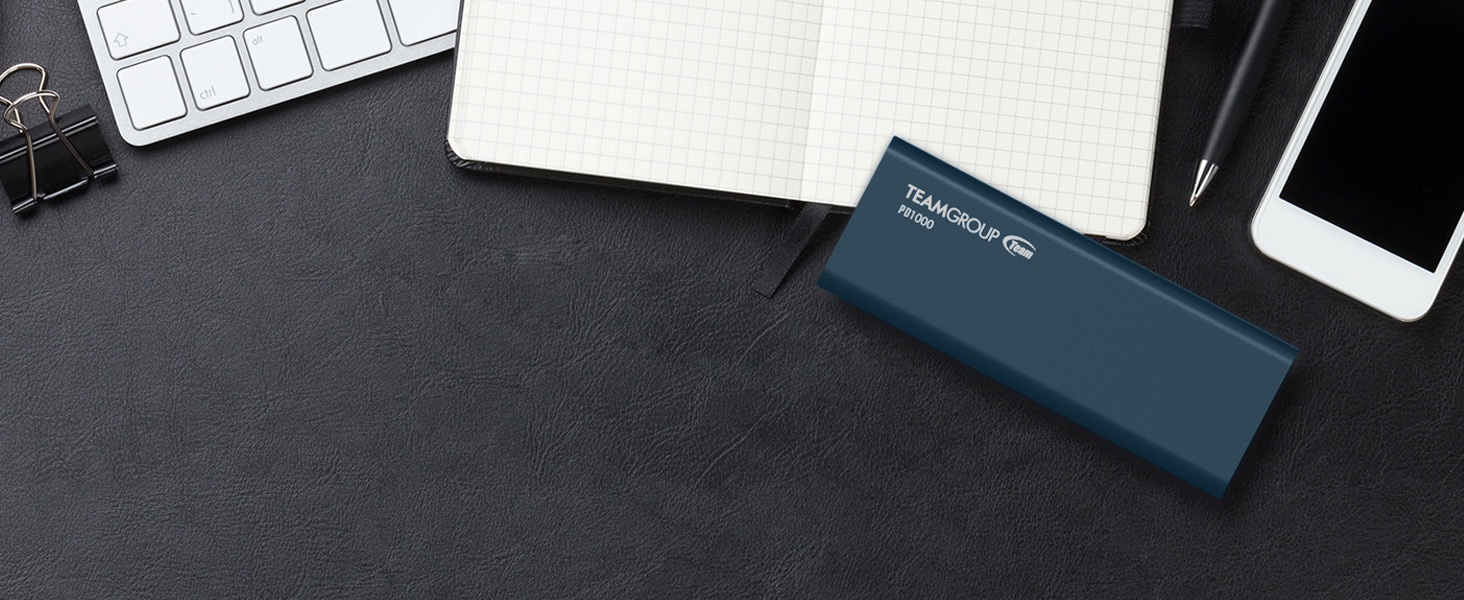
A visual representation of the compact form factor of the TEAMGROUP PD1000 SSD.
| Feature | Detail |
|---|---|
| Brand | TEAMGROUP |
| Model Number | T8FED6002T0C108 |
| Digital Storage Capacity | 2 TB |
| Hard Disk Interface | USB 3.2 Gen 2 |
| Connectivity Technology | USB |
| Read Speed | Up to 1000 MB/s |
| Special Features | IP68 Waterproof, Dustproof, Shockproof, Pressure Resistant |
| Compatible Devices | Desktop, Laptop |
| Color | Black |
| Item Dimensions (LxWxH) | 4.21 x 1.57 x 0.43 inches (107 x 40 x 10.9 mm) |
| Item Weight | 5.3 ounces (approx. 150 grams) |
| Date First Available | March 3, 2020 |
8. Warranty and Support
The TEAMGROUP PD1000 Portable External SSD comes with a 3-year limited warranty from the manufacturer. This warranty covers defects in materials and workmanship under normal use.
For technical support, warranty claims, or further inquiries, please visit the official TEAMGROUP website:
You can also refer to the comprehensive Instructions for Use (IFU) PDF document available online for additional details:


