
1. Introduction
Thank you for choosing the LEXMAN Wireless Doorbell Kit. This manual provides essential information for the safe and efficient installation, operation, and maintenance of your new doorbell system. Please read these instructions carefully before use and retain them for future reference.
2. Safety Information
- Do not expose the chime unit to water or excessive humidity. The doorbell button is weather-resistant but not submersible.
- Use only the specified battery type and ensure correct polarity during installation.
- Keep batteries out of reach of children.
- Do not attempt to disassemble or repair the device yourself. Contact qualified personnel for service.
- Dispose of batteries and the product according to local regulations.
3. Package Contents
Ensure all items are present in the package:
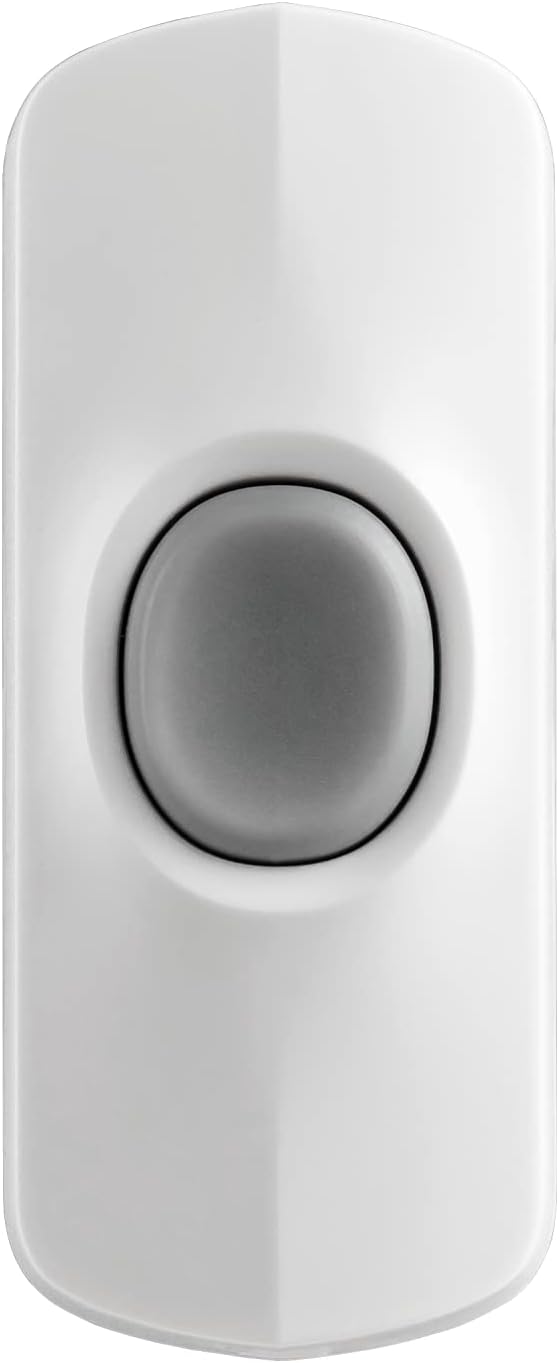
- 1 x Wireless Doorbell Button
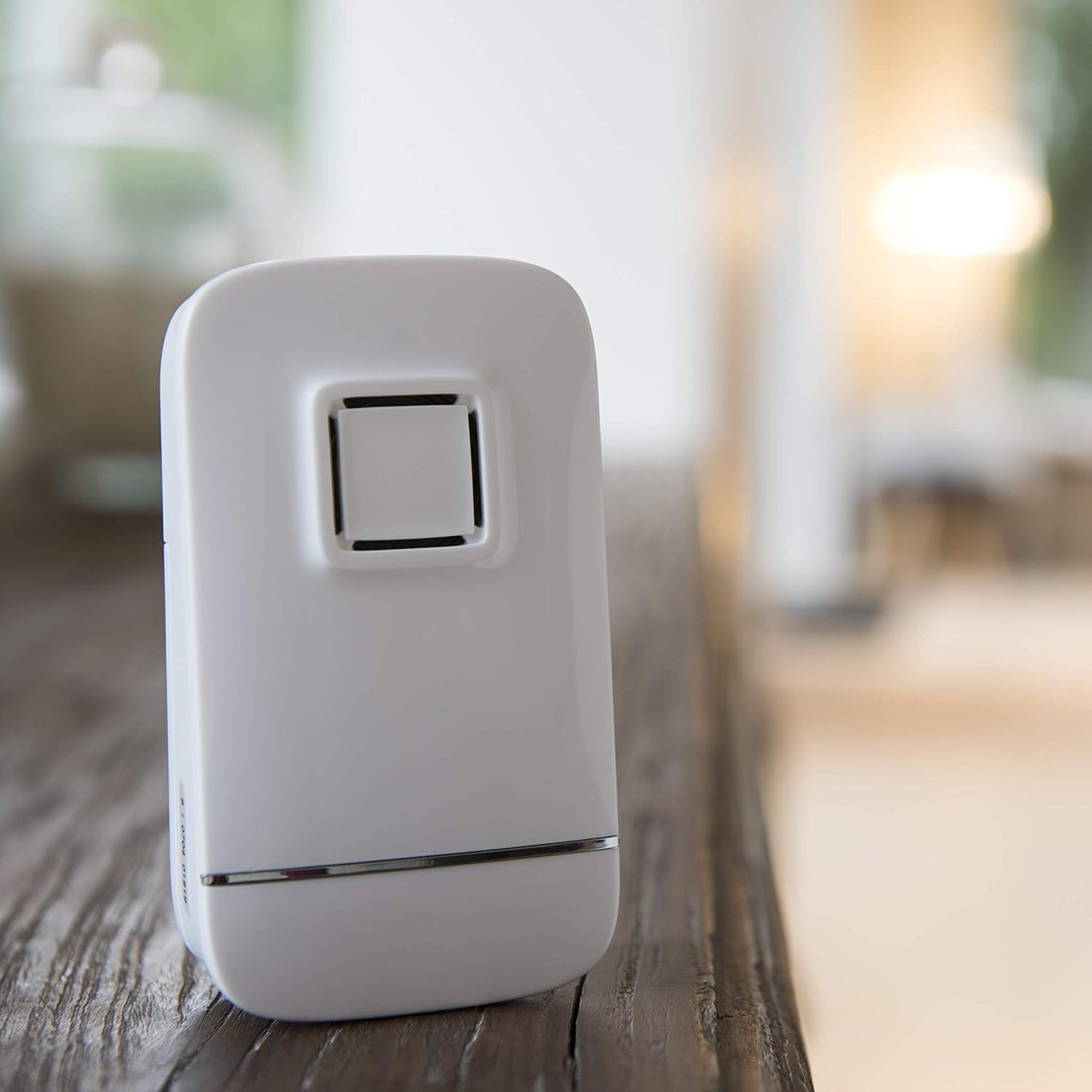
- 1 x Wireless Chime Unit
- Mounting Screws and Wall Plugs
- Adhesive Tape
- User Manual (this document)
4. Product Overview
The LEXMAN Wireless Doorbell Kit consists of two main components: the doorbell button and the chime unit.




5. Setup
5.1. Battery Installation
- For the Doorbell Button: Open the battery compartment on the back of the button. Insert the required batteries (not included) ensuring correct polarity (+/-). Close the compartment securely.
- For the Chime Unit: Open the battery compartment on the back of the chime unit. Insert the required batteries (not included) ensuring correct polarity (+/-). Close the compartment securely.
5.2. Mounting the Doorbell Button
The doorbell button can be mounted using either screws or adhesive tape.
- Using Adhesive Tape: Clean the desired mounting surface thoroughly. Peel off the protective backing from the adhesive tape and firmly press the doorbell button onto the surface for at least 30 seconds.
- Using Screws: Mark the desired drilling points on the wall. Drill pilot holes and insert the wall plugs. Secure the doorbell button to the wall using the provided screws.
Choose a location that is easily accessible and visible to visitors, typically next to your front door. The button is weather-resistant.
5.3. Placing the Chime Unit
Place the chime unit indoors in a central location where the sound can be heard throughout your home. The unit can be placed on a flat surface or mounted on a wall using the integrated hanging slot on its back.
6. Operating Instructions
6.1. Basic Operation
Once batteries are installed in both units, the system is ready for use. When the doorbell button is pressed, the chime unit will sound one of its two melodies and flash its integrated light.
6.2. Adjusting Volume
The chime unit features an adjustable volume control. Locate the volume button or dial on the chime unit and adjust it to your preferred sound level. The maximum sound level is 80 dB.
6.3. Changing Ringtones
The doorbell kit offers 2 distinct ringtones. To cycle through the available melodies, press the designated melody selection button on the chime unit. Select the tune that best suits your preference.
6.4. Flash Light Feature
The chime unit includes a flash light that activates simultaneously with the sound. This feature is particularly useful for individuals with hearing impairments, providing a visual alert when the doorbell is pressed.
7. Maintenance
7.1. Battery Replacement
When the chime unit's sound becomes weak or the doorbell button stops responding, it is time to replace the batteries in the respective unit. Follow the battery installation steps (Section 5.1) to replace them.
7.2. Cleaning
Wipe the doorbell button and chime unit with a soft, dry cloth. Do not use abrasive cleaners or solvents, as these can damage the surface.
7.3. Weather Resistance
The doorbell button is designed to be weather-resistant. However, for optimal longevity, avoid prolonged exposure to extreme weather conditions such as heavy rain or direct sunlight if possible.
8. Troubleshooting
- No sound from chime unit:
- Check if batteries are correctly installed and not depleted. Replace if necessary.
- Ensure the chime unit is within range of the doorbell button (up to 100m in open field). Walls and other obstacles can reduce range.
- Verify that the volume is not set to minimum.
- Doorbell button not responding:
- Replace the battery in the doorbell button.
- Ensure the button is not damaged or obstructed.
- Reduced operating range:
- Move the chime unit closer to the doorbell button.
- Avoid placing the chime unit near large metal objects or other electronic devices that may cause interference.
- Replace batteries in both units.
9. Specifications
| Feature | Specification |
|---|---|
| Model | Wireless Doorbell Kit |
| Brand | LEXMAN |
| Power Supply | 4.5V (Batteries, not included) |
| Wireless Range | Up to 100 meters (open field) |
| Sound Level | Max. 80 dB (at 1m) |
| Number of Ringtones | 2 |
| Visual Alert | Flash light for hearing impaired |
| Doorbell Button Dimensions (L x T) | 8 cm x 3.1 cm |
| Chime Unit Dimensions (L x W x D) | 11 cm x 6 cm x 4 cm |
| Color | White |
| Weather Resistance | Yes (doorbell button) |
10. Warranty
This LEXMAN Wireless Doorbell Kit comes with a 2-year warranty from the date of purchase. This warranty covers manufacturing defects under normal use. Please retain your proof of purchase for warranty claims. The warranty does not cover damage caused by misuse, accidents, unauthorized modifications, or normal wear and tear.
11. Support
If you encounter any issues not covered in the troubleshooting section or require further assistance, please contact your retailer or the LEXMAN customer support. Refer to the product packaging or the retailer's website for contact information.


