
Introduction
This manual provides essential information for the safe and effective operation, maintenance, and troubleshooting of your Carrera 200989 RC Mario Kart Pipe Kart - Mario. This 1:18 scale remote control vehicle features a 2.4 GHz control system and a rechargeable LiFePO4 battery, offering up to 30 minutes of drive time per charge. Please read this manual thoroughly before first use and retain it for future reference.
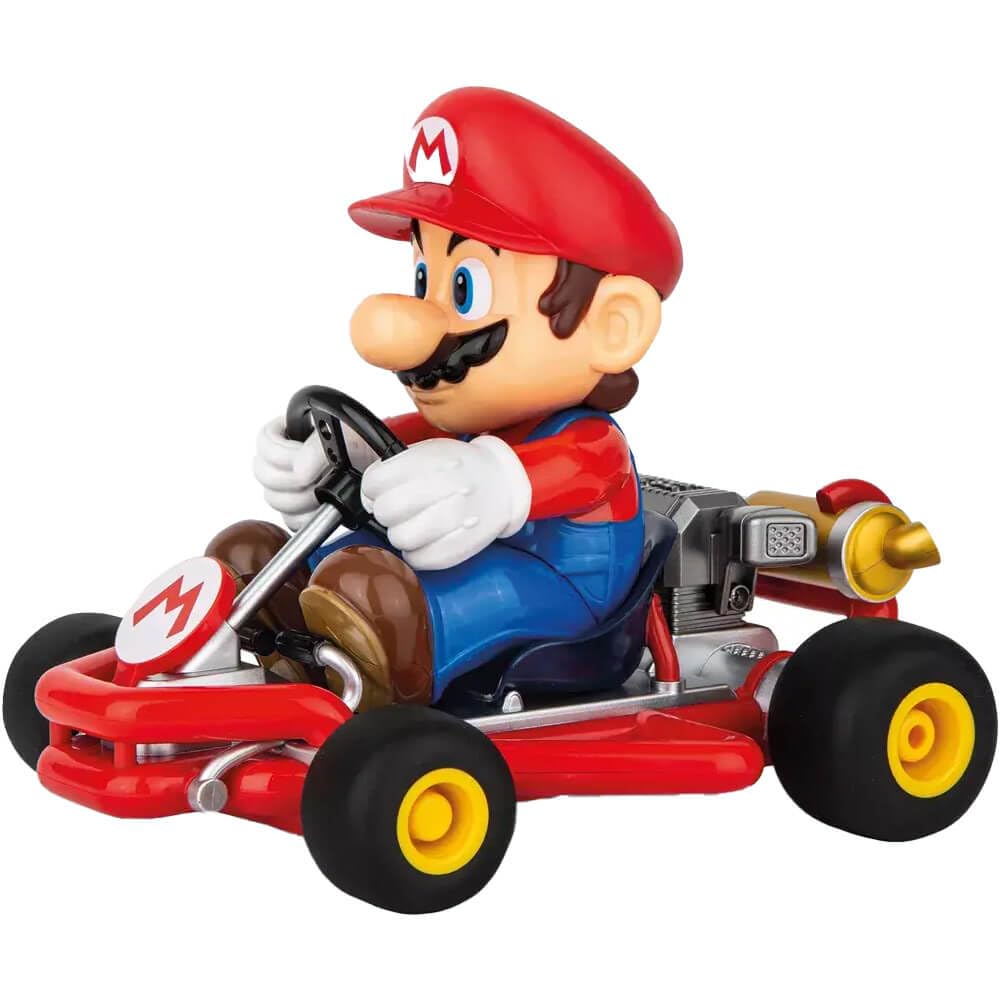
Image: The Carrera RC Mario Kart Pipe Kart - Mario remote control car.
Safety Information
WARNING: Choking Hazard - Small Parts. Not for children under 3 years.
Always supervise children during operation. Keep fingers, hair, and loose clothing away from moving parts. Do not operate near water or in wet conditions. Avoid operating in crowded areas to prevent collisions. Ensure the vehicle is turned off when not in use or during charging.
What's in the Box
- RC Car (Mario Kart Pipe Kart - Mario)
- Remote Control
- Rechargeable LiFePO4 Battery (for car)
- USB Charging Cable
- 2 AAA Batteries (for remote)

Image: The remote control unit for the Carrera RC Mario Kart.
Setup
- Install Remote Control Batteries: Open the battery compartment on the back of the remote control using a small screwdriver. Insert the two AAA batteries, ensuring correct polarity (+/-). Close the compartment and secure the screw.
- Charge Car Battery: The RC car uses a rechargeable LiFePO4 battery. Connect the included USB charging cable to the car's charging port (located on the underside) and to a USB power source (e.g., computer, USB wall adapter). The charging time is approximately 50 minutes for up to 30 minutes of play. The charging indicator light will show the charging status.
- Power On: Once the car battery is charged, turn the ON/OFF switch on the underside of the car to the 'ON' position. Turn the ON/OFF switch on the remote control to the 'ON' position. The remote control and car should automatically pair. A red indicator light on the remote will confirm connection.
- Steering Adjustment: If the car does not drive straight, use the micro-adjustment dial located on the underside of the car to fine-tune the steering until it tracks correctly.

Image: Underside view of the Carrera RC Mario Kart, highlighting the battery compartment and ON/OFF switch.
Operating Instructions
The Carrera RC Mario Kart Pipe Kart - Mario is designed for easy operation with its intuitive remote control.
- Forward/Backward: Use the left joystick on the remote control to move the car forward or backward.
- Left/Right Steering: Use the right joystick to steer the car left or right.
- Speed: The car can reach speeds of up to 5.6 MPH (9 KM/H). Adjust your control inputs for desired speed.
- Terrain: This RC car performs well on various indoor surfaces, including hardwood floors and carpet. For optimal performance and battery life, avoid rough terrain or obstacles that may impede movement.
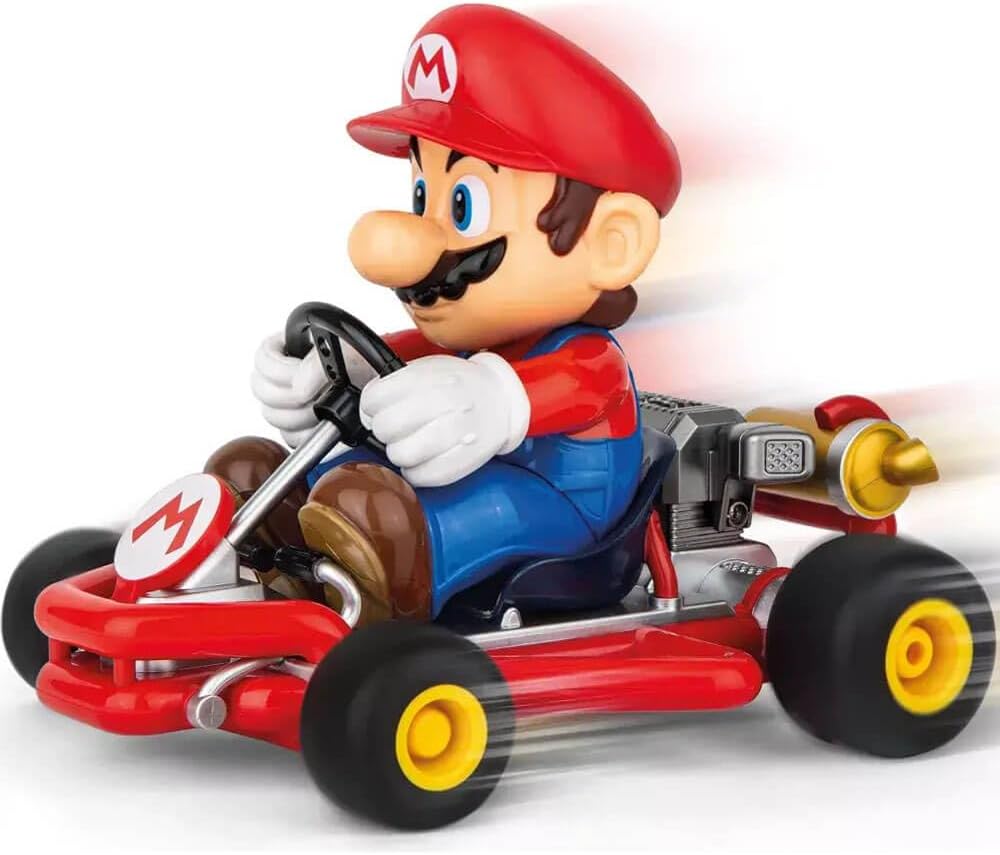
Image: Front view of the Carrera RC Mario Kart, ready for operation.
Maintenance
- Cleaning: Use a soft, dry cloth to clean the car and remote control. Do not use water or chemical cleaners, as this may damage electronic components.
- Battery Care: Always turn off the car and remote control after use. Recharge the car's LiFePO4 battery as needed. For long-term storage, ensure the battery is partially charged (around 50%) and store in a cool, dry place. Remove AAA batteries from the remote if storing for extended periods.
- Storage: Store the RC car and remote control in a dry environment, away from direct sunlight and extreme temperatures.
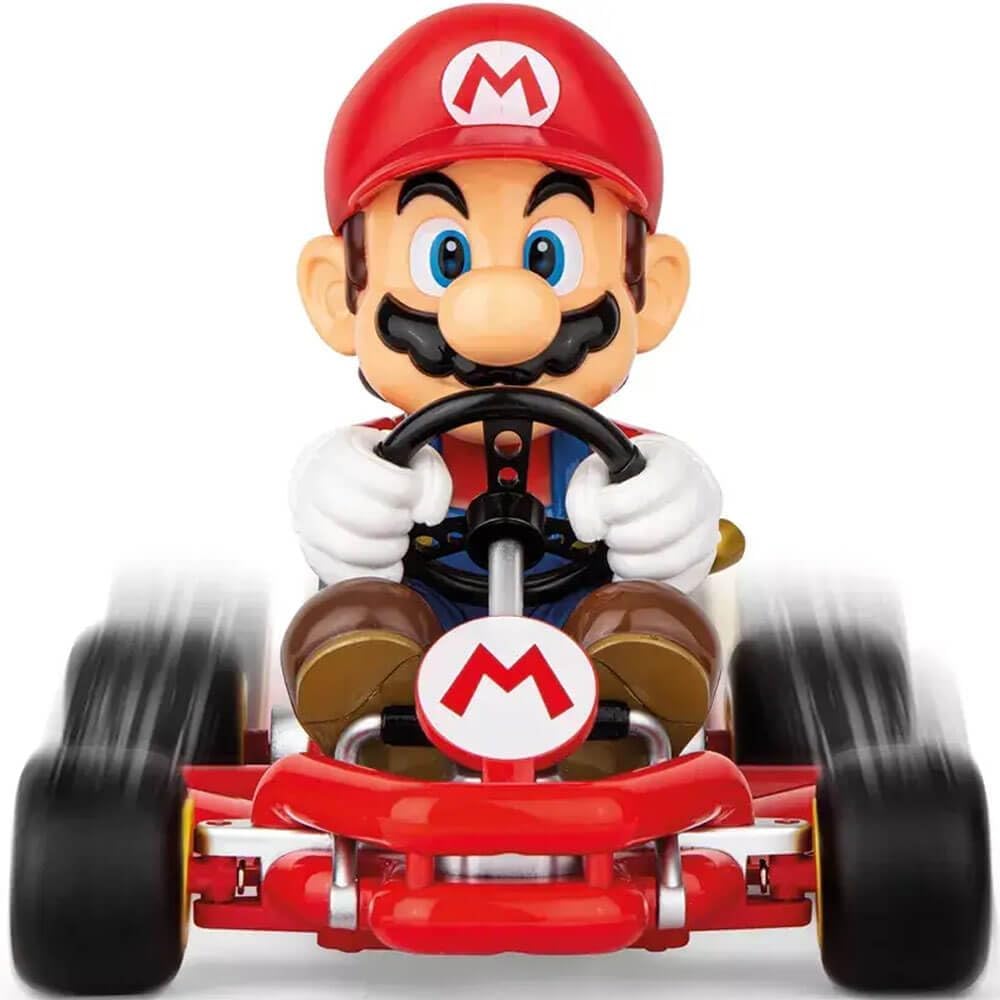
Image: Side view of the Carrera RC Mario Kart, illustrating its design for easy maintenance access.
Troubleshooting
| Problem | Possible Cause | Solution |
|---|---|---|
| Car does not respond to remote. | Low battery in car or remote; not paired; car/remote off. | Ensure both car and remote are ON. Recharge car battery. Replace AAA batteries in remote. Re-pair by turning both off and then on again. |
| Car drives crooked. | Steering trim needs adjustment. | Use the micro-adjustment dial on the underside of the car to correct the steering. |
| Short play time. | Battery not fully charged; old battery. | Ensure the car battery is fully charged (approx. 50 minutes). If battery life significantly decreases, it may need replacement. |
| Interference during operation. | Other 2.4 GHz devices nearby. | Move to an area with less interference. Ensure no other RC devices are operating on the same frequency. |
Specifications
- Model Number: 370200989
- Scale: 1:18
- Control Frequency: 2.4 GHz
- Max Speed: Up to 5.6 MPH (9 KM/H)
- Car Battery: Rechargeable LiFePO4
- Remote Batteries: 2 x AAA (included)
- Charging Time: Approximately 50 minutes
- Drive Time: Up to 30 minutes
- Product Dimensions: 12.9 x 9.1 x 7.5 inches
- Item Weight: 1.94 pounds
- Recommended Age: 6 years and up
- Country of Origin: China
Warranty and Support
For warranty information or technical support, please refer to the documentation included with your product or visit the official Carrera website. Keep your proof of purchase for any warranty claims.
Manufacturer: Carrera


