
Introduction
This manual provides detailed instructions for the safe and efficient operation of your HiQuick 8 Bay Smart Battery Charger. Please read this manual thoroughly before use and retain it for future reference.
Package Contents:
- 1 x HiQuick 8 Bay Smart Battery Charger (Model: SW-8N)
- 4 x HiQuick AA 2800mAh Ni-MH Rechargeable Batteries
- 4 x HiQuick AAA 1100mAh Ni-MH Rechargeable Batteries
- 1 x USB Type-C Charging Cable
- 1 x User Manual

Setup
Connecting the Charger:
- Connect the provided USB Type-C charging cable to the input port on the back of the charger.
- Connect the other end of the USB cable to a compatible 5V 2A USB power source (e.g., a USB wall adapter, computer USB port, or power bank).
- Ensure the power source is active. The LED indicators on the charger will briefly light up upon connection.

Official product video: HiQuick 8 Bay Smart Battery Charger overview and features.
Official product video: Unboxing the HiQuick 8 Bay Smart Battery Charger.
Operating Instructions
Inserting Batteries:
The charger features 8 independent charging slots, accommodating both AA and AAA Ni-MH/Ni-Cd rechargeable batteries. Each slot can charge batteries individually.
- Insert the batteries into the charging slots, ensuring the positive (+) and negative (-) poles match the indicators on the charger.
- The charger can charge 1 to 8 batteries simultaneously.
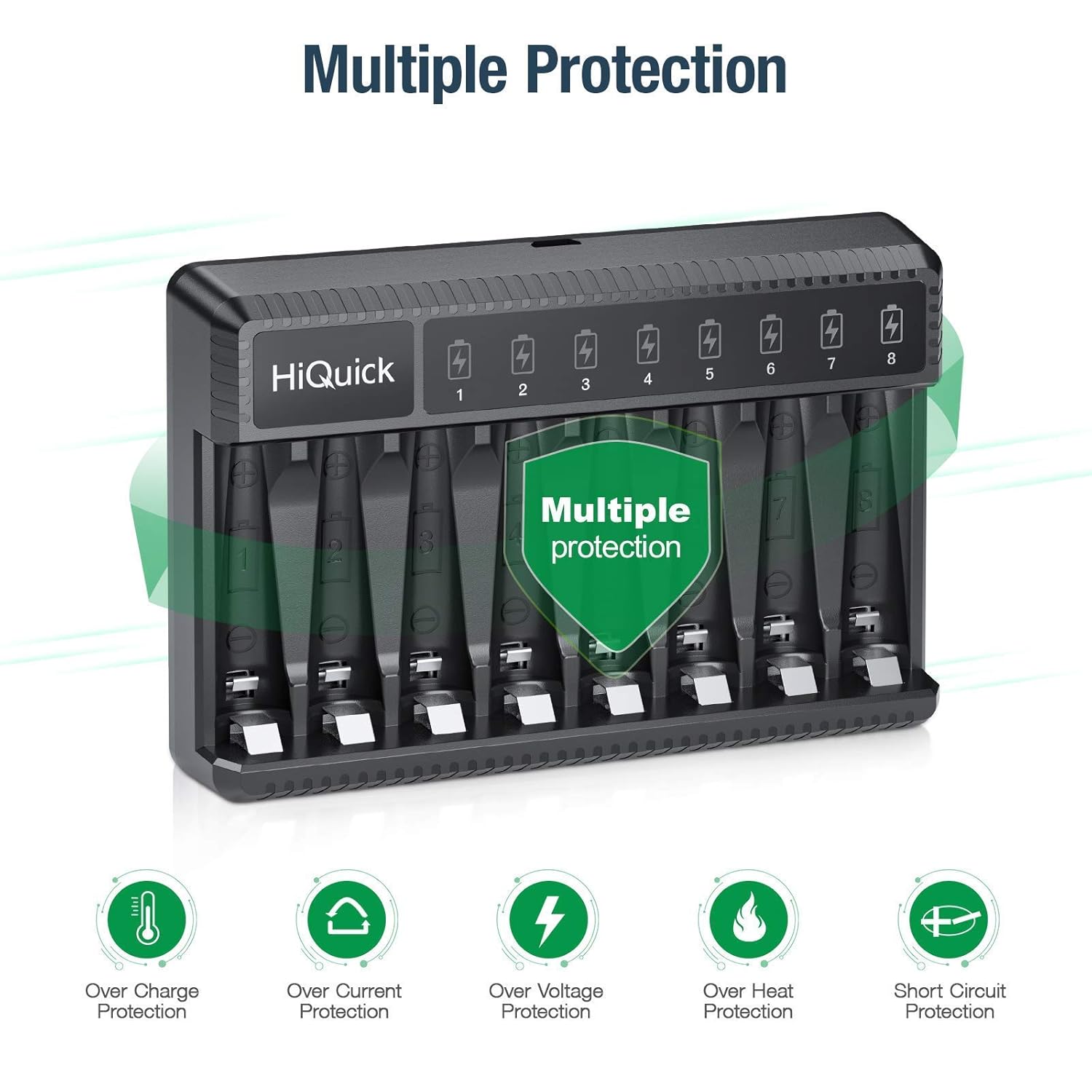
LED Indicator Status:
| LED Color | Status |
|---|---|
| Red Light | Charging in progress |
| Green Light | Battery fully charged |

Charging Time:
- AAA 1100mAh batteries: Approximately 2 hours for 1-8 batteries.
- AA 2800mAh batteries: Approximately 4.5 hours for 1-8 batteries.

Maintenance
Battery Care:
- Store batteries in a cool, dry place away from direct sunlight or high temperatures.
- For long-term storage, it is recommended to charge batteries once every 3 months to maintain optimal performance and prevent damage.
- Avoid mixing old and new batteries, or different types/brands of batteries, when using them in devices.


Charger Care:
- Keep the charger clean and free from dust. Use a soft, dry cloth for cleaning.
- Do not disassemble or reassemble the charger, as it may cause short-circuit or fire hazard.
- Do not expose the charger to water or excessive humidity.
Troubleshooting
Common Issues:
- Batteries not charging (LED not red):
- Ensure the USB cable is securely connected to both the charger and the power source.
- Verify the power source is active and providing 5V 2A output.
- Check if batteries are inserted with correct polarity (+/-).
- Confirm batteries are Ni-MH/Ni-Cd rechargeable type. Alkaline or non-rechargeable batteries will not charge.
- If the battery voltage is lower than 0.9V, the charger may not activate. Try removing and reinserting the battery.
- Charger or batteries getting hot:
- This is normal during the charging process, but excessive heat may indicate an issue. Ensure proper ventilation around the charger.
- If overheating persists, discontinue use and contact support.
- LED remains red after extended charging time:
- The battery might be defective or has reached its end of life. Try charging another battery to confirm charger functionality.
Specifications
| Feature | Detail |
|---|---|
| Model Number | SW-8N |
| Input | Type-C DC 5V 2A Min |
| Output (AA/AAA) | 1.48V DC 500mA±10% |
| Battery Charging Rate | ≥80% |
| Charging Way | Constant voltage and current control |
| Compatible Battery Types | Ni-MH / Ni-Cd (AA/AAA) |
| Product Dimensions | 1.1 x 3.35 x 4.92 inches |
| Item Weight | 3.46 ounces (98 Grams) |
| Color | Black |
| Country of Origin | China |
Warranty and Support
HiQuick products typically come with a 30-day money-back guarantee and a 1-year warranty. For specific warranty details or technical support, please refer to the warranty card included in your package or visit the official HiQuick website.
For customer service inquiries, please contact HiQuick support via their official website or the contact information provided in your product packaging.
You can also visit the HiQuick Store on Amazon for more information.
