
1. Introduction
Thank you for choosing the BoxWave SlimKeys Bluetooth Keyboard. This portable, backlit keyboard is designed to enhance your typing experience across various devices, including tablets, smartphones, and computers. It connects wirelessly via Bluetooth 3.0, offering a stable and responsive connection. This manual provides essential information on setting up, operating, maintaining, and troubleshooting your keyboard.
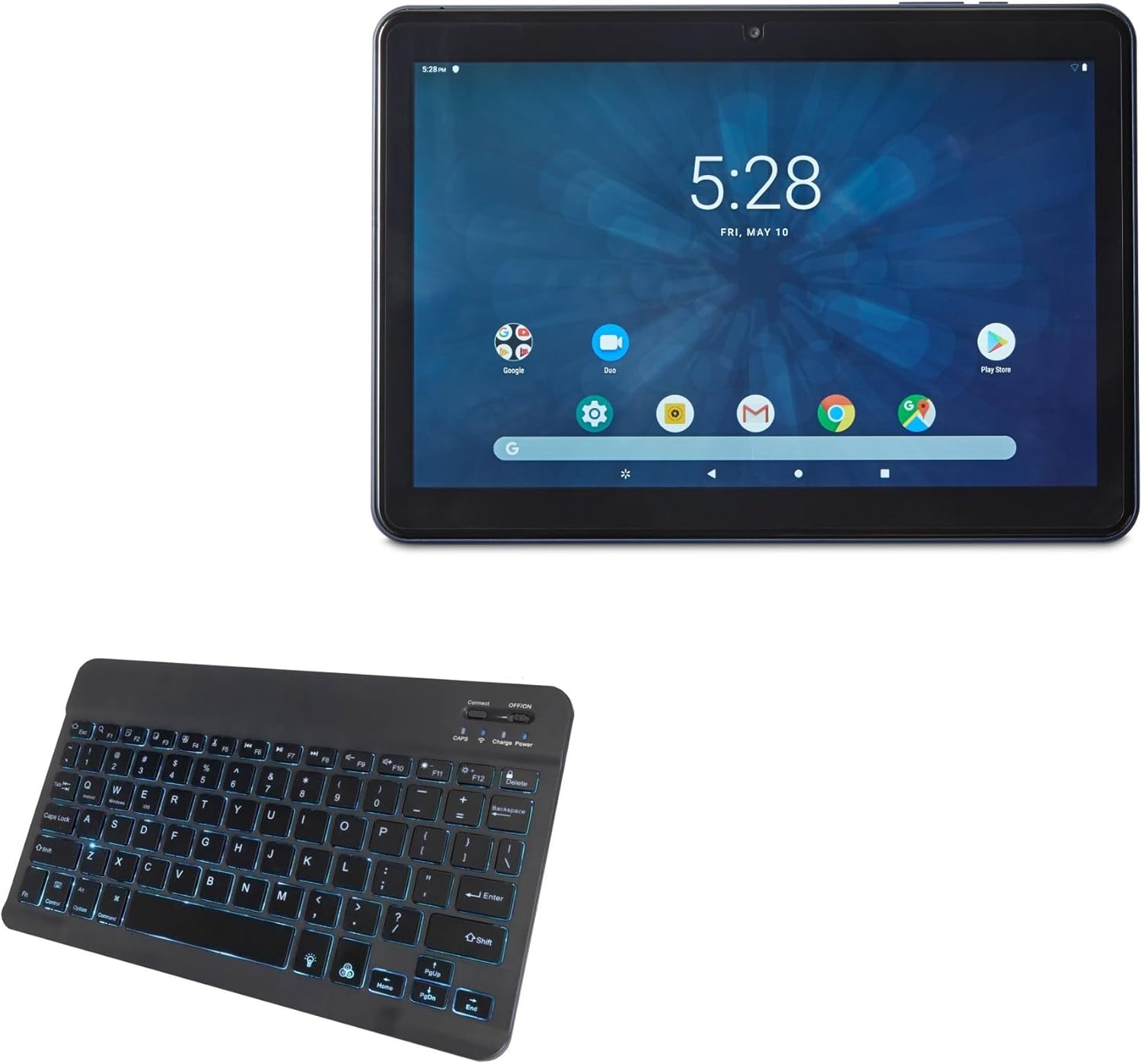
The image shows the BoxWave SlimKeys Bluetooth Keyboard alongside an ONN Tablet, illustrating the product's intended use.
2. Safety Information
- Keep the keyboard away from water and other liquids to prevent damage.
- Do not expose the keyboard to extreme temperatures or direct sunlight.
- Avoid dropping or subjecting the keyboard to strong impacts.
- Do not attempt to disassemble or repair the keyboard yourself. Refer to qualified service personnel.
- Use only the provided charging cable or a compatible charger to prevent battery damage.
3. Package Contents
Please check the package for the following items:
- BoxWave SlimKeys Bluetooth Keyboard
- USB Charging Cable
- User Manual (this document)
4. Setup
4.1 Powering On/Off
Locate the dedicated ON/OFF switch on the keyboard. Slide the switch to the 'ON' position to power on the keyboard. Slide it to the 'OFF' position when not in use to conserve battery life.
4.2 Bluetooth Pairing
Follow these steps to pair your BoxWave SlimKeys Bluetooth Keyboard with your device:
- Ensure the keyboard is powered on.
- Press the 'Connect' button on the keyboard. The Bluetooth indicator light will begin to flash, indicating it is in pairing mode.
- On your device (tablet, smartphone, or computer), go to the Bluetooth settings.
- Enable Bluetooth and search for available devices.
- Select 'BoxWave SlimKeys Keyboard' (or similar name) from the list of found devices.
- If prompted, enter the pairing code displayed on your device's screen using the keyboard, then press Enter.
- Once paired, the Bluetooth indicator light on the keyboard will stop flashing and remain solid or turn off, depending on the model.
The keyboard connects quickly and easily via Bluetooth 3.0 for a stable, responsive typing experience.
5. Operating Instructions
5.1 General Typing
The BoxWave SlimKeys Bluetooth Keyboard features a standard QWERTY layout with chiclet-style keys for comfortable and quiet typing. Simply begin typing after successful pairing.
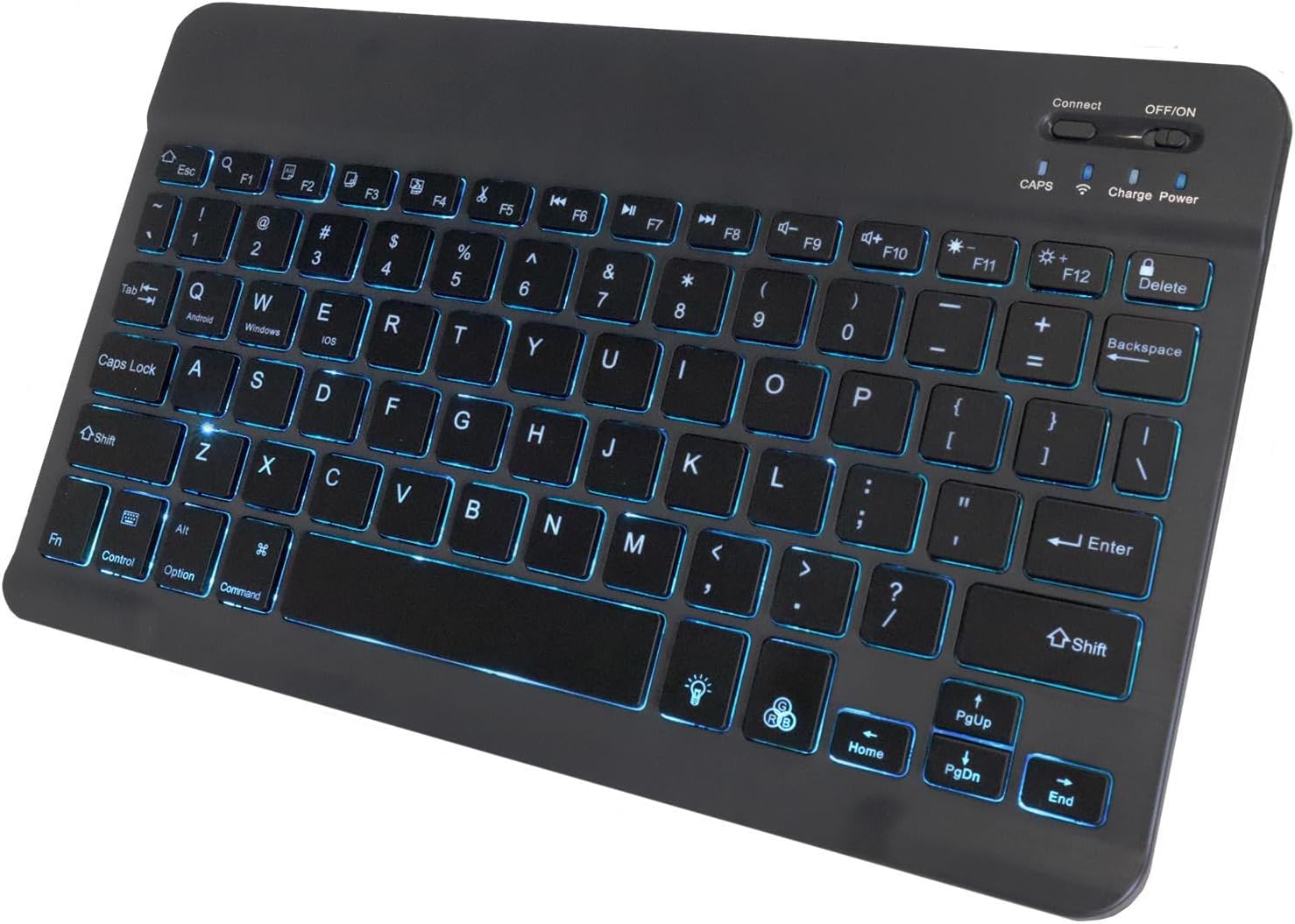
A detailed view of the keyboard highlighting the illuminated keys with a blue backlight, showing the layout and function indicators.
5.2 Specialized Function Keys
The keyboard includes specialized function keys (F1-F12) that provide quick access to various commands. These functions may vary slightly depending on your operating system (Android, Windows, iOS).

This diagram illustrates the various specialized function keys available on the keyboard, including multimedia controls, volume adjustments, and brightness settings.
Common functions include:
- Home (Esc): Returns to the home screen.
- Search (F1): Opens search function.
- Select All (F2): Selects all content.
- Copy (F3): Copies selected content.
- Paste (F4): Pastes copied content.
- Cut (F5): Cuts selected content.
- Skip Back (F6): Skips to the previous track.
- Play/Pause (F7): Plays or pauses media.
- Skip Forward (F8): Skips to the next track.
- Volume Down (F9): Decreases volume.
- Volume Up (F10): Increases volume.
- Brightness Down (F11): Decreases screen brightness.
- Brightness Up (F12): Increases screen brightness.
- Lock (Delete): Locks the device screen.
5.3 Multi-Platform Compatibility
The SlimKeys Bluetooth Keyboard is compatible with Android, Windows, and iOS operating systems, allowing seamless switching between devices.
6. Backlight Customization
The keyboard features an integrated LED backlight with seven vibrant colors. You can customize the backlight to match your preference or environment.

An image showcasing the keyboard's ability to display seven distinct LED backlight colors, demonstrating the customization options.
Refer to the keyboard's function keys for backlight control, typically involving a dedicated backlight key or a combination with the 'Fn' key to cycle through colors and adjust brightness.
7. Charging and Battery
The BoxWave SlimKeys Bluetooth Keyboard is equipped with a long-lasting battery. When fully charged, it can provide up to 30 days of battery life during active use and up to 6 months on standby when powered off.

This image shows the keyboard connected to a charging cable, indicating the charging port location and how to recharge the device.
7.1 Charging the Keyboard
To charge the keyboard, connect the included USB charging cable to the keyboard's charging port and the other end to a USB power source (e.g., computer USB port, USB wall adapter). The charging indicator light will illuminate during charging and turn off when fully charged.
8. Maintenance
8.1 Cleaning
To clean the keyboard, gently wipe the surface with a soft, lint-free cloth. For stubborn dirt, slightly dampen the cloth with water or a mild cleaning solution. Avoid using harsh chemicals or abrasive materials.
8.2 Storage
When not in use for extended periods, power off the keyboard and store it in a cool, dry place away from direct sunlight and extreme temperatures. Its slim and portable design makes it easy to store and transport.
9. Troubleshooting
| Problem | Possible Cause | Solution |
|---|---|---|
| Keyboard does not power on. | Battery is depleted. | Charge the keyboard using the provided USB cable. |
| Cannot pair the keyboard via Bluetooth. | Keyboard not in pairing mode; Bluetooth off on device; device already paired with too many devices. | Ensure keyboard is in pairing mode (flashing indicator). Turn on Bluetooth on your device. Forget previous Bluetooth connections on your device and try again. Restart both devices. |
| Keys are not responding. | Keyboard is not connected; low battery. | Check Bluetooth connection. Recharge the keyboard. |
| Backlight is not working or is dim. | Backlight is turned off; low battery. | Press the backlight control key to turn it on or adjust brightness. Recharge the keyboard. |
10. Specifications
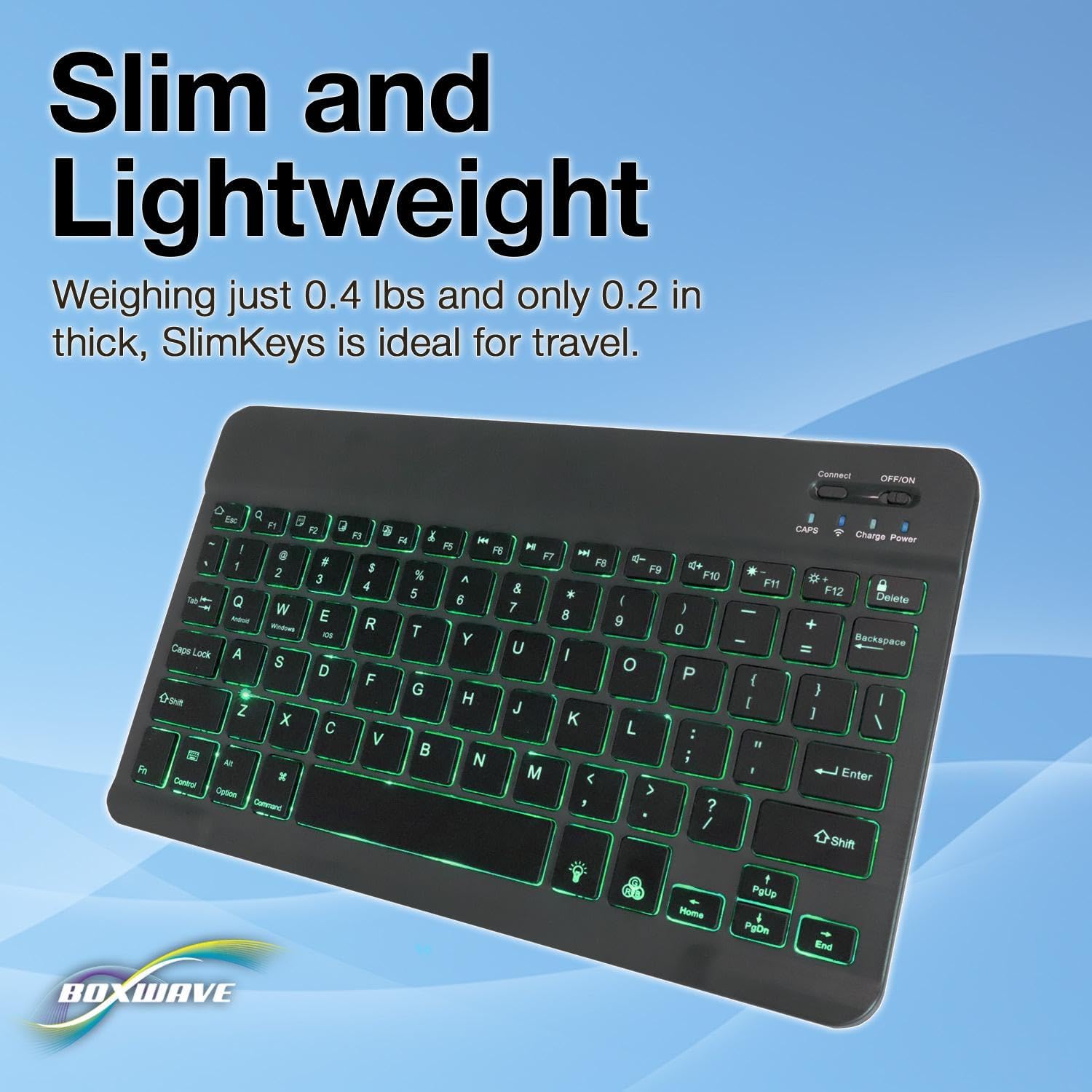
The image provides a visual representation of the keyboard's compact size, with measurements for length, width, and height, emphasizing its slim and portable design.
- Brand: BoxWave
- Model: SlimKeys Bluetooth Keyboard
- Color: Jet Black
- Connectivity Technology: Bluetooth 3.0
- Compatible Devices: Tablets, Smartphones, Computers (Android, Windows, iOS)
- Keyboard Description: Wireless
- Special Feature: Backlit (7 colors), Portable, Slim Design
- Number of Buttons: 78
- Product Dimensions (L x W x H): 9.6" x 5.97" x 0.2" (24.4 cm x 15.2 cm x 0.5 cm)
- Item Weight: 8.6 ounces (244 grams)
- Package Dimensions: 11.34 x 6.46 x 0.63 inches (28.8 cm x 16.4 cm x 1.6 cm)
11. Warranty and Support
BoxWave Corporation stands by the quality of its products. For any technical assistance or inquiries regarding your BoxWave SlimKeys Bluetooth Keyboard, please contact BoxWave customer support.
Please note that this product includes limited 3rd party tech support for your device (up to 3 inquiries via messaging). This support is provided by BoxWave and is not affiliated with or endorsed by ONN.
For the most up-to-date warranty information and support options, please visit the official BoxWave website or refer to your purchase documentation.